Job Cost Report Template Excel
pTracking job costs accurately is crucial for project profitability and effective resource allocation. A well-structured job cost report allows businesses to monitor expenses, identify potential overruns, and make informed decisions throughout the project lifecycle. While various software solutions exist, a job cost report template in Excel offers a flexible, accessible, and customizable option for many businesses, especially smaller ones or those seeking a more hands-on approach. Using a template can save significant time compared to building a report from scratch. This post explores the benefits and key components of a job cost report template in Excel, guiding you towards choosing or creating the right solution for your specific needs.
Why Use a Job Cost Report Template in Excel?
- Cost-Effectiveness: Excel is often already part of a business’s existing software suite, eliminating the need to purchase specialized job costing software. This is a significant advantage for startups and small businesses with limited budgets.
- Customization: Excel templates are highly customizable. You can tailor the template to reflect your specific job types, cost categories, and reporting requirements. You’re not limited to a pre-defined structure.
- Accessibility: Most individuals are familiar with Excel, making it easy to input data, generate reports, and share them with team members. The learning curve is significantly less steep compared to new software.
- Ease of Use: Simple data entry and familiar formulas allow users to quickly calculate totals, variances, and profit margins. No extensive training is typically required to start using a well-designed template.
- Offline Access: Excel files can be accessed offline, which is beneficial for project managers working in locations with limited or no internet connectivity.
Key Components of an Effective Job Cost Report Template in Excel
A comprehensive job cost report should include the following key components. The specific implementation in Excel will vary based on the project complexity and reporting requirements, but these are the core elements to consider.
Job Identification and Details:
- Job Name/Number: A unique identifier for each project.
- Client Name: The client for whom the job is being performed.
- Project Manager: The individual responsible for overseeing the project.
- Start Date: The date the project commenced.
- Completion Date (Estimated/Actual): The projected and/or actual completion date of the project.
- Project Description: A brief overview of the project scope.
Cost Categories:
- Direct Labor: Includes wages, salaries, and benefits for employees directly involved in the project. This should be broken down by employee and hours worked.
- Direct Materials: The cost of raw materials, components, and supplies directly used in the project. Include quantity, unit cost, and total cost.
- Subcontractor Costs: Payments made to external contractors or vendors hired to perform specific tasks within the project.
- Equipment Costs: Expenses associated with using equipment, including rental fees, depreciation, maintenance, and fuel.
- Overhead Costs: Indirect costs allocated to the project, such as rent, utilities, and administrative expenses. The method of allocation (e.g., based on labor hours, material cost) should be clearly defined.
Cost Tracking and Reporting:
- Budgeted Costs: The original estimated costs for each cost category.
- Actual Costs: The actual expenses incurred for each cost category.
- Variance: The difference between the budgeted and actual costs (Budgeted – Actual). A positive variance indicates that actual costs were lower than budgeted, while a negative variance indicates cost overruns. Conditional formatting can be used to highlight significant variances.
- Percent Complete: An estimate of the percentage of work completed on the project. This is important for earned value management.
- Earned Value (EV): The value of the work completed to date, based on the budget.
- Cost Variance (CV): EV – Actual Cost. Indicates whether the project is over or under budget.
- Schedule Variance (SV): EV – Planned Value. Indicates whether the project is ahead or behind schedule.
- Notes: A section for adding notes and explanations for variances or other relevant information.
Data Validation and Formulas:
- Data Validation: Use data validation to ensure data accuracy and consistency in fields like cost categories and employee names.
- Formulas: Implement formulas to automatically calculate totals, variances, and other key metrics. This reduces the risk of errors and saves time. SUM, AVERAGE, IF, and other functions are commonly used.
- Pivot Tables: Utilize pivot tables to summarize and analyze cost data from different perspectives, such as by cost category, employee, or time period.
Example Excel Sheet Structure:
The job cost report template can be organized into separate sheets within the Excel workbook. For example:
- “Job Details”: Contains job information, budget summaries.
- “Direct Labor”: A detailed log of employee hours and wages.
- “Direct Materials”: A detailed log of material purchases.
- “Subcontractor Costs”: A detailed log of subcontractor payments.
- “Report”: This sheet uses formulas to pull data from the other sheets and generate the final job cost report.
Remember to regularly update the template with actual cost data and review the report to identify and address any cost overruns or inefficiencies. Regularly saving and backing up the Excel file is crucial to prevent data loss.
If you are looking for Editable Cost Templates in Excel to Download you’ve visit to the right place. We have 15 Pics about Editable Cost Templates in Excel to Download like 021 Construction Job Costing Excel Template Cost Report Of Inside Job, Job Cost Report Template Excel – Professional Template and also Construction Daily Report Template Excel | Agile Software throughout. Here you go:
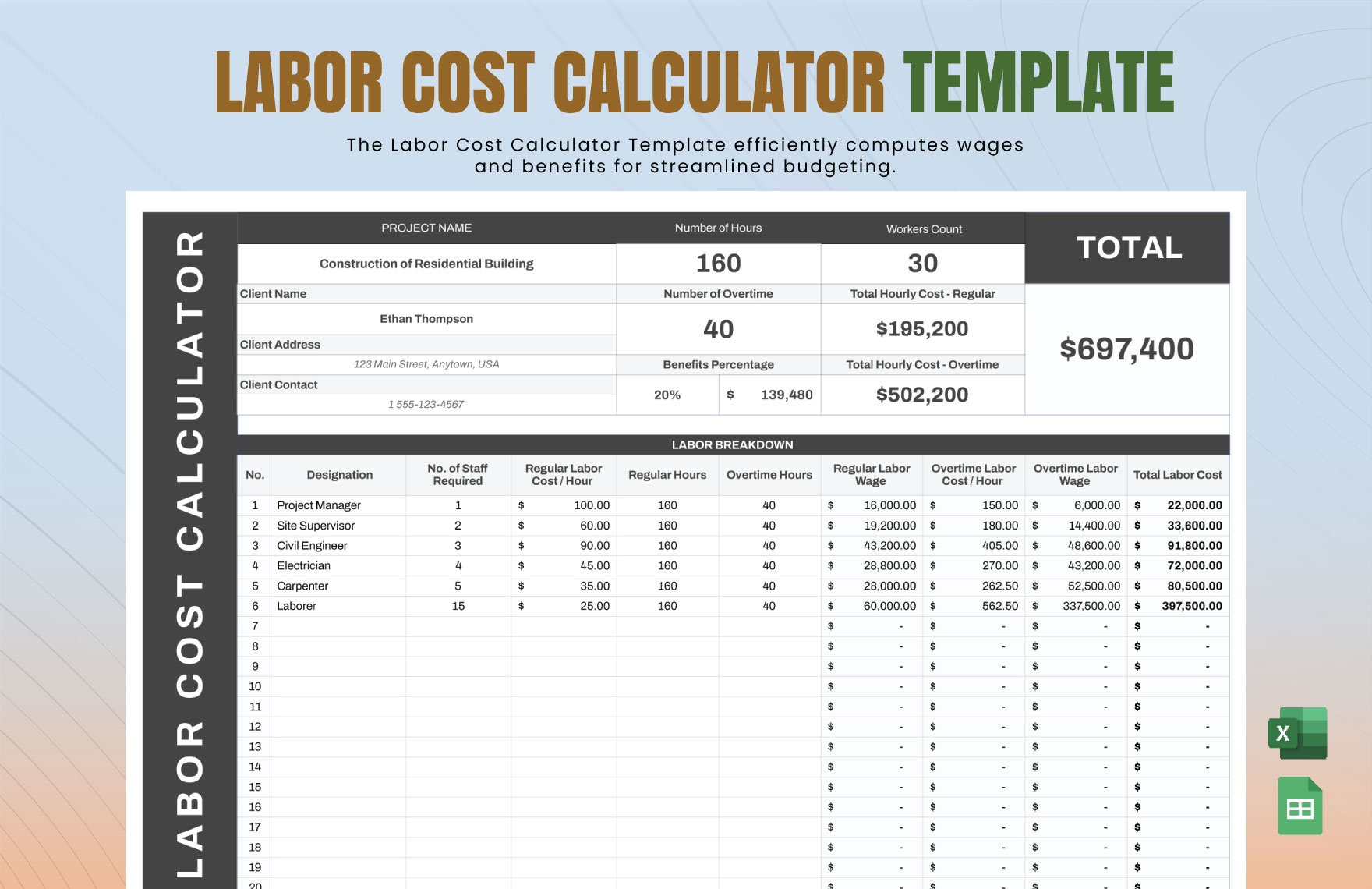
Editable Cost Templates In Excel To Download
www.template.net
021 Construction Job Costing Excel Template Cost Report Of Inside Job
pray.gelorailmu.com
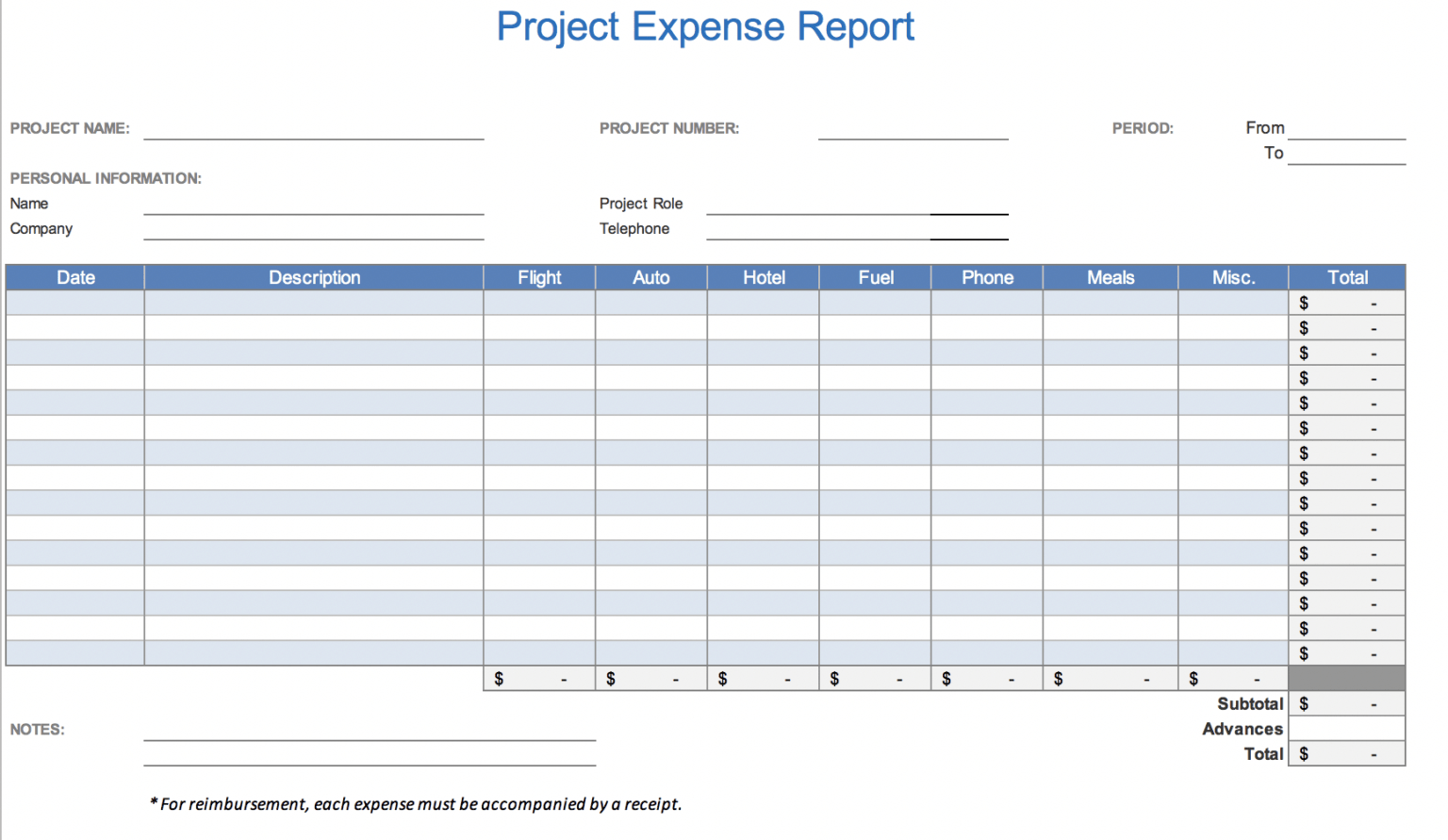
Job Cost Report Template Excel
douglasbaseball.com
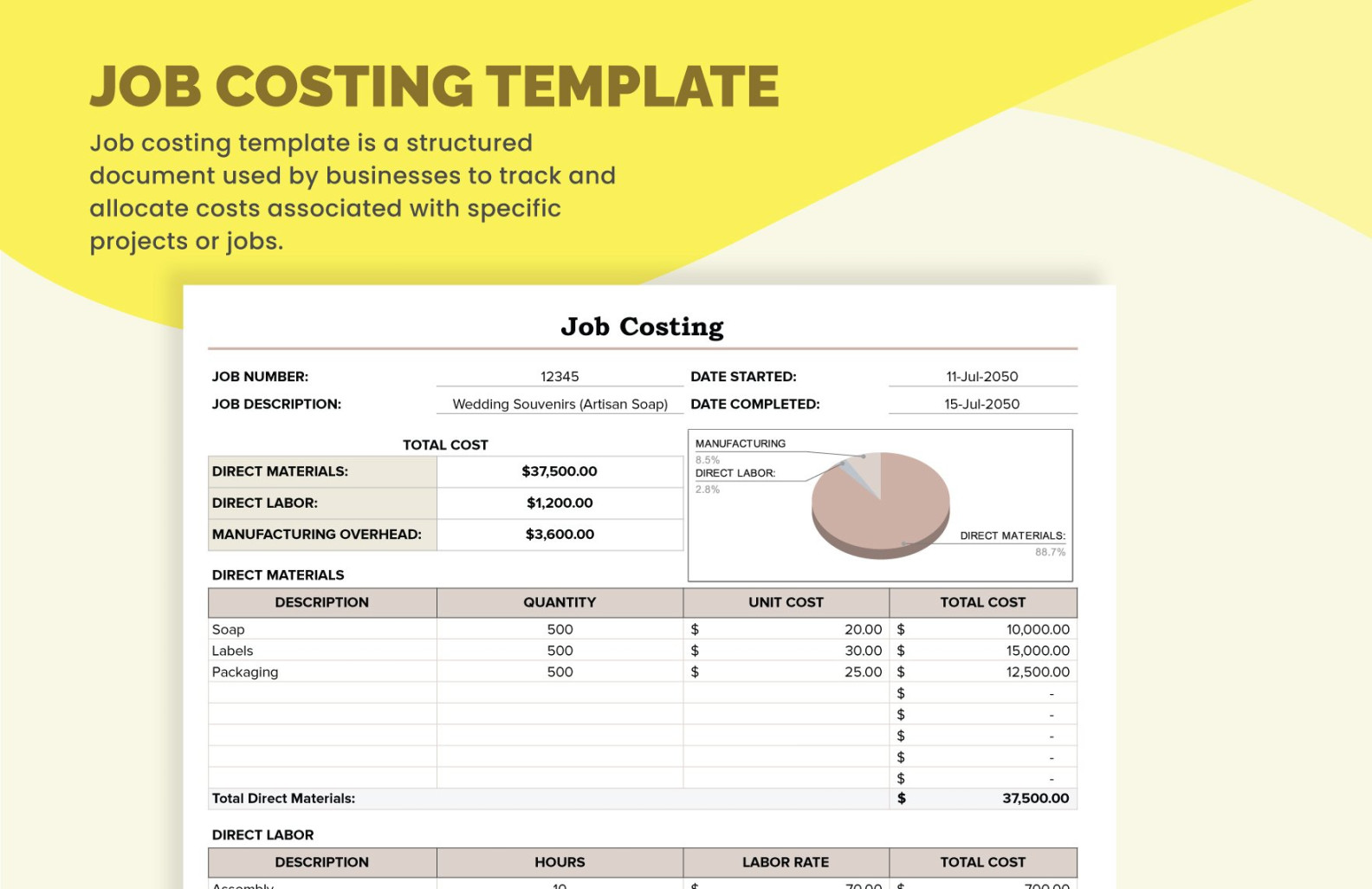
Job Cost Report Template Excel – Professional Sample Templates Ideas
snowmanadventure.com
Job Cost Report Template Excel – KAESG BLOG

kaesg.com
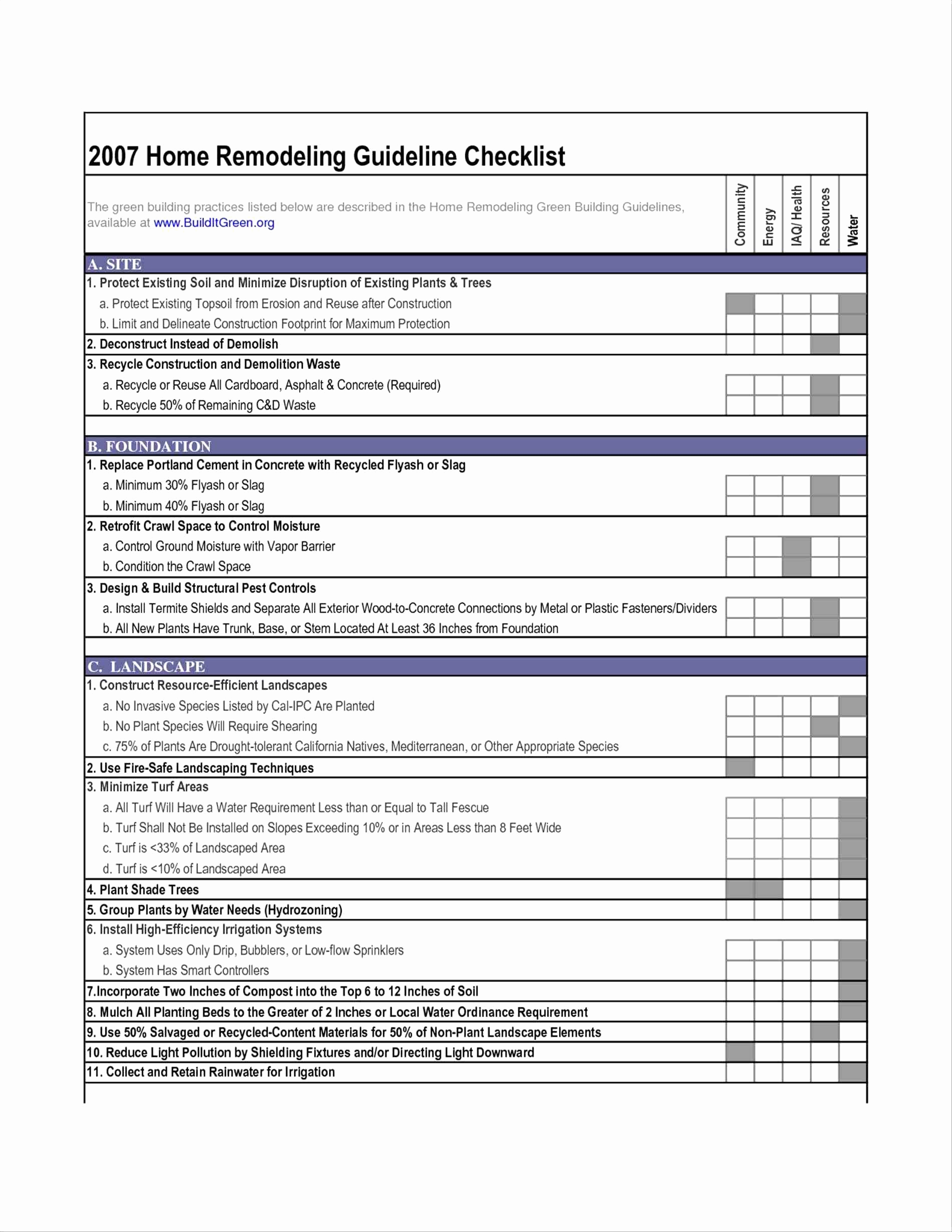
Job Cost Analysis Spreadsheet In Job Cost Report Template Excel Thedl
db-excel.com
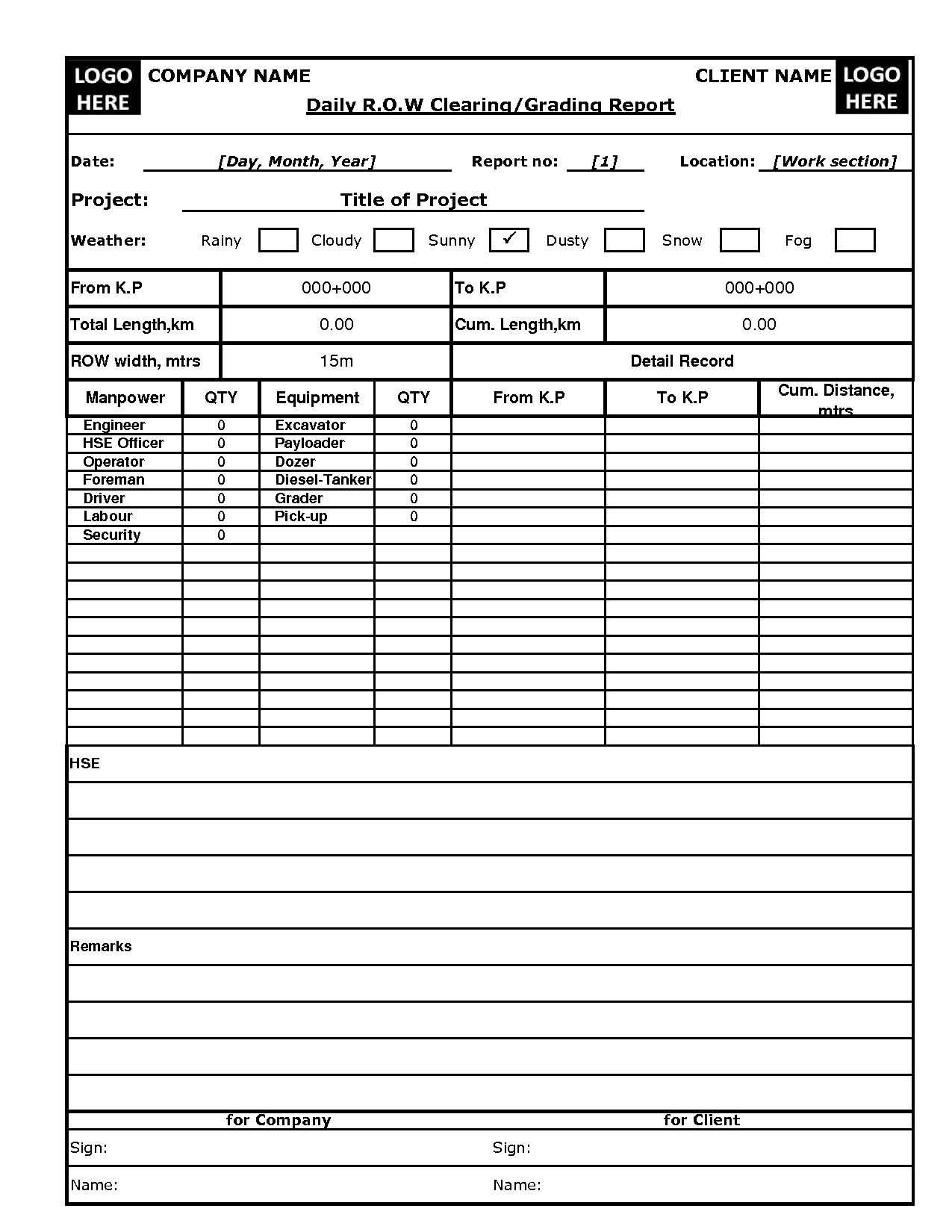
Construction Daily Report Template Excel | Agile Software Throughout
www.xfanzexpo.com
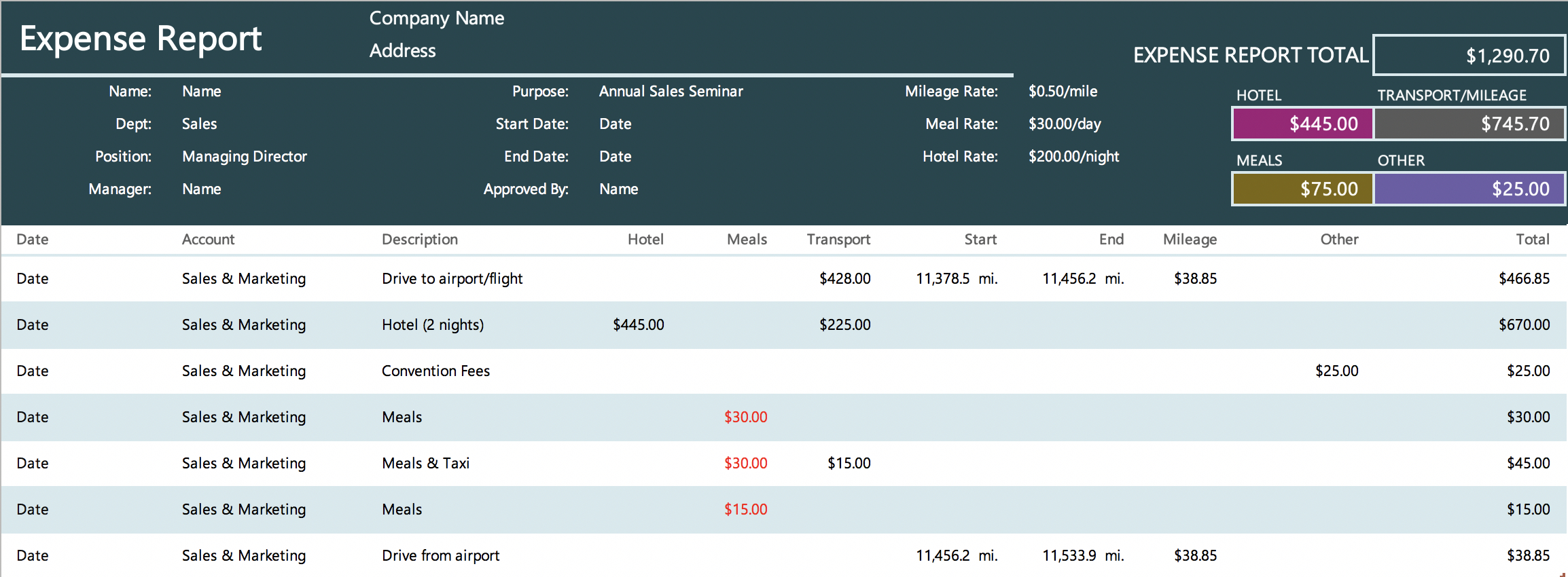
The 7 Best Expense Report Templates For Microsoft Excel Within Job Cost
www.xfanzexpo.com
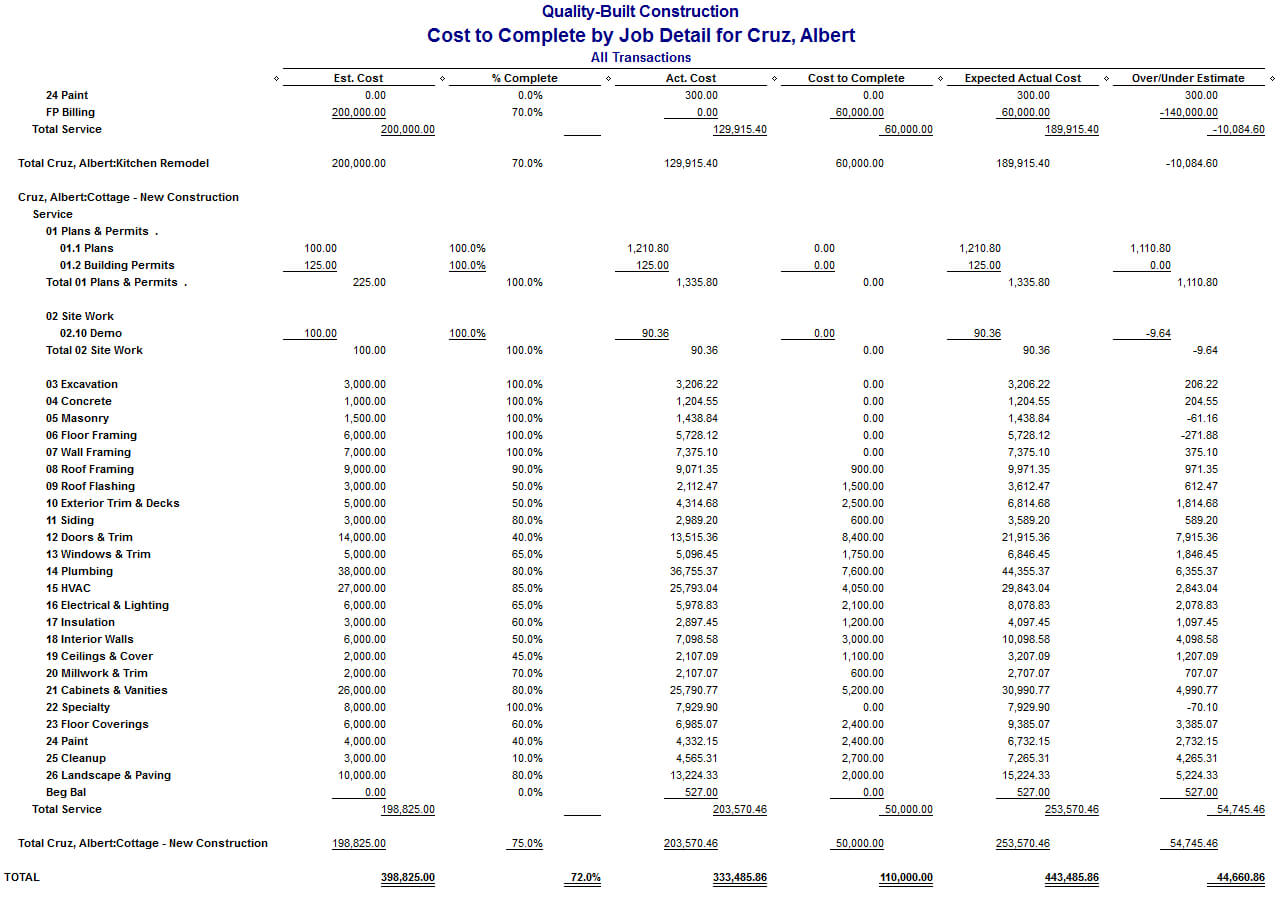
Job Cost Report Template Excel
pray.gelorailmu.com
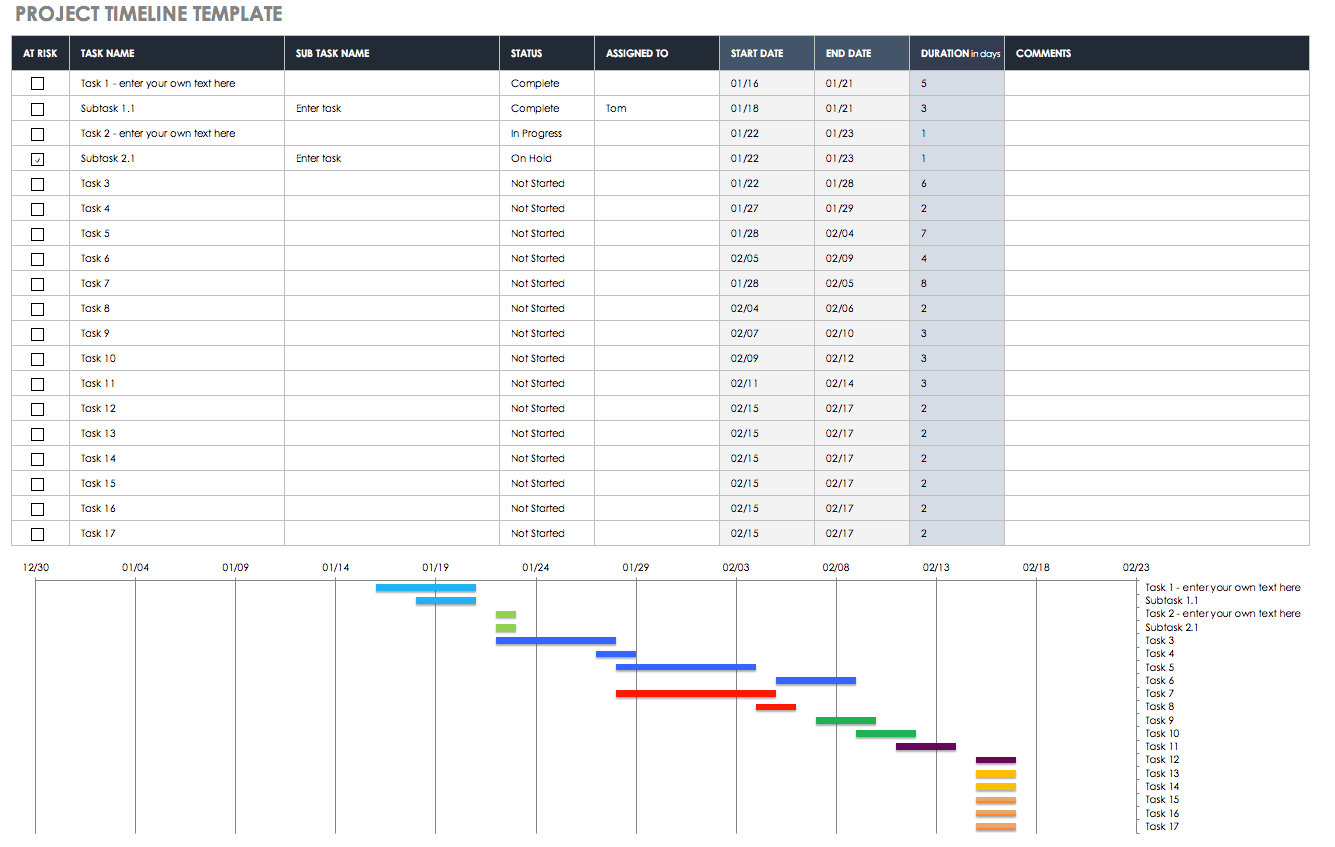
32 Free Excel Spreadsheet Templates | Smartsheet Inside Job Cost Report
www.xfanzexpo.com
Job Cost Report Template Excel Budget Worksheets Excel, Excel Budget

www.pinterest.ph
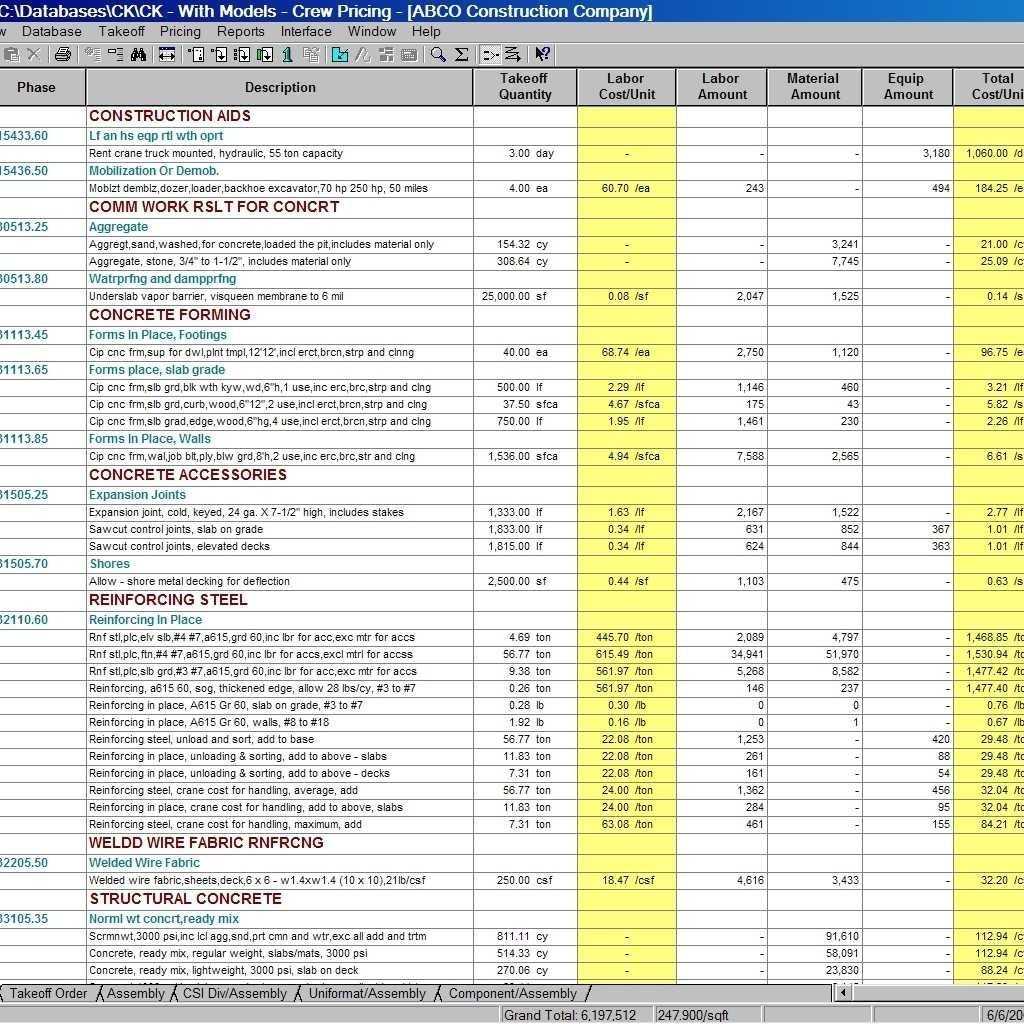
Job Cost Report Template Excel – Professional Template
template.fromgrandma.best
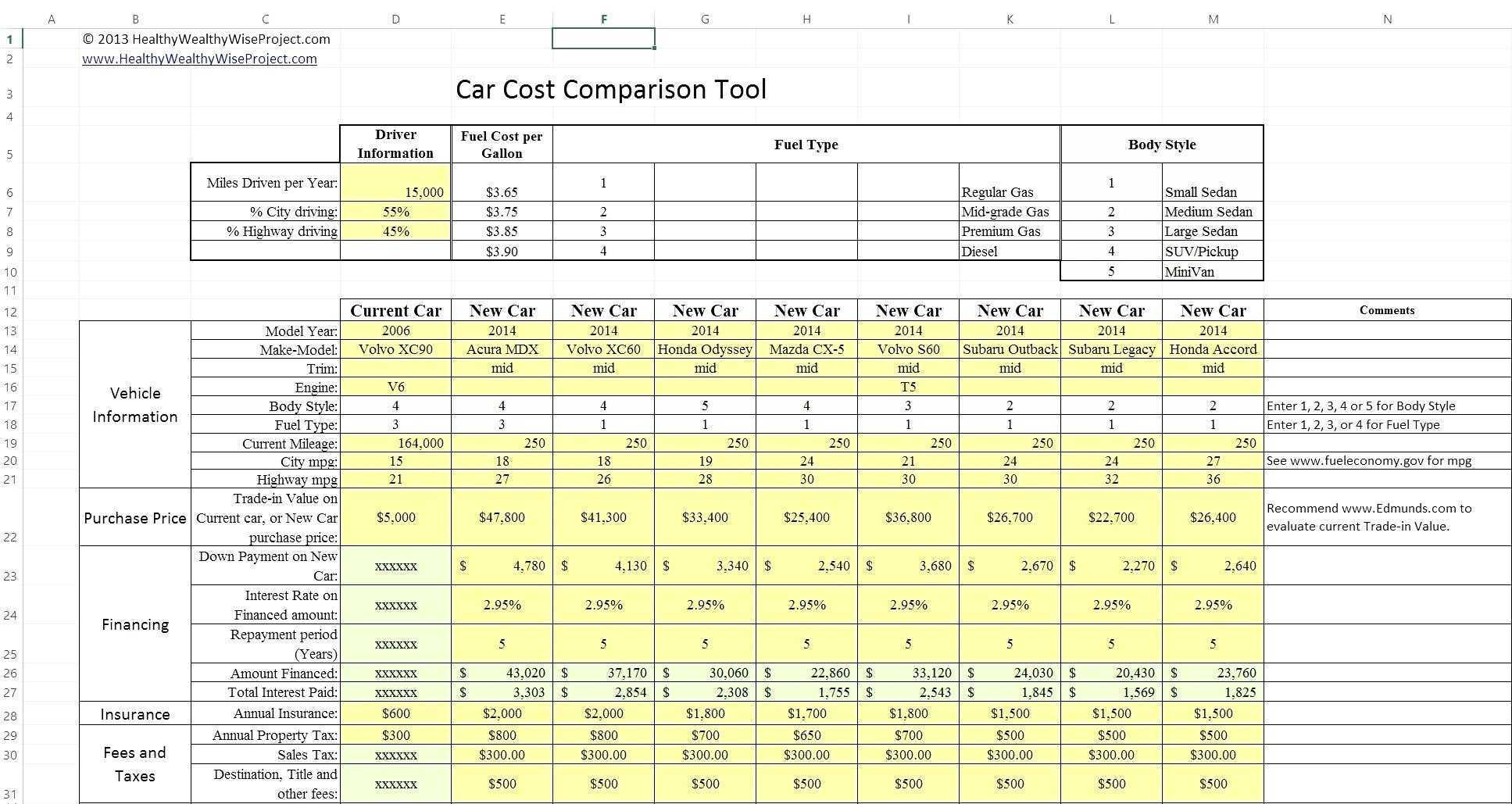
Construction Cost Report Template Excel – Spreadsheet Throughout
www.xfanzexpo.com
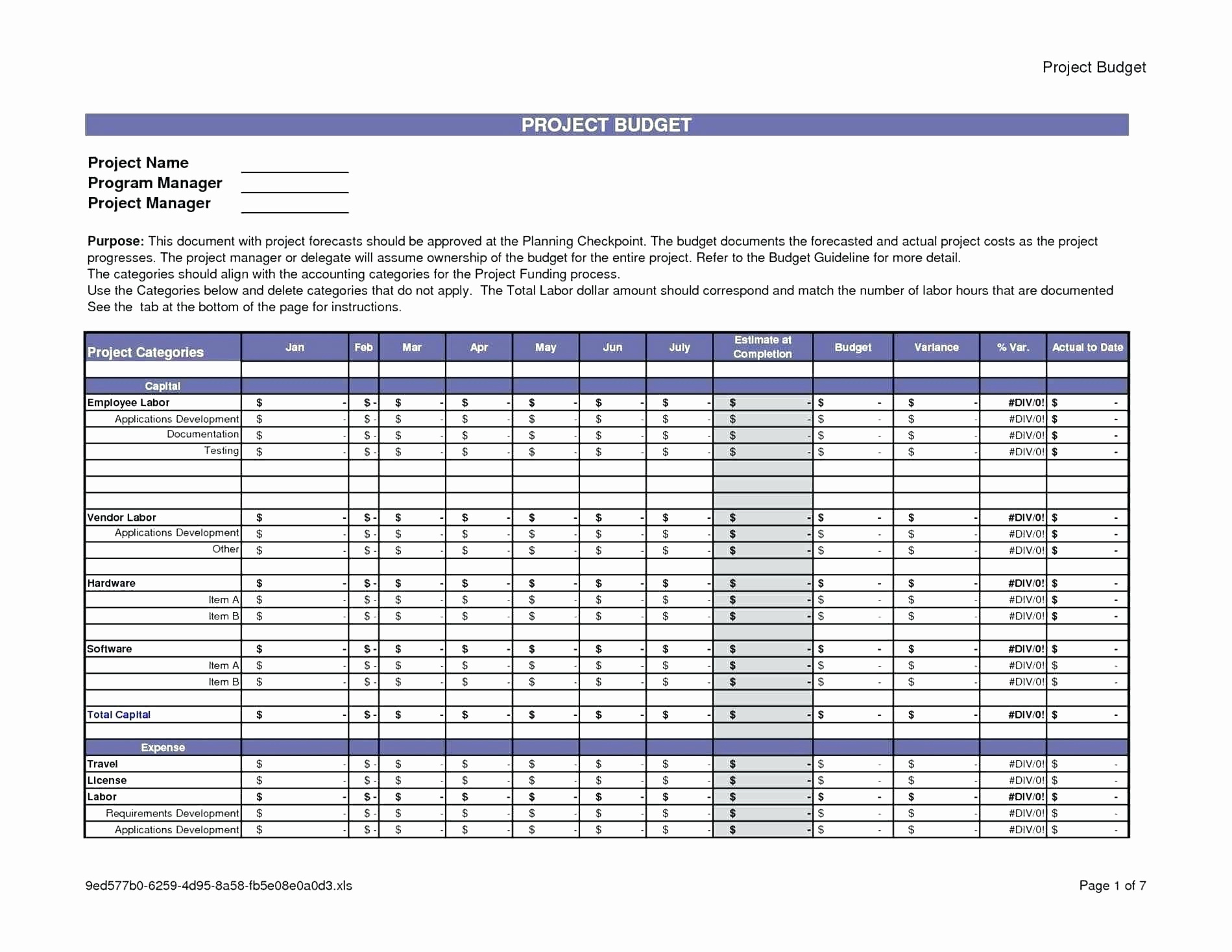
Cost Breakdown Template Excel – Spreadsheet Collections In Cost
db-excel.com
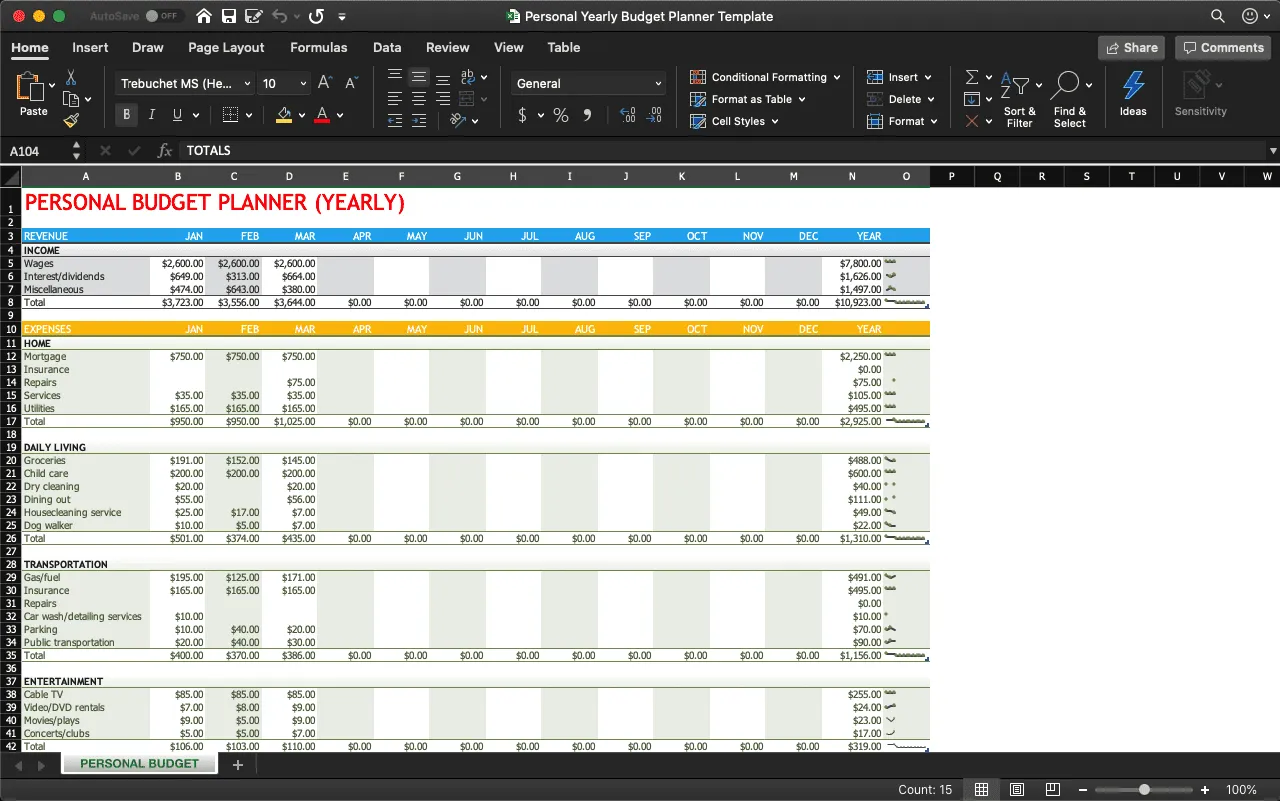
Job Cost Report Template Excel – KAESG BLOG
kaesg.com
Job cost report template excel – kaesg blog. Construction cost report template excel – spreadsheet throughout. 32 free excel spreadsheet templates