Word Macro Enabled Template
p
Word Macro-Enabled Templates (.dotm) are a powerful feature in Microsoft Word, offering a robust way to automate repetitive tasks, enforce document standardization, and enhance overall workflow efficiency. While regular Word templates (.dotx) store formatting and styles, macro-enabled templates take it a step further by incorporating VBA (Visual Basic for Applications) code. This allows users to embed instructions within the template that can be executed automatically when a new document is created from the template or triggered by specific events within the document. Understanding when and how to utilize .dotm templates can significantly improve productivity, particularly in environments where consistent formatting, data validation, and automated document processing are critical. However, it’s crucial to be aware of the security implications associated with macros and to implement appropriate safeguards to prevent the execution of malicious code. This post aims to provide a comprehensive overview of Word Macro-Enabled Templates, exploring their benefits, potential risks, and best practices for their implementation.
Understanding Word Macro-Enabled Templates (.dotm)
A Word Macro-Enabled Template, denoted by the .dotm file extension, is a specialized file type in Microsoft Word designed to store macros, along with formatting, styles, and boilerplate text. The key differentiator between a .dotm template and a regular .dotx template lies in its ability to house VBA code. This embedded code can perform a wide range of actions, from automating document formatting and content generation to connecting to external databases and manipulating data. Essentially, macros allow you to program Word to perform tasks that would otherwise require manual intervention. This is particularly useful for creating standardized documents, such as legal contracts, invoices, reports, and marketing materials, where consistency and accuracy are paramount.
Key Advantages of Using .dotm Templates
- Automation of Repetitive Tasks: Macros can automate tasks that are frequently performed, saving time and reducing the risk of human error. For example, a macro could automatically insert a company logo, add a standard disclaimer, or format a table of contents.
- Document Standardization: .dotm templates ensure consistent formatting and structure across all documents created from the template. This is crucial for maintaining a professional image and adhering to corporate branding guidelines.
- Data Validation and Input Control: Macros can be used to validate user input, ensuring that data entered into the document meets specific criteria. This helps to improve data quality and prevent errors. For instance, a macro could check that a date field is formatted correctly or that a number falls within a specified range.
- Dynamic Content Generation: Macros can dynamically generate content based on user input or data retrieved from external sources. This allows for the creation of personalized documents that are tailored to individual needs. Imagine a template that automatically populates customer details based on a selected customer ID.
- Integration with Other Applications: VBA code within a .dotm template can interact with other applications, such as Excel, Access, and Outlook. This enables seamless data exchange and workflow integration. For instance, a macro could extract data from an Excel spreadsheet and insert it into a Word document.
Potential Risks and Security Considerations
While .dotm templates offer significant advantages, it’s crucial to be aware of the security risks associated with macros. Macros can potentially be used to execute malicious code, such as viruses, worms, and Trojans. Therefore, it’s essential to implement appropriate security measures to protect against these threats. Microsoft Word includes security features that can help to mitigate these risks, but users must be vigilant and exercise caution when opening documents containing macros.
- Macro Security Settings: Word provides different macro security settings, ranging from disabling all macros to allowing only digitally signed macros to run. It’s recommended to choose a security setting that balances security and functionality. A good starting point is to require that all macros be digitally signed by a trusted publisher.
- Digital Signatures: Digitally signing a macro ensures that it hasn’t been tampered with and verifies the identity of the author. This helps to build trust and prevent the execution of malicious code. Users should only trust macros that are digitally signed by a reputable source.
- Antivirus Software: Antivirus software can help to detect and prevent the execution of malicious macros. It’s important to keep your antivirus software up-to-date to ensure that it can effectively protect against the latest threats.
- User Awareness: Educating users about the risks associated with macros is crucial. Users should be instructed to only open documents from trusted sources and to be cautious about enabling macros in documents that they are unsure about.
Best Practices for Implementing .dotm Templates
To maximize the benefits of .dotm templates while minimizing the risks, it’s important to follow best practices for their implementation. This includes careful planning, thorough testing, and proper documentation.
- Plan Carefully: Before creating a .dotm template, carefully plan the tasks that you want to automate and the data that you want to validate. This will help you to design a template that is efficient and effective.
- Test Thoroughly: Thoroughly test your .dotm template to ensure that it works as expected and that it doesn’t contain any errors or vulnerabilities. This should include testing with different data sets and under different conditions.
- Document Your Code: Add comments to your VBA code to explain what it does and how it works. This will make it easier to maintain and modify the code in the future.
- Use Descriptive Variable Names: Choose descriptive variable names that clearly indicate the purpose of each variable. This will make your code easier to read and understand.
- Implement Error Handling: Implement error handling to gracefully handle unexpected errors. This will prevent your macro from crashing and will provide users with helpful error messages.
- Regularly Review and Update: Regularly review and update your .dotm templates to ensure that they are still relevant and effective. This should include checking for security vulnerabilities and updating the code to take advantage of new features in Microsoft Word.
In conclusion, Word Macro-Enabled Templates are a valuable tool for automating tasks, standardizing documents, and improving workflow efficiency. By understanding their benefits, potential risks, and best practices for implementation, users can leverage the power of .dotm templates to enhance productivity and streamline document processing. However, it is paramount to prioritize security and implement appropriate safeguards to protect against the risks associated with macros.
If you are searching about Microsoft Word 2016 – Descargar Gratis para PC you’ve visit to the right page. We have 15 Pics about Microsoft Word 2016 – Descargar Gratis para PC like 10 Things For Beginners to Know Using Word 2016 – MCS, Word 2016: Getting Started with Word and also Microsoft Word 2016 – Download. Here you go:
Microsoft Word 2016 – Descargar Gratis Para PC

www.ardilu.com
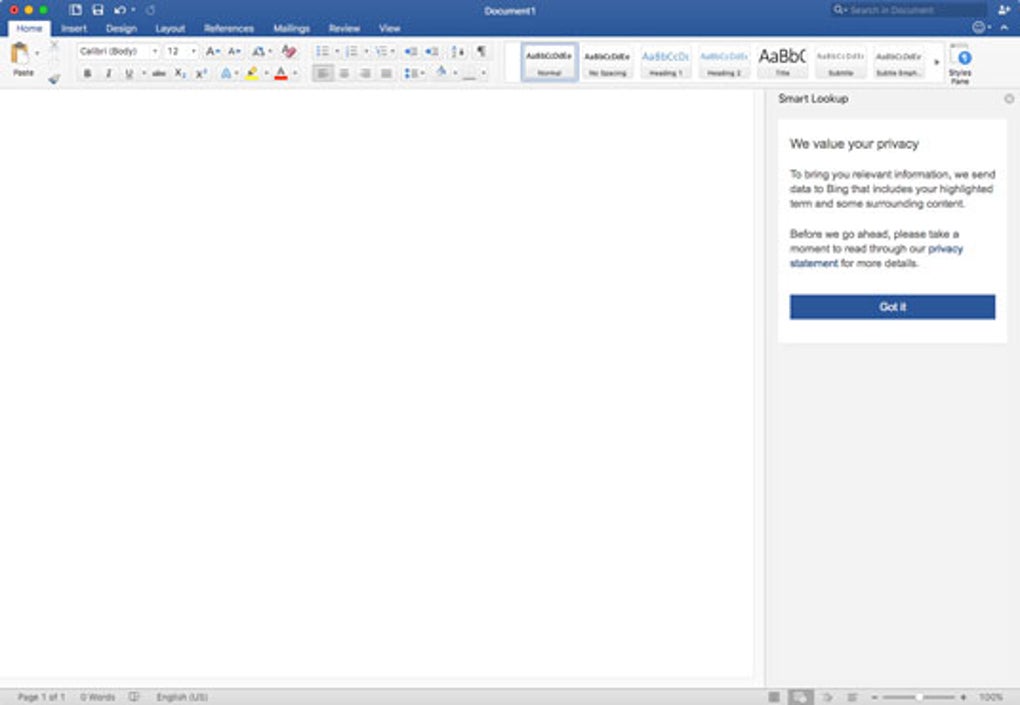
Microsoft Word 2016 – Download
microsoft-word-2016.softonic.com.br
10 Things For Beginners To Know Using Word 2016 – MCS
www.mychoicesoftware.com
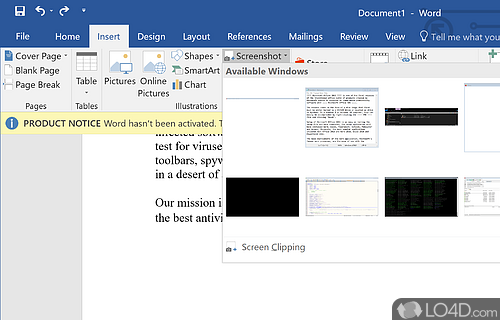
Microsoft Word 2016 – Download
sportreviews.com
Microsoft Word

laevodewindowsabi.blogspot.com
Microsoft Word, Overview, Sample Questions With Answers

www.pw.live
Microsoft Word

fity.club
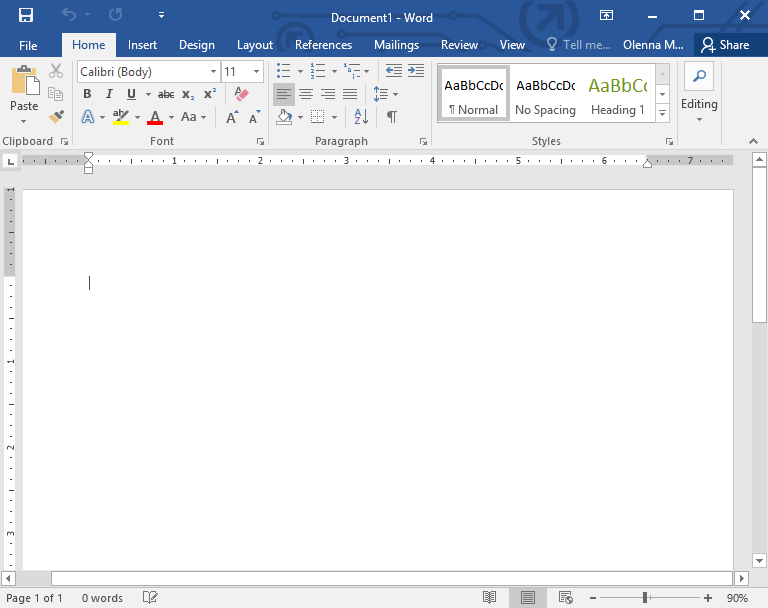
Word 2016: Getting Started With Word
edu.gcfglobal.org
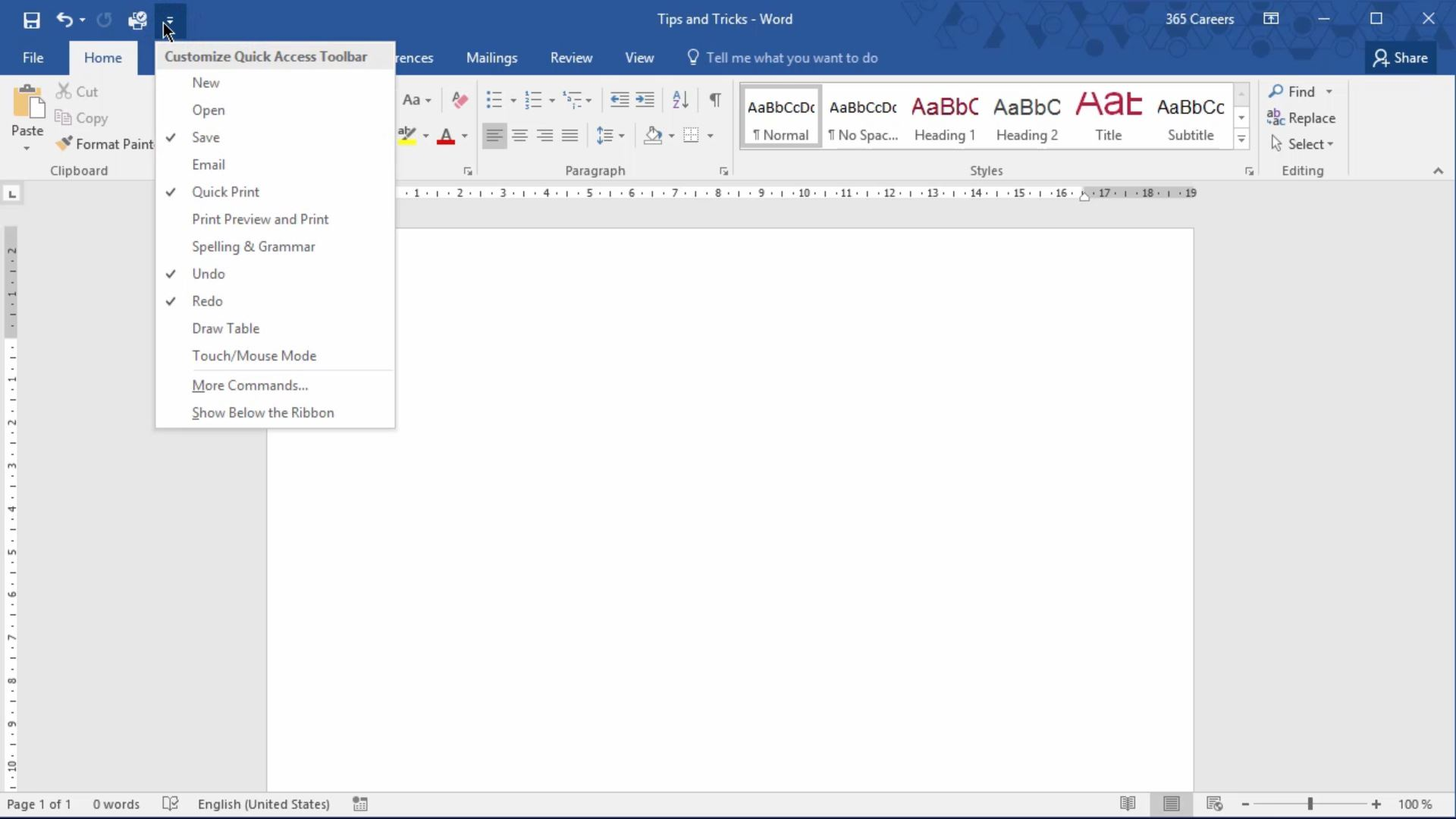
Microsoft Word 2016 (EN) – Online Officekurs | Lecturio
www.lecturio.de
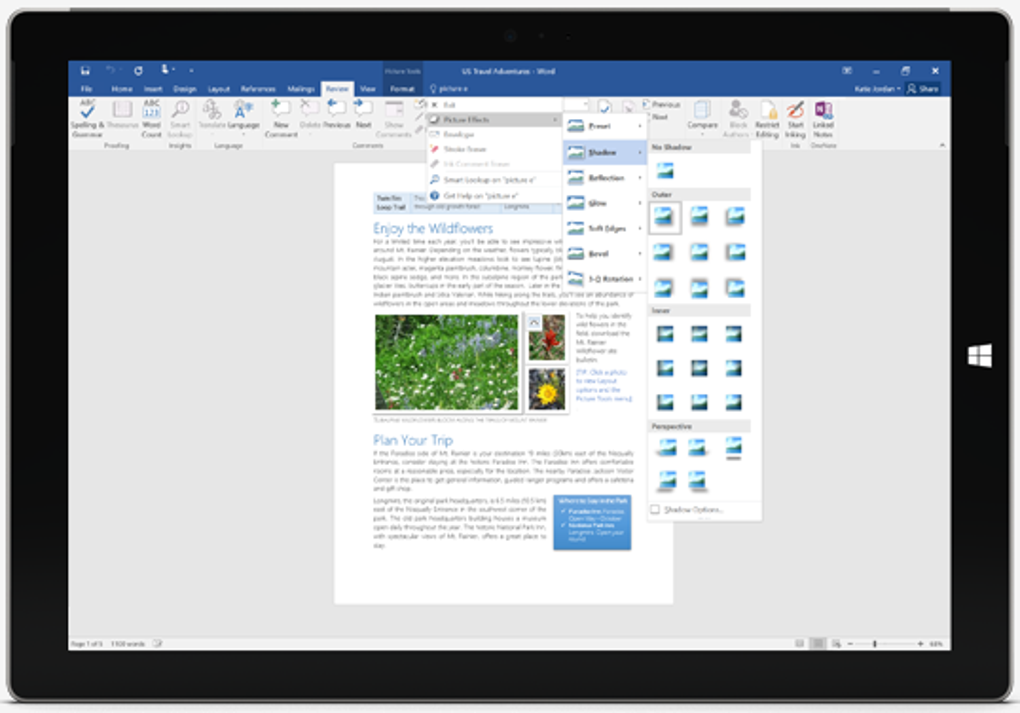
Microsoft Word 2016 – Download
microsoft-word-2016.it.softonic.com
Word

subrealismblog.blogspot.com
MICROSOFT WORD 2016 (WINDOWS)
macrosoft.store
Manual Práctico De Word 2016: Pasos Para Ingresar A Microsoft Word 2016.

manualdeword2016.blogspot.com
Microsoft Word On The App Store

apps.apple.com
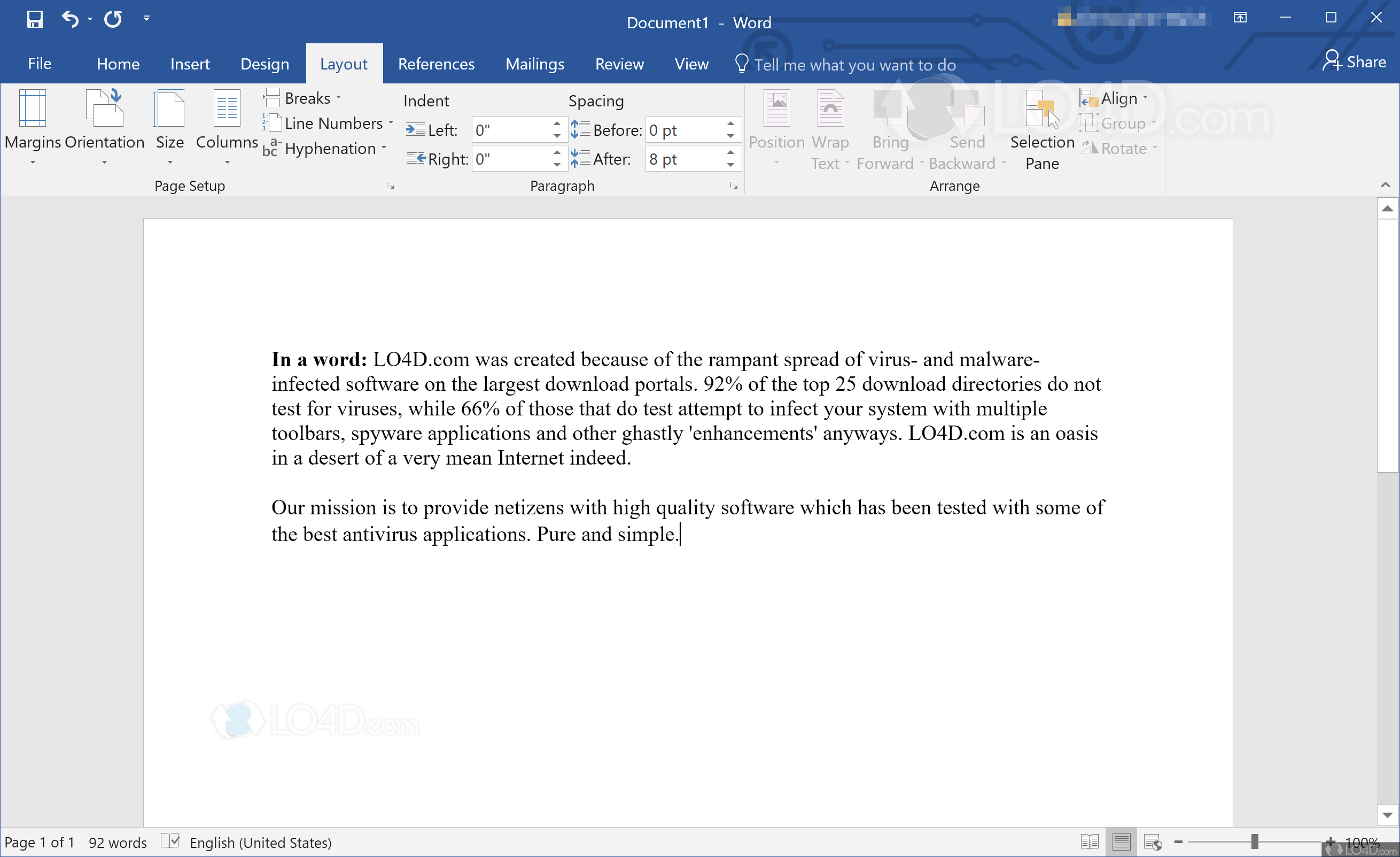
Microsoft Word 2016 – Download
benetflorentine.com
Microsoft word 2016. Manual práctico de word 2016: pasos para ingresar a microsoft word 2016.. Microsoft word 2016