Tent Name Card Template Word
Organizing a conference, workshop, or even a casual team meeting? One of the most effective ways to help people connect and navigate the space is with well-designed tent name cards. These simple, yet powerful tools allow attendees to easily identify each other, fostering a more welcoming and engaging environment. Forget handwritten scribbles or generic paper – creating professional-looking tent name cards is easier than you think, especially with readily available Microsoft Word templates.
Microsoft Word offers a versatile platform for designing and customizing your own tent name cards. With a variety of pre-designed templates available, you can quickly create professional-looking cards that match your event’s branding and aesthetic. Whether you need simple, elegant cards or something more visually engaging with logos and specific fonts, Word’s flexibility allows for seamless customization.
But where do you find these invaluable tent name card templates? And how do you effectively use them to create name cards that are both functional and visually appealing? This guide will walk you through the process of finding and using Word templates to design perfect tent name cards for your next event.
Finding and Using Tent Name Card Templates in Word
Microsoft Word provides several avenues for accessing tent name card templates. Let’s explore the most common methods:
Using Word’s Built-in Templates
Word itself houses a collection of built-in templates that are readily accessible:
- Open Microsoft Word: Launch the application on your computer.
- Click “File” then “New”: This will open the template gallery.
- Search for “Tent Name Card” or “Name Card”: Use the search bar at the top of the window to find relevant templates. Be specific with your search terms to narrow down the results. You might also try variations like “table tent” or “place card”.
- Browse and Select a Template: Scroll through the available options and click on the template that best suits your needs. Word will provide a preview and description of the template.
- Click “Create”: This will open the template in a new Word document, ready for customization.
Downloading Templates from Microsoft Online
If Word’s built-in templates don’t quite meet your requirements, you can explore a wider selection online:
- Follow steps 1 and 2 above (Open Microsoft Word and click “File” then “New”).
- Enable “Search Online Templates”: Ensure the “Search Online Templates” option (usually located near the top of the template gallery) is enabled.
- Search for “Tent Name Card” or similar terms as before.
- Browse the Online Results: The search will return a more extensive selection of templates, often with more modern and visually appealing designs.
- Select and Download: Click on the desired template to preview it. If it meets your needs, click the “Create” or “Download” button. The template will then open in Word.
Customizing Your Tent Name Card Template
Once you’ve chosen a template, the real work begins – customizing it to fit your specific needs. Here are some key areas to focus on:
- Adding Names and Titles: Replace the placeholder text with the names and titles of your attendees. Ensure the font size is legible from a distance.
- Inserting Logos and Branding Elements: Incorporate your company logo or event branding to create a cohesive and professional look. Most templates allow you to easily insert images. Resize the logo appropriately to avoid overwhelming the design.
- Choosing Fonts and Colors: Select fonts and colors that align with your brand guidelines and event theme. Ensure sufficient contrast between the text and background for optimal readability. Avoid overly decorative fonts that can be difficult to read.
- Adjusting Layout and Margins: Modify the layout to accommodate longer names or titles. Adjust the margins to ensure the content is centered and well-proportioned.
- Formatting for Printing: Before printing, check the page setup to ensure the tent name cards will print correctly on your chosen paper size. Consider using cardstock for added durability. Preview the document carefully before printing to catch any errors or formatting issues.
By following these steps and leveraging the power of Microsoft Word, you can easily create professional and effective tent name cards that enhance your event and foster a more connected environment for all attendees. Remember to save your customized template for future use, making event preparation even easier in the future.
If you are looking for VEVOR SUV Camping Tent, 8'-8' SUV Tent Attachment for Camping with Rain you’ve came to the right place. We have 15 Pics about VEVOR SUV Camping Tent, 8'-8' SUV Tent Attachment for Camping with Rain like 2 Person Trekking Pole Backpacking Tent, Trekker Tent 2.2 | River, Tents For Camping and also 2 Person Trekking Pole Backpacking Tent, Trekker Tent 2.2 | River. Read more:
VEVOR SUV Camping Tent, 8'-8' SUV Tent Attachment For Camping With Rain
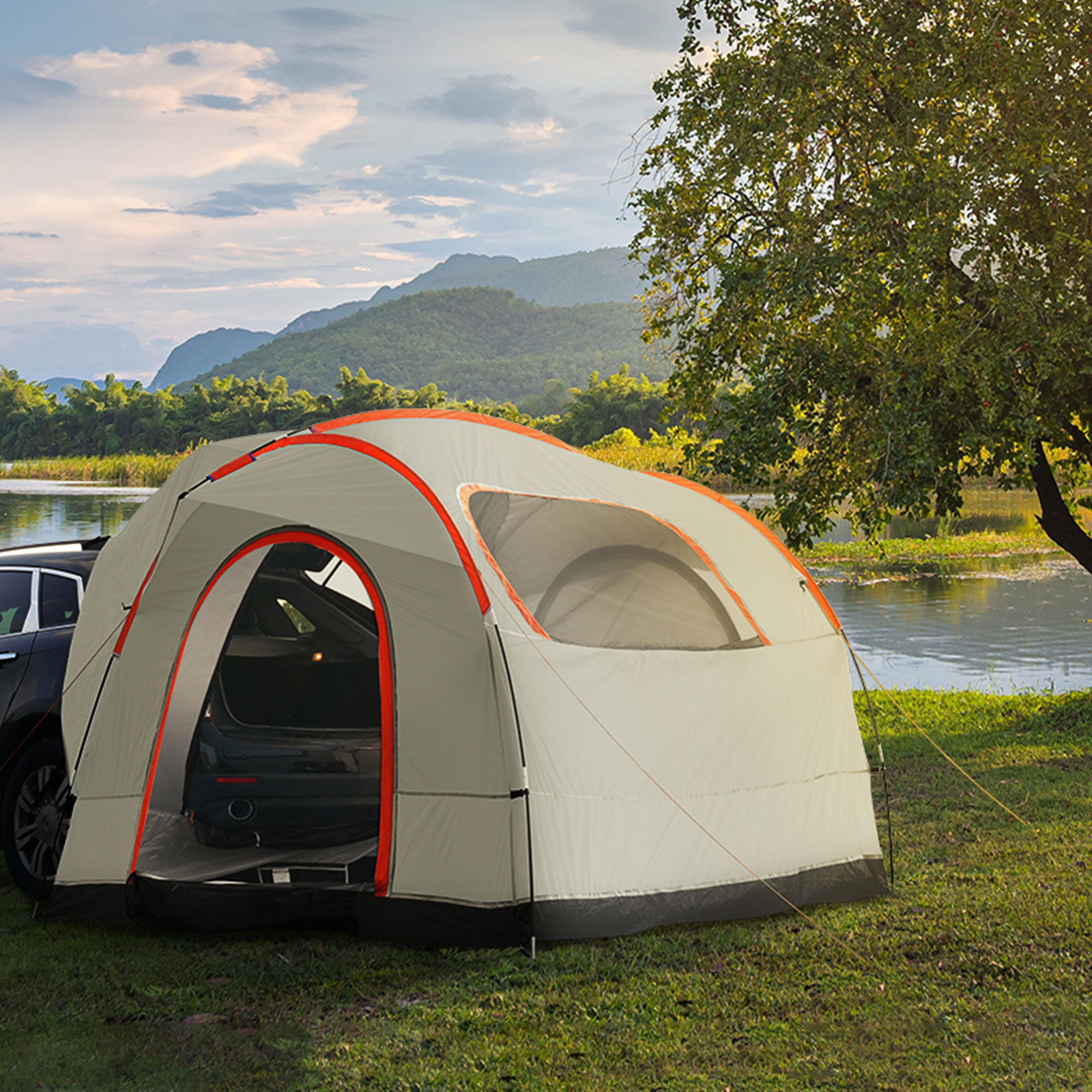
www.vevor.ca
Tents For Camping
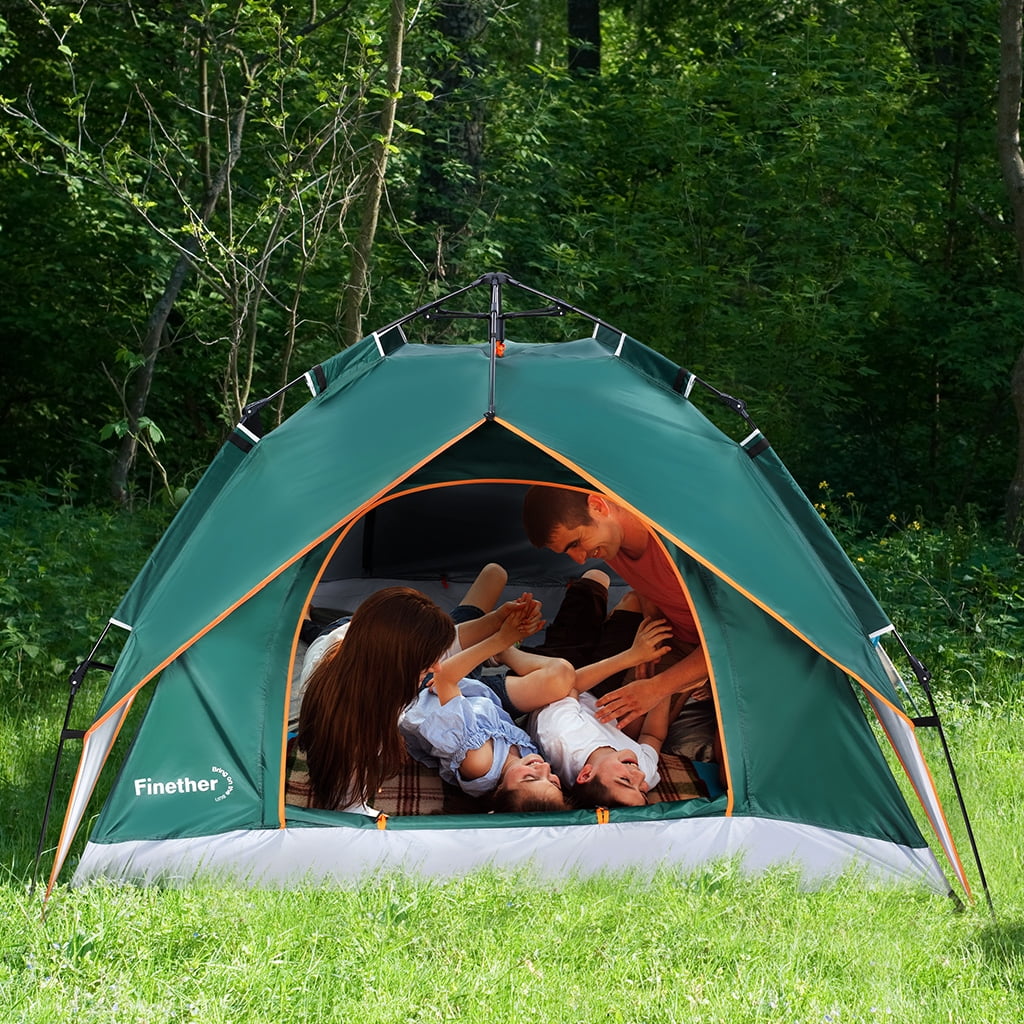
www.fity.club
Model 6170 Tent – Longway Leisure
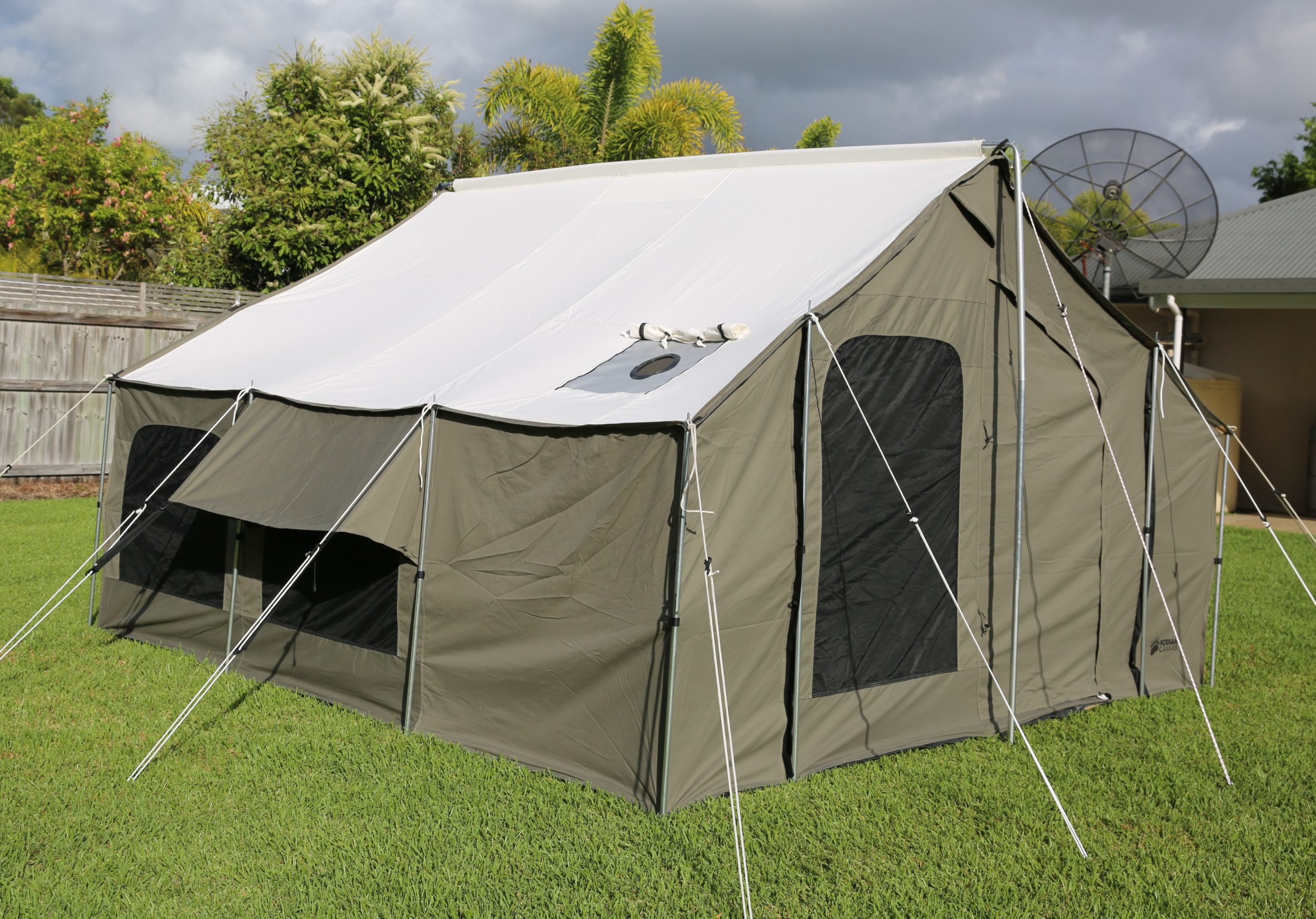
longwayleisure.com.au
Instant Pop Up Tent Family Camping Tent Portable Tent Automatic Tent
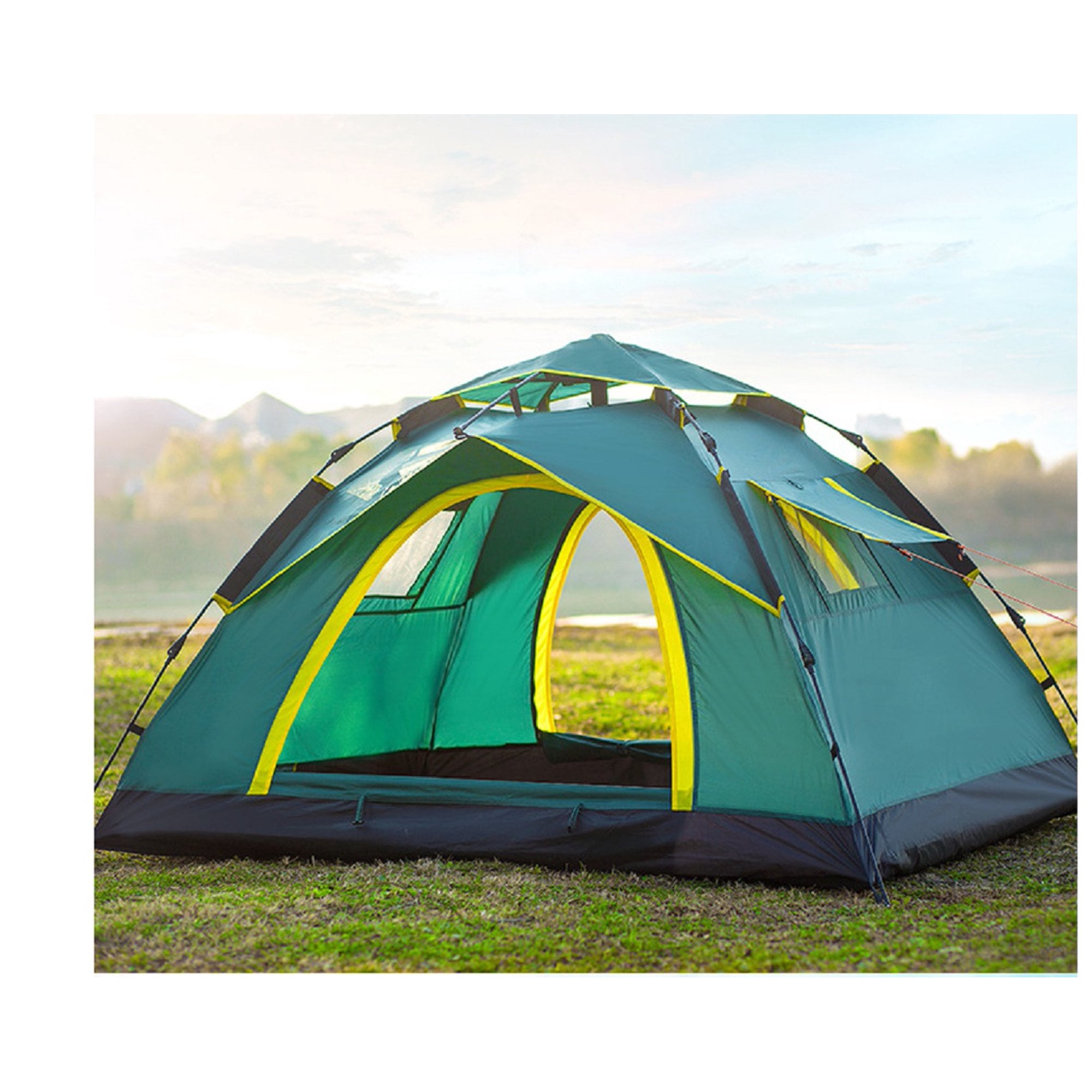
www.walmart.com
Arlmont & Co. Kylynne 10 Ft Canvas Bell Glamping Yurt Bell Tent With
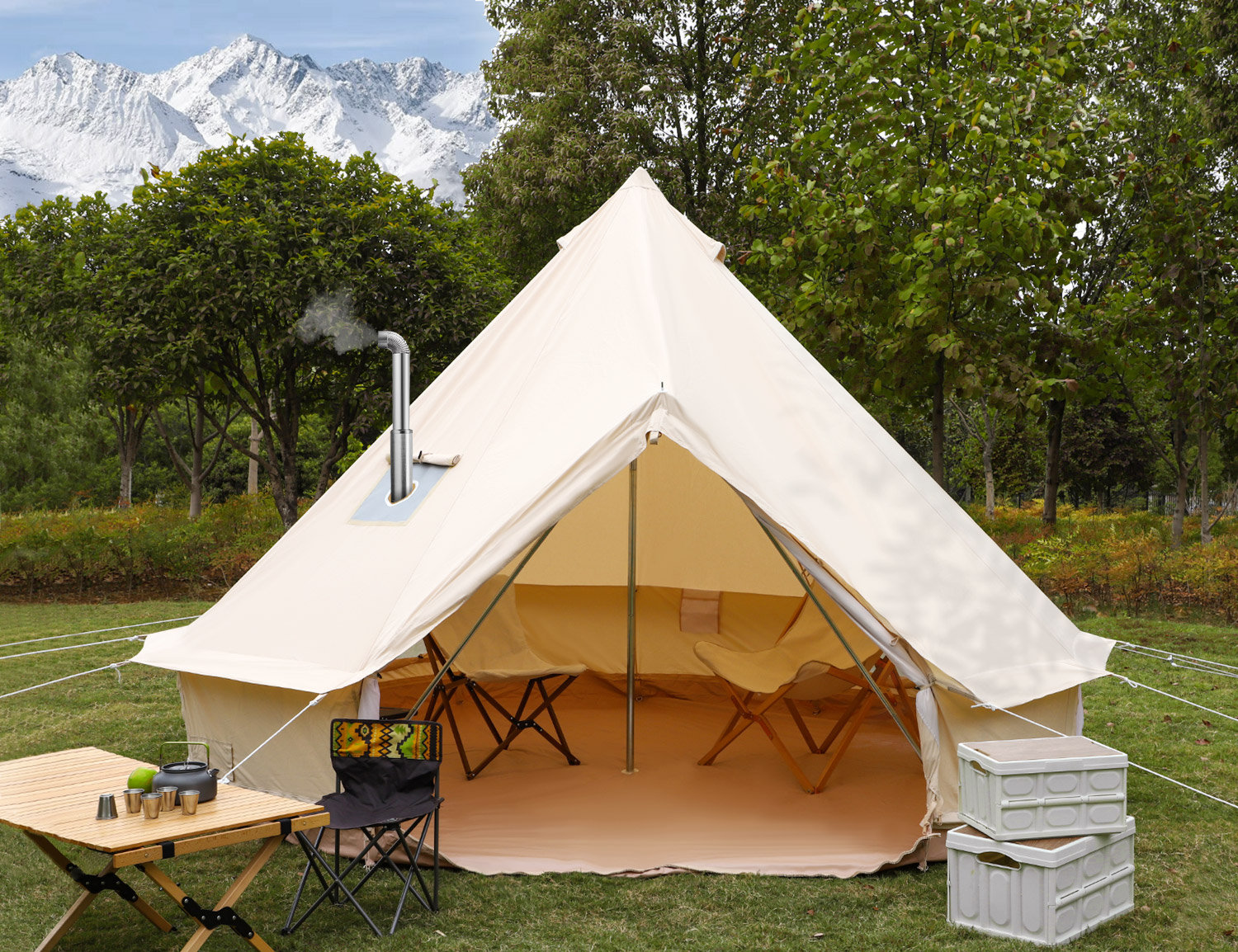
www.wayfair.com
Pyramid Shaped Tent
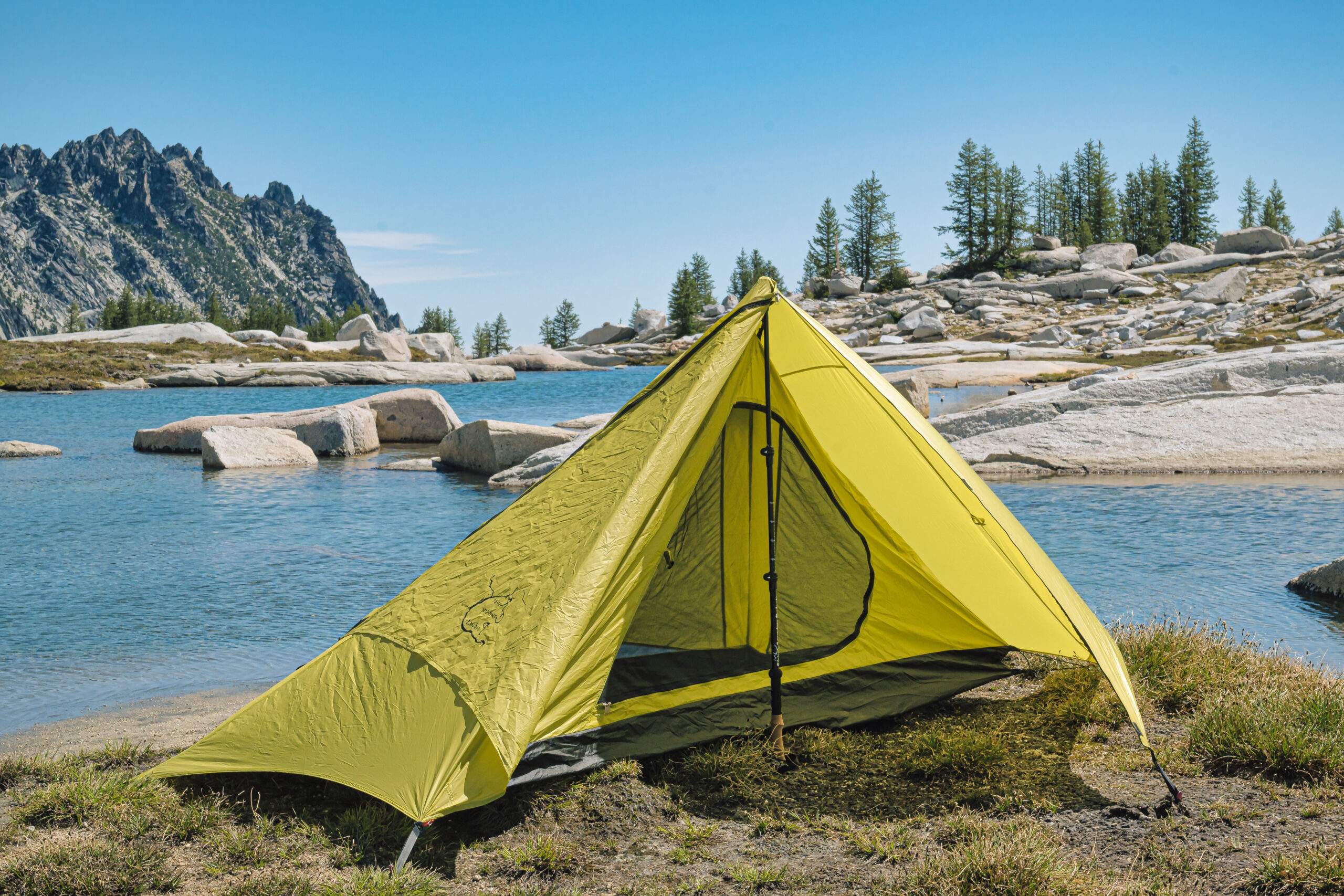
ar.inspiredpencil.com
The 10 Best Tents For Hiking And Camping
/view-out-of-orange-tent-5c169fe346e0fb000166cdab.jpg)
www.tripsavvy.com
The 10 Best Waterproof Tents For Camping Reviews & Guide 2023
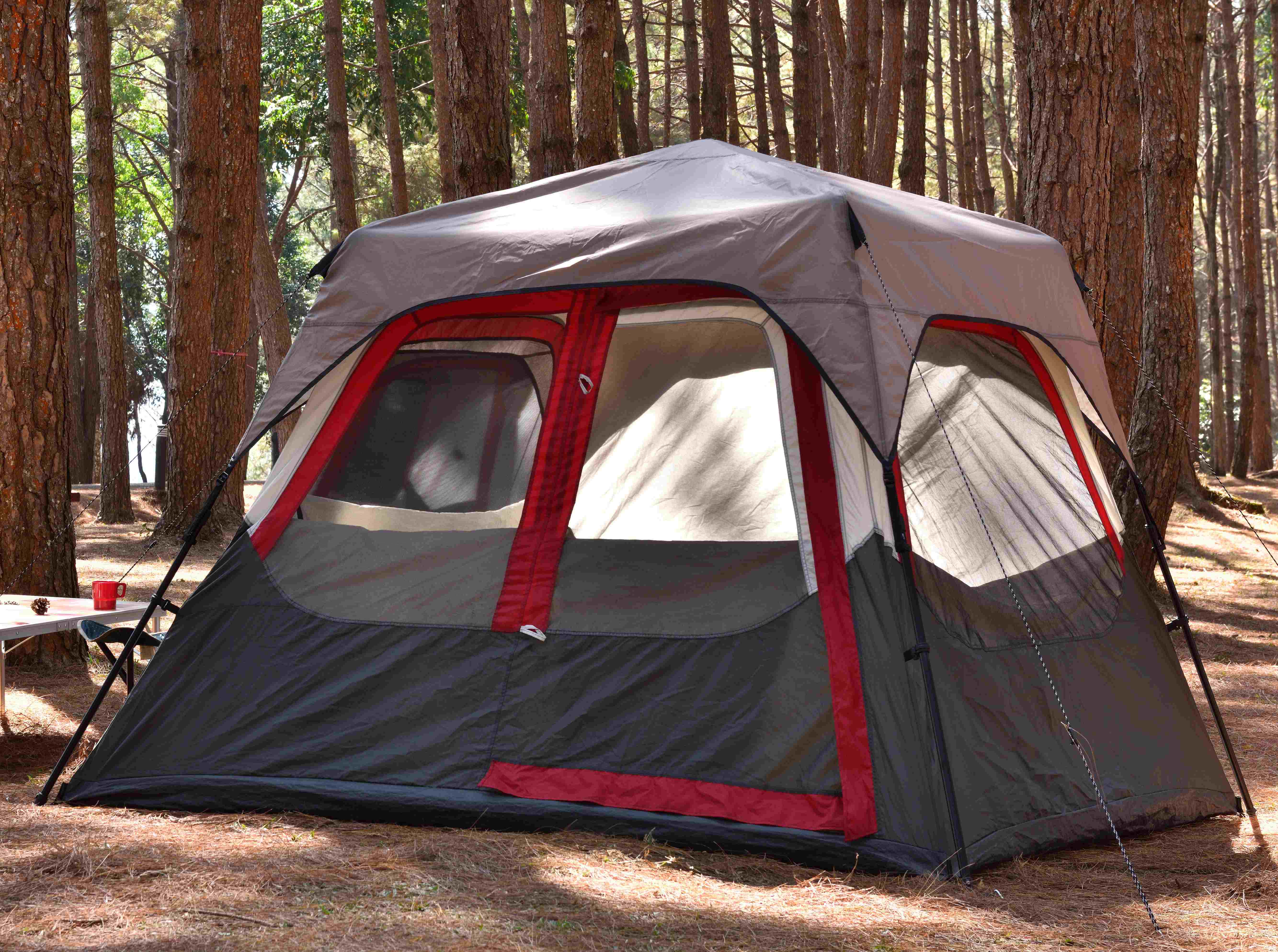
waterprooflab.com
2 Person Trekking Pole Backpacking Tent, Trekker Tent 2.2 | River

www.rivercountryproducts.com
Weisshorn Family Camping Tent 4 Person Hiking Beach Tents Green
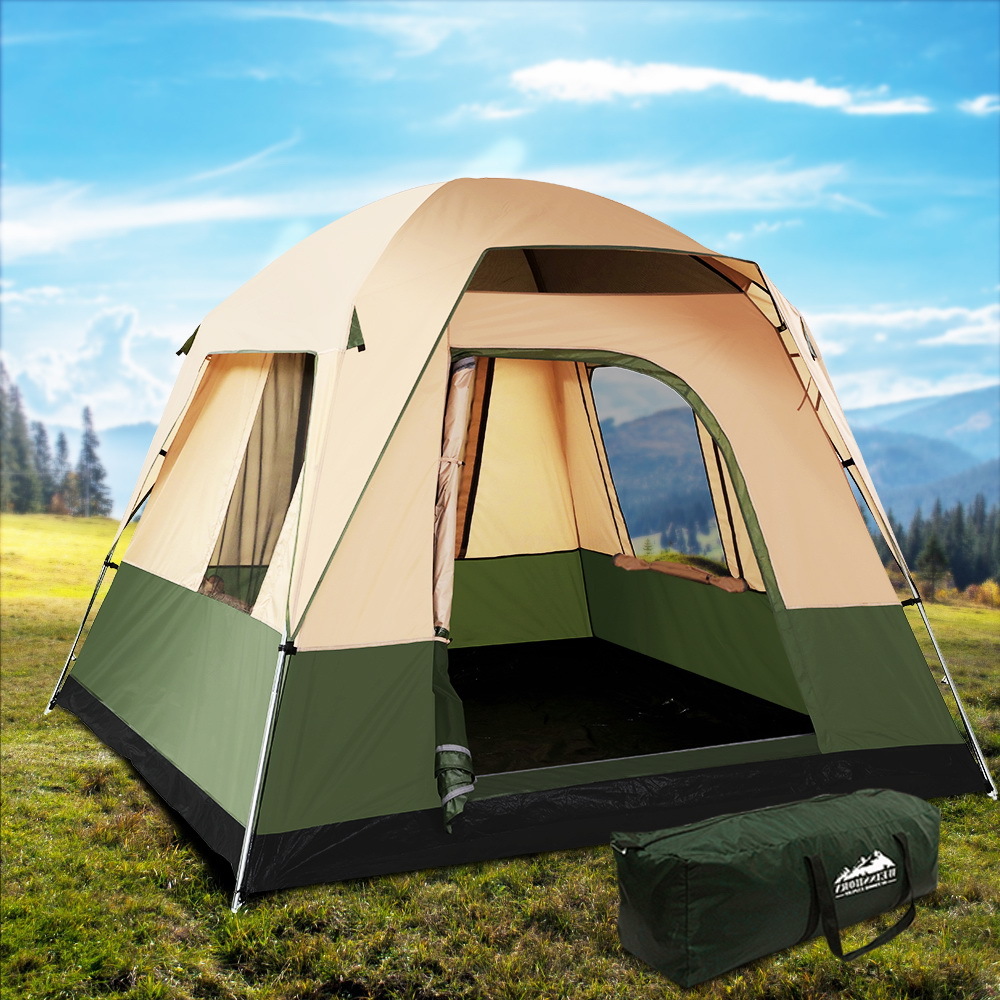
www.yestobuy.com.au
IRonrain Camping 2 Person Waterproof Tent Beach Play Tents – IRonsnow

www.ironsnow.com
2 Person Trekking Pole Backpacking Tent, Trekker Tent 2.2 | River
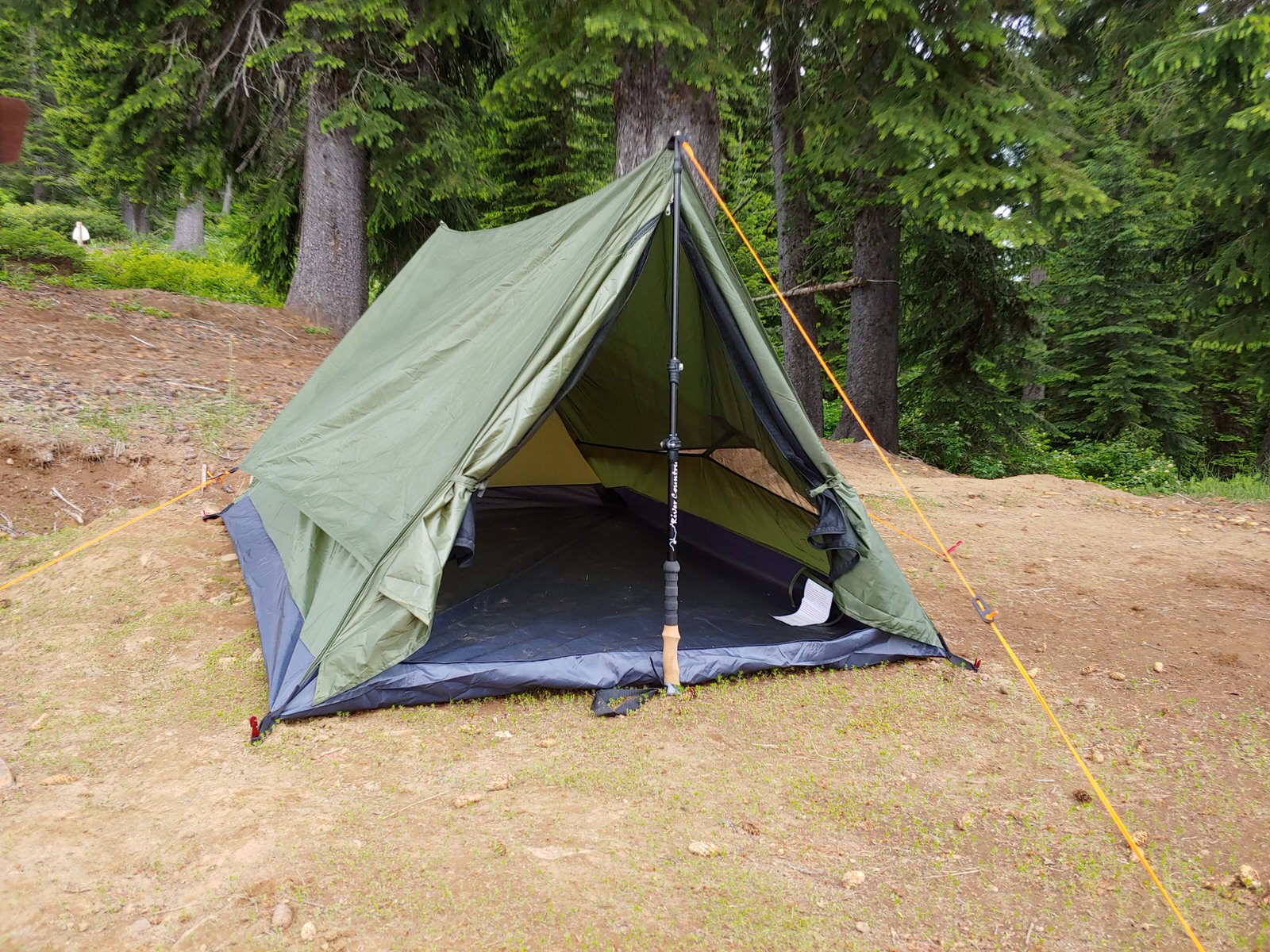
www.rivercountryproducts.com
10 Different Types Of Tents For Your Event – Home And Events

www.decoratingforevents.com
Canvas Or Nylon Tent? Which Should You Buy For Your Camping Trip
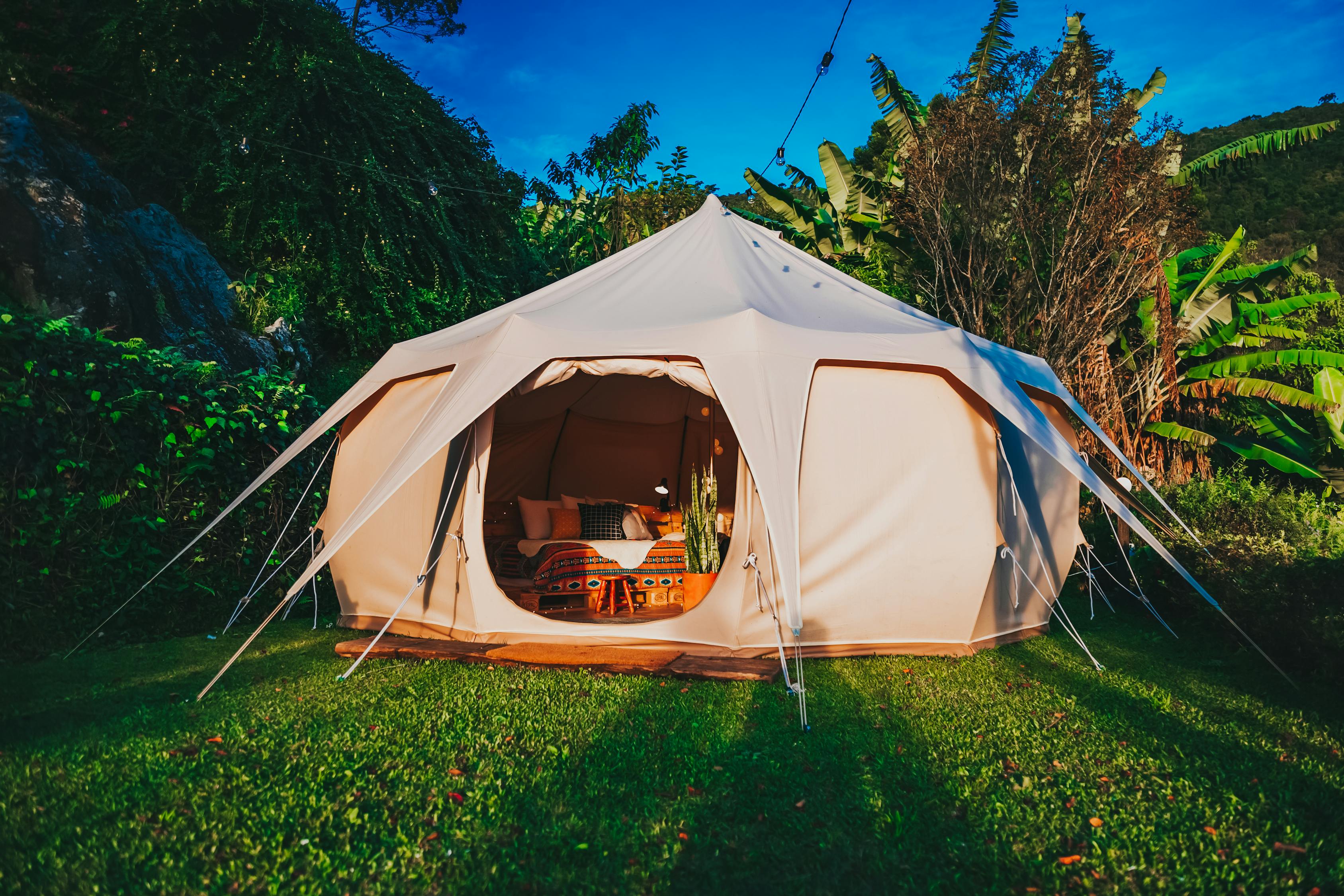
www.jesusasreviews.com
Portable 2-4 Person Camping Tent Double Layer Waterproof Anti Snow
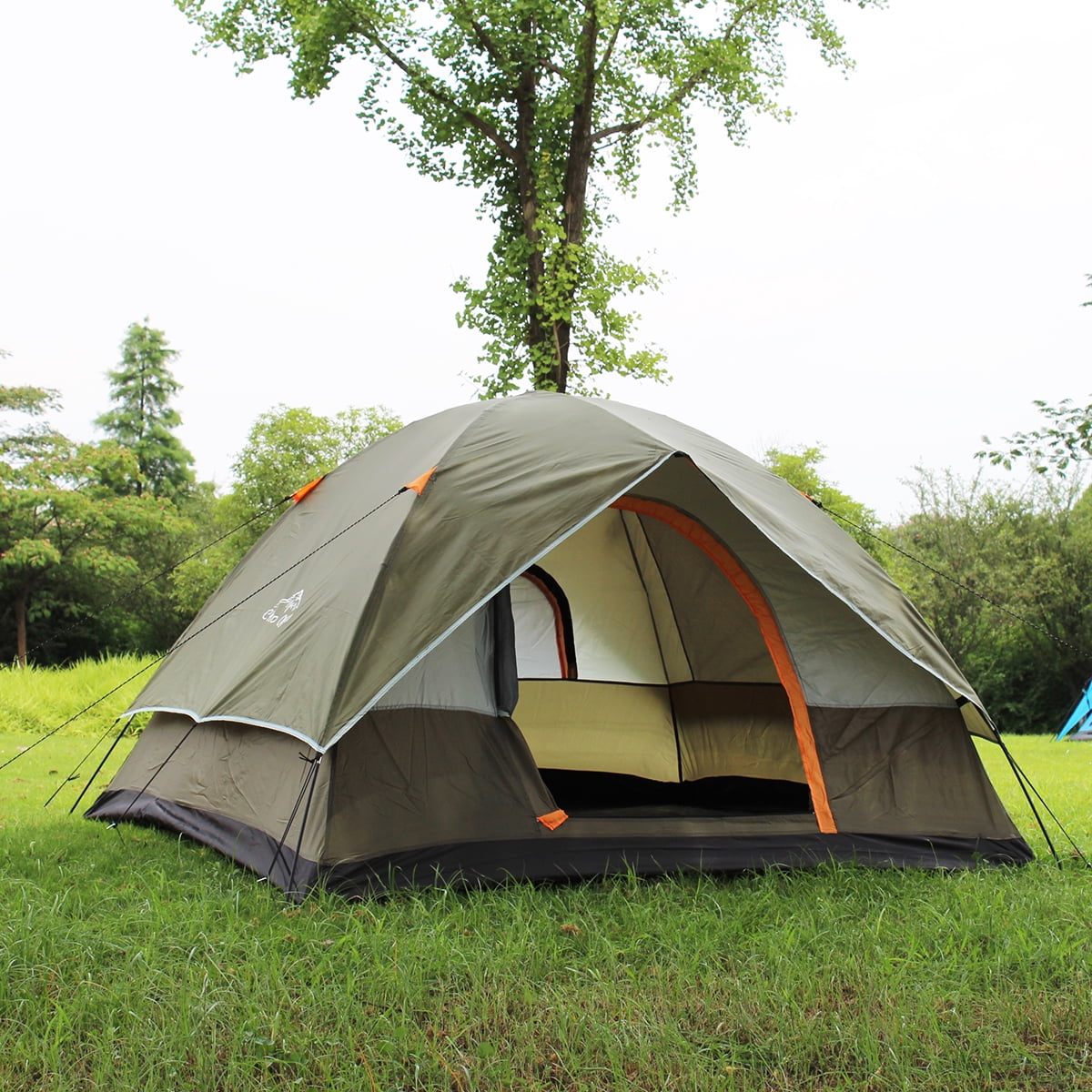
www.walmart.ca
Canvas or nylon tent? which should you buy for your camping trip. Weisshorn family camping tent 4 person hiking beach tents green. 2 person trekking pole backpacking tent, trekker tent 2.2