Report Requirements Document Template
Creating a clear and comprehensive report requirements document is crucial for any project where reporting is involved. It serves as a blueprint for the report, ensuring everyone is on the same page regarding the report’s purpose, content, formatting, and delivery. Without a well-defined requirements document, you risk wasted time, inaccurate data, and ultimately, a report that doesn’t meet the needs of its audience. This document helps bridge the gap between stakeholders and the report creators, facilitating effective communication and ensuring the final product delivers actionable insights.
A robust template streamlines the process of defining these requirements. It provides a structured framework for outlining all the necessary details, preventing omissions and promoting consistency across reports. By using a template, you save time and effort, allowing you to focus on the substance of the report rather than the mechanics of documenting its requirements.
Below is a breakdown of a comprehensive report requirements document template, outlining the key elements you should consider including:
Report Requirements Document Template
-
1. Introduction
This section provides a high-level overview of the report and its purpose. It should concisely explain why the report is being created and what business problem it aims to solve. Include the report’s title, version number, and the date the document was last updated. Clearly state the intended audience for the report.
- Report Title: (e.g., Monthly Sales Performance Report)
- Report Version: (e.g., 1.0)
- Date: (e.g., 2023-10-27)
- Report Purpose: (e.g., To track monthly sales performance against targets and identify areas for improvement.)
- Target Audience: (e.g., Sales Managers, VP of Sales, Executive Leadership)
-
2. Report Objectives and Goals
This section outlines the specific objectives the report is designed to achieve. What key questions should the report answer? What decisions will be informed by the report’s findings? Goals should be SMART (Specific, Measurable, Achievable, Relevant, and Time-bound). For example, “Increase website conversions by 10% in Q4” might be informed by a report that analyzes website traffic and user behavior.
- Objective 1: (e.g., Provide a clear overview of monthly sales revenue by product category.)
- Objective 2: (e.g., Identify the top-performing and underperforming sales regions.)
- Objective 3: (e.g., Analyze the impact of recent marketing campaigns on sales.)
- Goal 1: (e.g., Inform decisions about resource allocation for the next quarter based on regional performance.)
- Goal 2: (e.g., Optimize marketing strategies based on campaign performance analysis.)
-
3. Data Sources and Definitions
Clearly identify all data sources that will be used to generate the report. This includes databases, spreadsheets, APIs, and any other relevant sources. Define the key data elements and metrics used in the report, including their definitions, units of measurement, and how they are calculated. This section helps ensure consistency and accuracy in the data presented.
- Data Source 1: (e.g., CRM system – Salesforce)
- Data Source 2: (e.g., Marketing automation platform – Marketo)
- Data Definition 1: (e.g., “Sales Revenue” – Total revenue generated from sales of products in USD.)
- Data Definition 2: (e.g., “Conversion Rate” – Percentage of website visitors who complete a purchase.)
-
4. Report Content and Structure
This section details the specific content that should be included in the report. Outline the different sections, tables, charts, and graphs that will be used to present the data. Specify the level of detail required for each section and the key performance indicators (KPIs) that should be highlighted. Consider including mockups or wireframes to illustrate the desired layout and visual representation of the data.
- Section 1: Executive Summary (brief overview of key findings)
- Section 2: Sales Performance by Region (table and chart comparing sales revenue across different regions)
- Section 3: Product Performance (table and chart showing sales volume and revenue for each product category)
- Section 4: Marketing Campaign Analysis (table and chart showing the impact of each campaign on sales)
- KPIs: Sales Revenue, Conversion Rate, Customer Acquisition Cost
-
5. Report Formatting and Delivery
Specify the desired format of the report (e.g., PDF, Excel, PowerPoint, online dashboard). Define the formatting guidelines for fonts, colors, and branding. Outline the delivery method (e.g., email, shared drive, reporting portal) and the frequency with which the report should be generated and distributed (e.g., daily, weekly, monthly, quarterly). Also, include any security considerations related to the report’s distribution.
- Report Format: PDF
- Font: Arial, Size 10
- Colors: Corporate branding colors
- Delivery Method: Email to distribution list
- Frequency: Monthly
- Security: Password protection required for email attachment.
-
6. Assumptions and Constraints
Document any assumptions made about the data or the report’s creation process. Identify any constraints that may impact the report’s development, such as limitations in data availability, technical resources, or budget. This section helps manage expectations and provides context for any potential limitations in the report’s findings.
- Assumption 1: Data from all sources is accurate and complete.
- Assumption 2: Data definitions remain consistent across all systems.
- Constraint 1: Limited access to historical data may impact trend analysis.
- Constraint 2: Budget constraints may limit the development of interactive dashboards.
-
7. Approval and Sign-off
Include a section for stakeholders to formally approve the report requirements document. This signifies that all parties agree on the report’s purpose, content, and delivery. Include spaces for names, titles, dates, and signatures.
- Stakeholder Name:
- Stakeholder Title:
- Date:
- Signature:
By thoroughly completing each section of this template, you can create a comprehensive report requirements document that will guide the development of accurate, informative, and actionable reports. Remember to tailor the template to the specific needs of your project and to regularly review and update the document as requirements evolve.
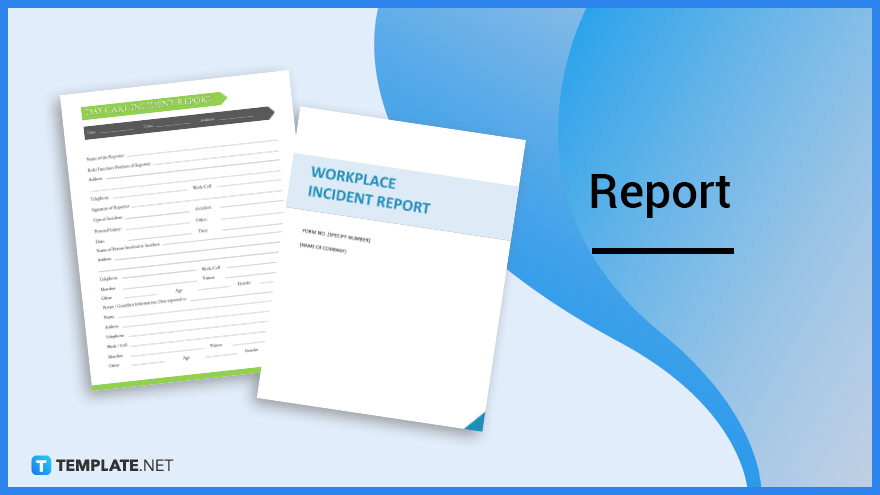
If you are searching about Report – What is a Report? Definition, Types, Uses you’ve visit to the right web. We have 15 Pics about Report – What is a Report? Definition, Types, Uses like 6 main types of report writing | Best Assignment Writers Blog, How To Write A Report: A Simple Step-By-Step Process and also Introduction of Report Writing – Introduction of Report Writing. Here it is:
Report – What Is A Report? Definition, Types, Uses
www.template.net
Reportar Ilustración De Letras De Palabras 539693 Vector En Vecteezy

es.vecteezy.com
Report Writing Poster – Daydream Education
www.daydreameducation.co.uk
6 Main Types Of Report Writing | Best Assignment Writers Blog

www.bestassignmentwriters.co.uk
50+ Essential Business Report Examples With Templates – Venngage

venngage.com
Report Format In Essay Plan

animalia-life.club
Report Writing Help By Report Writing Help – Issuu

issuu.com
How To Write A Report: Guide To Report Writing | EssayService Blog

essayservice.com
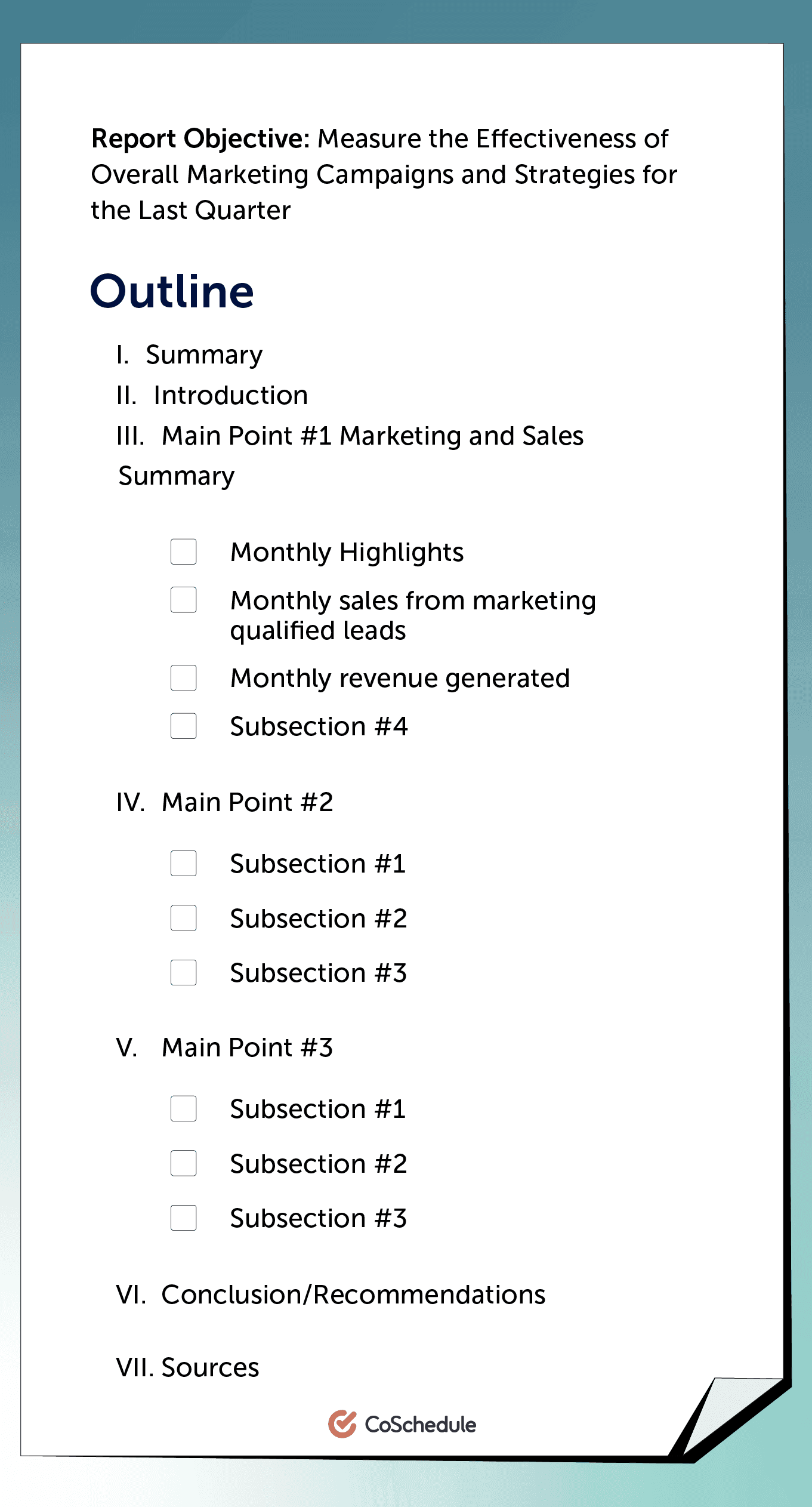
How To Write A Report: A Simple Step-By-Step Process
coschedule.com
What Is The Structure Of A Report? – Academic Hive

www.academichive.com
49 Free Annual Report Templates [LLC, Nonprofit..] ᐅ TemplateLab
![49 Free Annual Report Templates [LLC, Nonprofit..] ᐅ TemplateLab](https://templatelab.com/wp-content/uploads/2020/03/annual-report-template-18.jpg)
templatelab.com
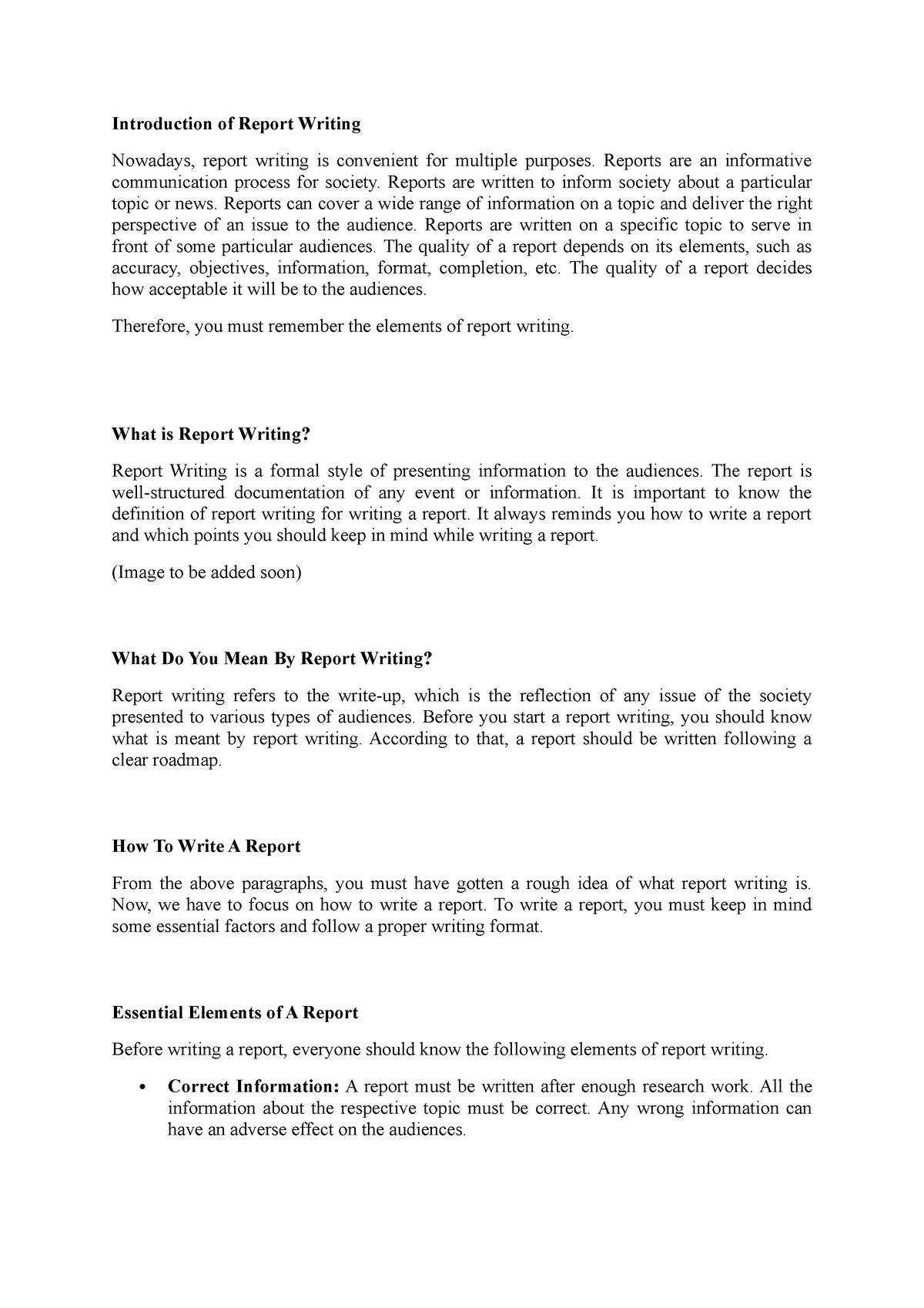
Introduction Of Report Writing – Introduction Of Report Writing
www.studocu.com
Report Writing Class 8 – Format, Examples (with Labeling) – Teachoo

www.teachoo.com
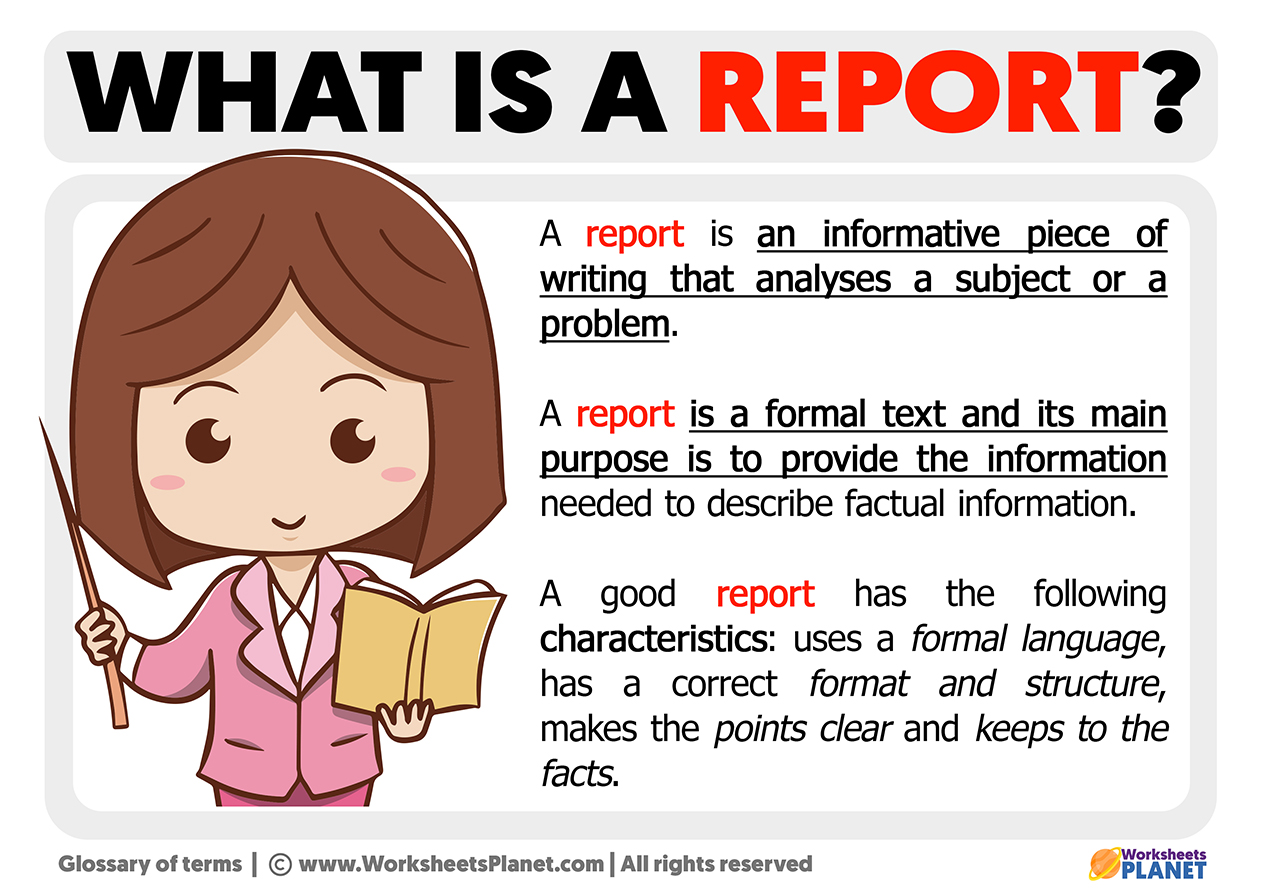
What Is A Report | Definition Of Report
www.worksheetsplanet.com
All You Need To Know About Project Portfolio Reports | Nordantech

www.nordantech.com
report writing poster. All you need to know about project portfolio reports. Introduction of report writing