Itil Incident Report Form Template
Introduction
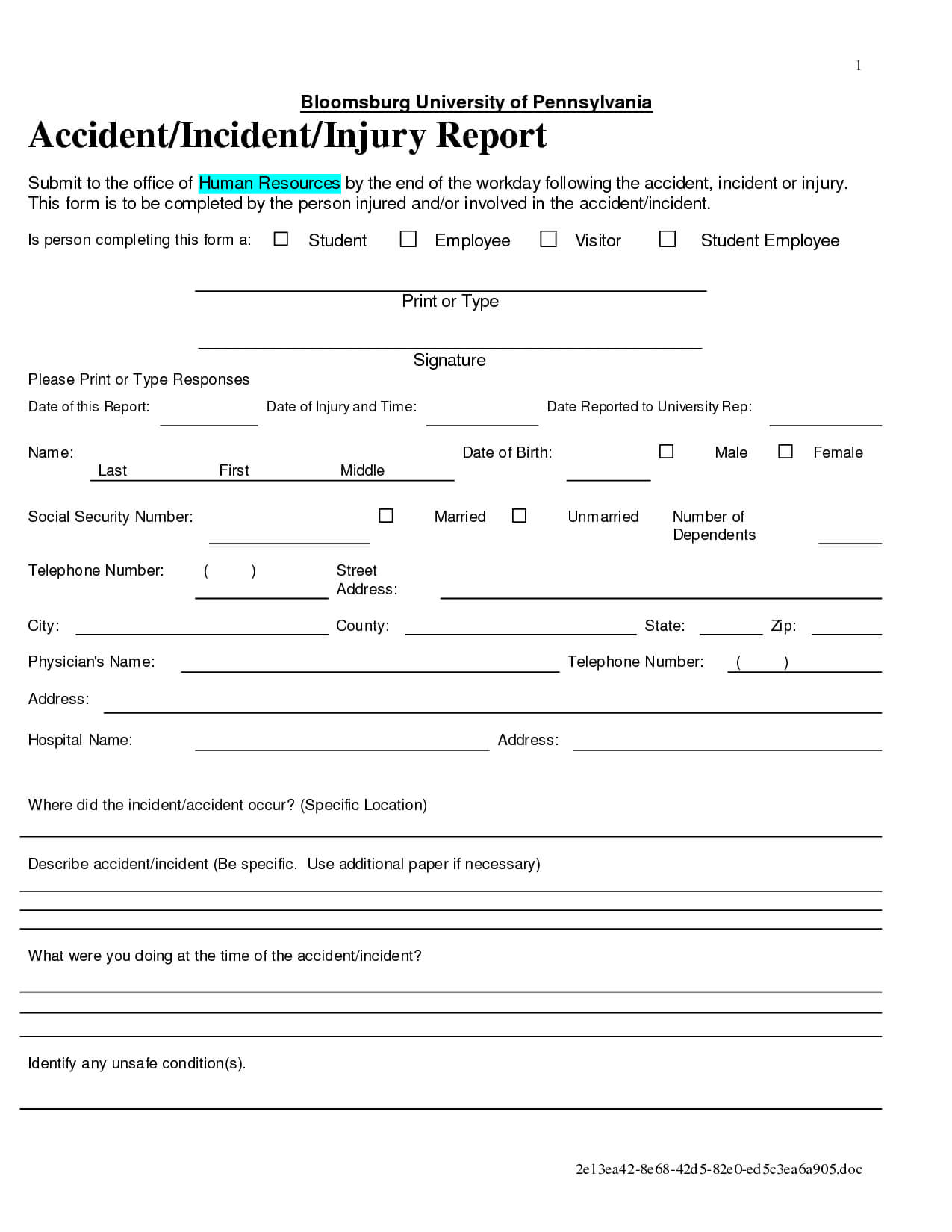
In the fast-paced world of IT service management, disruptions are inevitable. When they occur, a swift and well-documented response is critical to minimizing impact and restoring normal service operations. A cornerstone of this response is the incident report, and having a standardized Itil Incident Report Form Template is paramount for efficient handling. These reports aren’t just about recording what went wrong; they’re about capturing vital information for analysis, problem management, and continuous service improvement. Without a clear, consistent reporting process, incidents can linger, repeat, and escalate, leading to frustrated users and significant business losses.
Effective incident management, guided by the ITIL framework, relies on structured data. This data allows teams to identify trends, pinpoint root causes, and implement preventative measures. A well-designed incident report form ensures that all necessary details are collected upfront, reducing the need for follow-up questions and accelerating resolution times. It also provides a historical record for auditing and compliance purposes.
The goal isn’t simply to fix the immediate issue, but to learn from it. A comprehensive incident report facilitates this learning process, transforming reactive firefighting into proactive service enhancement. It’s a vital component of a mature IT service management system, contributing to increased reliability, improved customer satisfaction, and reduced operational costs.

Ultimately, a robust incident reporting process, starting with a thoughtfully crafted template, is an investment in the long-term health and stability of your IT infrastructure and the services it supports. It’s about turning disruptions into opportunities for growth and improvement.
Understanding ITIL Incident Management
What is an Incident?
Within the ITIL 4 framework, an incident is defined as an unplanned interruption to an IT service or a reduction in the quality of an IT service. This could range from a complete system outage to a minor performance degradation. Crucially, incidents are user-facing – they represent what the end-user experiences as a problem. It’s important to distinguish incidents from problems, which are the underlying causes of one or more incidents.
The Incident Management Lifecycle
The ITIL incident management lifecycle typically involves the following stages:
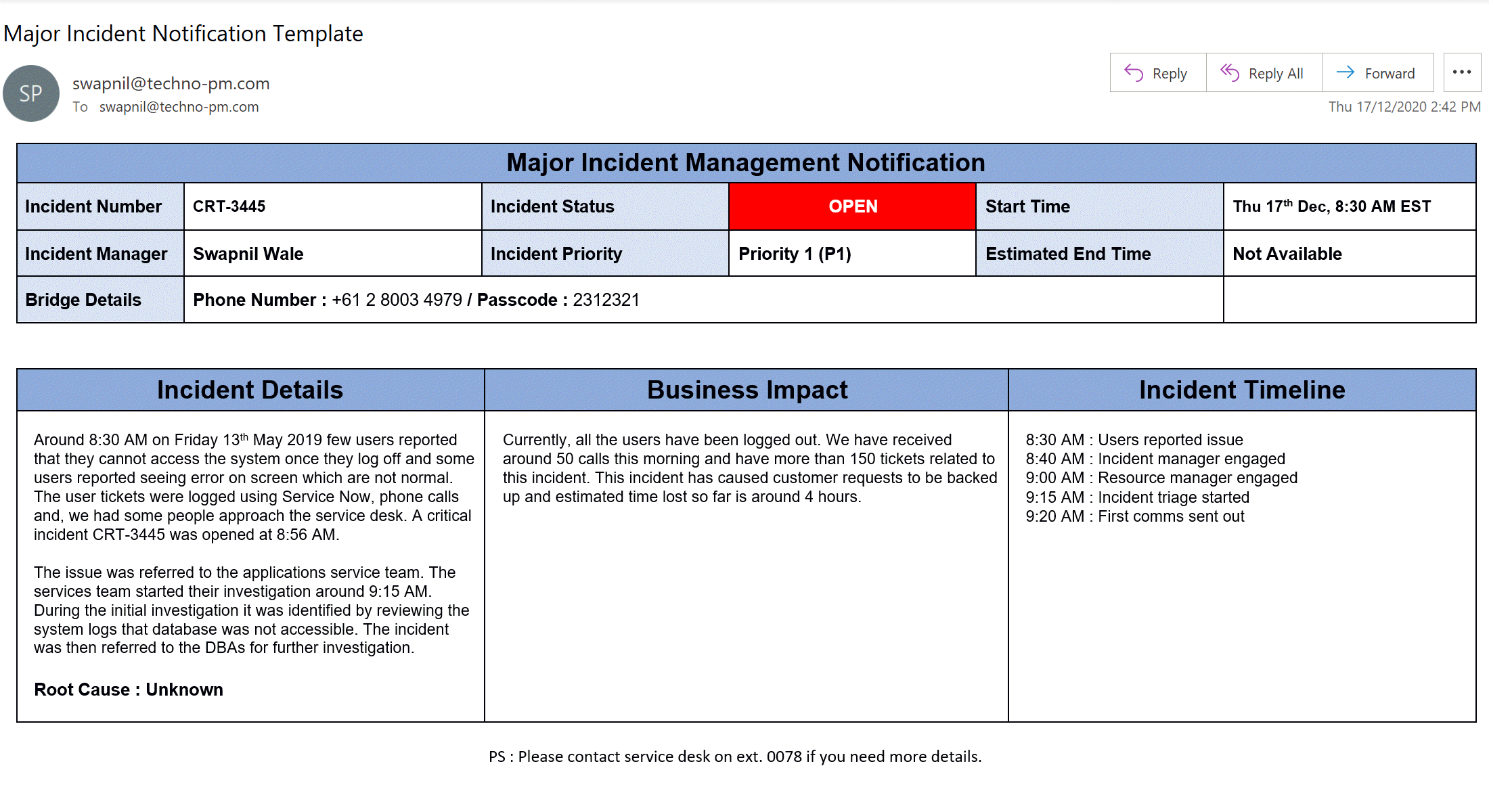
- Identification: Recognizing that an incident has occurred. This often comes from user reports or monitoring alerts.
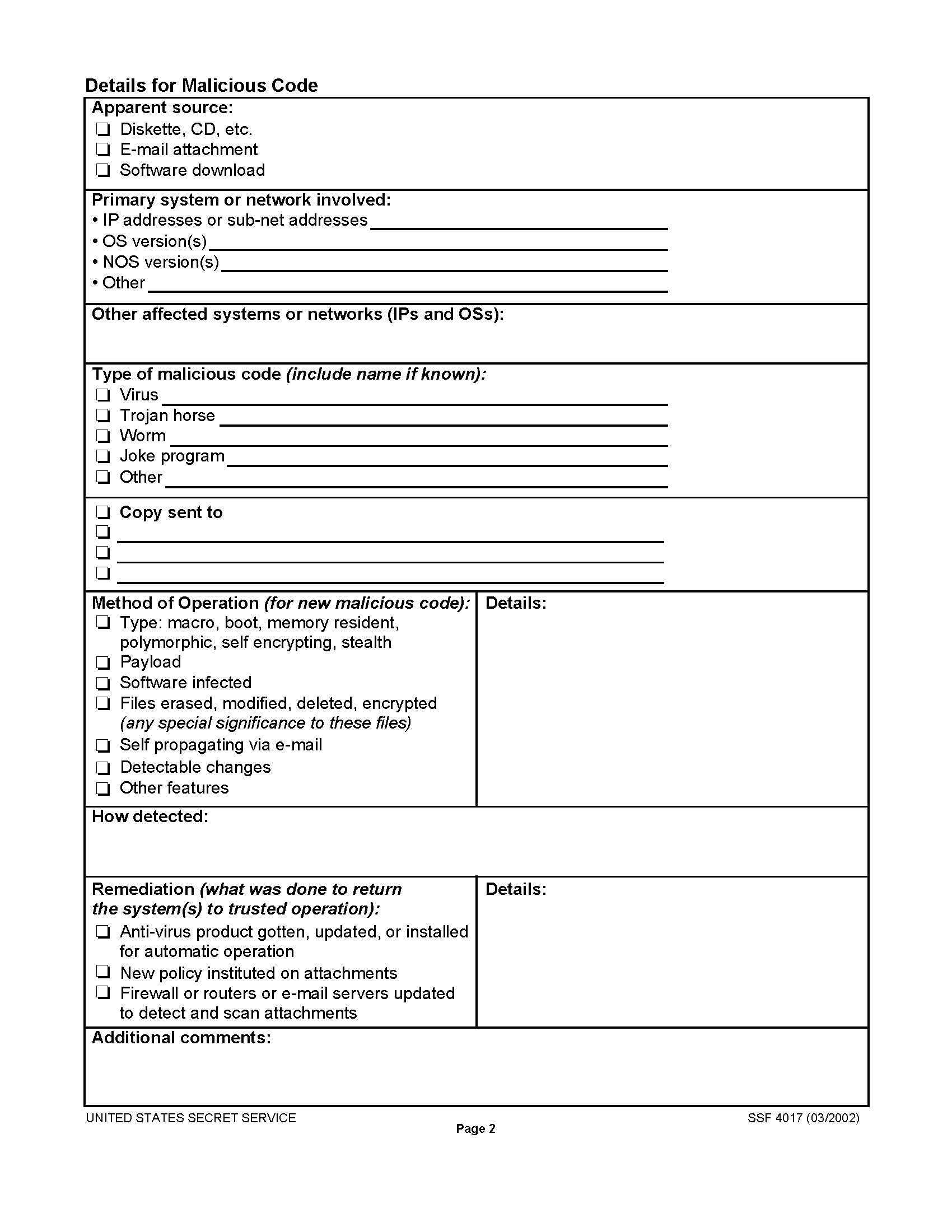
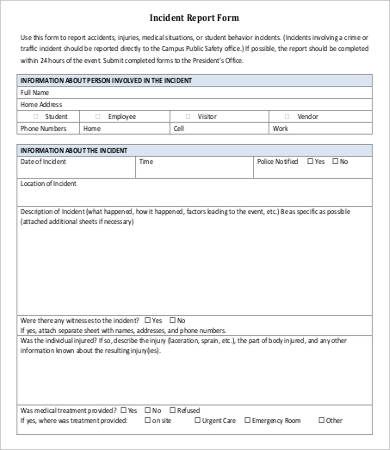
- Logging: Recording the details of the incident in a centralized system, using a tool like an Itil Incident Report Form Template.
- Categorization: Classifying the incident based on its type, impact, and urgency.
- Prioritization: Determining the order in which incidents will be addressed, based on their impact and urgency.
- Diagnosis: Investigating the cause of the incident.
- Resolution: Implementing a fix to restore service.
- Closure: Confirming that the incident has been resolved and documenting the resolution.
Each stage relies on accurate and timely information, making the initial incident report a critical foundation for the entire process.

Key Components of an Itil Incident Report Form Template
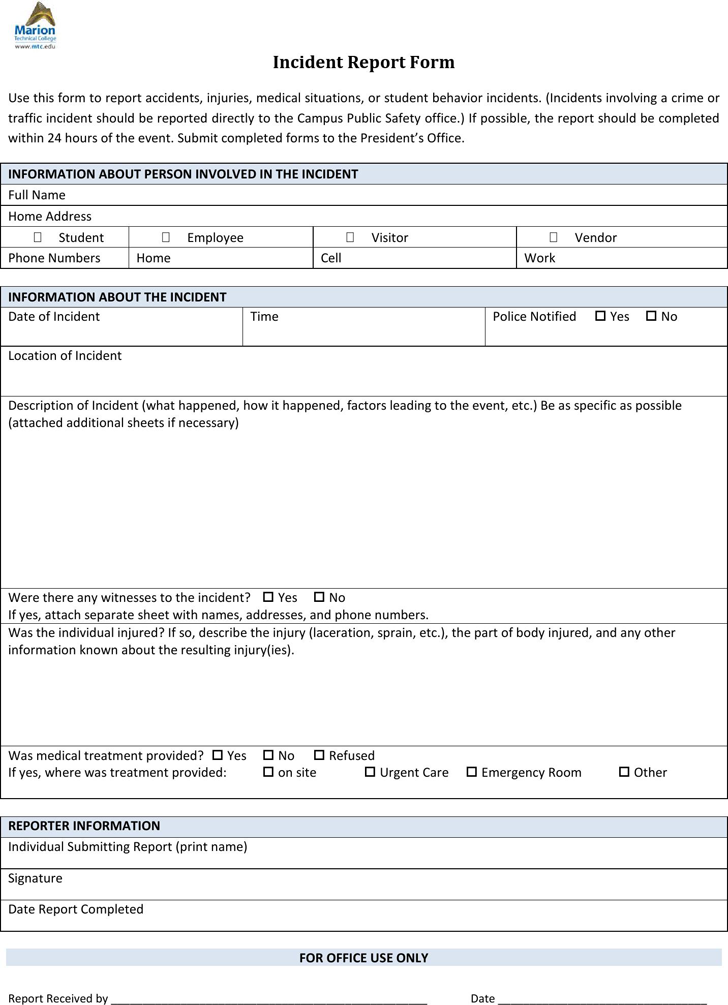
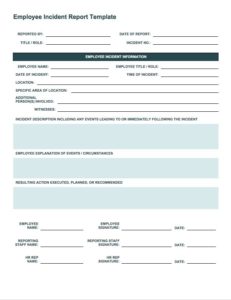
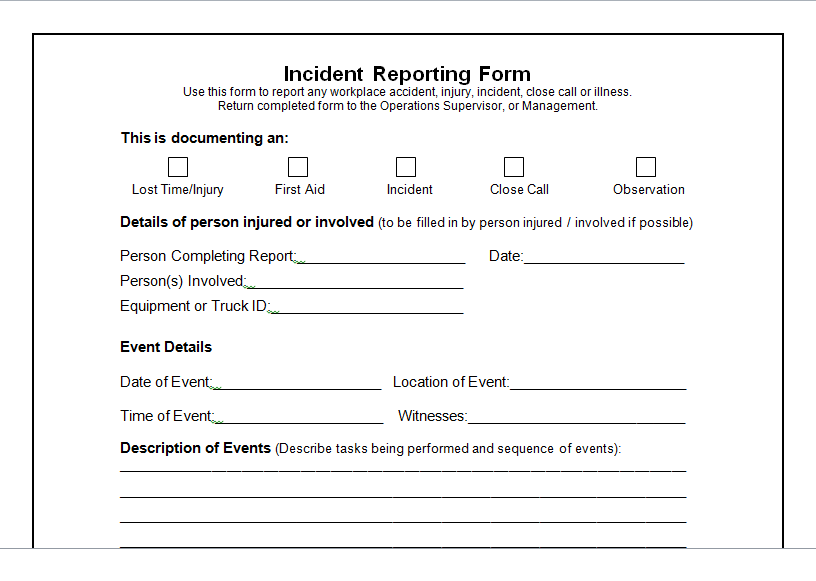
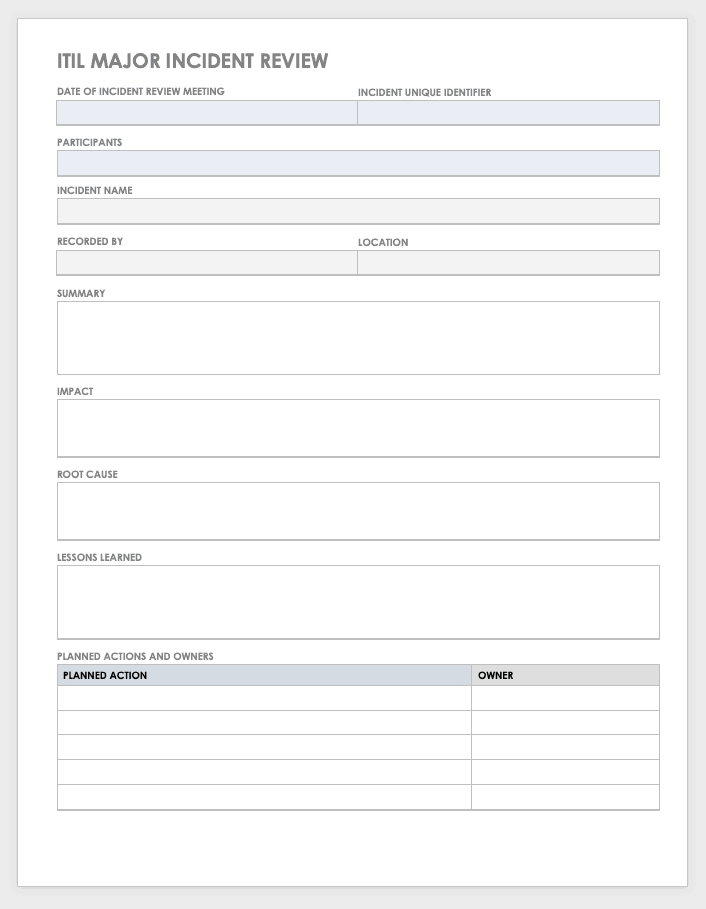
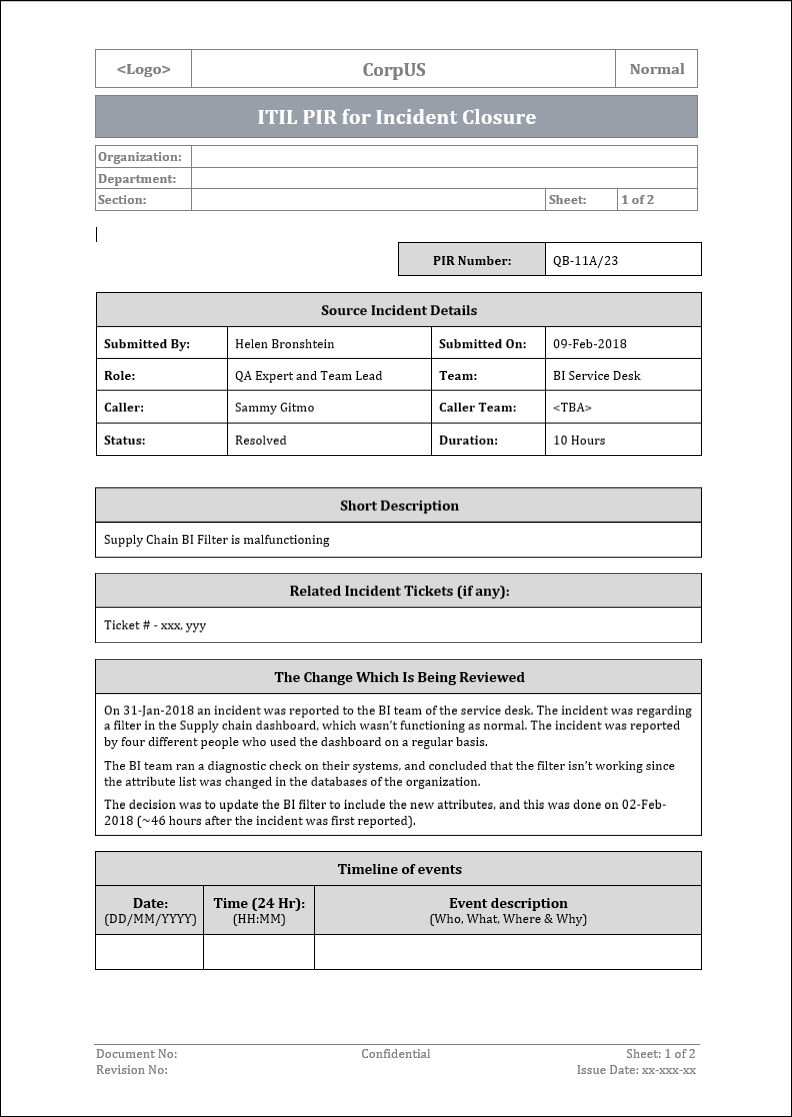
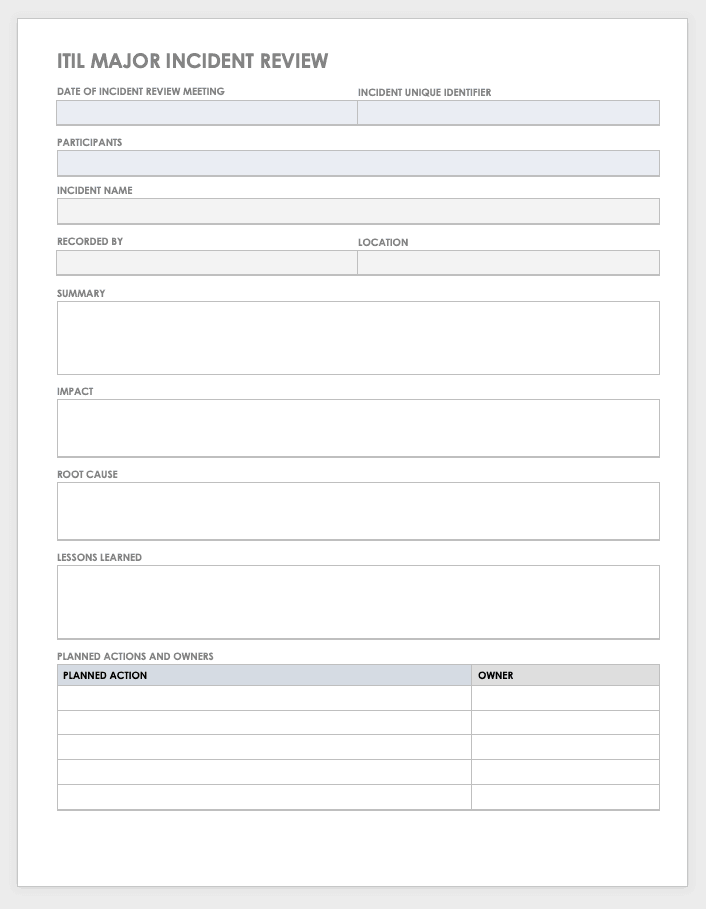
A truly effective Itil Incident Report Form Template should capture a wide range of information, but it must also be concise and easy to use. Here are the essential components:
Basic Incident Details
- Incident ID: A unique identifier for tracking the incident.
- Reported By: The name and contact information of the person who reported the incident.
- Date and Time of Incident: When the incident was first detected.
- Service Affected: Which IT service is experiencing the disruption.
- Location: Where the incident is occurring (e.g., specific office, server room).
Impact and Urgency Assessment
- Impact: The extent of the disruption to the business. (e.g., High, Medium, Low). Consider the number of users affected, the criticality of the service, and the financial impact.
- Urgency: How quickly the incident needs to be resolved. (e.g., High, Medium, Low). This is often tied to service level agreements (SLAs).
- Priority: Calculated based on impact and urgency, determining the order of resolution.
Detailed Description of the Incident
- Summary: A brief, clear description of the incident.
- Detailed Description: A comprehensive explanation of what happened, including specific error messages, steps to reproduce the issue, and any workarounds attempted.
- Screenshots/Attachments: Visual evidence of the incident can be invaluable.
Technical Information
- Affected System(s): List of servers, applications, or devices involved.
- Operating System: The OS of the affected system.
- Software Version: The version of the software experiencing the issue.
- Error Codes: Any relevant error codes or logs.
Designing Your Own Itil Incident Report Form Template
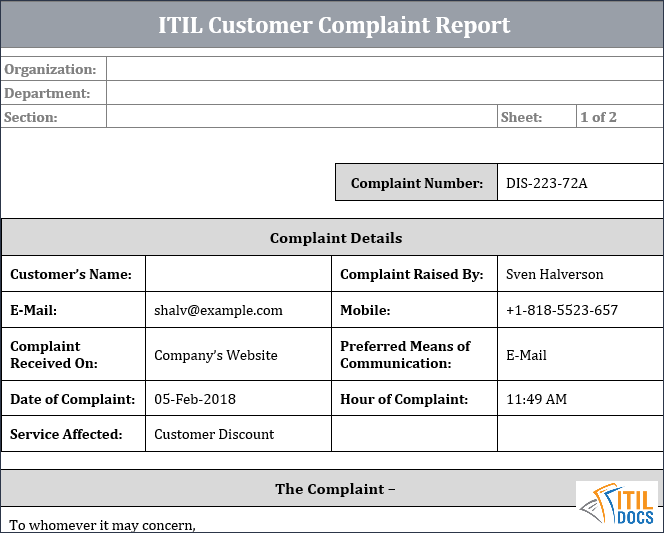
While many pre-built templates are available, tailoring one to your specific environment is often the best approach. Here are some considerations:
Choosing the Right Format
- Digital Forms: Using a dedicated IT service management (ITSM) tool is highly recommended. These tools often include built-in incident management features and automated workflows.
- Spreadsheets: A simple spreadsheet can be a starting point, but it lacks the features and scalability of an ITSM tool.
- Word Documents: Not ideal for data collection and analysis.
Customization for Your Organization
- Service Catalog Integration: Link the incident report form to your service catalog to ensure accurate service identification.
- Specific System Information: Include fields for information relevant to your unique infrastructure.
- Workflow Automation: Integrate the form with automated workflows to route incidents to the appropriate teams.
Ensuring User-Friendliness
- Clear and Concise Language: Avoid technical jargon that users may not understand.
- Dropdown Menus: Use dropdown menus for common fields to ensure consistency.
- Required Fields: Clearly indicate which fields are mandatory.
Leveraging ITSM Tools for Incident Reporting
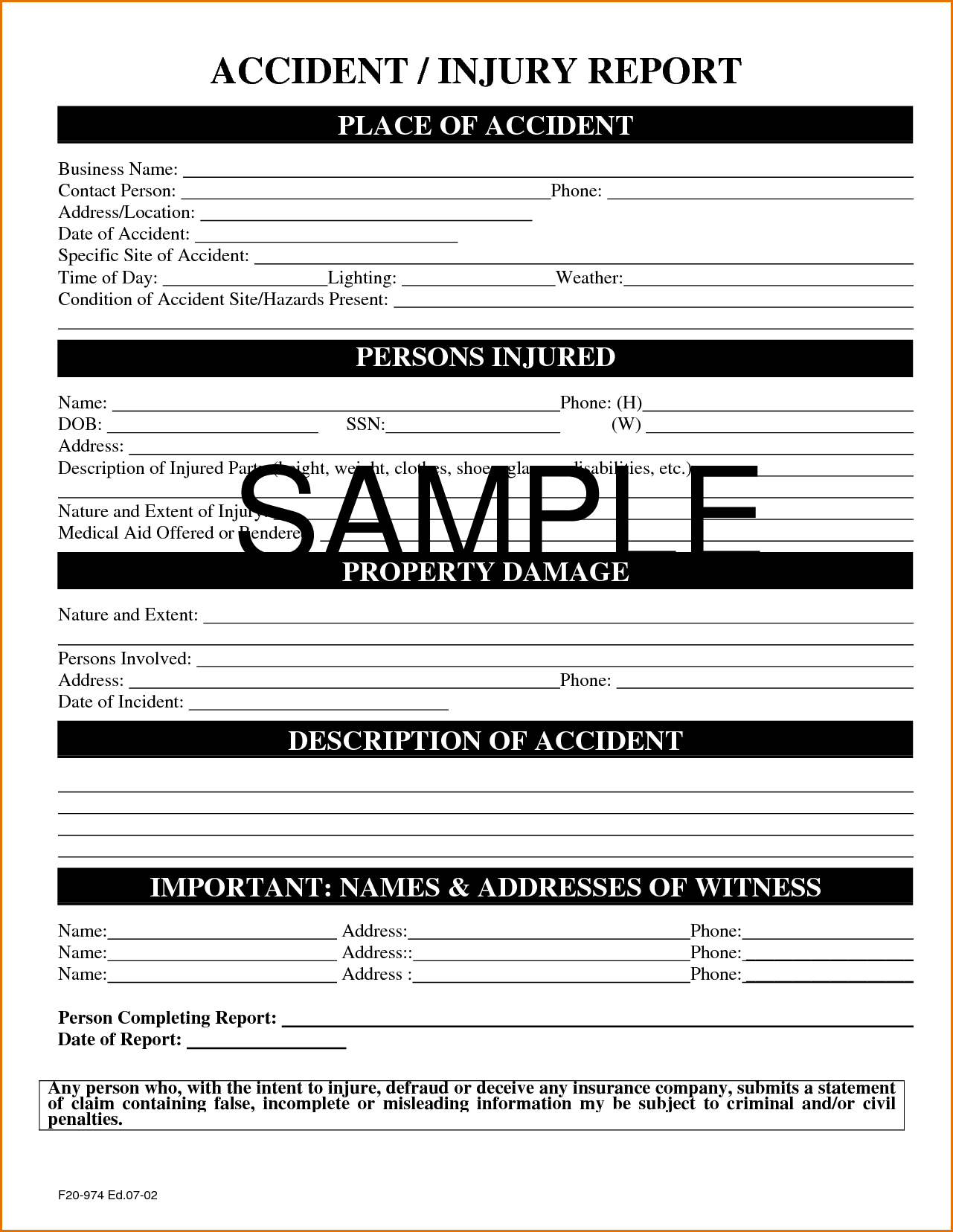
Dedicated ITSM tools offer significant advantages over manual methods. These tools typically include:
- Automated Workflows: Streamline the incident management process.
- Knowledge Base Integration: Provide access to known solutions and workarounds.
- Reporting and Analytics: Track incident trends and identify areas for improvement.
- SLA Management: Ensure that incidents are resolved within agreed-upon timeframes.
- Centralized Repository: Store all incident data in a single, accessible location.
Popular ITSM tools include ServiceNow, Jira Service Management, and Zendesk. These platforms often offer customizable Itil Incident Report Form Template options.
Best Practices for Incident Reporting
Encourage Thorough Reporting
Train users to provide as much detail as possible when reporting incidents. The more information available upfront, the faster the resolution will be.
Prioritize Accuracy
Ensure that all information entered into the incident report is accurate and verified.
Maintain Consistency
Use standardized terminology and categorization to ensure consistent data collection.
Regularly Review and Update the Template
The Itil Incident Report Form Template should be reviewed and updated periodically to reflect changes in your IT environment and business needs.
Integrate with Problem Management
Use incident data to identify recurring problems and implement preventative measures.
Conclusion
An effective Itil Incident Report Form Template is more than just a document; it’s a critical component of a robust IT service management system. By capturing comprehensive and accurate information, it enables faster resolution times, improved service quality, and proactive problem management. Investing in a well-designed template, leveraging ITSM tools, and adhering to best practices will ultimately lead to increased reliability, reduced costs, and greater customer satisfaction. Remember that the goal isn’t just to fix incidents, but to learn from them and continuously improve your IT services.
]]>