Internal Job Posting Template Word
Internal job postings are a crucial tool for employee development and retention. By offering existing employees the first opportunity to apply for open positions, organizations can boost morale, reduce recruitment costs, and leverage the knowledge and experience of their current workforce. Crafting a clear, concise, and compelling internal job posting is essential for attracting qualified candidates. A well-structured template ensures consistency and efficiency in the posting process. This post explores the key elements of an internal job posting template in Word format, providing a framework you can adapt to your organization’s specific needs.
Key Elements of an Effective Internal Job Posting Template (Word)
-
Job Title
The job title should be clear, accurate, and reflective of the role’s responsibilities. Avoid using overly technical jargon or internal code names that might confuse employees. If the position is new, carefully consider the title to accurately represent the level and scope of the work.
-
Department/Team
Specify the department or team the position belongs to. This allows employees to understand the context of the role within the organization and how it aligns with their own career aspirations. Mentioning the department also helps employees determine if they already have existing relationships within that team, which can be a motivating factor to apply.
-
Location
Clearly indicate the work location. This is particularly important for organizations with multiple locations or remote work options. Specify the city, state, and building (if applicable). If the role allows for remote work, clearly state the percentage or nature of the remote work arrangement (e.g., fully remote, hybrid, etc.).
-
Job Summary
This section provides a brief overview of the job’s purpose and main responsibilities. Think of it as an “elevator pitch” for the role. Keep it concise (typically 2-3 paragraphs) and focus on the key highlights. This is a chance to grab the attention of potential internal candidates.
-
Responsibilities
This is a detailed list of the specific tasks and duties associated with the position. Use action verbs to clearly describe each responsibility (e.g., “Manage,” “Develop,” “Analyze,” “Implement”). Be specific and avoid vague language. Prioritize the most important responsibilities and present them in a logical order. Consider using bullet points or numbered lists for readability.
-
Qualifications
This section outlines the required and preferred skills, experience, and education for the position. Differentiate between “Required” and “Preferred” qualifications to avoid discouraging potentially qualified candidates. Be realistic and avoid setting unnecessarily high requirements that might exclude qualified internal applicants. Include both hard skills (e.g., technical skills, software proficiency) and soft skills (e.g., communication skills, teamwork, problem-solving abilities).
-
Experience
Specify the amount and type of experience required for the role. Be clear about the years of experience required in specific areas. For example, “3+ years of experience in project management” or “5+ years of experience in software development.” Also, mention any specific industry experience that would be beneficial.
-
Education
State the required level of education (e.g., Bachelor’s degree, Master’s degree) and the preferred field of study. If certifications or licenses are required or preferred, list them in this section.
-
Skills
List both technical and soft skills needed for the role. Examples include proficiency in specific software, programming languages, data analysis tools, or project management methodologies. Soft skills might include communication, leadership, teamwork, problem-solving, and critical thinking.
-
Reporting Structure
Indicate who the position reports to (e.g., Manager, Director, VP) and, if applicable, the number of direct reports the position will have. This helps employees understand the organizational hierarchy and the potential for growth within the company.
-
Compensation and Benefits
While you may not want to list the exact salary range, you can provide a general salary range or grade level for the position. Briefly mention the company’s benefits package, including health insurance, paid time off, retirement plan, and other perks. You can also include a link to the company’s benefits website for more detailed information.
-
Application Instructions
Clearly explain the steps employees need to take to apply for the position. This should include the deadline for applications, the required documents (e.g., resume, cover letter, internal application form), and the contact information for the hiring manager or HR department. Specify the method of application (e.g., online application system, email). Consider adding a statement encouraging all qualified employees to apply, regardless of their current position or department.
-
Equal Opportunity Employer Statement
Include a standard equal opportunity employer statement to demonstrate your company’s commitment to diversity and inclusion. This helps ensure that all employees feel welcome and encouraged to apply, regardless of their background.
-
Closing Date
A clearly stated closing date creates a sense of urgency and ensures timely application submissions.
Using a well-defined internal job posting template in Word streamlines the recruitment process and ensures that all essential information is included in each posting. By providing employees with clear and comprehensive information about available opportunities, you can attract top talent from within your organization and foster a culture of growth and development. Remember to tailor the template to your company’s specific needs and branding for a consistent and professional look.
If you are looking for Pronunciation of Internal | Definition of Internal – YouTube you’ve visit to the right place. We have 15 Pics about Pronunciation of Internal | Definition of Internal – YouTube like Internal and External: Do We Treat Customers the Same? – LeadingAgile, Premium Vector | Internal organs of the body for kids and also Internal Organs Anatomy – Riset. Here it is:
Pronunciation Of Internal | Definition Of Internal – YouTube

www.youtube.com
January | 2018 | Research Design Review

researchdesignreview.com
Internal Meaning – YouTube

www.youtube.com
Internal Organs Anatomy – Riset

riset.guru
Internal Definition For Kids – YouTube

www.youtube.com
Guide To Creating Internal Knowledge Base In 4 Steps

knowmax.ai
Internal | Meaning Of Internal – YouTube

www.youtube.com
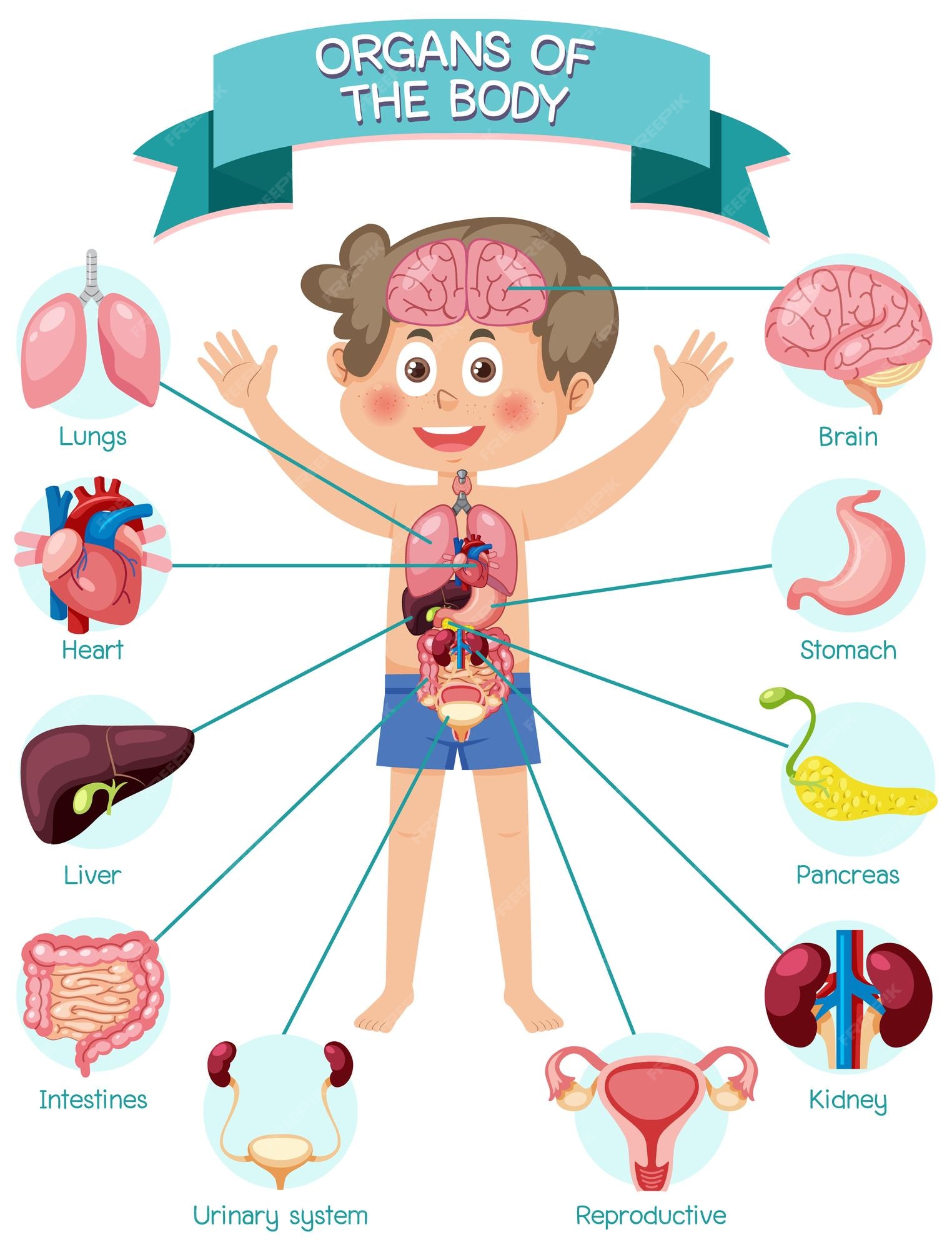
Premium Vector | Internal Organs Of The Body For Kids
www.freepik.com
Internal Or External? How To Determine Your Coaching Strategy For Your

adaptivetalent.co
What Is The Meaning Of The Word INTERNAL? – YouTube

www.youtube.com
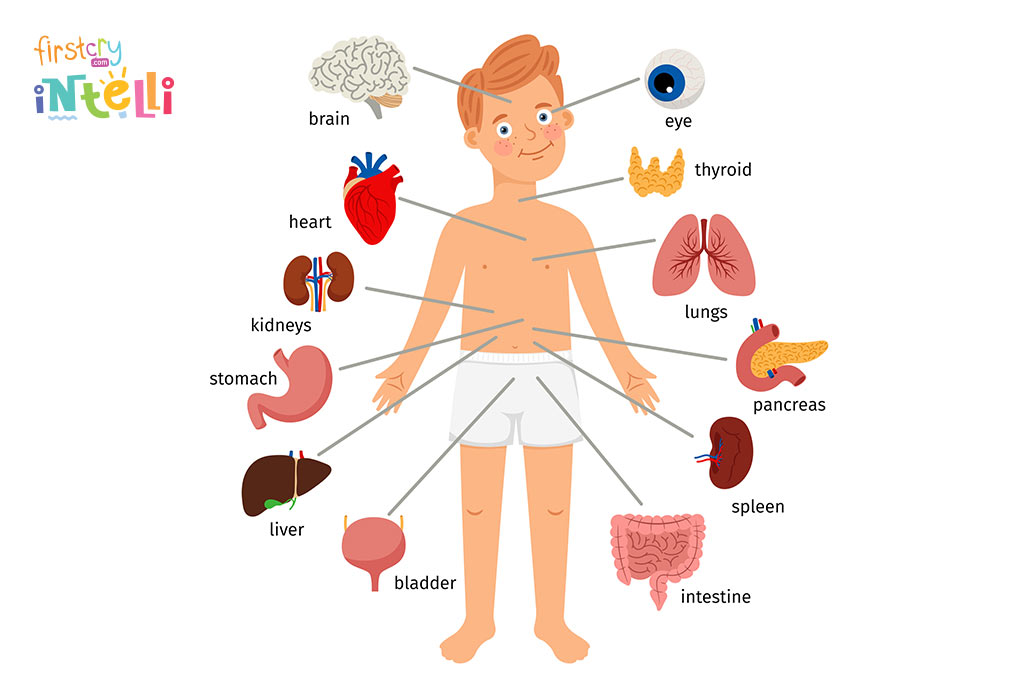
Teach Kids – Human Body Parts Names & Its Functions
www.firstcry.com
Premium Vector | Internal Organs Of The Body For Kids

www.freepik.com
Internal And External: Do We Treat Customers The Same? – LeadingAgile

content.leadingagile.com
Internal Attribution: 10 Examples And Definition (2024)

helpfulprofessor.com
Internal , Meaning Of Internal , Definition Of Internal , Pronunciation

www.youtube.com
Premium vector. Internal attribution: 10 examples and definition (2024). Internal , meaning of internal , definition of internal , pronunciation