How To Write A Monthly Report Template

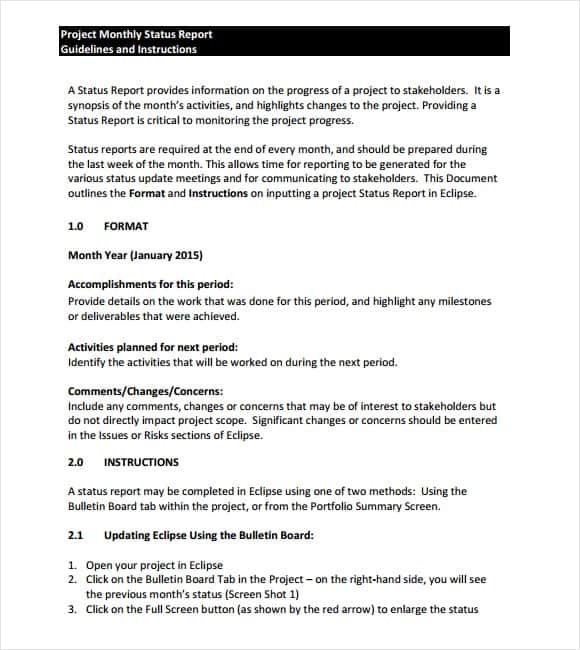
Monthly reports are a cornerstone of effective business communication, providing a snapshot of performance, progress, and potential roadblocks. They’re essential for keeping stakeholders informed, tracking key metrics, and making data-driven decisions. But creating these reports from scratch each month can be a significant time drain. That’s where a well-designed monthly report template comes in. This guide will detail how to write a monthly report template that saves you time, ensures consistency, and delivers valuable insights. We’ll cover everything from identifying key performance indicators (KPIs) to choosing the right format and tools.
A good monthly report isn’t just about presenting numbers; it’s about telling a story with data. It should clearly articulate what happened during the month, why it happened, and what actions will be taken as a result. This narrative approach makes the information more accessible and actionable for everyone involved. Without a standardized template, reports can become inconsistent, incomplete, and ultimately, less useful.
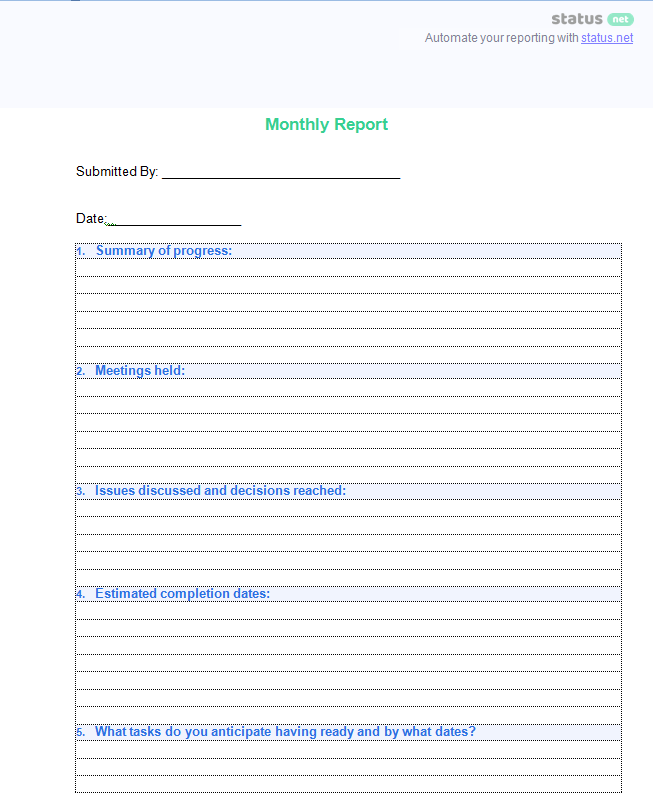
The benefits of using a template extend beyond time savings. A consistent format fosters clarity, allows for easier comparison of data across months, and reduces the risk of overlooking important information. It also streamlines the review process, enabling stakeholders to quickly identify trends and areas that require attention.

Ultimately, a robust monthly report template is an investment in better communication, improved decision-making, and increased organizational efficiency. Let’s dive into the specifics of building one.
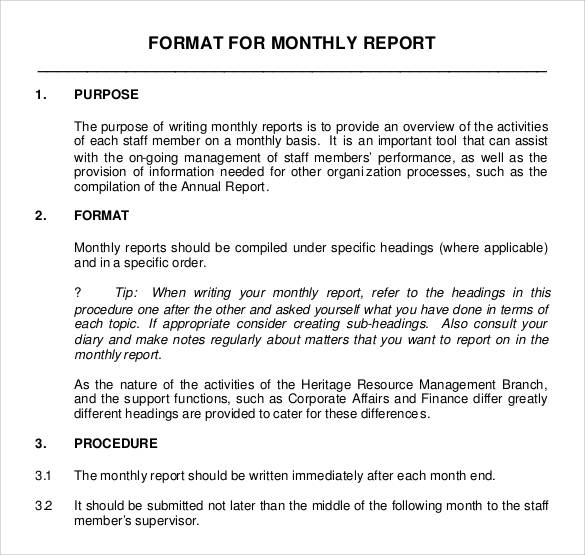
Understanding the Purpose of Your Monthly Report
Before you start designing your template, it’s crucial to define the report’s purpose. Who is the audience? What information do they need? What decisions will they make based on this report? Answering these questions will shape the content and format of your template.
Identifying Your Key Performance Indicators (KPIs)
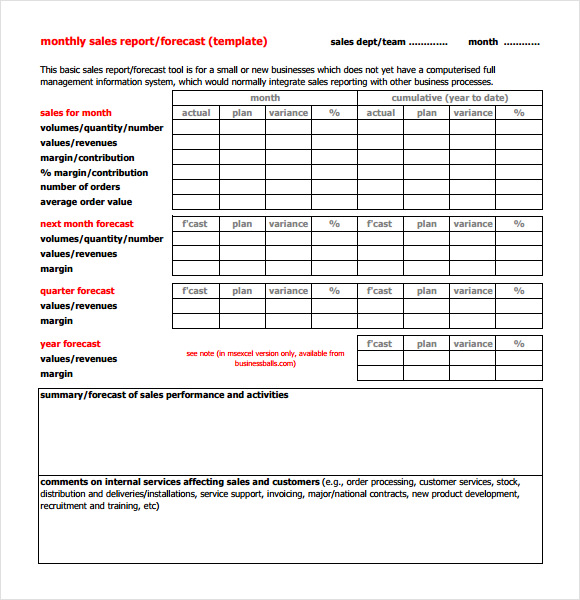
KPIs are the measurable values that demonstrate how effectively you are achieving key business objectives. They are the heart of your monthly report. Common KPIs include:
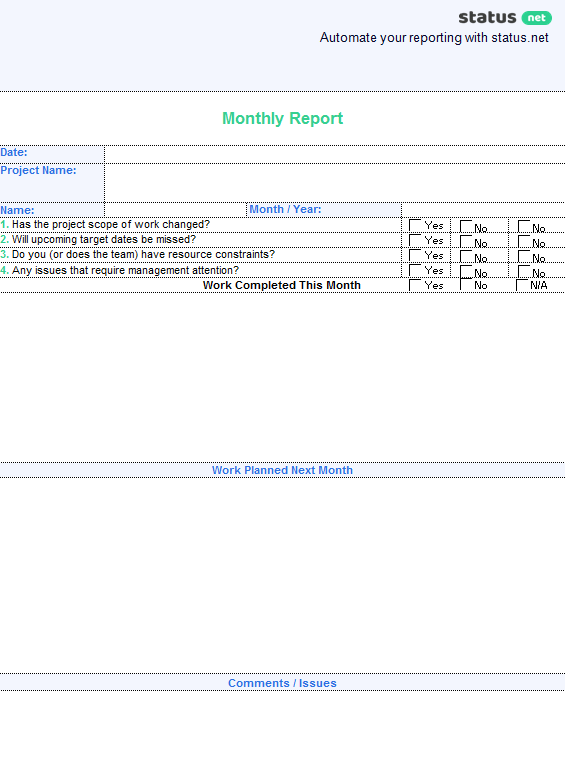
- Revenue: Total income generated.
- Profit Margin: Percentage of revenue remaining after deducting costs.
- Customer Acquisition Cost (CAC): Cost of acquiring a new customer.
- Customer Lifetime Value (CLTV): Predicted revenue a customer will generate throughout their relationship with your company.
- Website Traffic: Number of visitors to your website.
- Conversion Rate: Percentage of website visitors who complete a desired action (e.g., making a purchase, filling out a form).
- Lead Generation: Number of qualified leads generated.
- Employee Turnover Rate: Percentage of employees who leave the company.
Select KPIs that are relevant to your business goals and the interests of your audience. Avoid including too many KPIs, as this can overwhelm readers and dilute the focus.
Defining Your Audience and Their Needs
Consider who will be reading the report. A report for senior management will likely focus on high-level strategic metrics, while a report for a specific team might delve into more detailed operational data. Tailor the content and level of detail to the audience’s needs and understanding. For example, a marketing report for the CEO should highlight overall campaign performance and ROI, while a report for the marketing team might include detailed channel-specific data.
Designing Your Monthly Report Template
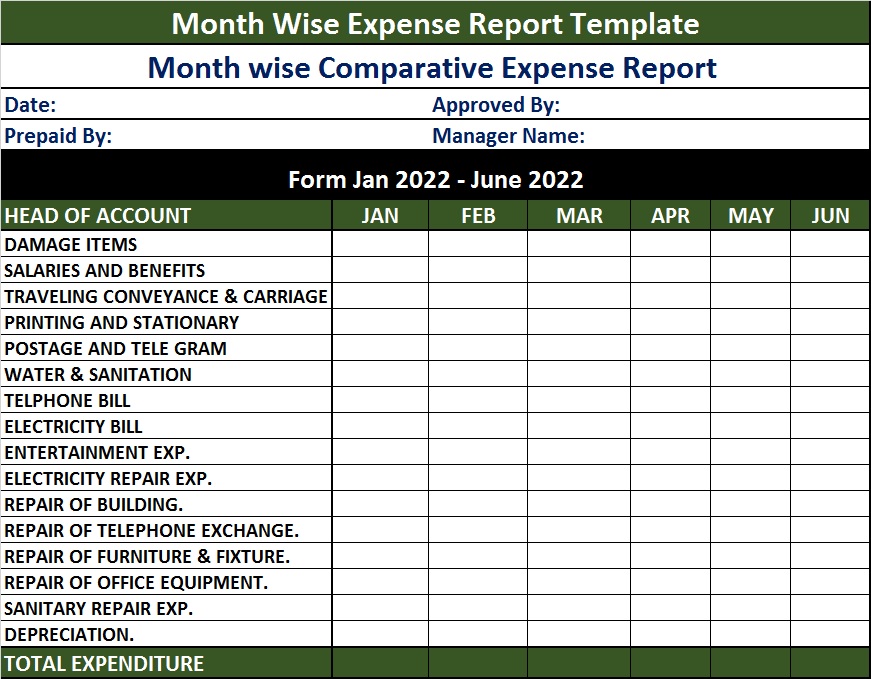
Now that you understand the purpose and content of your report, you can start designing the template. There are several tools you can use, including Microsoft Excel, Google Sheets, Microsoft Word, Google Docs, and dedicated reporting software.
Choosing the Right Format
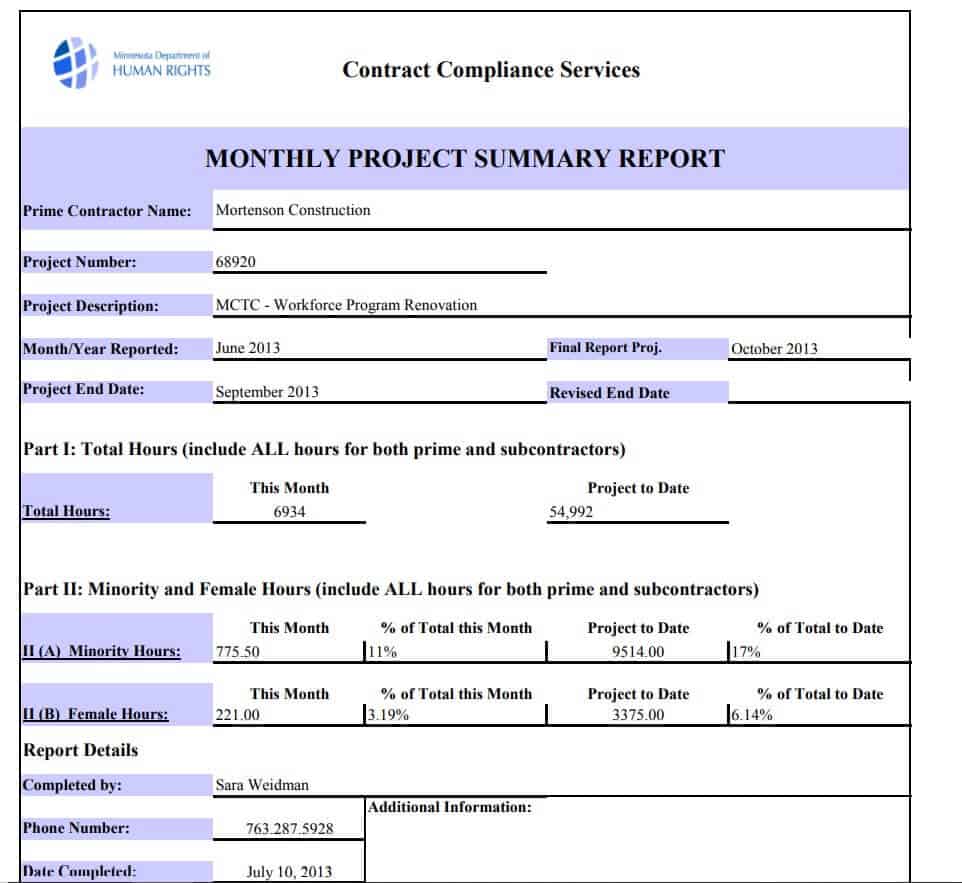
The format of your report should be visually appealing and easy to navigate. Consider these options:
- Dashboard Style: Uses charts, graphs, and key metrics to provide a quick overview of performance. Ideal for executive summaries.
- Narrative Style: Presents information in a written format, with supporting data and analysis. Suitable for more detailed reports.
- Hybrid Style: Combines elements of both dashboard and narrative styles. Often the most effective approach.
Regardless of the format you choose, ensure that the report is well-organized, with clear headings and subheadings. Use consistent formatting throughout the document.

Essential Sections to Include
Here are some essential sections to include in your monthly report template:

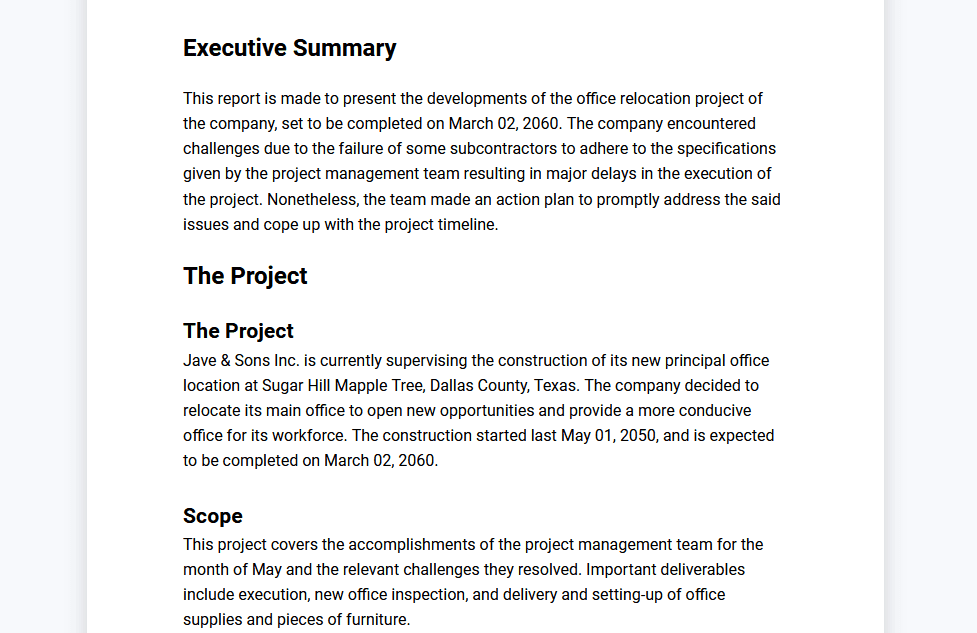
- Executive Summary: A brief overview of the key highlights and lowlights of the month.
- Key Achievements: A list of significant accomplishments.
- KPI Performance: A detailed analysis of each KPI, including trends and comparisons to previous periods.
- Challenges and Obstacles: A discussion of any challenges encountered during the month and how they were addressed.
- Action Items: A list of specific actions to be taken in the next month.
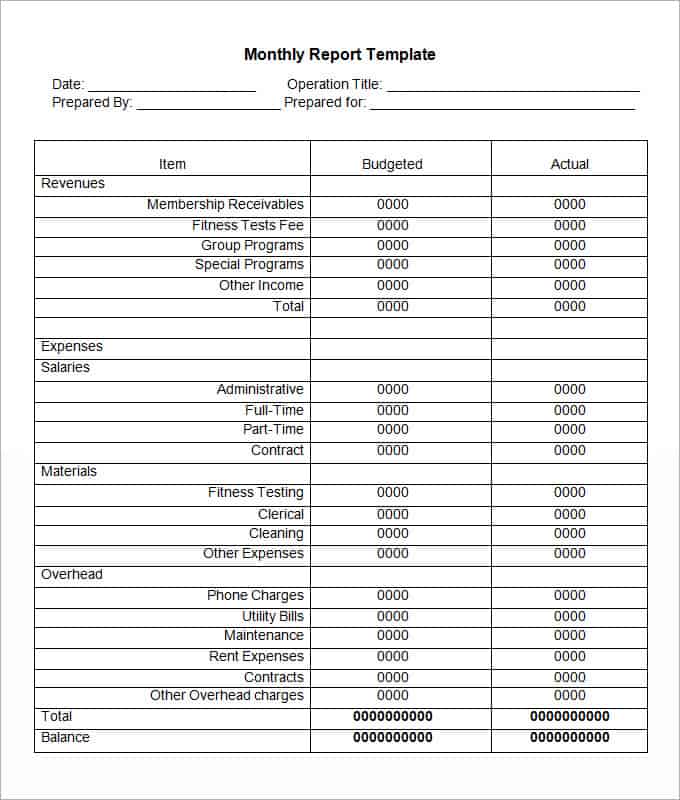
- Financial Summary: (If applicable) A summary of financial performance, including revenue, expenses, and profit.
- Appendix: (Optional) Supporting data and documentation.
How To Write A Monthly Report Template: Data Visualization Best Practices
Data visualization is crucial for making your report more engaging and understandable. Choose the right chart type for each data set and avoid cluttering your visuals with unnecessary information.

Choosing the Right Charts and Graphs
- Line Charts: Ideal for showing trends over time.
- Bar Charts: Useful for comparing values across different categories.
- Pie Charts: Best for showing proportions of a whole. (Use sparingly, as they can be difficult to interpret with many slices.)
- Scatter Plots: Useful for identifying correlations between two variables.
- Tables: Effective for presenting detailed data in a structured format.
Keeping Visuals Clear and Concise
- Use clear and concise labels.
- Avoid using too many colors.
- Choose a consistent color scheme.
- Use appropriate scales and axes.
- Add a title and caption to each visual.
Automating Your Monthly Report Process
Manual report creation can be time-consuming and prone to errors. Automating the process can save you significant time and improve accuracy.
Leveraging Reporting Tools
Several reporting tools can automate data collection, analysis, and visualization. Some popular options include:

- Google Data Studio: A free and powerful data visualization tool.
- Tableau: A leading data analytics platform.
- Power BI: Microsoft’s business analytics service.
- Klipfolio: A cloud-based dashboarding tool.
Connecting Data Sources
Most reporting tools allow you to connect to various data sources, such as spreadsheets, databases, and cloud applications. This eliminates the need to manually import data each month.
Scheduling Report Delivery
Many reporting tools also allow you to schedule automatic report delivery to stakeholders. This ensures that everyone receives the information they need on time.
Reviewing and Refining Your Template
Your monthly report template is not a static document. It should be reviewed and refined regularly to ensure that it continues to meet your needs.
Gathering Feedback from Stakeholders
Ask stakeholders for feedback on the report’s content, format, and usefulness. Use their feedback to identify areas for improvement.
Tracking Report Usage
Monitor how often the report is accessed and used. This can help you determine which sections are most valuable and which ones can be removed or revised.
Updating KPIs as Needed
As your business evolves, your KPIs may need to be updated. Regularly review your KPIs to ensure that they remain relevant and aligned with your strategic goals.
Conclusion
Creating an effective monthly report template is a worthwhile investment that can significantly improve your organization’s communication, decision-making, and overall performance. By understanding your audience, identifying key KPIs, choosing the right format, and leveraging automation tools, you can create a report that delivers valuable insights and drives positive results. Remember to continuously review and refine your template based on feedback and changing business needs. A well-maintained monthly report isn’t just a document; it’s a powerful tool for growth and success.
]]>