Index Card Template Google Docs
Need a quick and easy way to organize your thoughts, brainstorm ideas, or prepare for a presentation? Look no further than index card templates in Google Docs! These handy templates can be a lifesaver for students, writers, teachers, and anyone who needs a simple, versatile tool for information management. Ditching physical index cards for a digital approach offers numerous benefits, including improved organization, easy sharing, and the ability to edit and rearrange your ideas on the fly. Plus, you’ll save trees!
But finding the right index card template can be time-consuming. Google Docs itself doesn’t have a built-in “index card” feature, so you need to either create your own from scratch or find a suitable template online. We’ve done the work for you! Below you’ll find a curated list of options to get you started, along with tips on how to use them effectively.
Index Card Templates in Google Docs: Your Top Options
While Google Docs lacks a dedicated index card template option natively, you can achieve the same functionality using a few clever methods. We’ve outlined the most effective techniques below, providing links to templates where applicable. Remember to always make a copy of the template to your Google Drive before editing, so you don’t alter the original!
Method 1: Table-Based Index Cards
This is perhaps the most common and versatile approach. You create a table in Google Docs, and each cell within the table represents an index card. This method offers excellent flexibility for customization. You can easily adjust the size of the cells, add borders, and change the background color to visually distinguish your cards.
- Template Structure: The core idea is to insert a table (Insert > Table) with a number of rows and columns appropriate for the number of index cards you need per page. For instance, a 2×3 table would give you six index cards per page.
- Customization: Adjust the row height and column width to create the desired “card” size. You can also add a border to each cell using the table properties (right-click within the table > Table properties). Change the border color and thickness to make the cards stand out.
- Using the Template: Simply type your notes, ideas, or information within each cell. The beauty of this method is that you can copy and paste cells to rearrange your “cards” easily.
- Example: Imagine you’re brainstorming for a novel. Each “card” could represent a character, a plot point, or a setting. You can move them around to explore different narrative structures.
Method 2: Utilizing Text Boxes and Lines
This method involves using text boxes to simulate index cards. It offers more precise control over the placement of text and allows for more visually appealing designs.
- Template Structure: Insert a drawing (Insert > Drawing > New). Within the drawing window, create text boxes (Insert > Text Box) that represent your index cards. Add borders using the line tools.
- Customization: You have complete freedom to adjust the size, shape, and color of each text box. You can also add images or icons to your cards. The drawing canvas allows for drag and drop organization.
- Using the Template: Double-click on each text box to add your text. The drawing environment gives you greater control over formatting, allowing you to precisely position elements within each “card.”
- Example: This method is ideal for creating visual storyboards or concept maps, where the placement and appearance of each element are important.
Method 3: Leveraging Google Docs Add-ons
While dedicated “index card” add-ons might be limited, explore the Google Workspace Marketplace for add-ons that enhance outlining or note-taking. These add-ons may provide functionality that mimics the index card experience, such as tagging, categorizing, and easy rearrangement of content blocks.
- Template Structure: The structure depends on the specific add-on you choose. Some add-ons might create a sidebar where you can organize your notes, while others might allow you to tag paragraphs within the document and then filter them.
- Customization: Customization is dependent on the add-on’s features. Look for add-ons that allow you to customize the appearance of your notes and organize them using tags or categories.
- Using the Template: Follow the instructions provided by the add-on to create and manage your “index cards.” Most add-ons offer features for searching, filtering, and rearranging your notes.
- Example: An add-on designed for outlining could be used to create index cards for each section of your outline, allowing you to easily rearrange and edit your ideas.
Ultimately, the best index card template for Google Docs is the one that best suits your specific needs and workflow. Experiment with these different methods to find the perfect solution for organizing your thoughts and ideas. Don’t be afraid to customize the templates to match your personal style and preferences. Happy brainstorming!
If you are looking for Index Card Template Google Docs [Guide + Free Template] you’ve visit to the right place. We have 15 Pics about Index Card Template Google Docs [Guide + Free Template] like 30 Note Card Template Google Docs | Pryncepality For Google Docs Index, Index Card Template For Microsoft Word 4X6 Google Docs Free throughout and also 3X5 Index Card Template Google Docs Free Printable 4X6 – Index Card. Here it is:
Index Card Template Google Docs [Guide + Free Template]
![Index Card Template Google Docs [Guide + Free Template]](https://appsthatdeliver.com/wp-content/uploads/2023/01/3x5-Index-Card-Template-Google-Docs_Vertical.png)
appsthatdeliver.com
3X5 Index Card Template Google Docs Free Printable 4X6 – Index Card
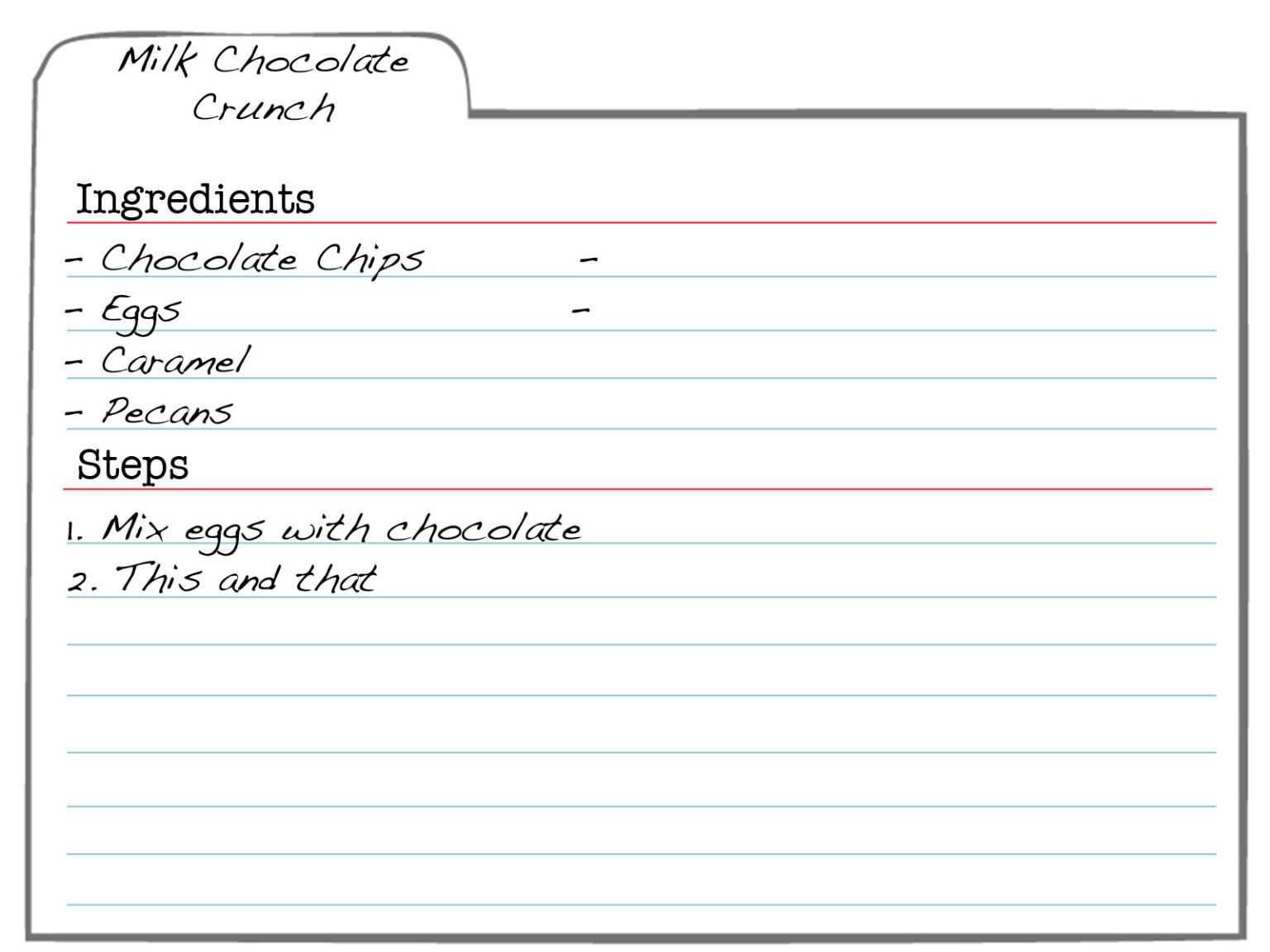
templatelab.itsnudimension.com
3X5 Index Card Template Google Docs
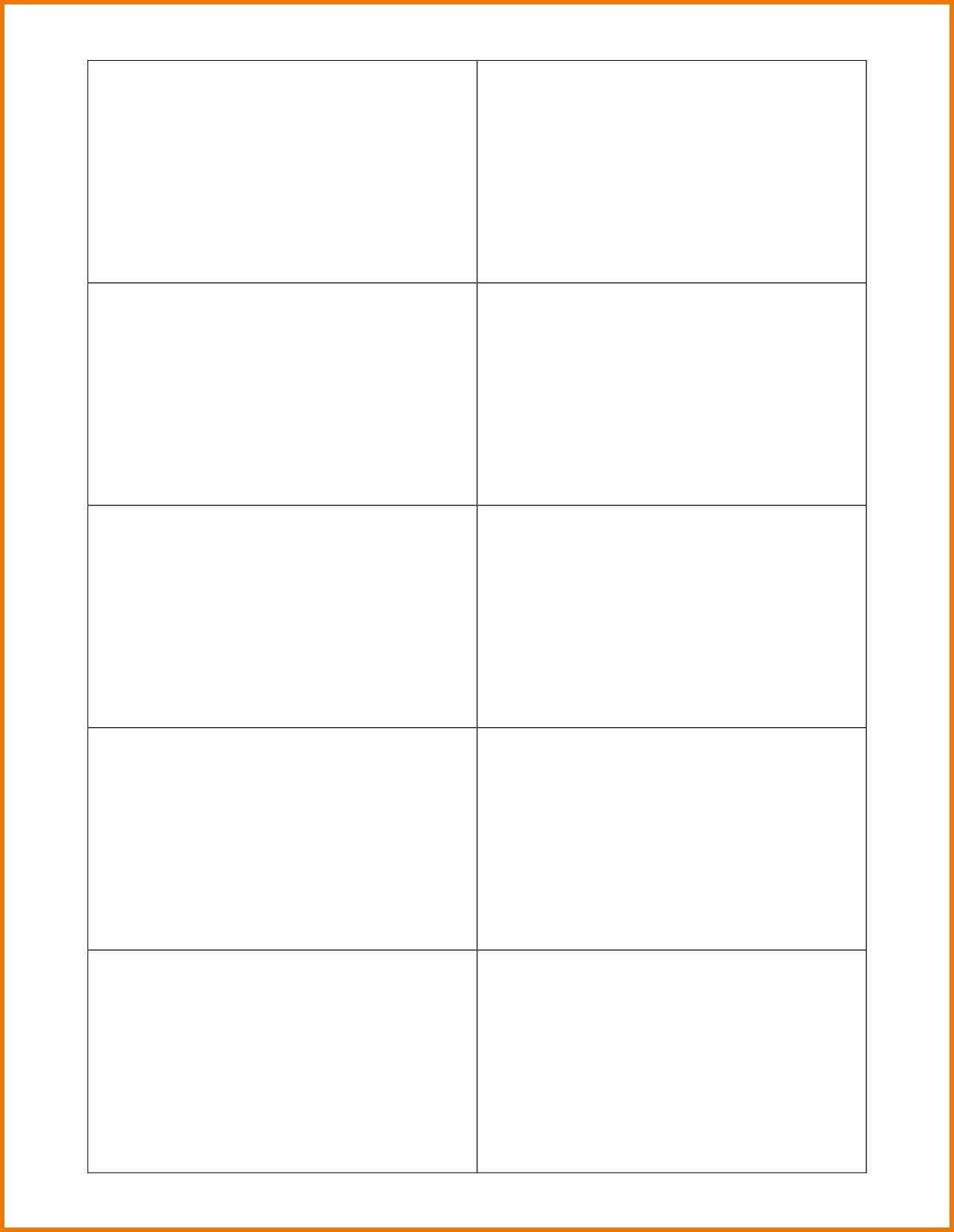
template.mapadapalavra.ba.gov.br
Index Card Template Google Docs [Guide + Free Template]
![Index Card Template Google Docs [Guide + Free Template]](https://appsthatdeliver.com/wp-content/uploads/2023/01/5x8-Index-Card-Template-Google-Docs-1583x2048.png)
appsthatdeliver.com
Google Docs Index Card Template

sarseh.com
Mla Research Paper Note Card Template Google Docs New Format Intended

vancecountyfair.com
Google Docs Index Card Template – Sarseh.com
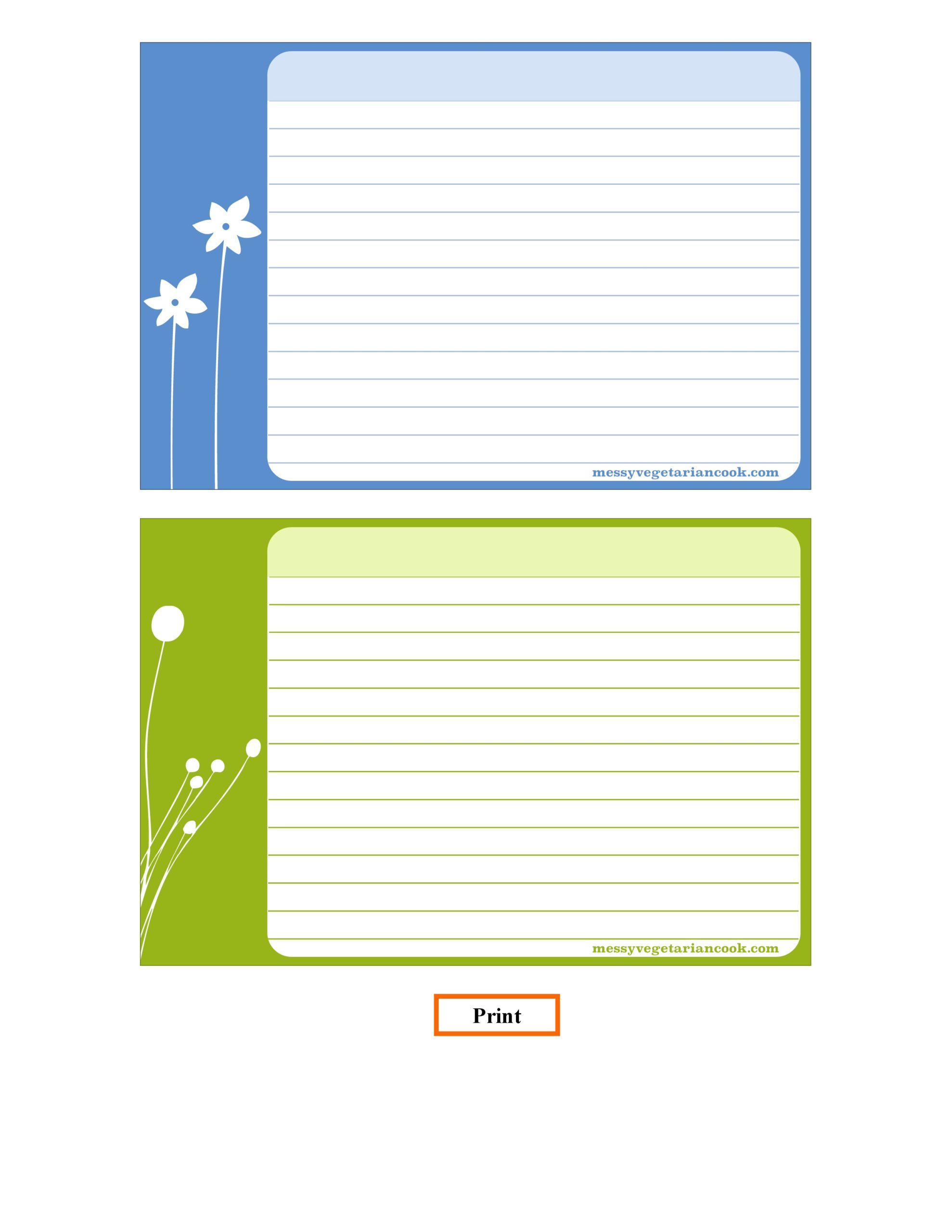
sarseh.com
Index Card Template Google Docs [Guide + Free Template]
![Index Card Template Google Docs [Guide + Free Template]](https://appsthatdeliver.com/wp-content/uploads/2023/01/4x6-Index-Card-Template-Google-Docs_Vertical-1536x1187.png)
appsthatdeliver.com
46 Index Card Template Google Docs – Www.szf.se With Google Docs Index
www.atlantaauctionco.com
Index Card Template Free Indecard Concept For Powerpoint 4 Throughout
sample.gelorailmu.com
30 Note Card Template Google Docs | Pryncepality For Google Docs Index
douglasbaseball.com
Index Card Template Google Docs [Guide Free Template], 56% OFF
![Index Card Template Google Docs [Guide Free Template], 56% OFF](https://appsthatdeliver.com/wp-content/uploads/2023/01/4x6-Index-Card-Template-Google-Docs_Horizontal.png)
www.elevate.in
Index Card Template For Microsoft Word 4X6 Google Docs Free Throughout
sample.gelorailmu.com
Index Card Template Google Docs [Guide Free Template], 56% OFF
![Index Card Template Google Docs [Guide Free Template], 56% OFF](https://mintra.com.eg/cdn/shop/products/IMG_9292.jpg?v=1652191570)
www.elevate.in
Index Card Template Google Docs Seven Shocking Facts About Throughout
www.atlantaauctionco.com
Mla research paper note card template google docs new format intended. 3×5 index card template google docs. Google docs index card template