Candy Bar Wrapper Template Microsoft Word
Planning a birthday party, a baby shower, or even a corporate event? Looking for a unique and memorable way to personalize your favors? Custom candy bar wrappers are a fantastic, budget-friendly option that allows you to add a personal touch to a classic treat. Forget about generic store-bought candies; transform them into bespoke mementos with your own designs, messages, and photos.
Creating your own candy bar wrappers might seem daunting, especially if you’re not a graphic design expert. But fear not! Microsoft Word, a program most people already have, can be your secret weapon. It’s surprisingly capable of handling simple design tasks and creating professional-looking candy bar wrappers. With a little creativity and the right template, you can whip up personalized wrappers that will wow your guests and leave a lasting impression. So, how do you get started with creating a candy bar wrapper template in Microsoft Word?
Creating Candy Bar Wrapper Templates in Microsoft Word
Microsoft Word offers a surprisingly versatile platform for designing custom candy bar wrappers. While it might not have the advanced features of dedicated graphic design software, its accessibility and ease of use make it a great starting point for creating personalized wrappers. Here’s how you can leverage Word to craft your own templates:
Steps to Design Your Own Wrapper
- Determine Candy Bar Dimensions: The first and most crucial step is to accurately measure the candy bar you intend to wrap. You’ll need the length, width, and height of the bar. These dimensions will dictate the size of your template in Word. Add a small amount (approximately 1/4 inch) to both the length and width for overlap and easier wrapping.
- Open Microsoft Word and Set Page Size: Open a new document in Microsoft Word. Go to the “Layout” tab, then click on “Size” and select “More Paper Sizes.” Enter the dimensions you calculated in the previous step, ensuring the “Width” corresponds to the length of your wrapper (around the candy bar) and the “Height” corresponds to the height plus twice the width of the candy bar. This will create a page that is essentially your candy bar wrapper unfolded.
- Insert Shapes for Design: Use the “Insert” tab and select “Shapes” to add rectangular shapes. These shapes can be used for creating different sections of your wrapper, such as the front panel, side panels, and back panel. You can adjust the size and position of these shapes as needed.
- Add Images and Text Boxes: Insert images relevant to your event by going to the “Insert” tab and selecting “Pictures.” Resize and position the images within the shapes you’ve created. To add text, use the “Insert” tab and select “Text Box.” Type in your desired messages, names, dates, or event details. Choose fonts and colors that complement your design.
- Customize Colors and Backgrounds: Customize the colors of the shapes and the background of your wrapper. Use the “Shape Format” tab to change the fill color, outline color, and effects of the shapes. You can also add a background image or color to the entire document.
- Add Design Elements: Consider adding design elements like lines, borders, or patterns to enhance the visual appeal of your wrapper. Experiment with different shapes and styles to create a unique and eye-catching design.
- Print a Test Wrapper: Before printing a large batch, print a test wrapper on regular paper to ensure the size and design are accurate. Wrap it around the candy bar to check the fit and make any necessary adjustments.
- Print on Suitable Paper: Once you’re satisfied with the design, print the wrappers on suitable paper. Glossy paper or photo paper will give your wrappers a professional look and feel. You can also use printable foil or metallic paper for a more luxurious effect.
Remember to save your template as a Word document so you can easily edit and reuse it for future events. Consider creating multiple templates with different designs and themes to cater to various occasions.
Finding Pre-Made Candy Bar Wrapper Templates for Microsoft Word
If designing from scratch seems too time-consuming or you’re looking for inspiration, many websites offer free or premium candy bar wrapper templates compatible with Microsoft Word. These templates often come pre-designed with various themes and layouts, allowing you to simply customize the text and images to suit your needs.
Where to Look:
- Microsoft Office Templates: Check the Microsoft Office templates library directly within Word. While not always the most extensive selection, you might find a basic candy wrapper template to get you started.
- Etsy: Etsy is a fantastic resource for unique and creative candy bar wrapper templates designed by independent artists. Many sellers offer downloadable templates that are compatible with Microsoft Word.
- Creative Market: Similar to Etsy, Creative Market offers a wide variety of digital design assets, including candy bar wrapper templates. You’ll often find high-quality templates with professional designs.
- Template Websites: Several websites specialize in providing free and premium templates for various purposes, including candy bar wrappers. Search for “candy bar wrapper template Microsoft Word” to find these resources.
When using a pre-made template, always double-check the dimensions and compatibility with your candy bar size. Make sure to read the terms of use and licensing agreements before using any free templates, especially for commercial purposes. With a little searching, you can find the perfect template to kickstart your candy bar wrapper creation process.
By utilizing Microsoft Word and either creating your own template or leveraging pre-designed options, you can create custom candy bar wrappers that add a special touch to any event. So, get creative and start designing your personalized treats today!
If you are searching about Candy Bar Wrapper Template Microsoft Word – KAESG BLOG you’ve visit to the right page. We have 15 Pics about Candy Bar Wrapper Template Microsoft Word – KAESG BLOG like Microsoft word candy bar wrapper template – consultper, Candy Bar Wrapper Template Microsoft Word – KAESG BLOG and also Word template candy bar wrapper mini – polemvp. Here you go:
Candy Bar Wrapper Template Microsoft Word – KAESG BLOG
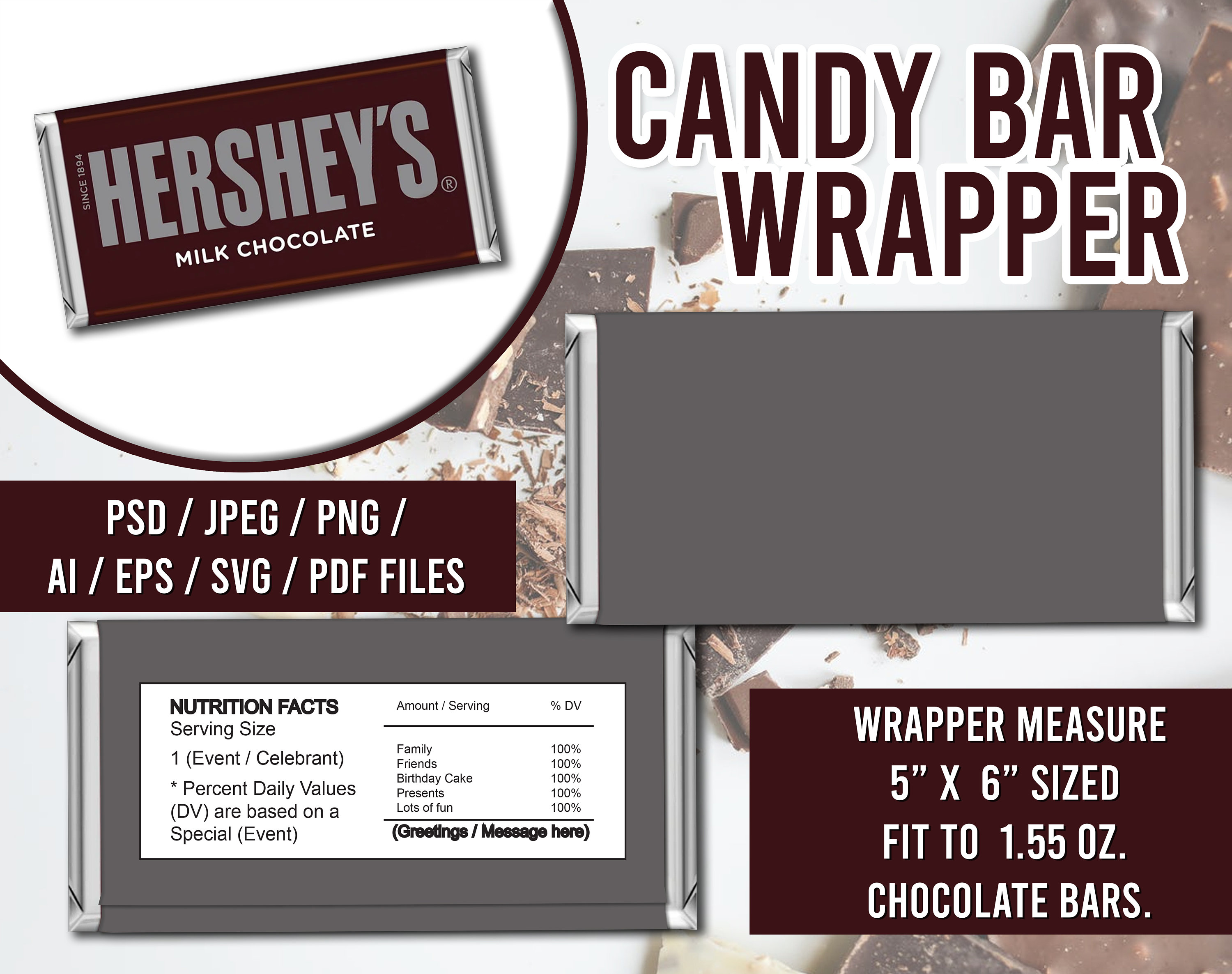
kaesg.com
Microsoft Word Candy Bar Wrapper Template – Consultper
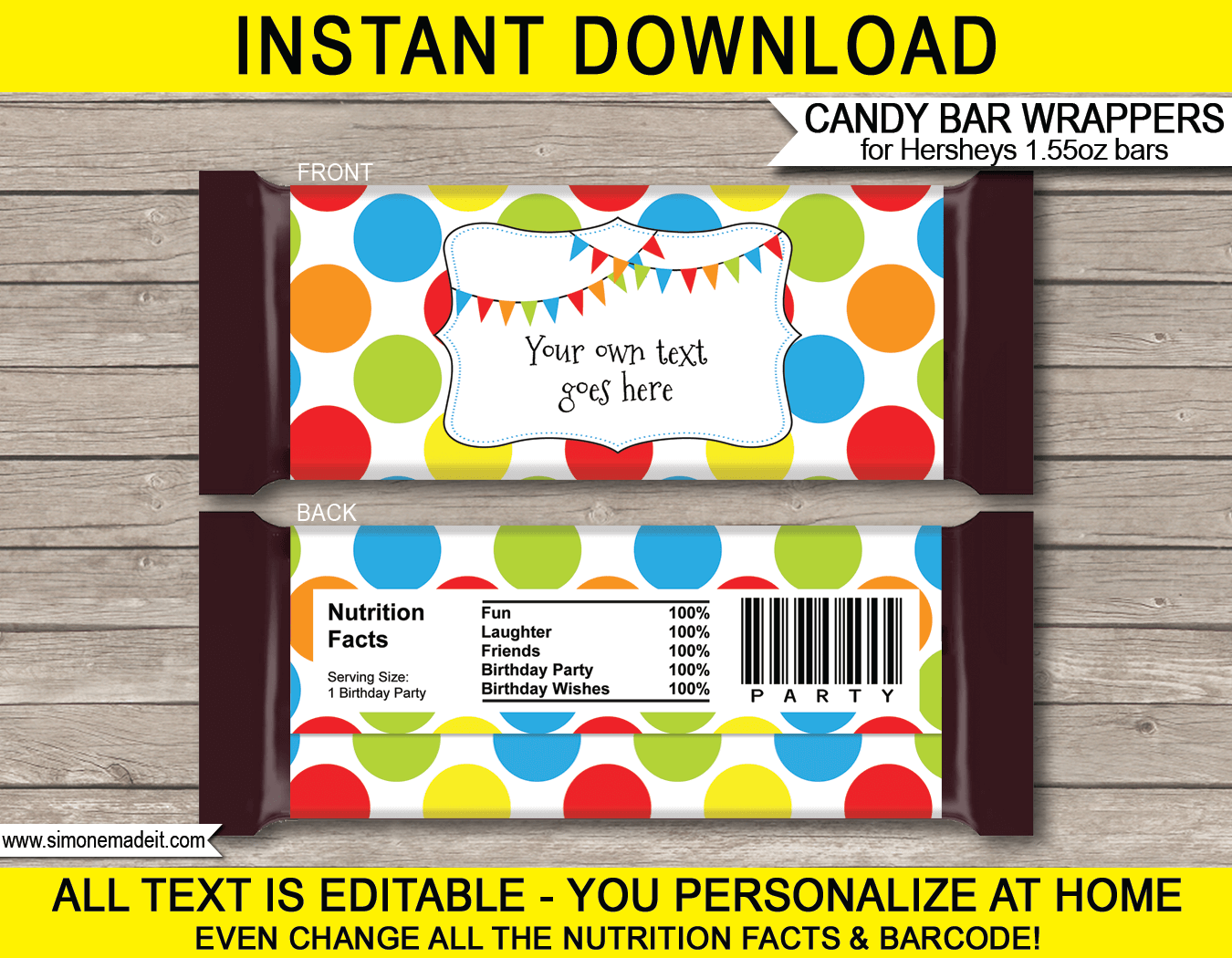
consultper.weebly.com
Candy Bar Wrapper Template Microsoft Word – Qlerodaily
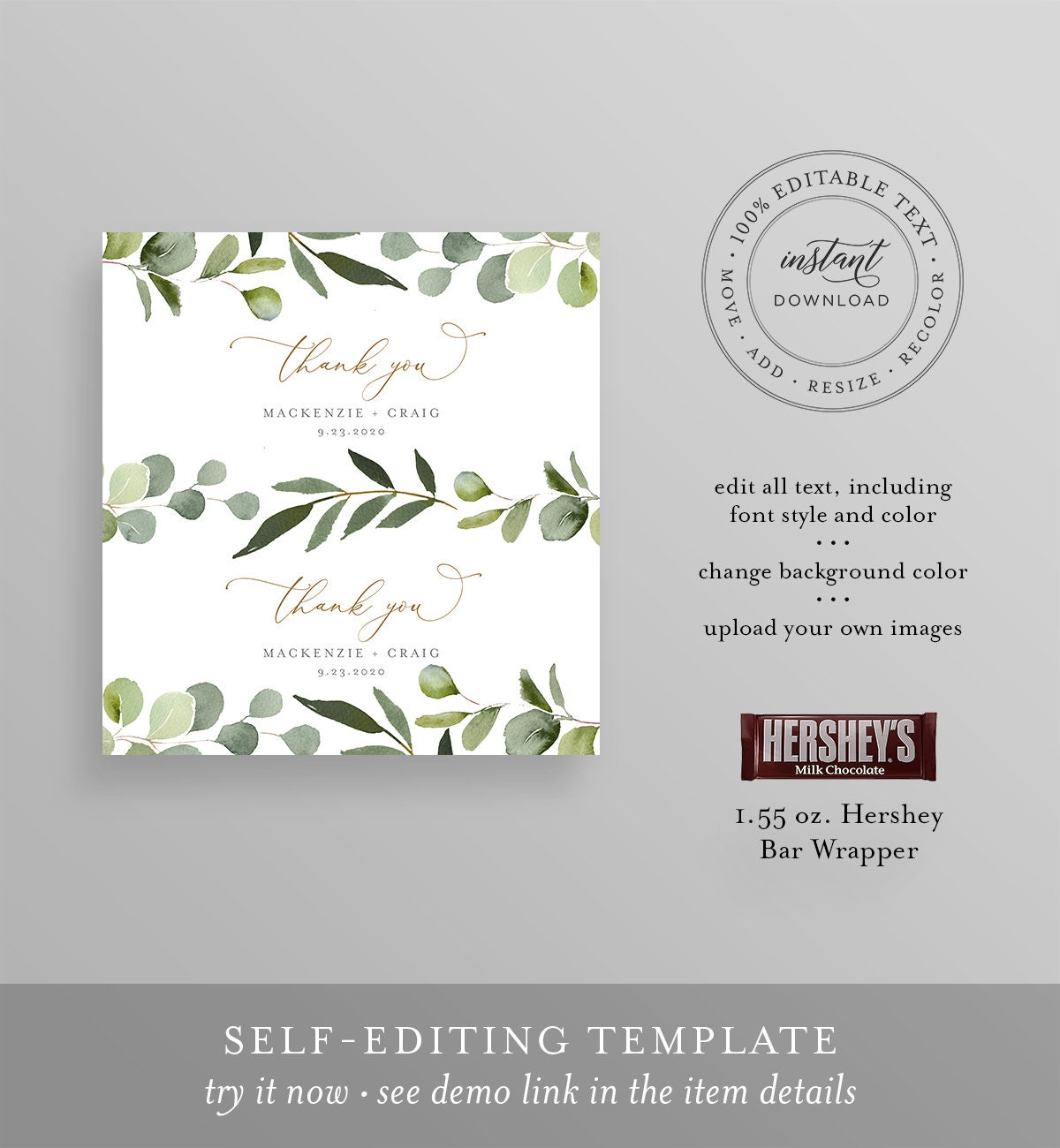
qlerodaily.weebly.com
Word Template Candy Bar Wrapper Mini – Polemvp
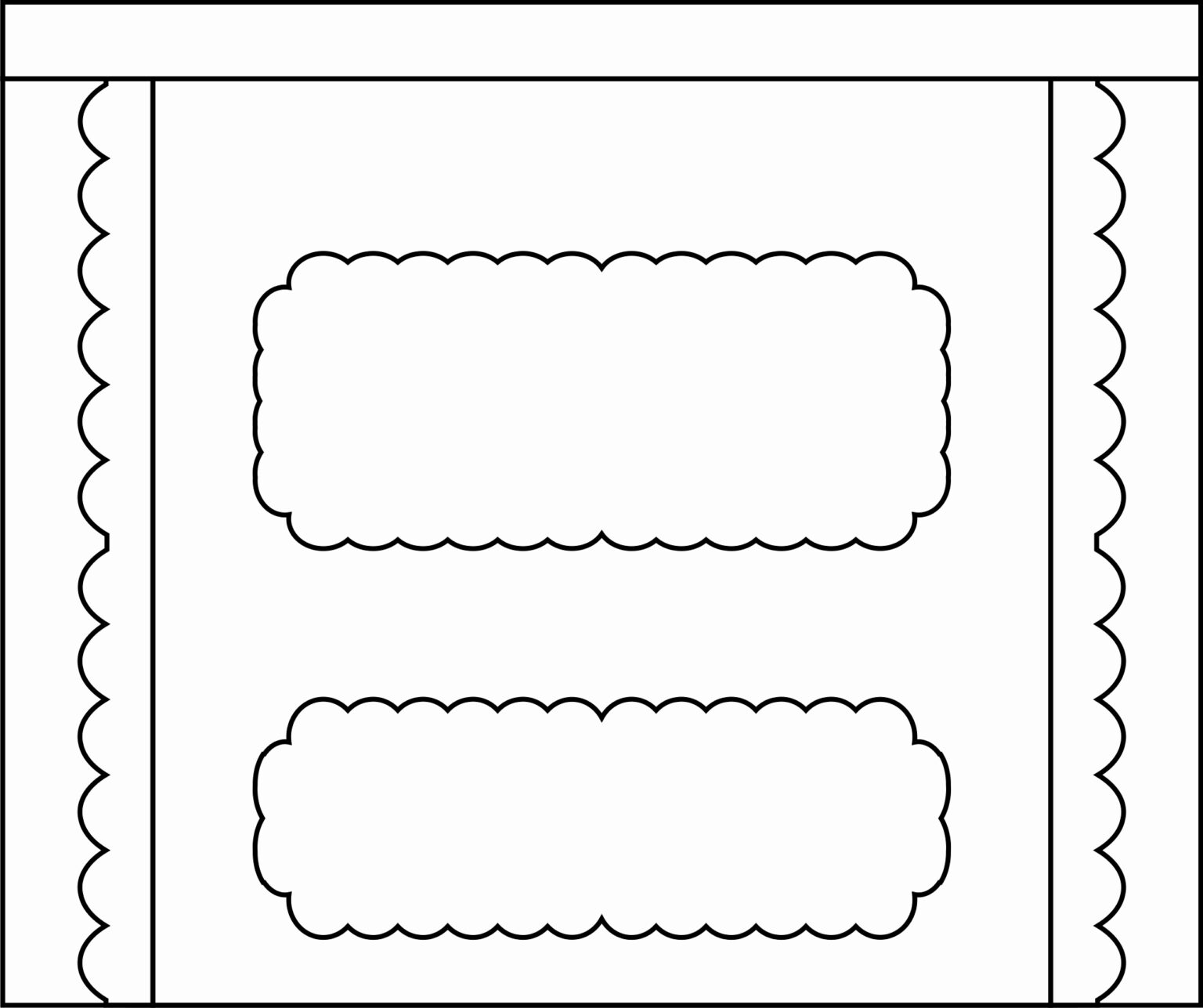
polemvp.weebly.com
Candy Bar Wrapper Template Microsoft Word – KAESG BLOG

kaesg.com
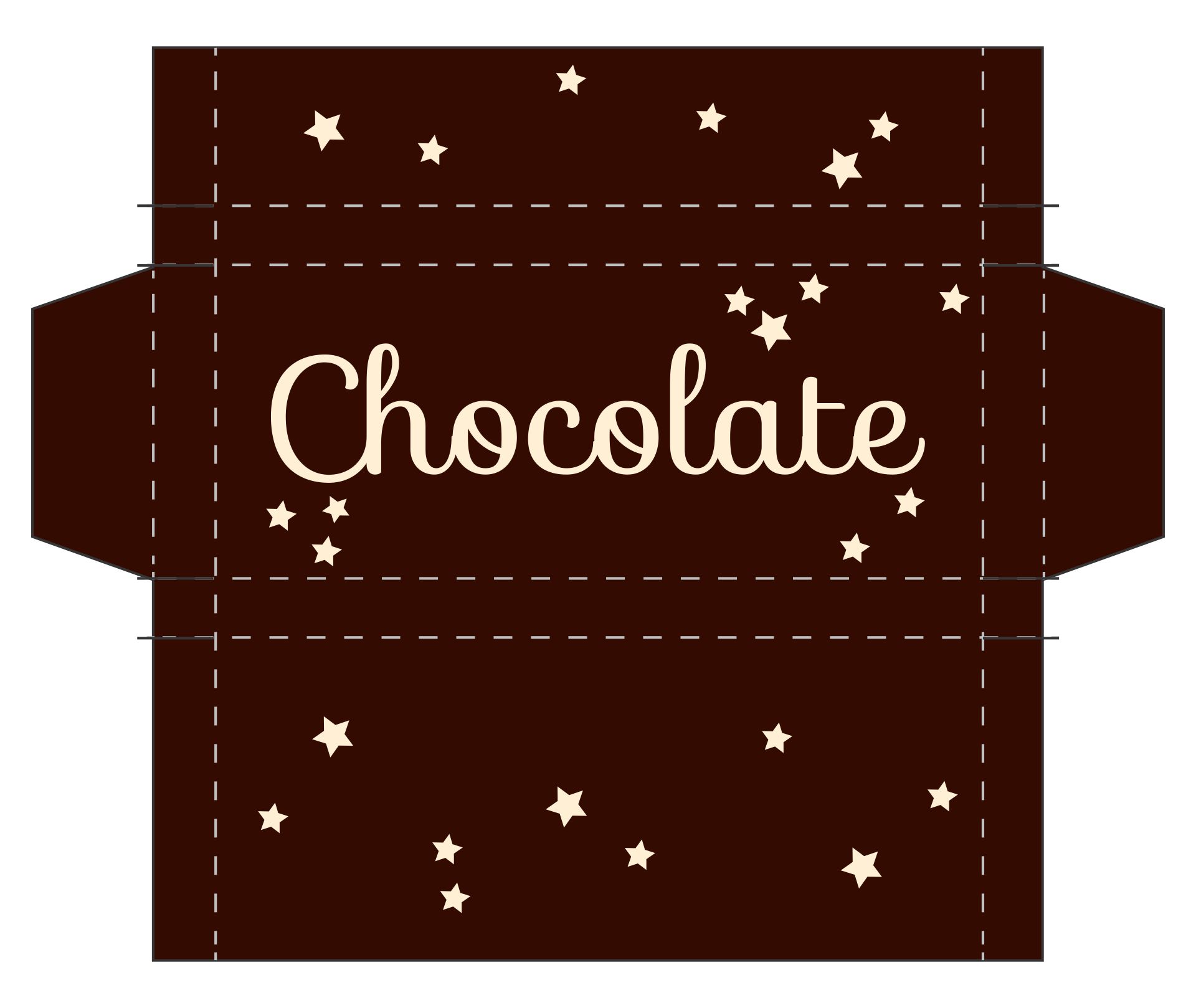
Candy Bar Wrapper Template For Word – Toptemplate.my.id
www.toptemplate.my.id
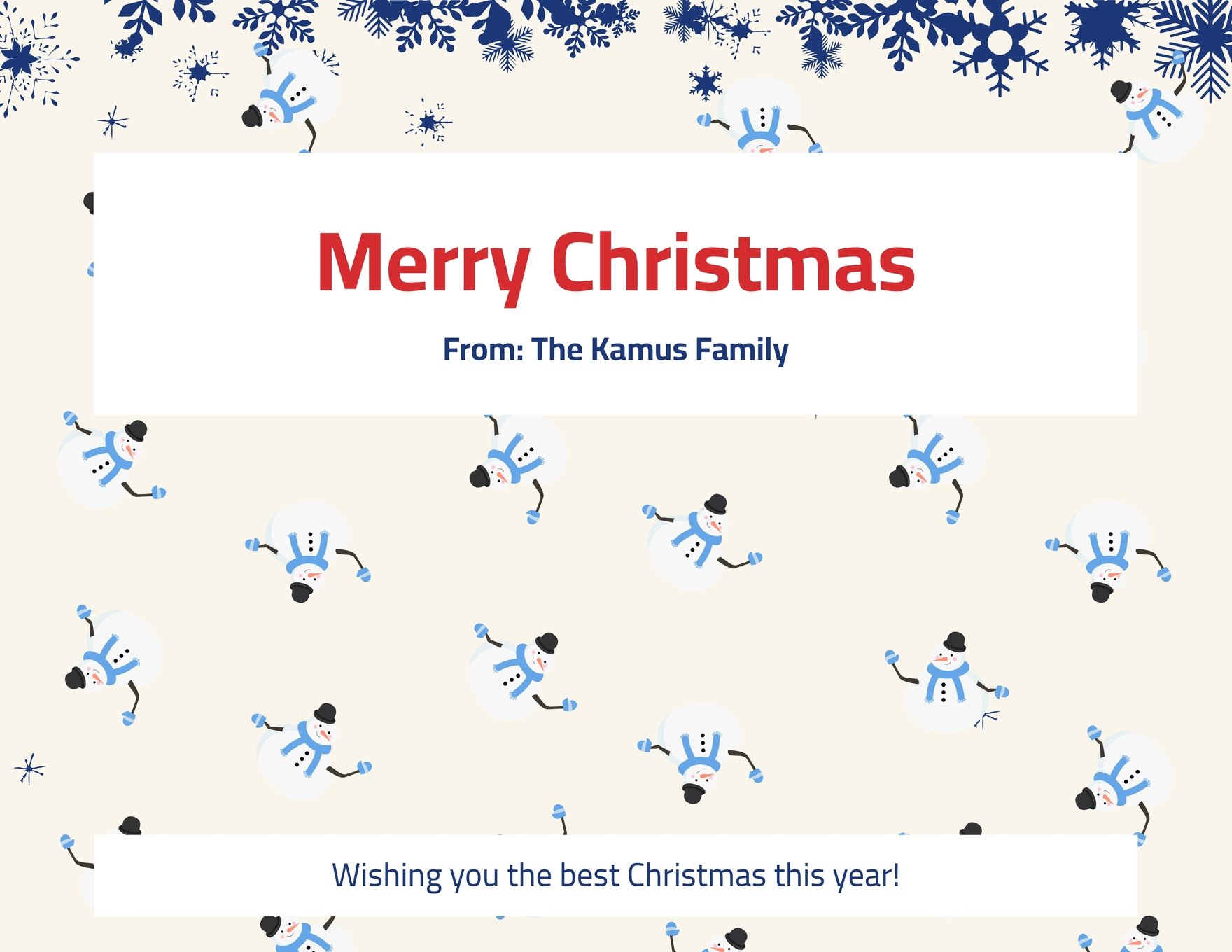
Striped Candy Bar Wrapper Template In Word, Illustrator – Download
www.template.net
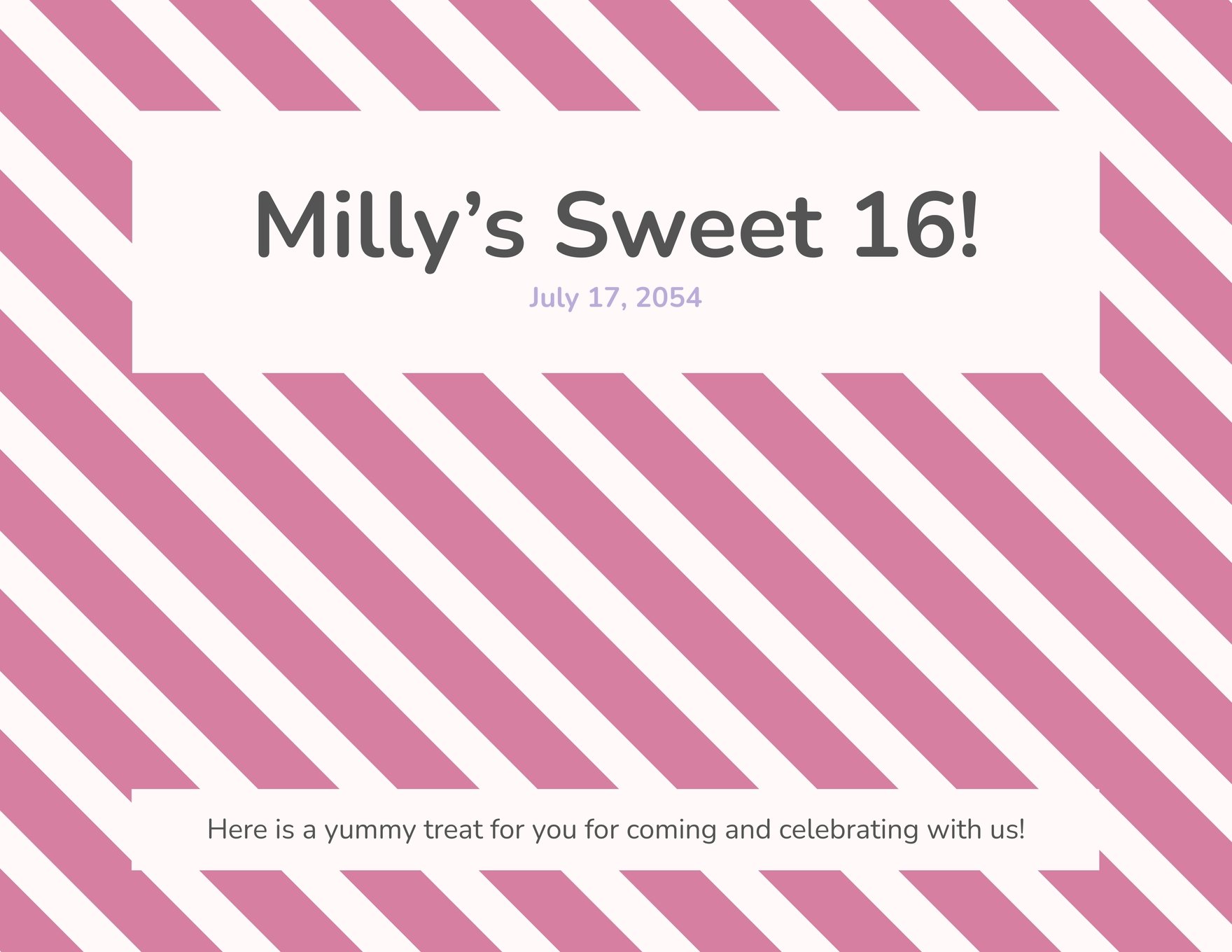
Striped Candy Bar Wrapper Template In Word, Illustrator – Download
www.template.net
Candy Bar Wrapper Template Microsoft Word – KAESG BLOG

kaesg.com
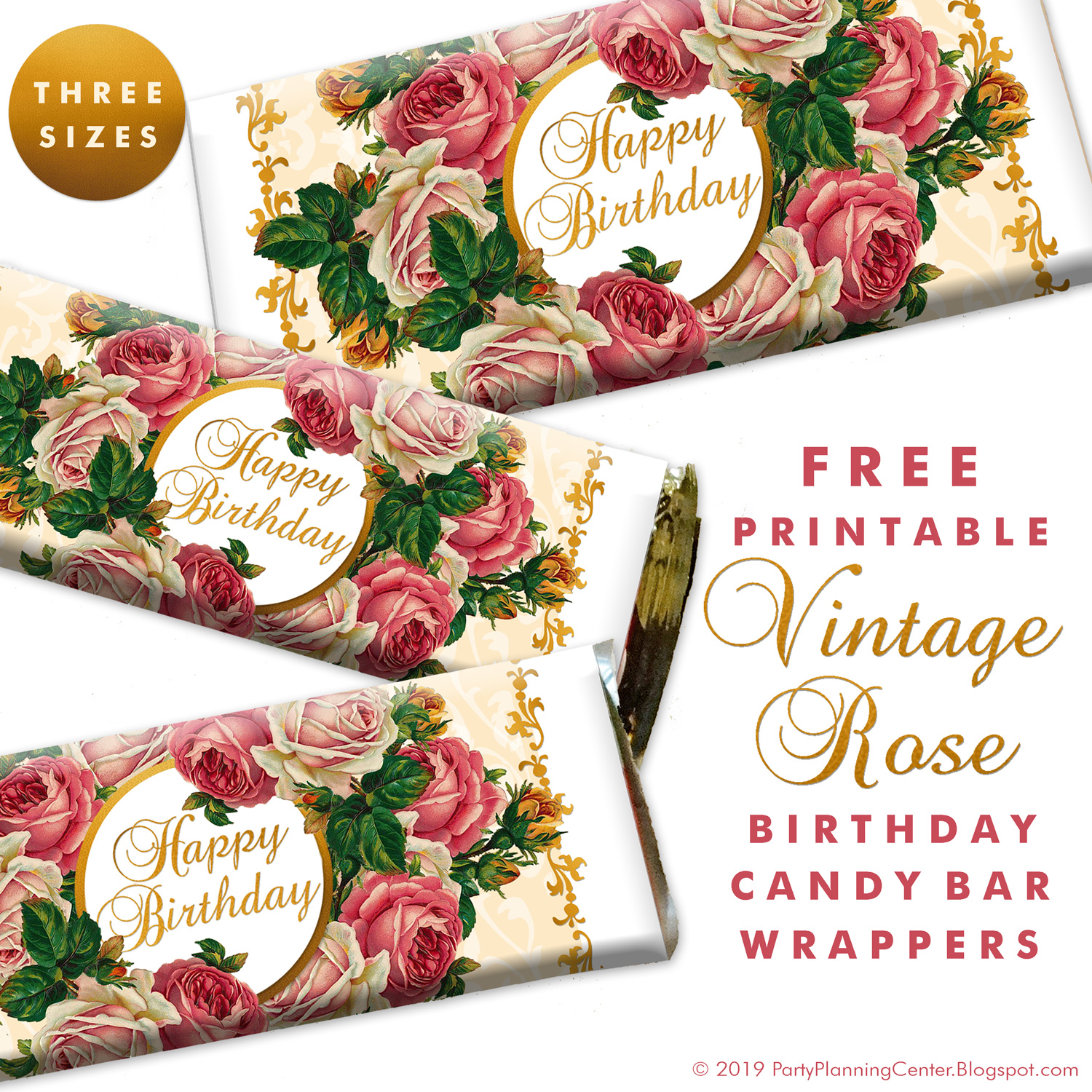
Word Candy Bar Wrapper Template – Horedspre
horedspre.weebly.com
Candy Bar Wrapper Template Microsoft Word – KAESG BLOG
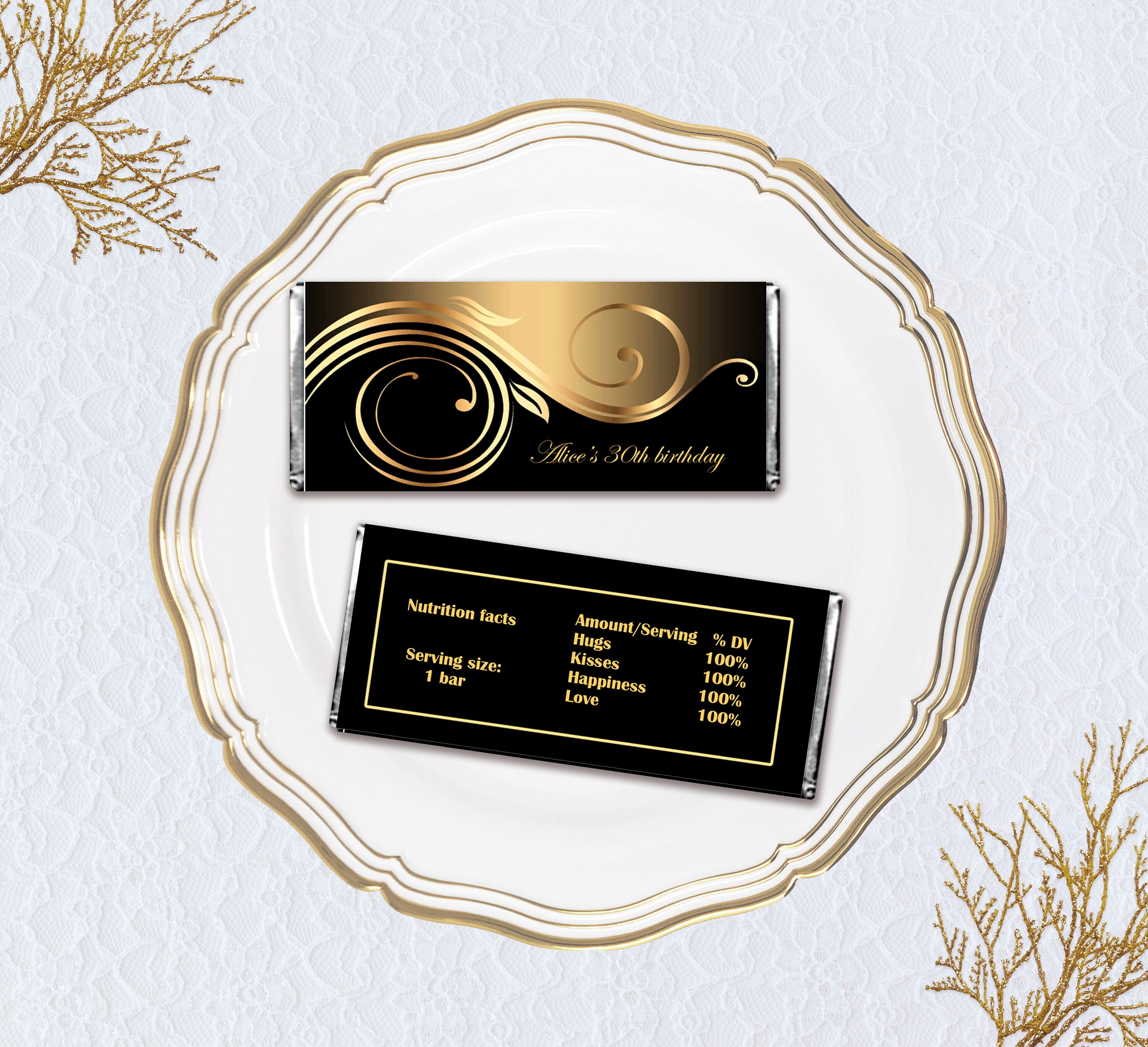
kaesg.com
Word Template Candy Bar Wrapper Mini – Polemvp
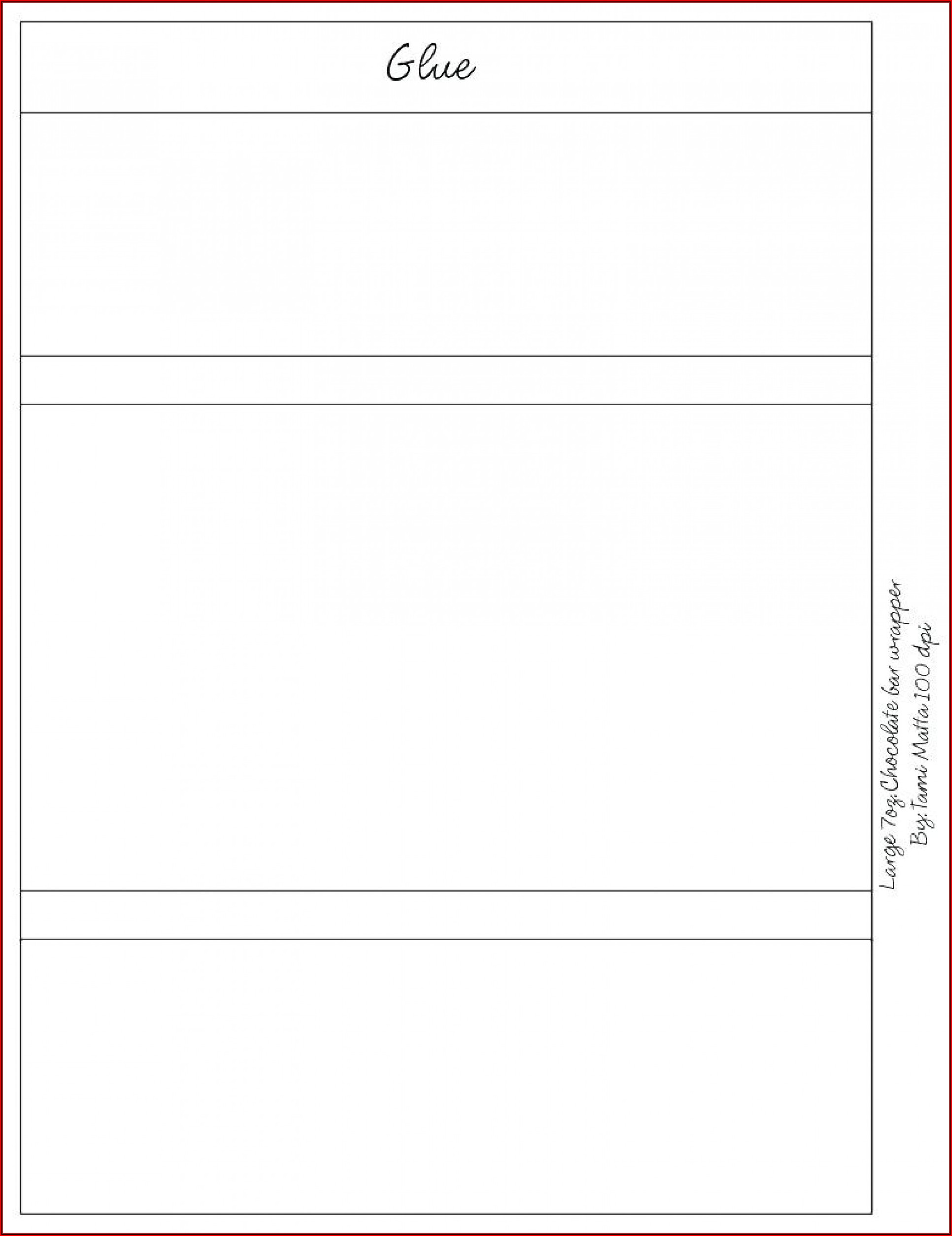
polemvp.weebly.com
Blank Candy Bar Wrapper Template In Illustrator, Word, PSD – Download
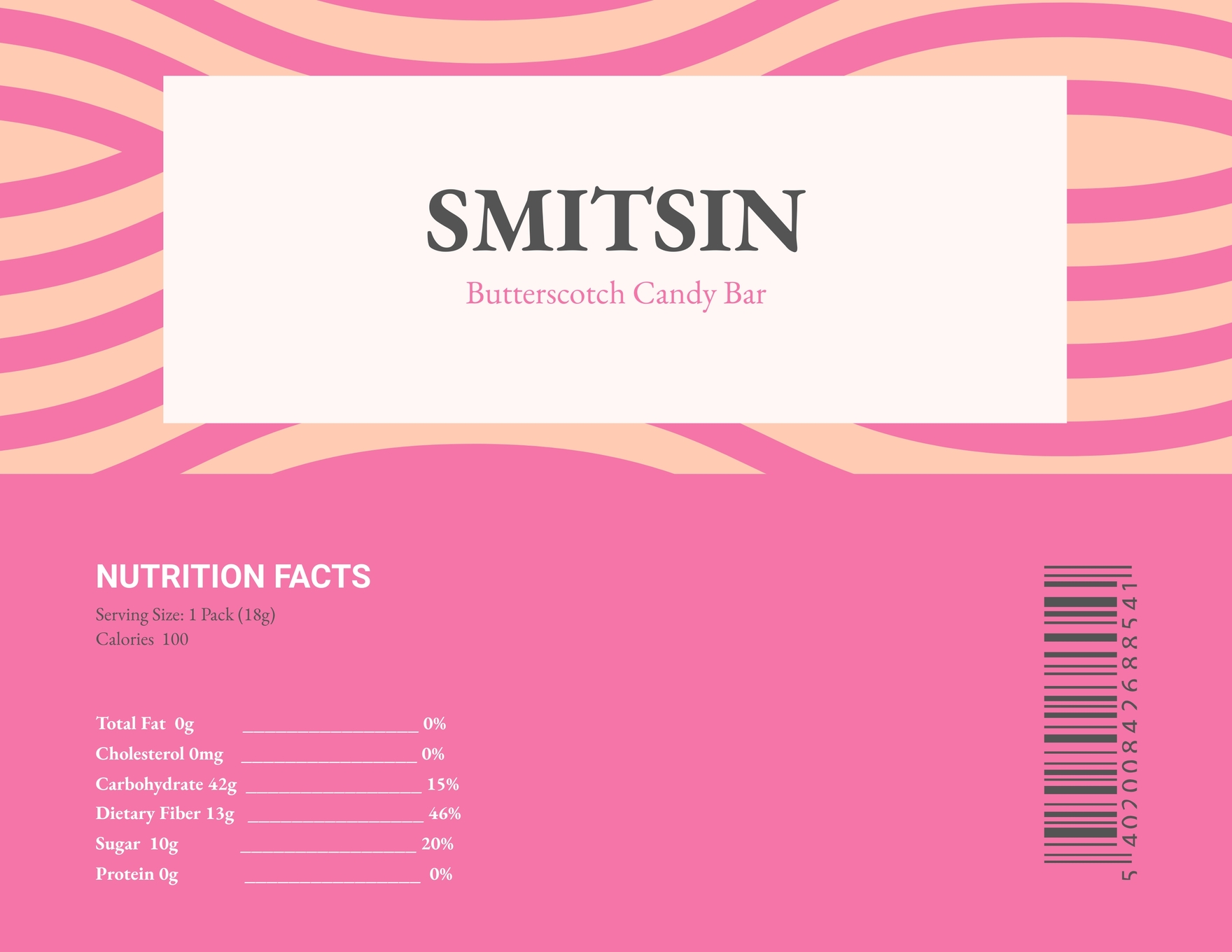
www.template.net
Candy Bar Wrapper Template Microsoft Word – KAESG BLOG

kaesg.com
Microsoft Word Template For Candy Bar Wrapper – Chainopl

chainopl.weebly.com
Candy bar wrapper template microsoft word – kaesg blog. Candy bar wrapper template microsoft word – kaesg blog. Candy bar wrapper template microsoft word