Birt Report Templates
Unlocking Reporting Power: A Deep Dive into BIRT Report Templates
BIRT (Business Intelligence and Reporting Tools) is a powerful open-source platform for creating data visualizations and reports. While BIRT offers a wide array of design options from scratch, leveraging pre-built report templates can dramatically accelerate development time, improve consistency across reports, and empower even novice users to generate professional-looking documents. This post explores the advantages of using BIRT report templates and highlights some common types you can utilize to streamline your reporting process.
Why Use BIRT Report Templates?
- Faster Development: Templates provide a starting point, reducing the need to build reports from the ground up. This significantly cuts down on the time and effort required to design a functional and visually appealing report.
- Enhanced Consistency: Using the same templates across multiple reports ensures a uniform look and feel, contributing to a cohesive brand identity and a more professional presentation of information. Consistent styling also makes reports easier for users to understand and interpret.
- Reduced Errors: Templates often include pre-configured elements like headers, footers, and basic layouts, which minimizes the chances of human error when creating reports.
- Improved Maintainability: When changes are needed, updating a template automatically propagates those changes to all reports based on that template, simplifying maintenance and ensuring consistency in the long run.
- Empowering Non-Technical Users: Templates can be designed with user-friendliness in mind, allowing less technical users to quickly generate reports without extensive training on BIRT’s intricacies. This frees up expert developers to focus on more complex tasks.
- Enforcement of Best Practices: Templates can be designed to adhere to best practices in data visualization and reporting, ensuring that reports are clear, concise, and effective in communicating information.
Common BIRT Report Template Types
The type of BIRT report template you choose will depend on the specific data you need to present and the purpose of the report. Here are some common types:
- Tabular Report Template: This is the most basic and commonly used template. It displays data in a table format with rows and columns. It’s ideal for presenting structured data with clear relationships between different data points. Often, these templates include basic formatting options like column widths, font styles, and borders.
- Chart Report Template: This template focuses on visualizing data using charts like bar charts, pie charts, line charts, and scatter plots. It’s ideal for presenting trends, comparisons, and relationships in a visually appealing manner. Chart templates often include pre-configured chart types, color palettes, and axis labels.
- List Report Template: This template presents data in a simple list format, often used for displaying details about individual records or items. It’s suitable for reports that need to show a lot of information without the rigid structure of a table. List templates are often used for reports showing product details, customer information, or employee profiles.
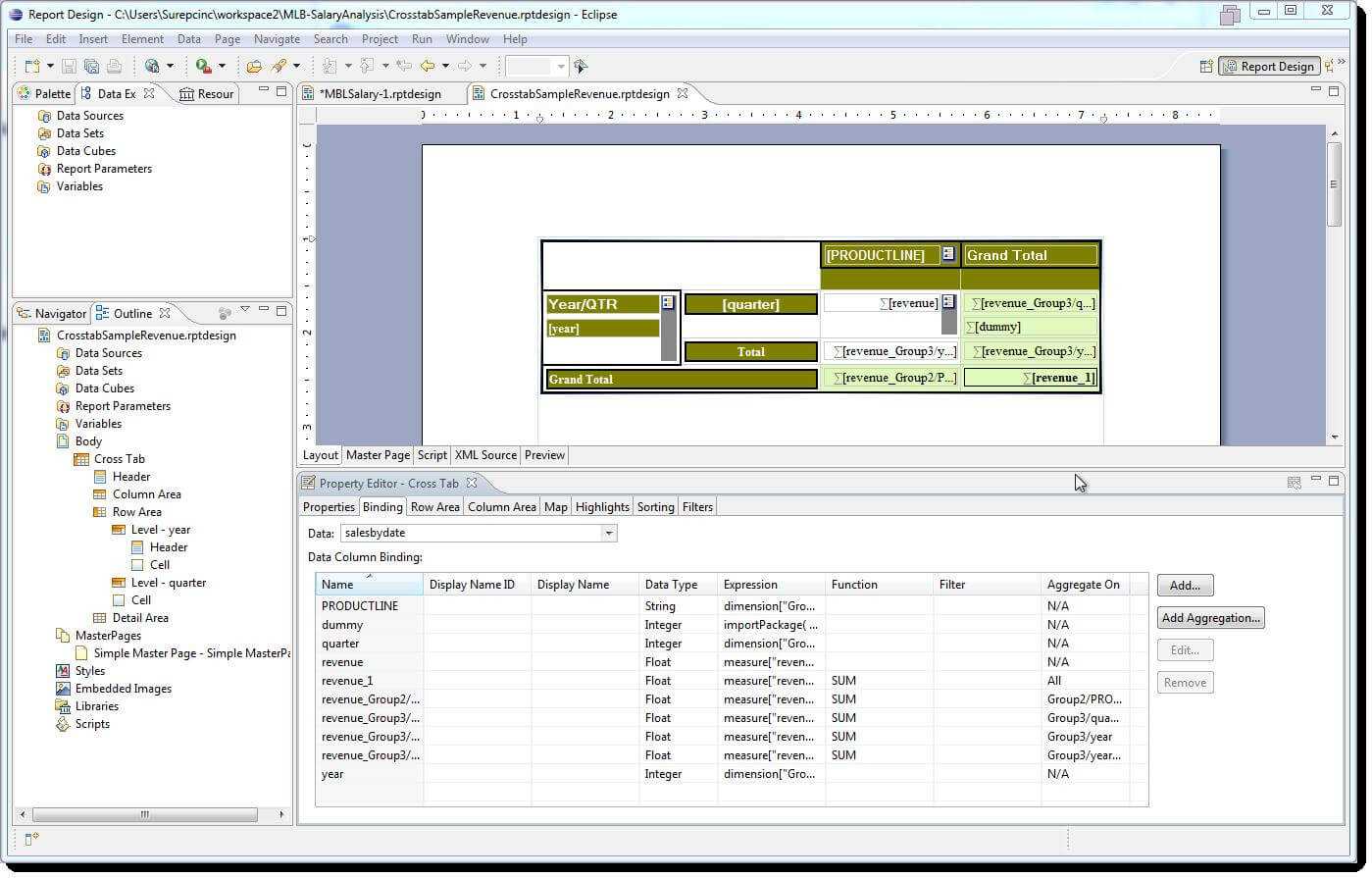
- Cross-Tab Report Template (Matrix): This template displays data in a cross-tabular format, similar to a pivot table. It’s ideal for summarizing data across multiple dimensions and identifying patterns and trends. Cross-tab reports are commonly used for sales analysis, marketing campaign performance, and financial reporting.
- Drill-Down Report Template: This template allows users to drill down into more detailed information by clicking on specific data points or categories. It provides a hierarchical view of data, allowing users to explore different levels of granularity. These are particularly useful for dashboards and interactive reports.
- Form Report Template: While BIRT isn’t primarily designed for data entry, form report templates can be used to display data in a form-like layout. This can be useful for presenting information in a structured and easy-to-read format, especially when the data is related to a specific entity or object. Often used for generating invoices, purchase orders, or other similar documents.
- Dashboard Template: A dashboard template combines various chart types and data visualizations into a single, interactive view. These templates are designed to provide a high-level overview of key performance indicators (KPIs) and enable users to quickly identify trends and areas for improvement.
When selecting or creating a BIRT report template, consider the following:
- Data Source: Ensure the template is compatible with the type of data source you’ll be using (e.g., relational database, CSV file, web service).
- Target Audience: Design the template to meet the needs and preferences of the intended audience. Consider their technical expertise and the level of detail they require.
- Report Purpose: Clearly define the purpose of the report and choose a template that effectively communicates the desired information.
- Customization: Choose a template that is easily customizable to meet your specific requirements.
- Performance: Optimize the template for performance, especially when dealing with large datasets.
By leveraging the power of BIRT report templates, you can significantly improve the efficiency and effectiveness of your reporting process, ultimately leading to better data-driven decision-making.
If you are searching about Birt World: 2006 with Birt Report Templates – Xfanzexpo.com you’ve visit to the right web. We have 15 Images about Birt World: 2006 with Birt Report Templates – Xfanzexpo.com like Birt Review In Birt Report Templates – Professional Template, Reportserver regarding Birt Report Templates – Xfanzexpo.com and also Birt Report Templates In Sap Successfactors – Part Ixerv in Birt Report. Here it is:
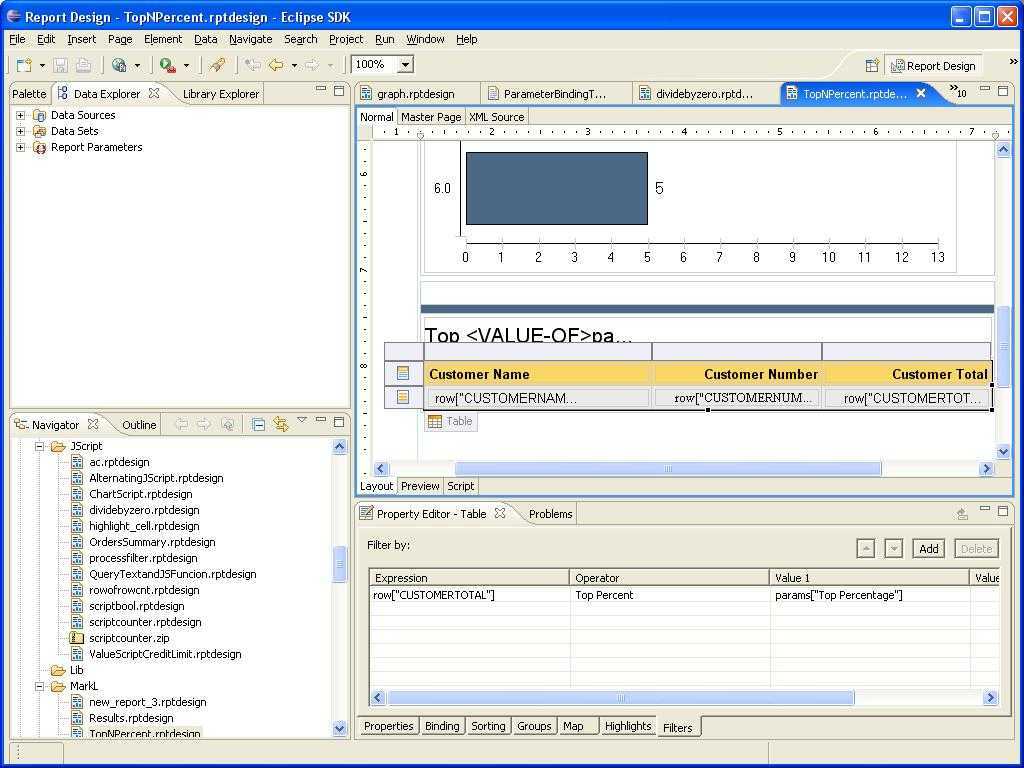
Birt World: 2006 With Birt Report Templates – Xfanzexpo.com
www.xfanzexpo.com
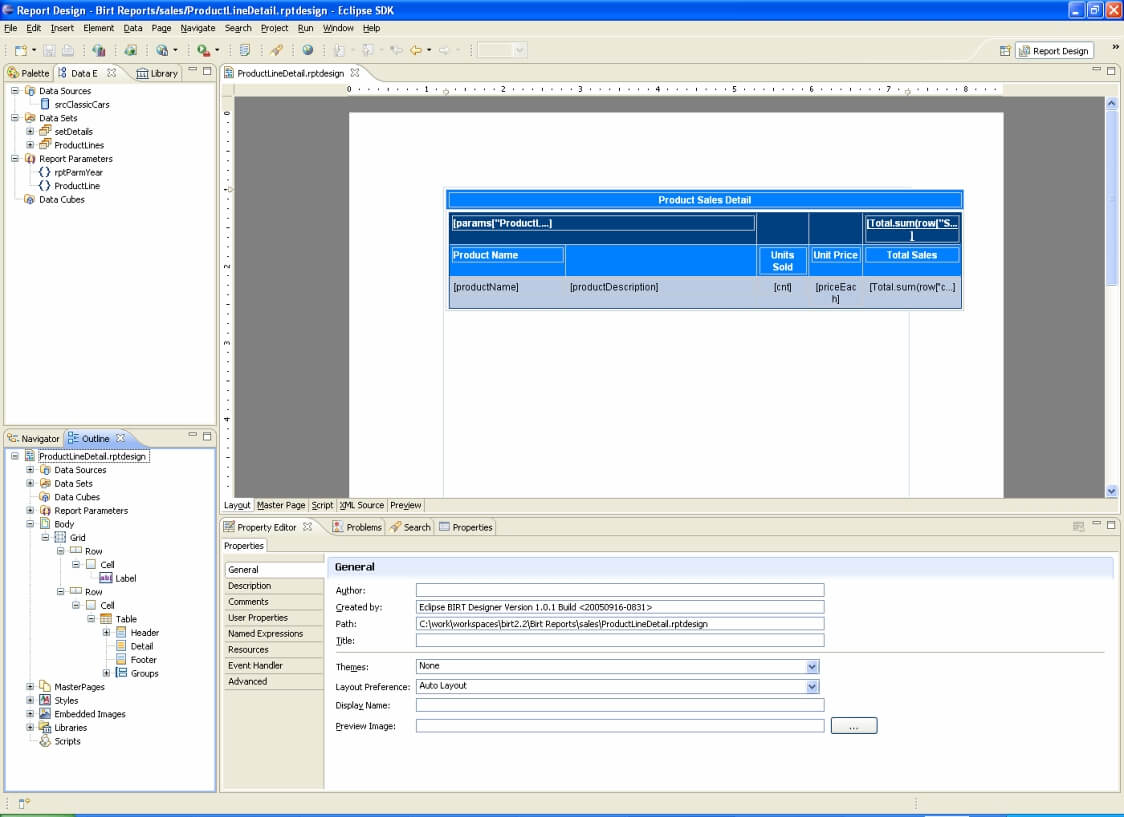
An Introduction To The Eclipse Business Intelligence And With Birt
dibahhinsurance.ga
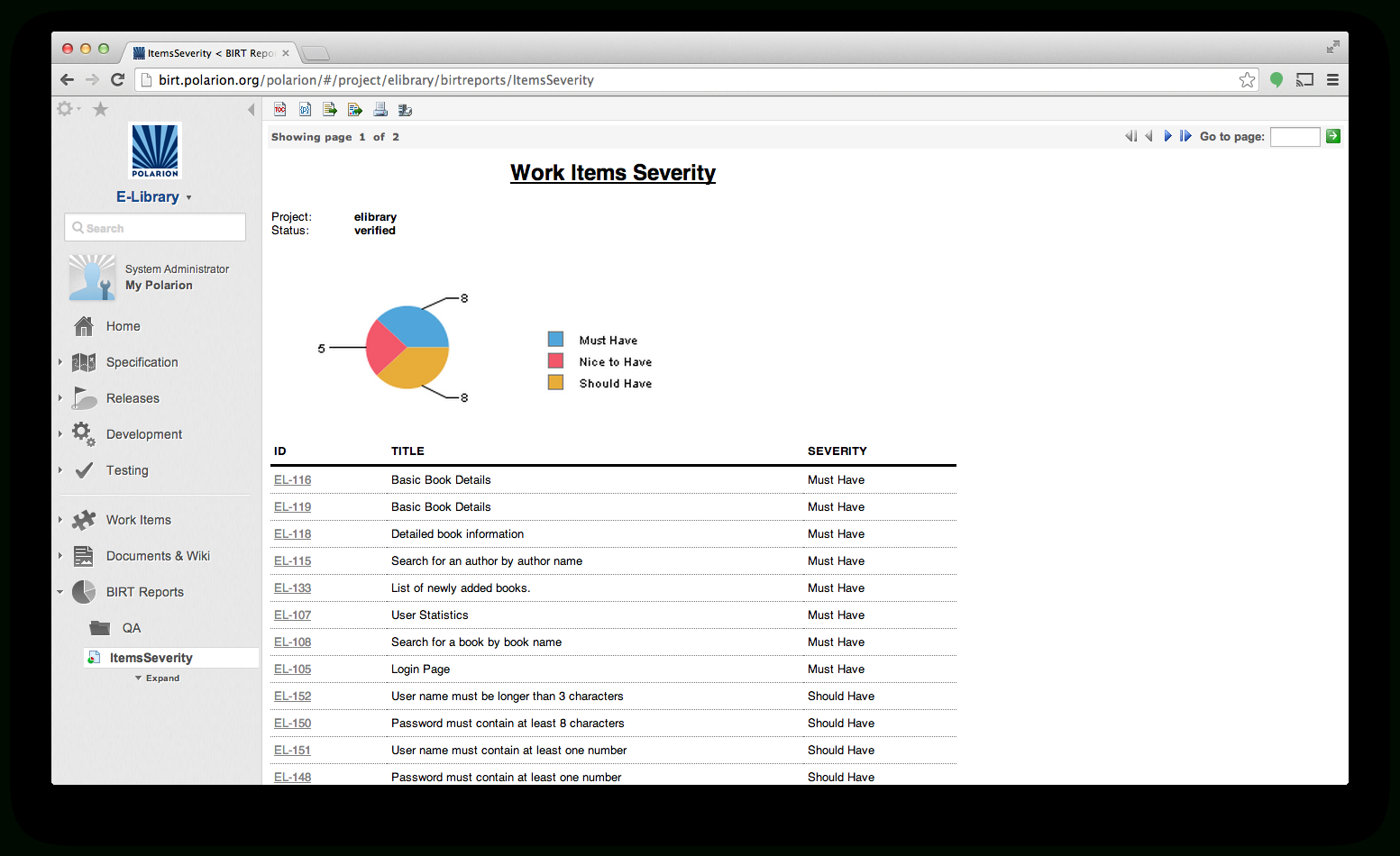
Polarion Extensions With Birt Report Templates – Xfanzexpo.com
www.xfanzexpo.com
Birt Review In Birt Report Templates – Professional Template
template.pejuang.net
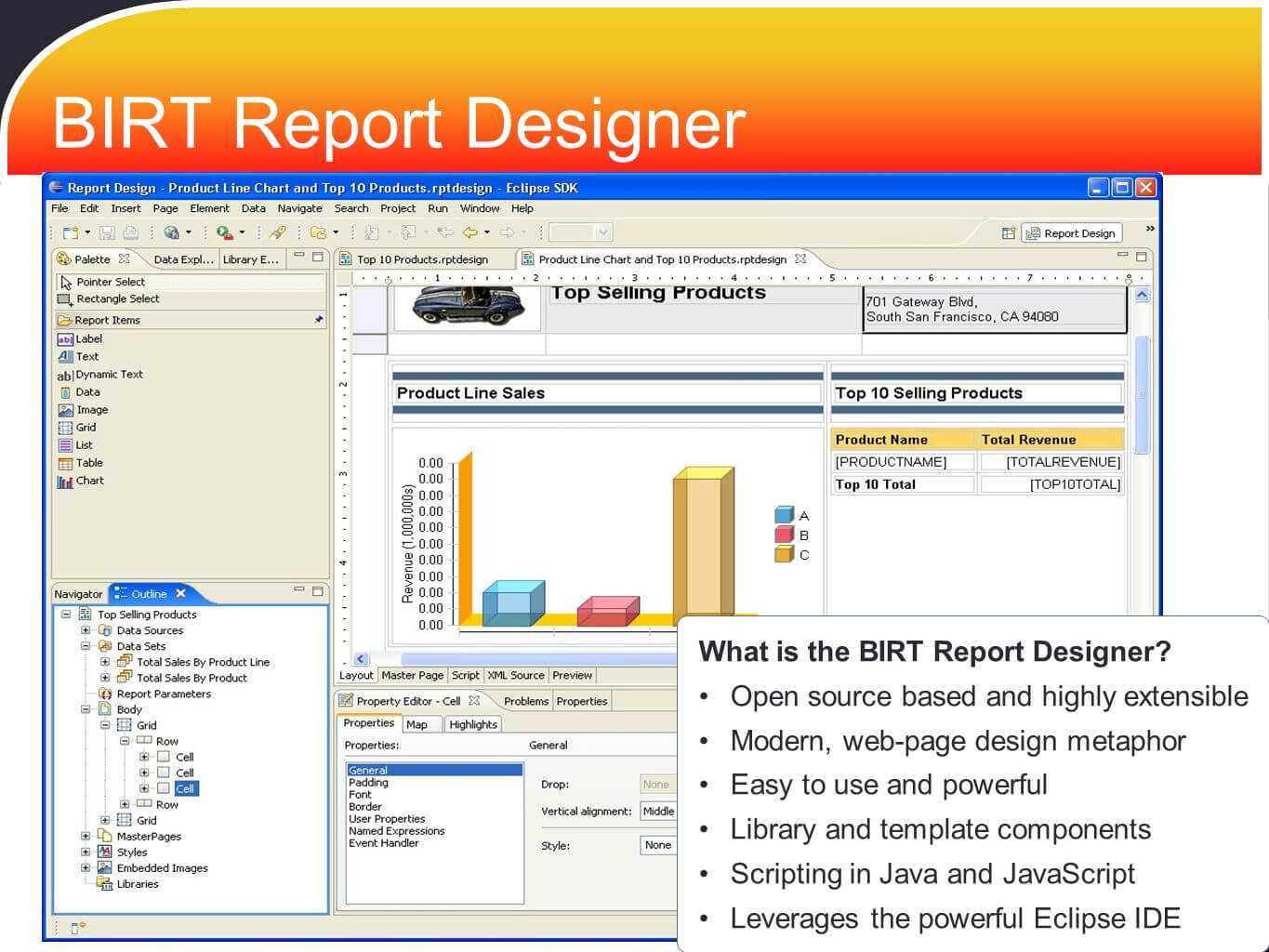
Birt Report Templates – Newtemplate.my.id
www.newtemplate.my.id
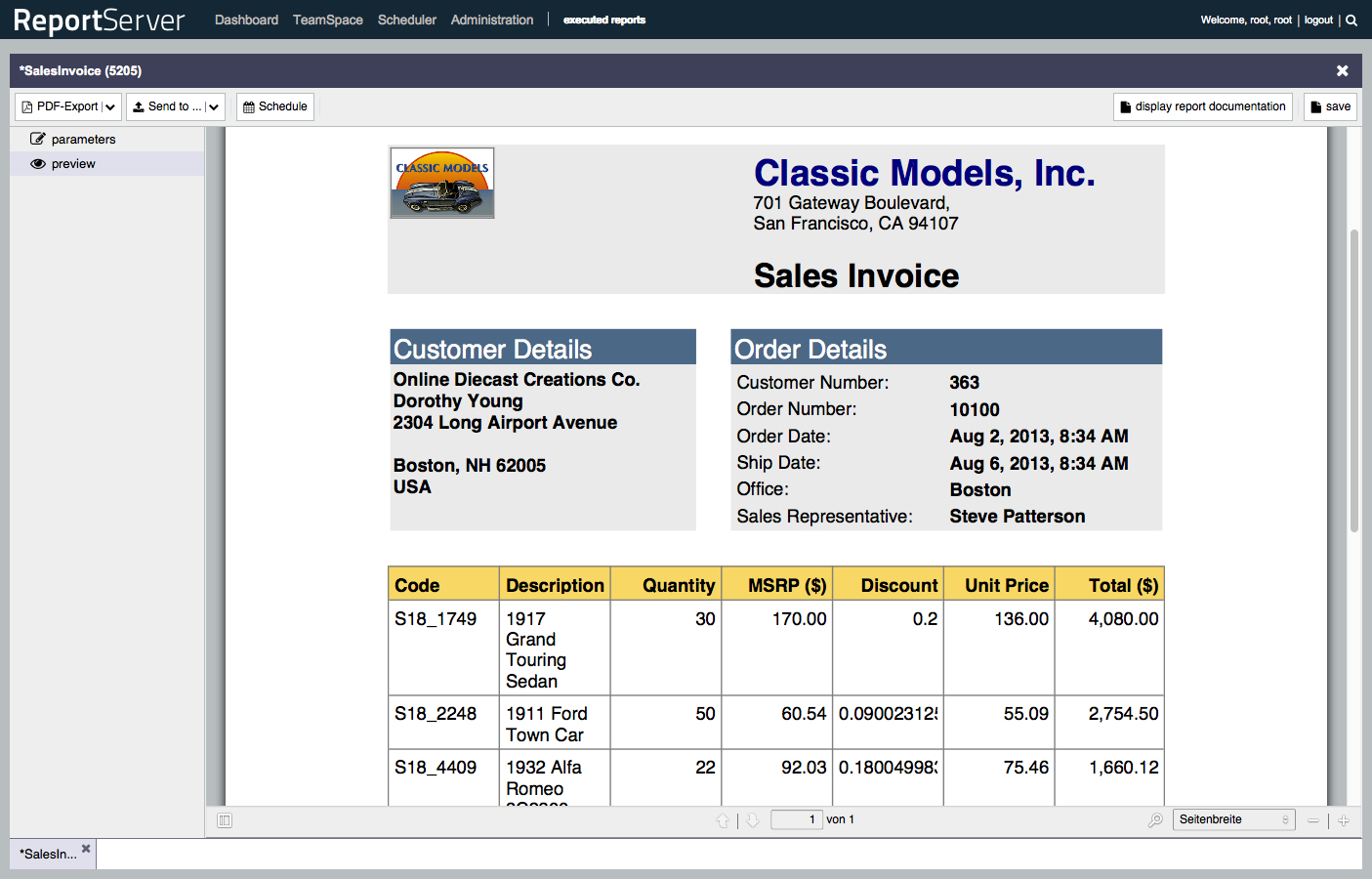
Reportserver Regarding Birt Report Templates – Xfanzexpo.com
www.xfanzexpo.com
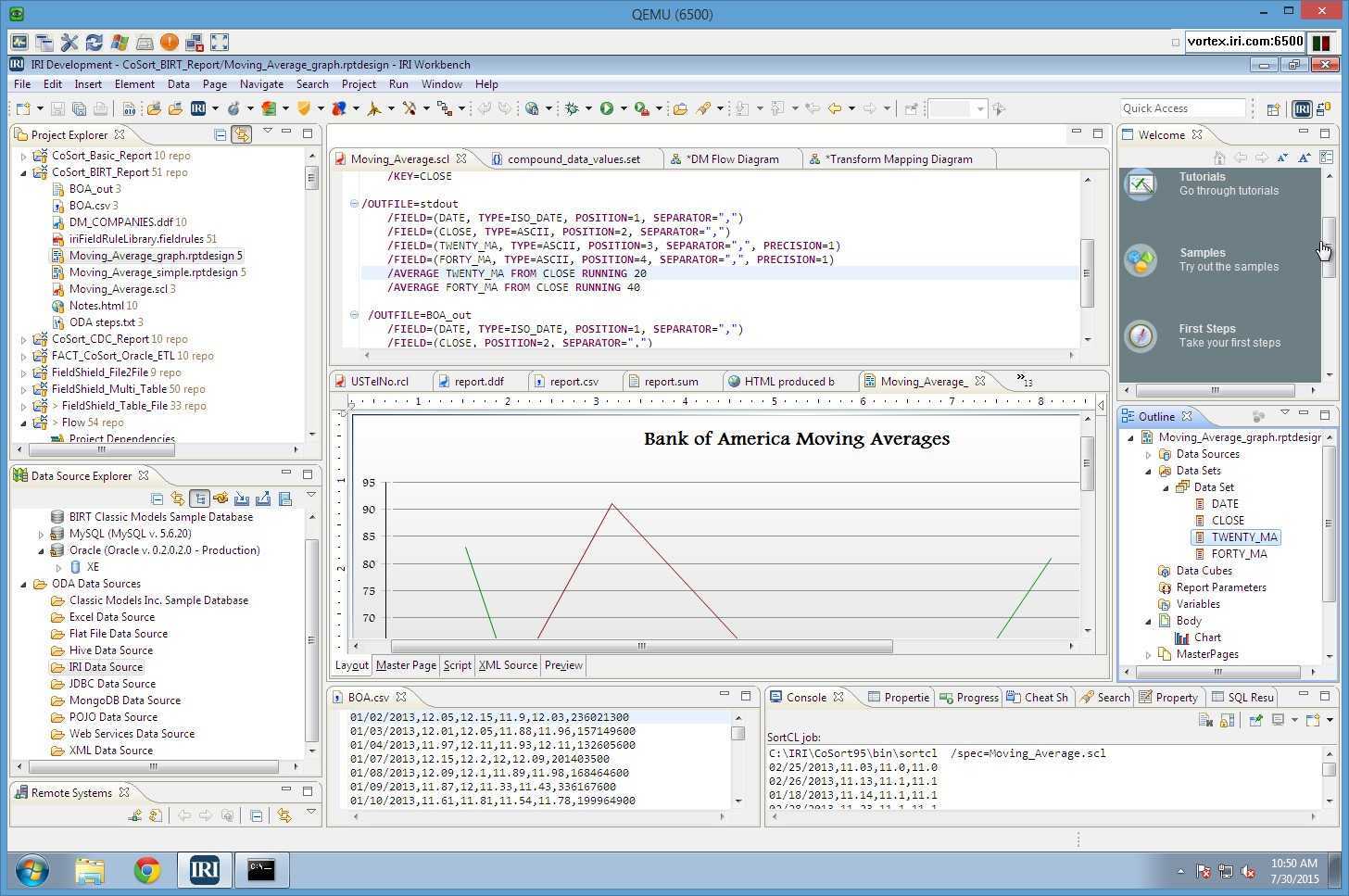
Faster Birt Reporting Pertaining To Birt Report Templates
www.xfanzexpo.com
BIRT Report Online Training In USA, UK, Canada, Japan, Dubai, France

issuu.com
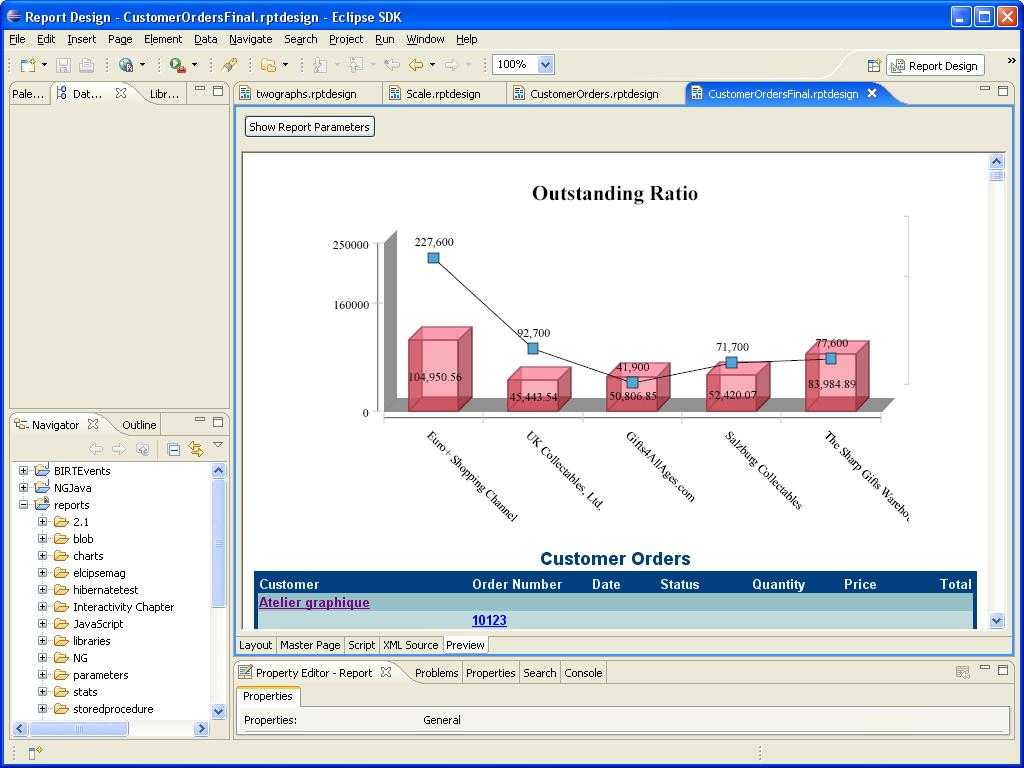
Demos Pertaining To Birt Report Templates – Professional Template
www.xfanzexpo.com
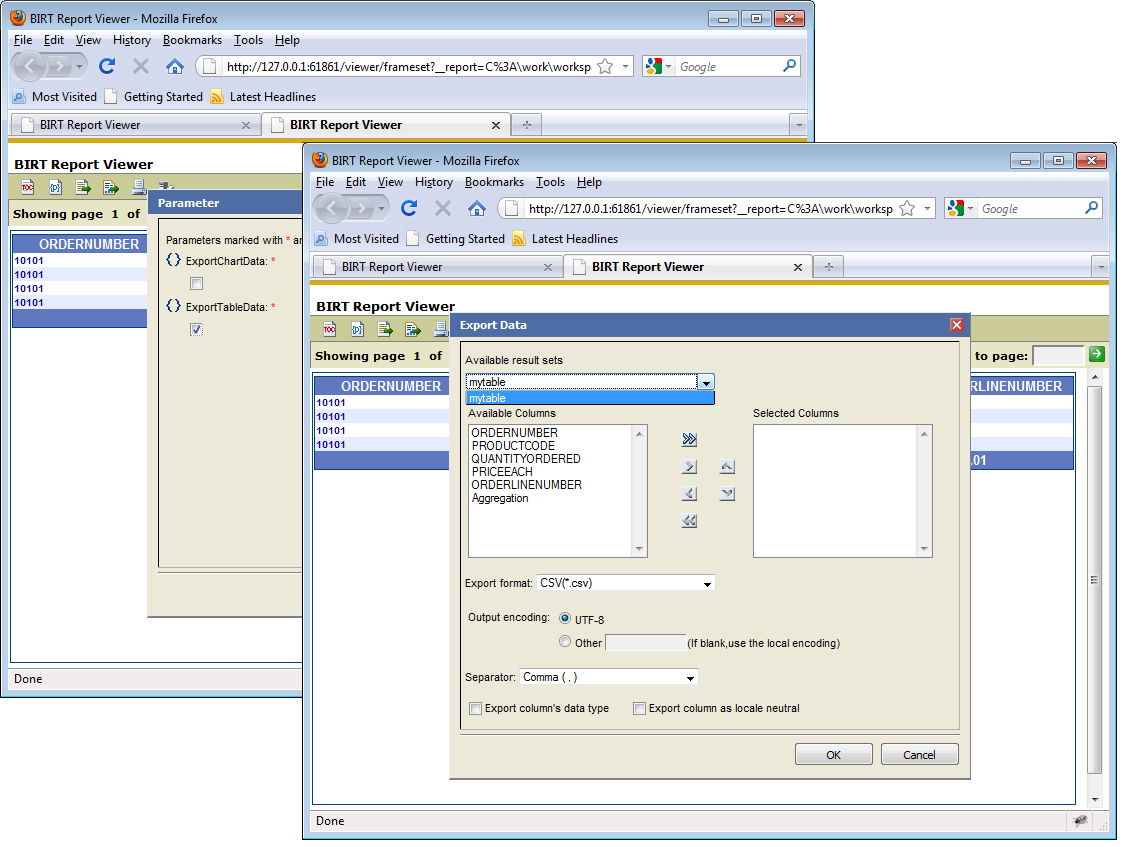
Birt World: Birt Viewer Export Data With Birt Report Templates
www.xfanzexpo.com
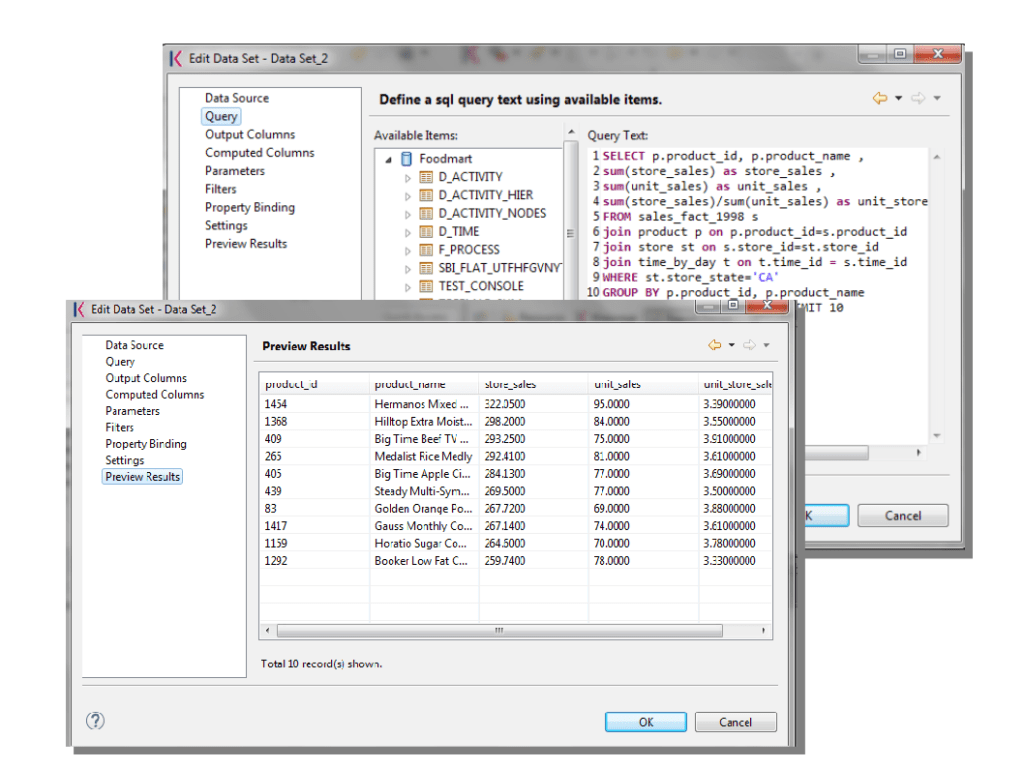
Create A Birt Report — Knowage Documentation In Birt Report Templates
www.rebeccachulew.com
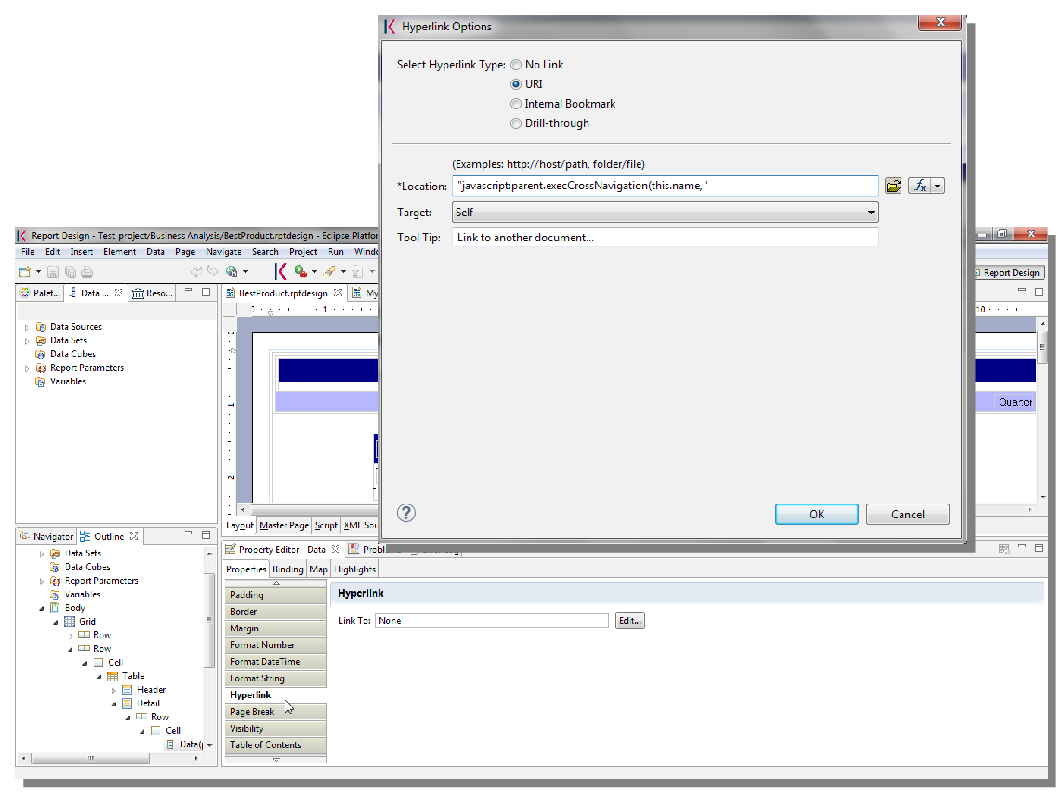
Birt Reporting — Knowage Documentation For Birt Report Templates – 10
vancecountyfair.com
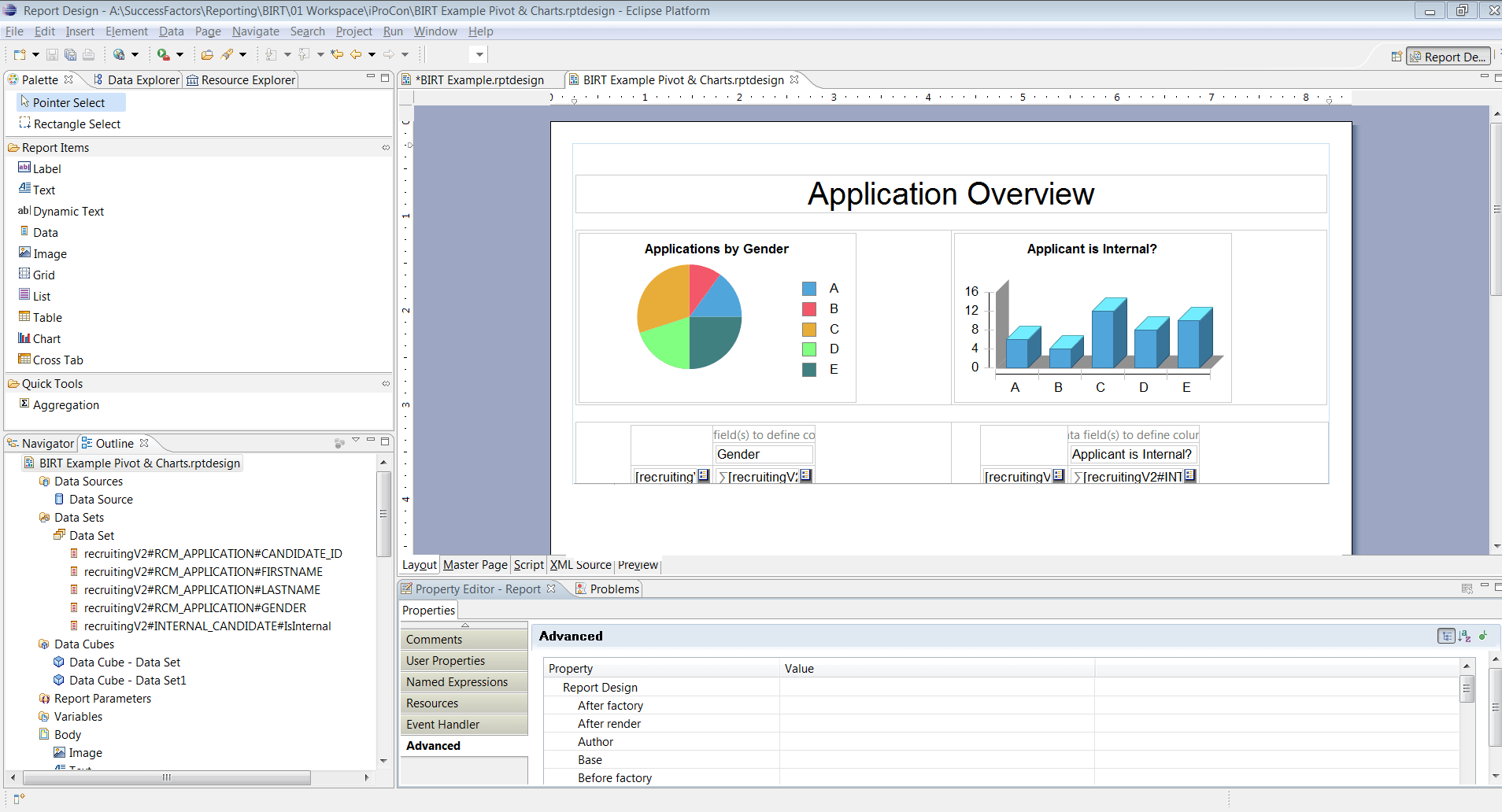
Birt Report Templates In Sap Successfactors – Part Ixerv In Birt Report
vancecountyfair.com
100+ [ Birt Report Templates ] | Having Trouble Integrating Within Birt
![100+ [ Birt Report Templates ] | Having Trouble Integrating within Birt](https://dibahhinsurance.ga/wp-content/uploads/2020/01/100-birt-report-templates-having-trouble-integrating-within-birt-report-templates.png)
dibahhinsurance.ga
Birt Report Templates – Mightyprintingdeals.com
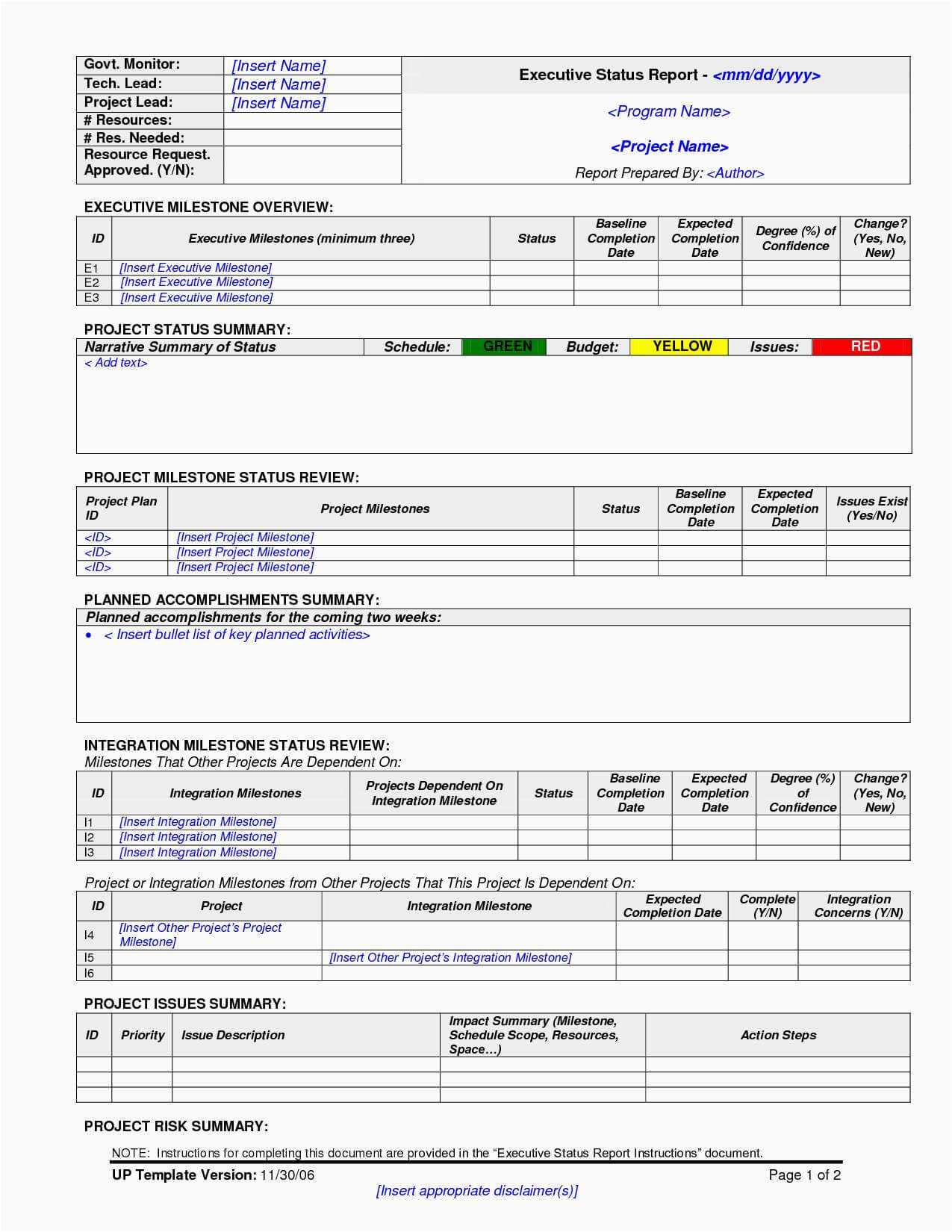
www.mightyprintingdeals.com
Demos pertaining to birt report templates. 100+ [ birt report templates ]. Faster birt reporting pertaining to birt report templates