Adobe Photoshop Graphic Design

Adobe Photoshop is more than just a photo editing software; it’s a powerful, versatile tool for graphic design, illustration, and even video editing. Its extensive features and extensive library of assets make it a staple for professionals and hobbyists alike. Understanding how to leverage Photoshop’s capabilities is crucial for anyone looking to create compelling visuals. This article will delve into the core principles of Adobe Photoshop Graphic Design, exploring its key tools, techniques, and best practices for achieving professional results. Let’s explore how to harness the full potential of this industry-leading software.
The Foundation: Understanding Photoshop’s Interface
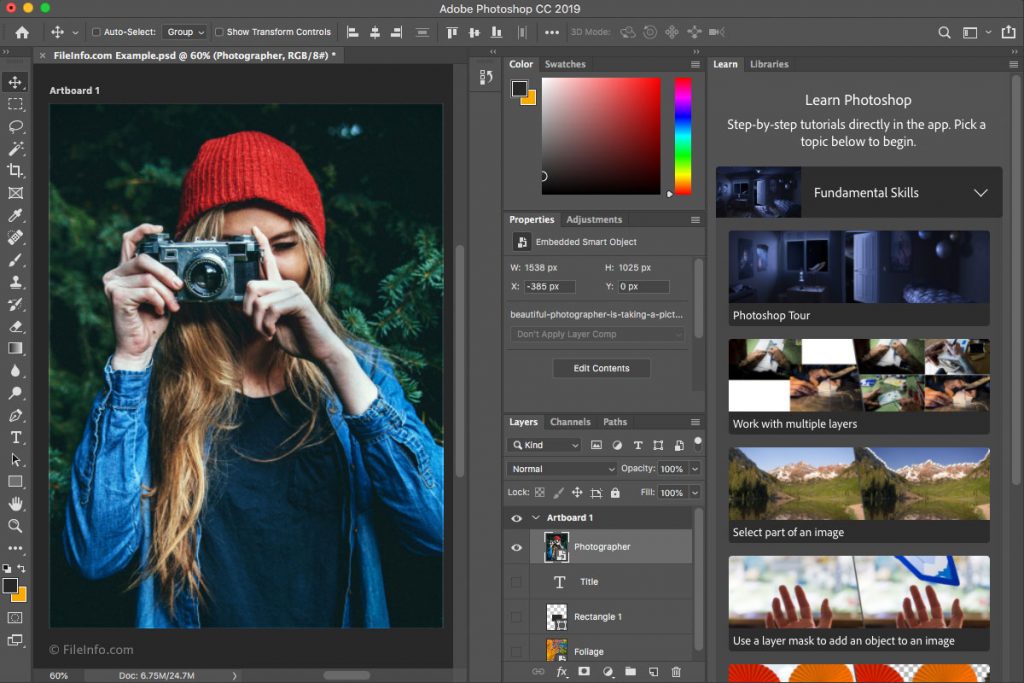
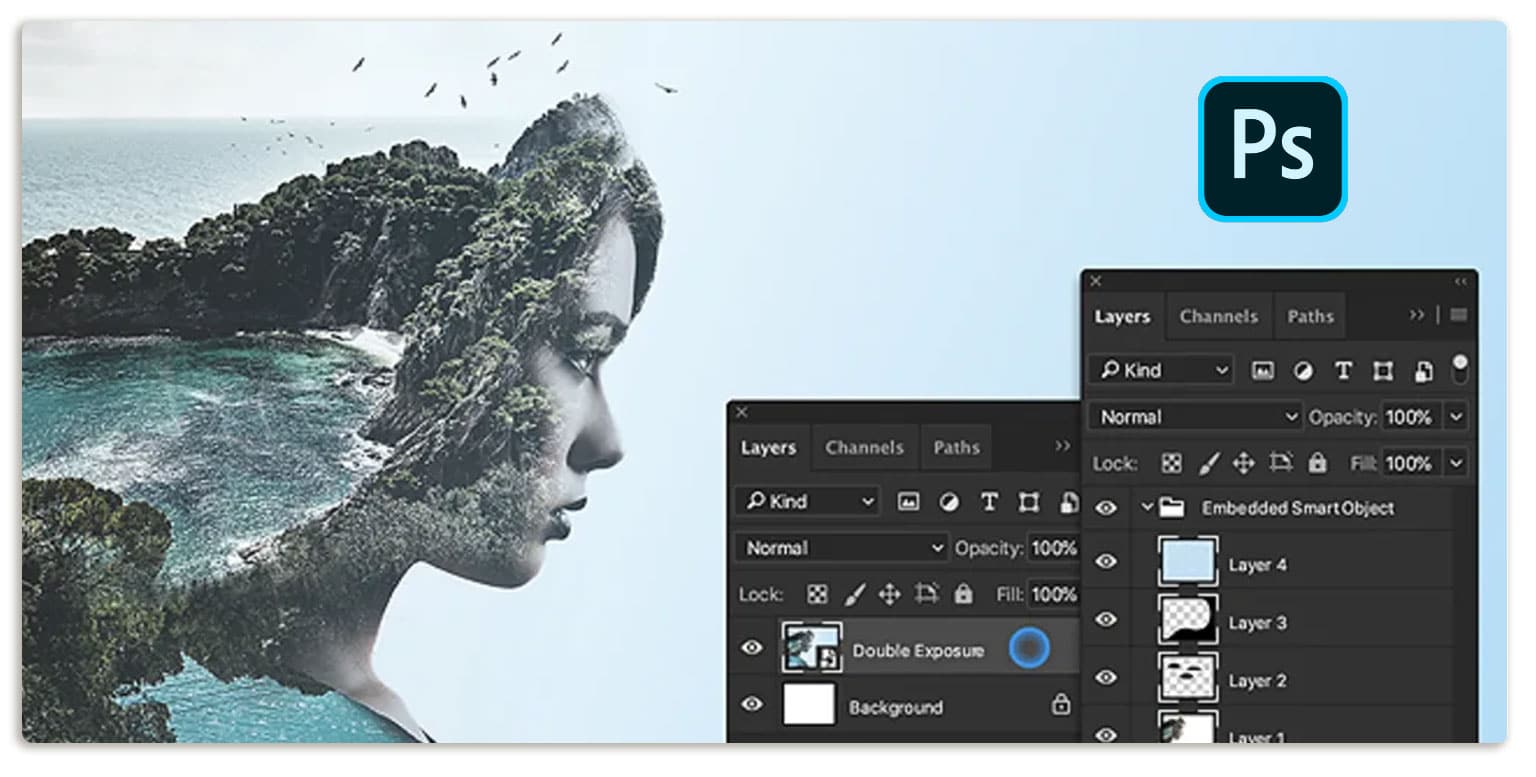
Before diving into advanced techniques, it’s essential to grasp the fundamental layout of Photoshop. The interface is divided into several key areas: the Menu Bar at the top, the Tool Panel on the left, the Panels on the right (Layers, Color, Paths, etc.), and the Workspace – the area where you’ll primarily work. Familiarizing yourself with these elements will significantly speed up your workflow. The Layers Panel is arguably the most important, as it allows you to organize and manage your elements, enabling non-destructive editing and complex design projects. Understanding how to use Smart Objects and Adjustment Layers is also critical for maintaining flexibility and preventing unwanted changes. A well-organized workspace is the key to efficient design.
Essential Tools for Graphic Design
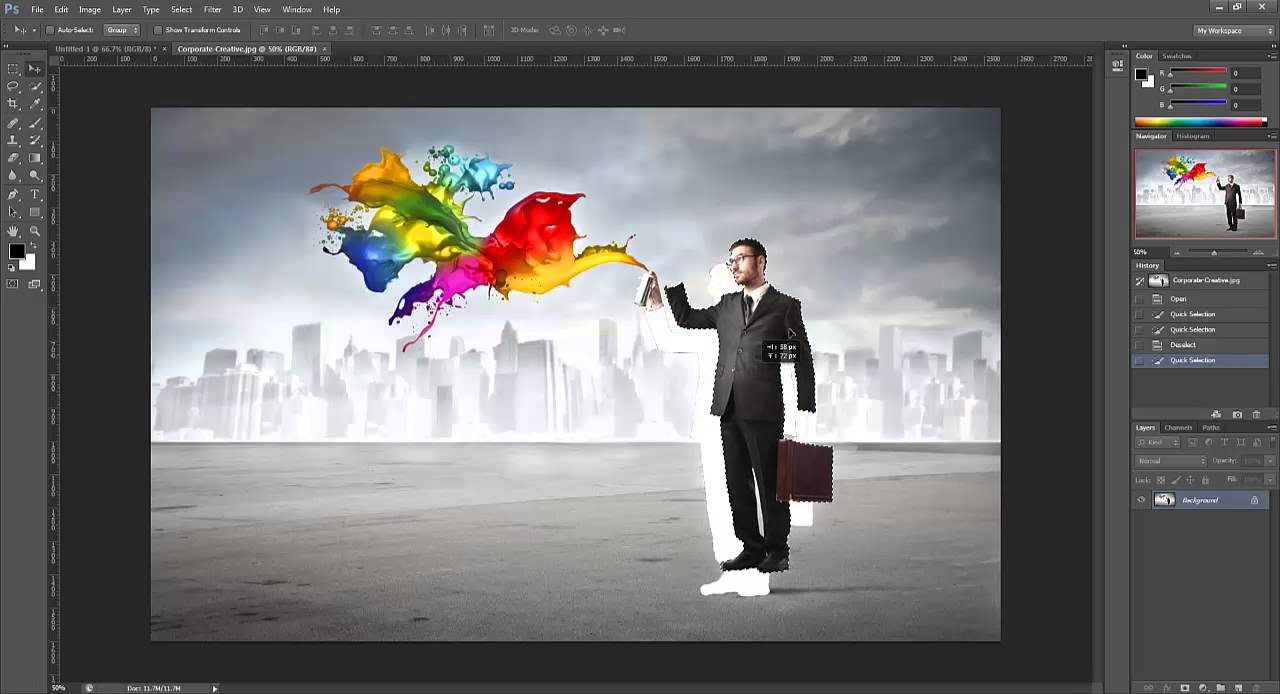
Photoshop boasts a vast array of tools, each designed for specific tasks. Layers are arguably the most important concept to master. They allow you to work non-destructively, meaning you can edit individual elements without affecting the underlying image. Selection Tools – like the Lasso, Magic Wand, and Quick Selection – are invaluable for isolating specific areas of your image. Pen Tool offers precise control for creating custom shapes and paths. Brush Tool provides a wide range of brush options, from soft pastels to hard-edged lines. Eraser Tool is essential for correcting mistakes and refining your designs. Understanding the nuances of each tool and how to combine them effectively is key to creating polished results. Don’t underestimate the power of Color Balance and Hue/Saturation – these tools are fundamental for adjusting colors and adding vibrancy to your designs.
Creating Effective Graphics – Techniques and Best Practices
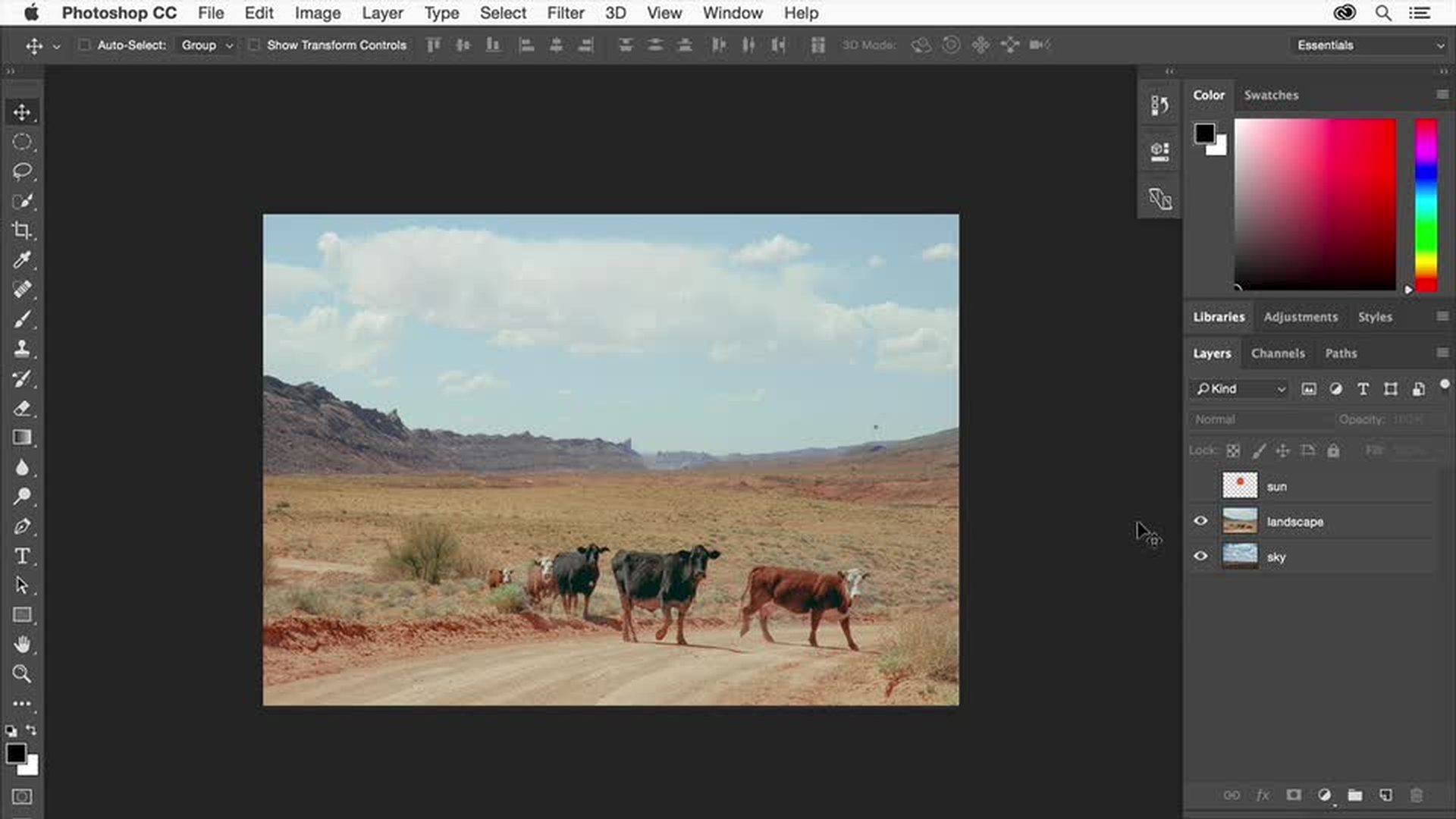
Effective graphic design in Photoshop relies on a combination of technical skills and artistic understanding. Color Theory is paramount; understanding how colors interact and evoke emotions is crucial for creating visually appealing designs. Typography is equally important; choosing the right fonts and using them effectively can dramatically impact the overall impact of your work. Composition – the arrangement of elements within your design – is a critical skill. The rule of thirds, leading lines, and negative space all contribute to a balanced and engaging composition. Refining Details – this involves carefully adjusting colors, values, and textures to achieve the desired look and feel. Using Smart Objects is a fantastic technique for non-destructive editing. They allow you to apply transformations (like blending modes or opacity) without permanently altering the underlying pixels. This is especially useful when working with complex images or multiple layers.
Illustrations and Mockups – Expanding Your Capabilities
Photoshop isn’t just for photographs; it’s also a powerful tool for creating illustrations and mockups. Illustrator is a dedicated vector graphics editor that allows you to create scalable images with sharp lines and precise shapes. Photomontage – combining multiple images to create a new composition – is a popular technique for creating unique and visually striking designs. Mockup Creation – creating realistic representations of products or designs within Photoshop allows you to test your designs before finalizing them for print or digital use. Utilizing the Place Image feature is a quick and easy way to add textures and patterns to your designs. Experimenting with different blending modes and layer styles can add depth and visual interest to your illustrations.
Working with Specific File Formats
Photoshop supports a wide range of file formats, each with its own strengths and weaknesses. PSD is the native format and is generally the best choice for preserving your original design. JPEG is ideal for sharing images online, as it offers a good balance between file size and image quality. PNG is suitable for images with transparency and sharp lines. TIFF is a lossless format that preserves the highest possible image quality, but it results in larger file sizes. Understanding the differences between these formats and choosing the appropriate one for your needs is essential. Always save your work in the appropriate format for the intended use.
Advanced Techniques – Beyond the Basics
For those seeking to push their Photoshop skills further, exploring advanced techniques is worthwhile. Blending Modes – allowing layers to interact with each other in unique ways – can create stunning effects. Filters – offering a vast array of creative tools – can be used to add textures, effects, and distortions to your images. Masks – allowing you to selectively hide or reveal parts of an image – are invaluable for creating complex effects. Color Grading – using adjustment layers to fine-tune the overall color and tone of your images – is a powerful skill. Learning to use these techniques will significantly enhance your ability to create professional-quality graphics.

The Importance of Workflow and Organization
A well-defined workflow is crucial for maintaining efficiency and avoiding frustration. Organize your layers using groups and layers. Use consistent naming conventions for your layers and files. Employ smart objects to streamline your editing process. Regularly back up your work to prevent data loss. A clear and organized workspace will significantly improve your productivity. Consider using a project management tool to track your progress and manage complex design projects.

Conclusion
Adobe Photoshop Graphic Design is a remarkably versatile and powerful tool, capable of producing stunning visuals for a wide range of applications. From basic photo editing to complex illustration and mockup creation, Photoshop offers a vast array of features and techniques. By understanding the core principles of the software, mastering essential tools, and employing effective workflows, you can unlock its full potential and create professional-quality graphics. Continuous learning and experimentation are key to staying ahead of the curve in this ever-evolving industry. Remember to consistently practice and explore new techniques to expand your skillset and refine your artistic vision. Ultimately, mastering Adobe Photoshop Graphic Design is an investment in your creative career.