Daily Activity Report Template
Are you tired of chaotic days and struggling to keep track of your team’s accomplishments? Do you find yourself spending valuable time chasing updates and piecing together information from various sources? If so, a well-structured Daily Activity Report Template is precisely what you need to streamline your workflow and gain valuable insights into your team’s daily progress.
A Daily Activity Report, when implemented effectively, acts as a central hub for capturing crucial information about tasks completed, challenges encountered, and progress made towards project goals. It provides a clear and concise overview of each team member’s contribution, enabling better communication, improved accountability, and data-driven decision-making.
This template is designed to be flexible and adaptable to various industries and organizational structures. You can customize it to include the specific data points that are most relevant to your business needs. From tracking key performance indicators (KPIs) to monitoring time spent on specific tasks, a well-designed template allows you to capture the information you need to optimize your processes and improve overall performance.
Below is a comprehensive Daily Activity Report Template outline in HTML format. Feel free to copy, paste, and adapt it to your specific requirements. This template provides a solid foundation for capturing the essential information you need to gain valuable insights into your team’s daily activities.
Daily Activity Report Template (HTML)
-
Header Section
- Date: <input type=”date” name=”date”>
- Employee Name: <input type=”text” name=”employee_name”>
- Employee ID: <input type=”text” name=”employee_id”>
- Department: <input type=”text” name=”department”>
- Reporting Manager: <input type=”text” name=”reporting_manager”>
-
Tasks Completed
- Task 1:
- Description: <textarea name=”task1_description” rows=”2″ cols=”50″></textarea>
- Status: <select name=”task1_status”>
<option value=”completed”>Completed</option>
<option value=”in_progress”>In Progress</option>
<option value=”pending”>Pending</option>
<option value=”blocked”>Blocked</option>
</select> - Time Spent (hours): <input type=”number” name=”task1_time” min=”0″ step=”0.5″>
- Task 2:
- Description: <textarea name=”task2_description” rows=”2″ cols=”50″></textarea>
- Status: <select name=”task2_status”>
<option value=”completed”>Completed</option>
<option value=”in_progress”>In Progress</option>
<option value=”pending”>Pending</option>
<option value=”blocked”>Blocked</option>
</select> - Time Spent (hours): <input type=”number” name=”task2_time” min=”0″ step=”0.5″>
- Task 3: (And so on, add more tasks as needed)
- Description: <textarea name=”task3_description” rows=”2″ cols=”50″></textarea>
- Status: <select name=”task3_status”>
<option value=”completed”>Completed</option>
<option value=”in_progress”>In Progress</option>
<option value=”pending”>Pending</option>
<option value=”blocked”>Blocked</option>
</select> - Time Spent (hours): <input type=”number” name=”task3_time” min=”0″ step=”0.5″>
- Task 1:
-
Challenges Faced
- Description: <textarea name=”challenges_description” rows=”4″ cols=”50″ placeholder=”Describe any challenges encountered and how they were addressed.”></textarea>
-
Goals for Tomorrow
- Description: <textarea name=”goals_tomorrow” rows=”4″ cols=”50″ placeholder=”Outline the goals you plan to achieve tomorrow.”></textarea>
-
Notes/Comments
- Description: <textarea name=”notes_comments” rows=”4″ cols=”50″ placeholder=”Add any other relevant notes or comments.”></textarea>
-
Submit Button
- <input type=”submit” value=”Submit Report”>
Important Considerations:
- Adaptability: This template is a starting point. Modify it to fit your specific needs. Add or remove fields as required. For example, you might want to add fields for tracking specific KPIs relevant to your industry or role.
- Data Validation: Implement data validation to ensure data quality. For instance, you can set limits on the number of characters allowed in text fields or require specific formats for date fields.
- Reporting and Analysis: The data collected through these reports can be used for performance reviews, project tracking, and process improvement. Consider how you will store and analyze the data. Think about integrating this HTML form with a backend system (e.g., using PHP, Python, Node.js) to store the submitted data in a database for easy reporting and analysis.
- User-Friendliness: Ensure the template is easy to understand and use. Provide clear instructions and examples to guide users. A well-designed, intuitive template will encourage consistent and accurate reporting.
- Accessibility: Consider accessibility guidelines when designing the form. Use appropriate HTML tags and ARIA attributes to ensure the form is usable by people with disabilities.
By implementing a standardized Daily Activity Report template, you can foster a culture of transparency, accountability, and continuous improvement within your team. It will allow you to proactively identify potential roadblocks, track progress against goals, and make data-driven decisions that ultimately lead to greater efficiency and success.
If you are looking for Daily Activity Report Format you’ve visit to the right page. We have 15 Pictures about Daily Activity Report Format like Daily Activity Report Template in Excel, Google Sheets – Download, Daily Activity Report Template – Toptemplate.my.id and also Daily Activity Report Template in Excel, Google Sheets – Download. Read more:
Daily Activity Report Format

mavink.com
Daily Task Report Template
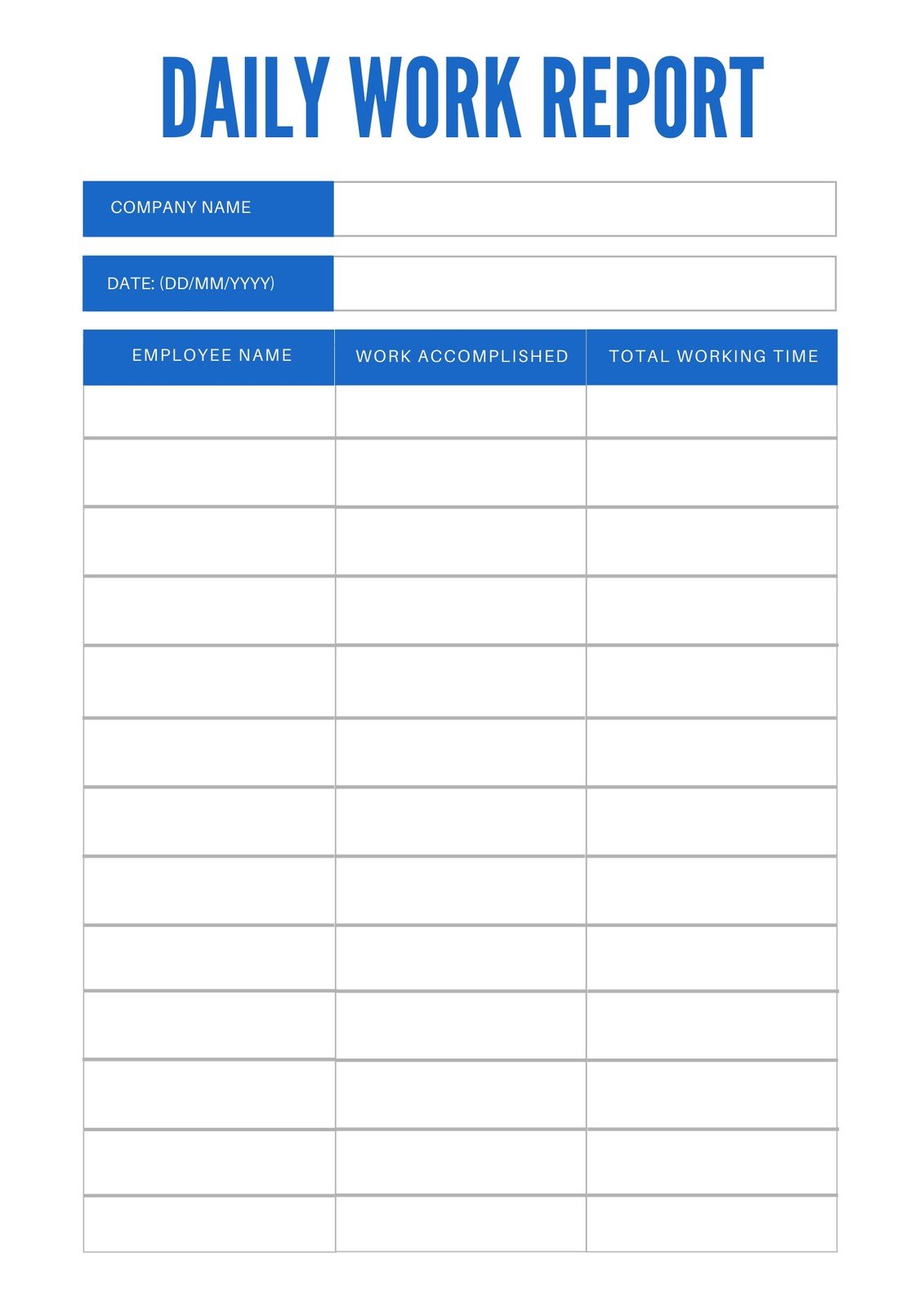
old.sermitsiaq.ag
Nice Activity Report Template Excel Best Invoice Number Format

stationstory4.pythonanywhere.com
Daily Activity Log Template Excel – 54+ Koleksi Gambar
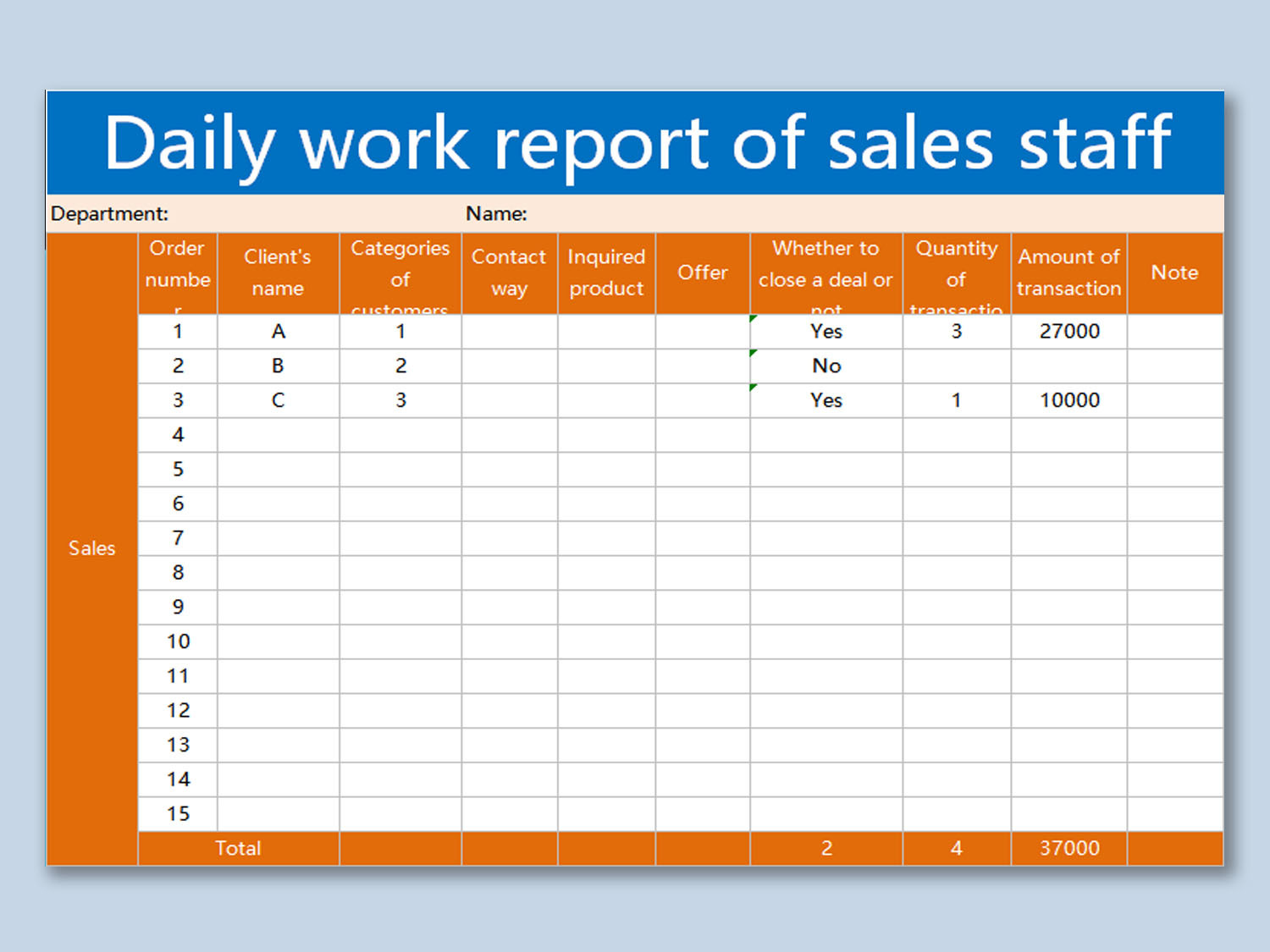
www.kibrispdr.org
Free Activity Report Templates, 15+ Download In Word, Google Docs, PDF
www.template.net
Activity Log Template Excel Free Download Of Inspirational Daily
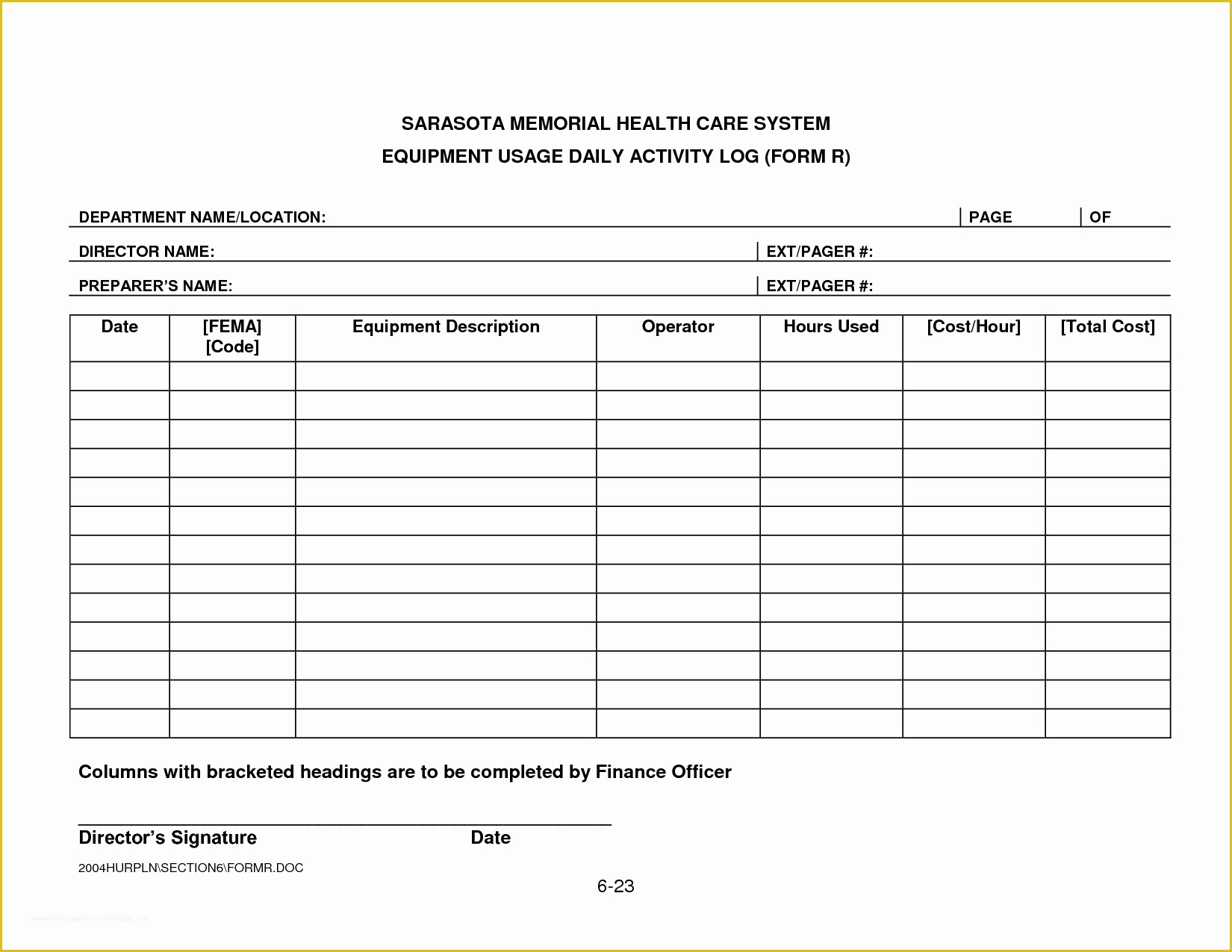
www.heritagechristiancollege.com
Free Printable, Customizable Daily Report Templates | Canva
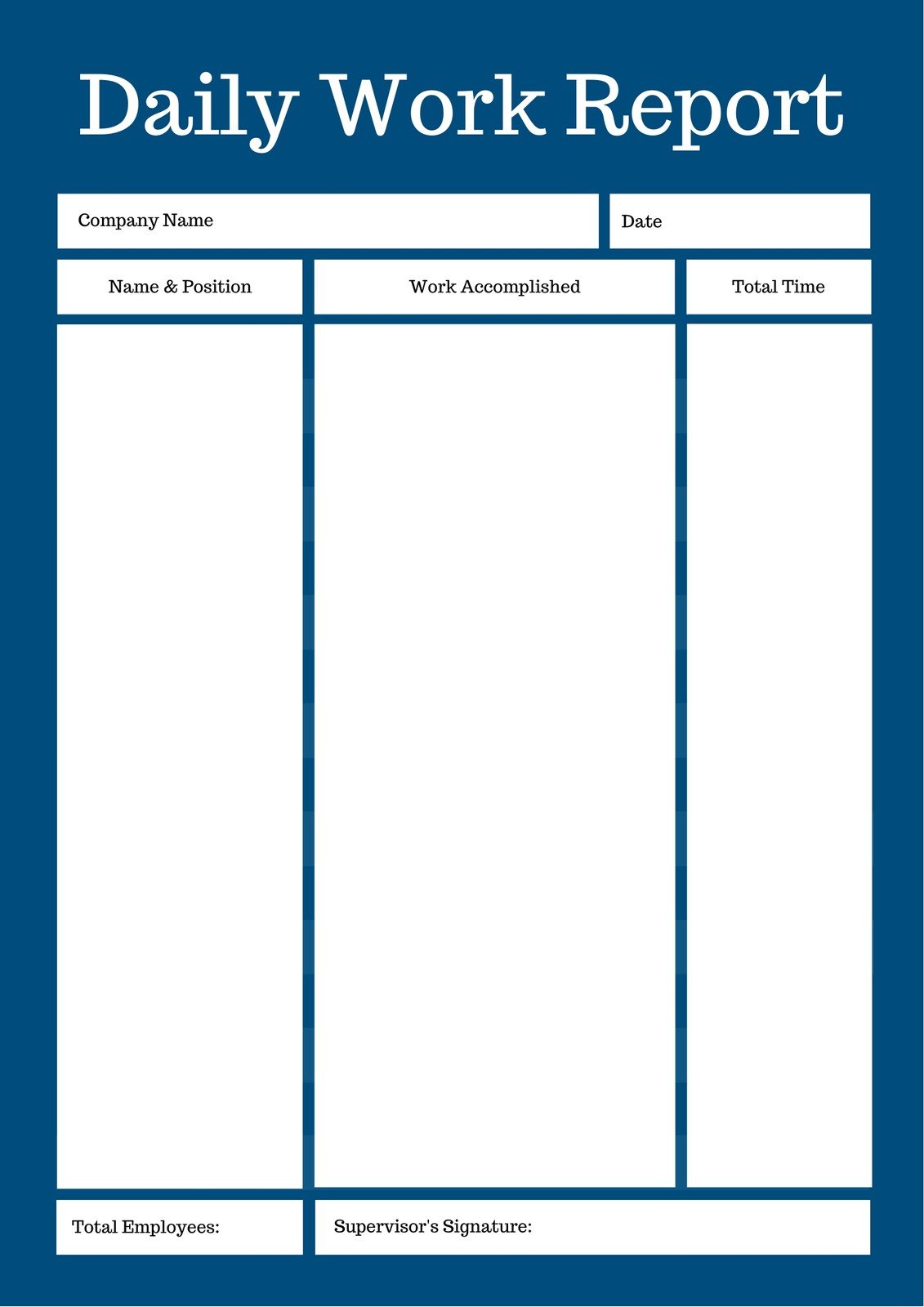
www.canva.com
Daily Activity Report Template In Excel, Google Sheets – Download
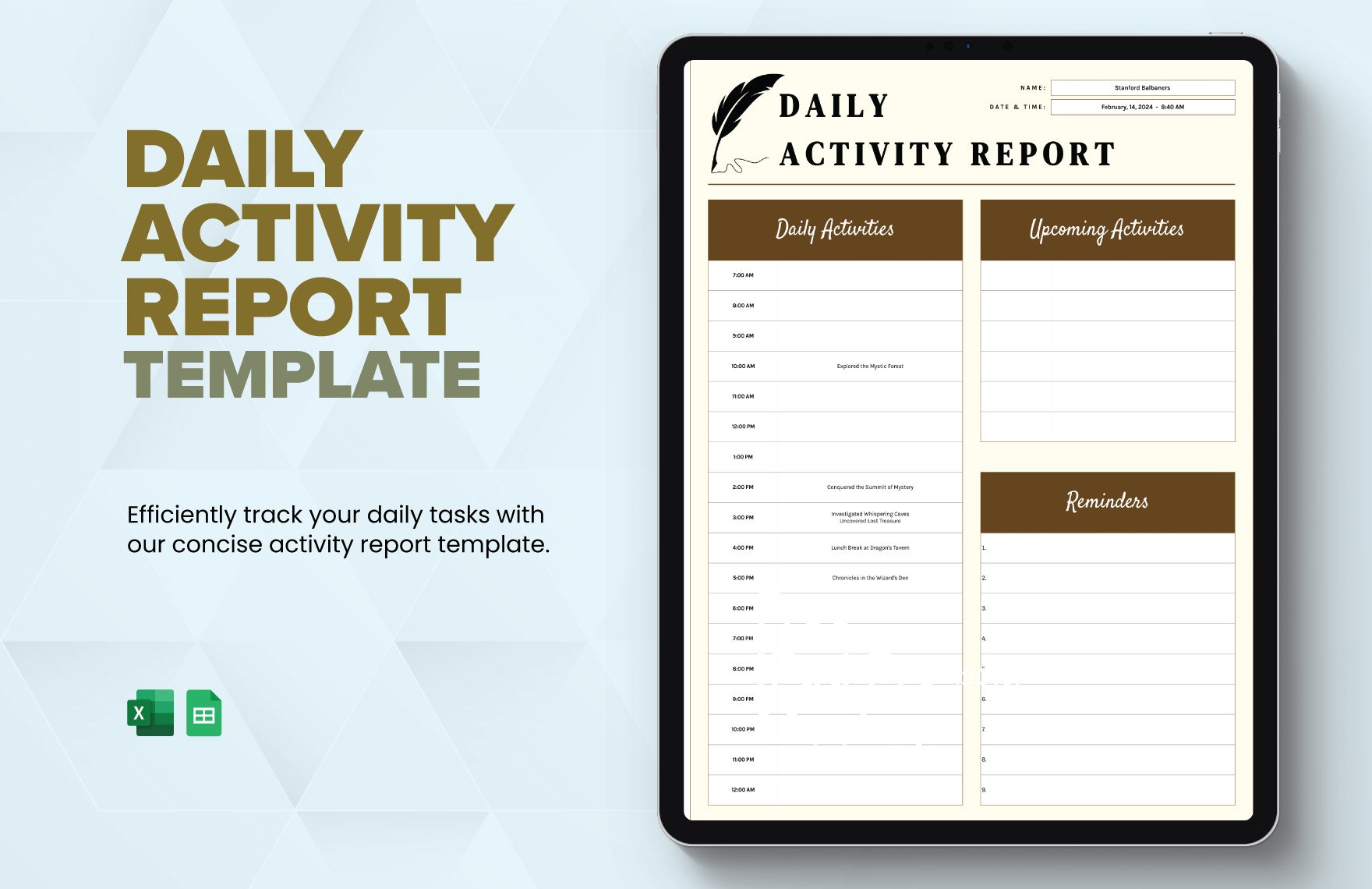
www.template.net
Daily Activity Report Template [Free And Better Than Excel And PDF]
![Daily Activity Report template [Free and better than excel and PDF]](https://sitemate.com/wp-content/uploads/2019/01/2019-0-22-Daily-Activity-Report-1-page-001.jpg)
sitemate.com
Daily Activity Report Template In Word, Pages, Google Docs – Download
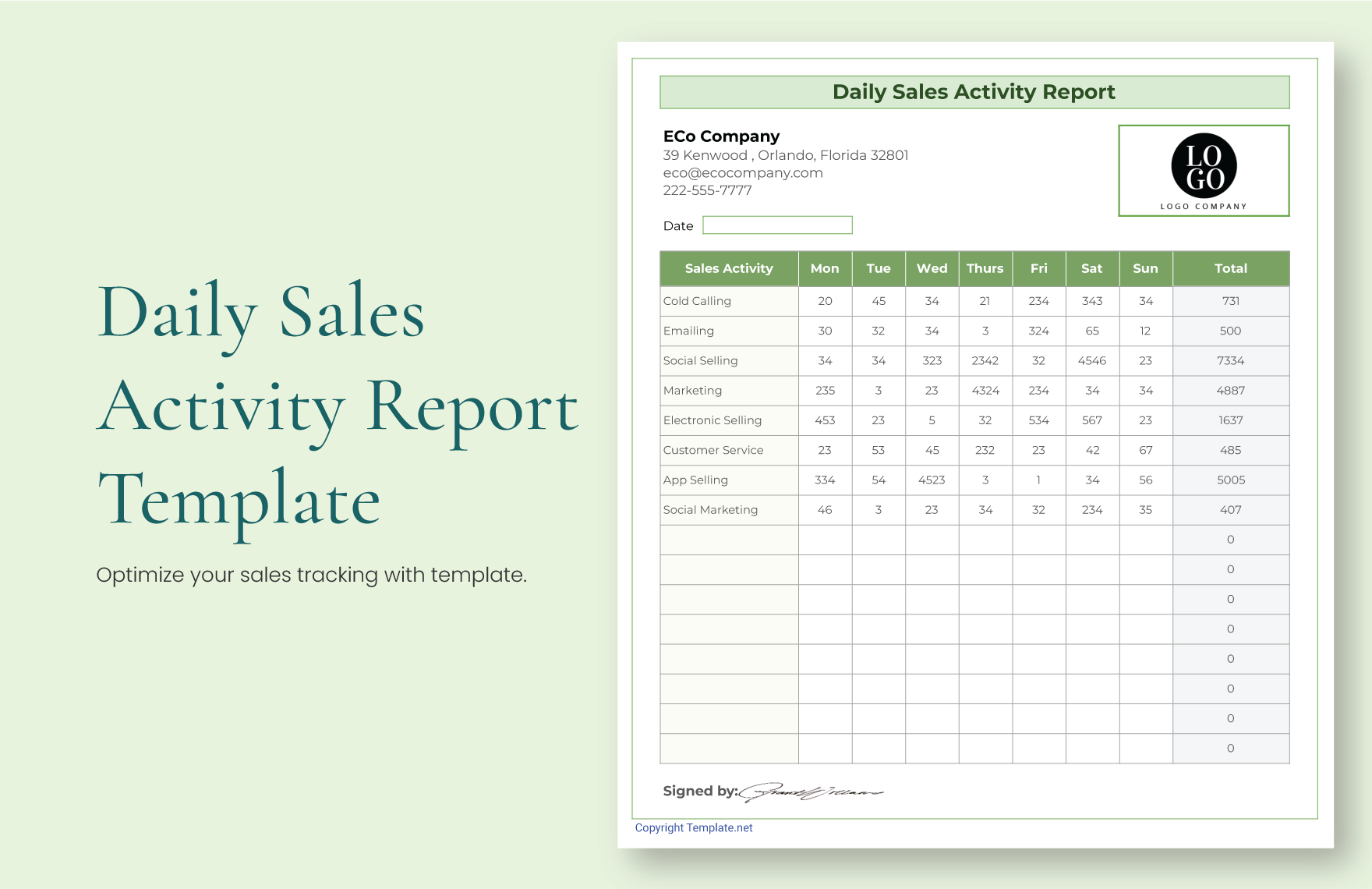
www.template.net
Outrageous How To Write A Daily Activity Report

suitadvantage30.gitlab.io
Daily Activity Report Template – Toptemplate.my.id
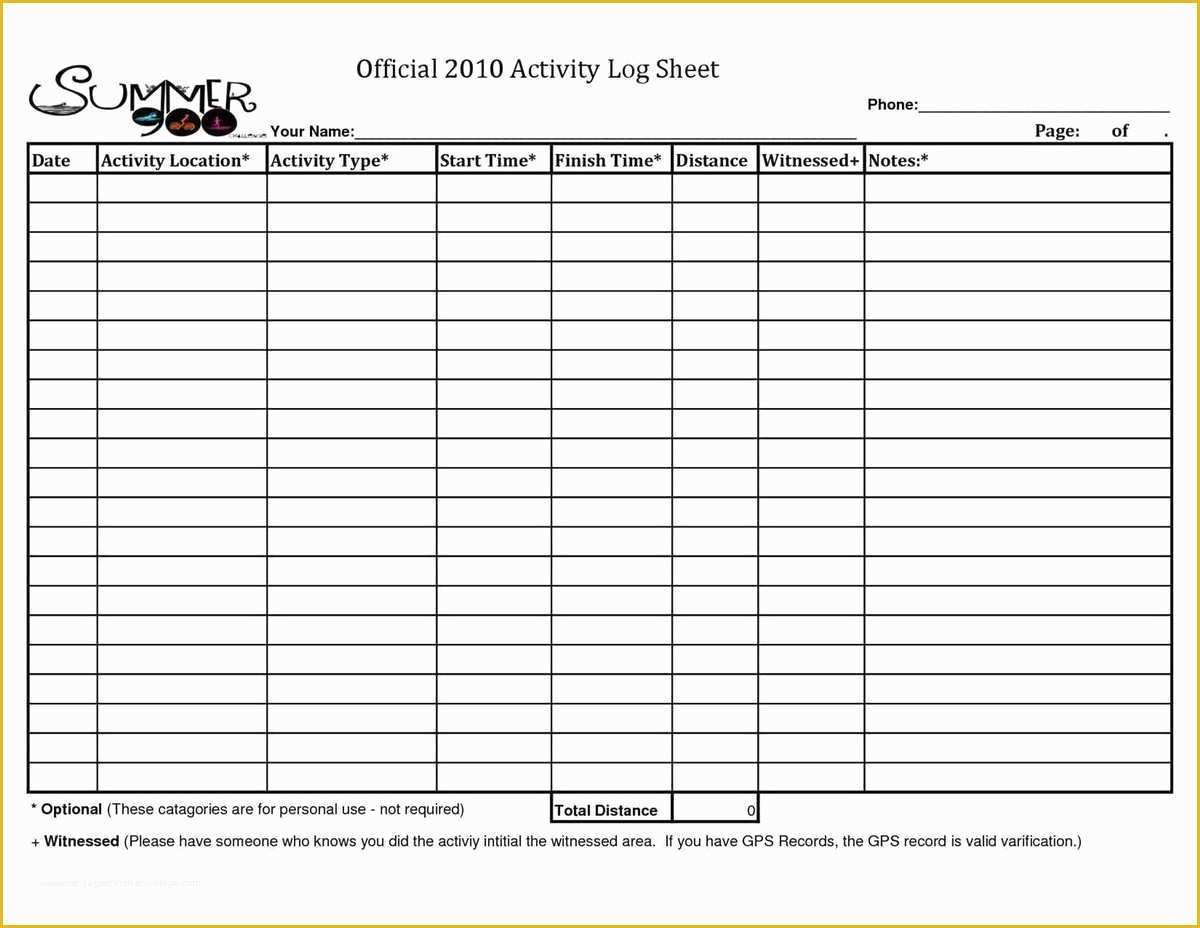
www.toptemplate.my.id
EXCEL Of Daily Activity Plan.xlsx | WPS Free Templates

template.wps.com
Daily Activity Report Template In Microsoft Word, PDF. | Template.net
.jpg)
www.template.net
Daily Activity Report Format – Beinyu.com

www.beinyu.com
daily activity report template [free and better than excel and pdf]. Daily activity report template. Daily activity report template [free and better than excel and pdf]