Technical Support Report Template
Technical support is a critical function for any organization that provides technology-based products or services. A well-structured technical support report template is essential for consistently documenting issues, tracking resolutions, and improving overall service quality. Without a standardized template, reports can be incomplete, inconsistent, and difficult to analyze, hindering efforts to identify recurring problems and implement effective solutions. This post will outline the key elements of an effective technical support report template, providing a framework that promotes clarity, efficiency, and data-driven decision-making. Using a consistent template ensures that all necessary information is captured, allowing support teams to diagnose problems more quickly, provide accurate solutions, and ultimately enhance customer satisfaction.
Technical Support Report Template Essentials
A comprehensive technical support report template should capture all the necessary details regarding the reported issue and its resolution. Here are the key sections that should be included:
-
Report Header
- Report ID: A unique identifier for each report, enabling easy tracking and referencing. This can be a sequential number or a more complex alphanumeric code.
- Date and Time: The exact date and time when the report was created. This is crucial for understanding the timeline of events.
- Reporter Information: Details about the person who reported the issue, including their name, contact information (email, phone number), and potentially their department or role.
-
Customer/User Information
- Customer Name/Account ID: Identifies the customer or user experiencing the issue. If it’s an internal system, this would be the employee’s information.
- Contact Information: Relevant contact details of the affected customer or user, ensuring effective communication.
-
Problem Description
- Subject/Title: A brief and descriptive title summarizing the issue. Examples: “Login Failure,” “Printing Error,” “Software Crash.”
- Detailed Description: A thorough explanation of the problem, including specific steps taken before the issue occurred, error messages received, and the observed behavior. The more detail provided, the easier it is for the support team to understand the context and reproduce the issue.
- Severity Level: An indication of the impact of the issue on the customer or user. Common levels include Critical, High, Medium, and Low, based on the business impact.
- Urgency: How quickly the issue needs to be resolved. This can be influenced by factors such as business deadlines or service level agreements (SLAs).
- Attachments: Space for attaching relevant screenshots, error logs, configuration files, or other supporting documents.
-
Troubleshooting Steps and Resolution
- Troubleshooting Steps Taken: A chronological record of the steps taken by the support team to diagnose the problem. This should include commands run, logs analyzed, and configuration changes made.
- Root Cause Analysis: Identification of the underlying cause of the problem. This is essential for preventing similar issues from recurring in the future.
- Resolution: A clear and concise description of the solution implemented to resolve the problem.
- Workaround (if applicable): If a permanent solution is not immediately available, document any temporary workarounds provided to the customer.
-
Resolution Details
- Resolution Date and Time: The date and time when the issue was resolved.
- Resolution Category: Classification of the type of resolution, such as “Software Bug,” “Hardware Failure,” “Configuration Error,” or “User Error.”
- Resolution Notes: Any additional notes or comments regarding the resolution, such as lessons learned or recommendations for future improvements.
- Time Spent: The total time spent by the support team on resolving the issue. This data is crucial for tracking efficiency and resource allocation.
-
Follow-up and Closure
- Follow-up Actions (if any): Details of any follow-up actions required, such as monitoring the system or implementing preventative measures.
- Customer/User Confirmation: Confirmation from the customer or user that the issue has been resolved to their satisfaction.
- Report Status: Indicates the current status of the report, such as “Open,” “In Progress,” “Resolved,” or “Closed.”
- Closed By: Name of the support agent who closed the report.
- Closure Date: Date when the report was officially closed.
By implementing a standardized technical support report template that includes these elements, organizations can significantly improve their support operations, enhance customer satisfaction, and gain valuable insights into the performance of their products and services. Regular review and refinement of the template based on feedback from support teams and analysis of reported issues are crucial for ensuring its continued effectiveness.
If you are looking for Technical Support Incident Report Template – Professional Sample you’ve came to the right web. We have 15 Pics about Technical Support Incident Report Template – Professional Sample like Plan Template Technical Support Reliability Report Awesome with regard, Technical Support Report Template – Xfanzexpo.com and also Free Technical Support Report Template to Edit Online. Here you go:
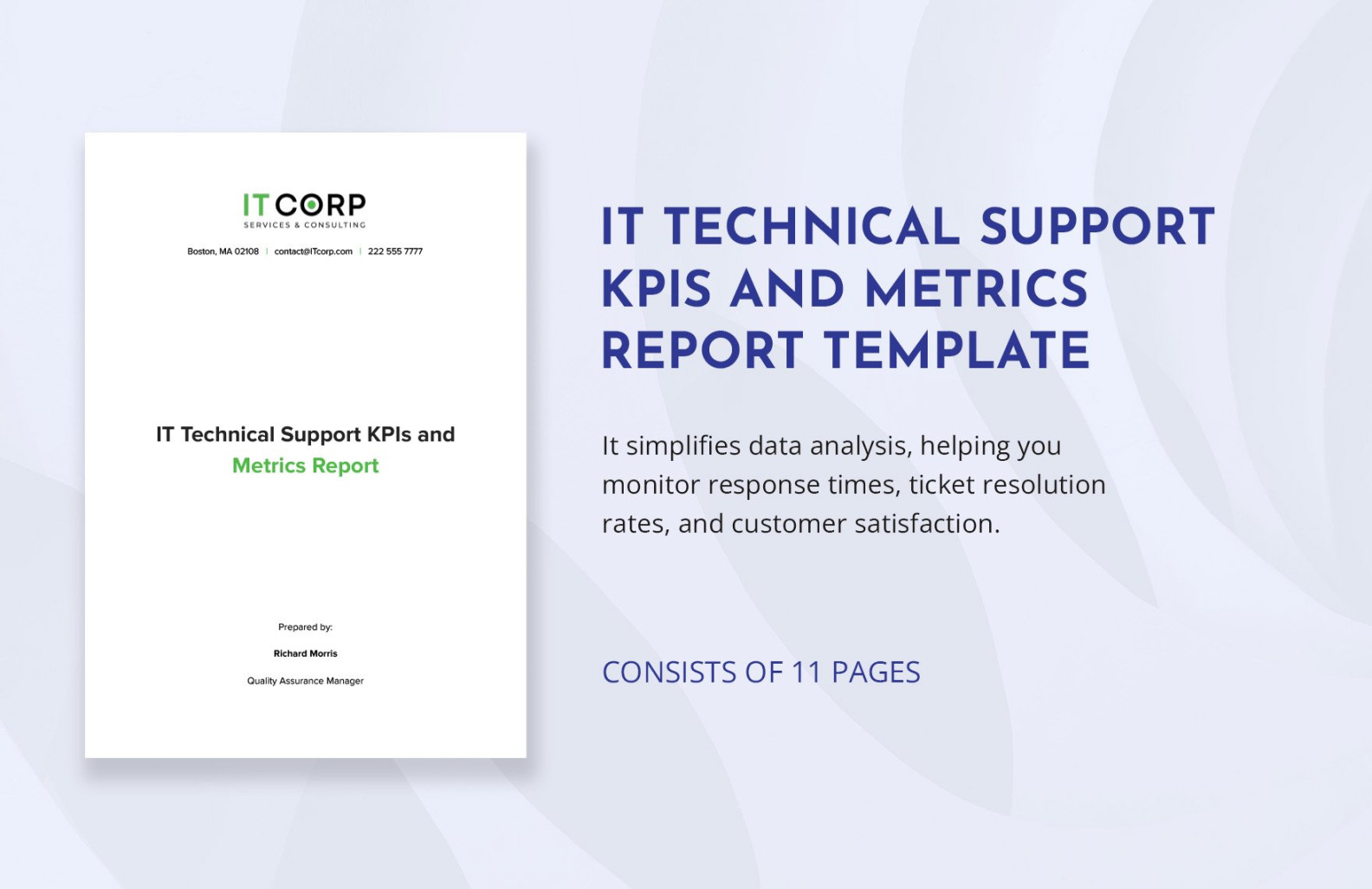
Technical Support Incident Report Template – Professional Sample
snowmanadventure.com
Plan Template Technical Support Reliability Report Awesome With Regard

vancecountyfair.com
Free Technical Support Report Template To Edit Online

www.template.net
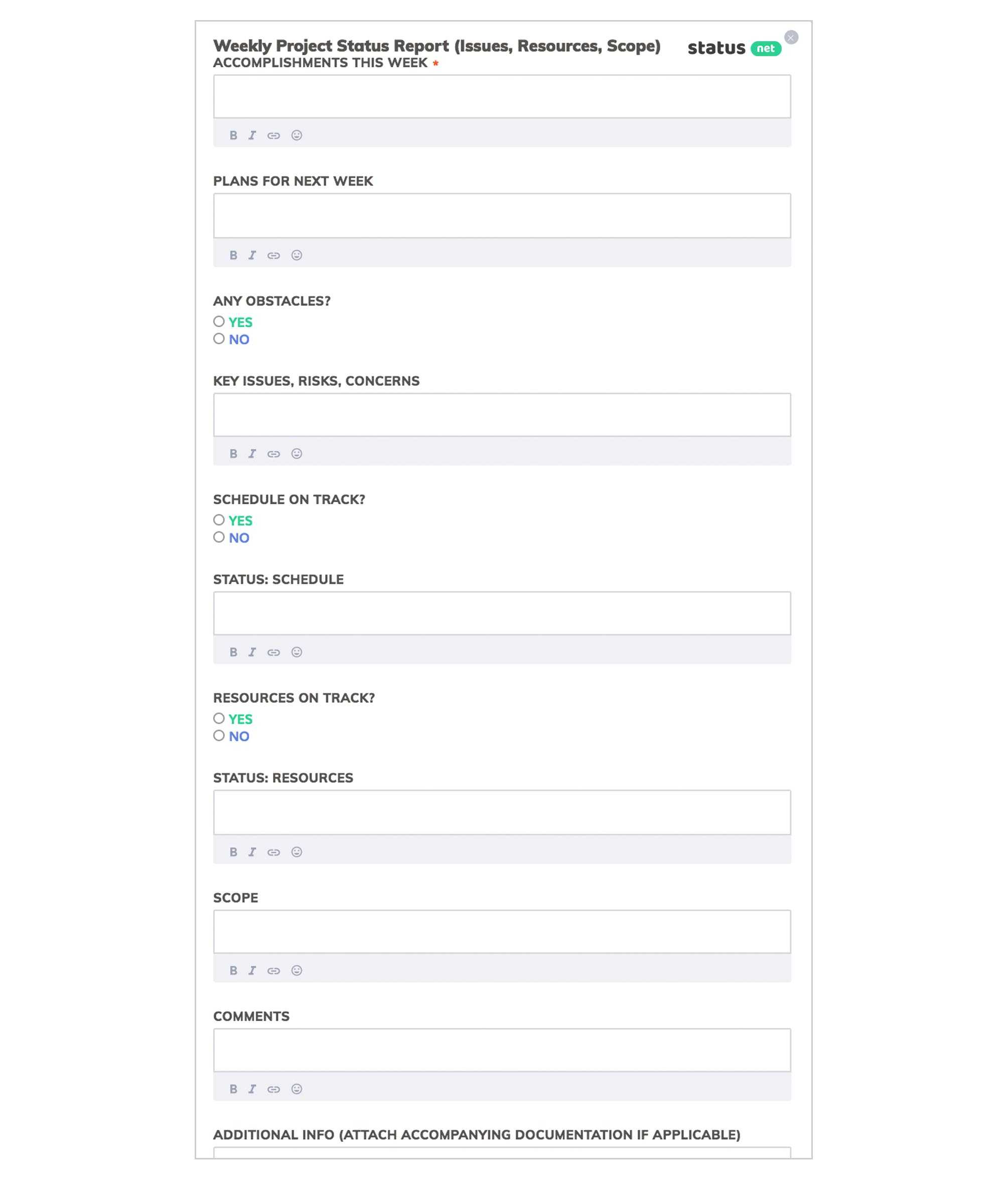
6 Awesome Weekly Status Report Templates | Free Download Inside
www.xfanzexpo.com
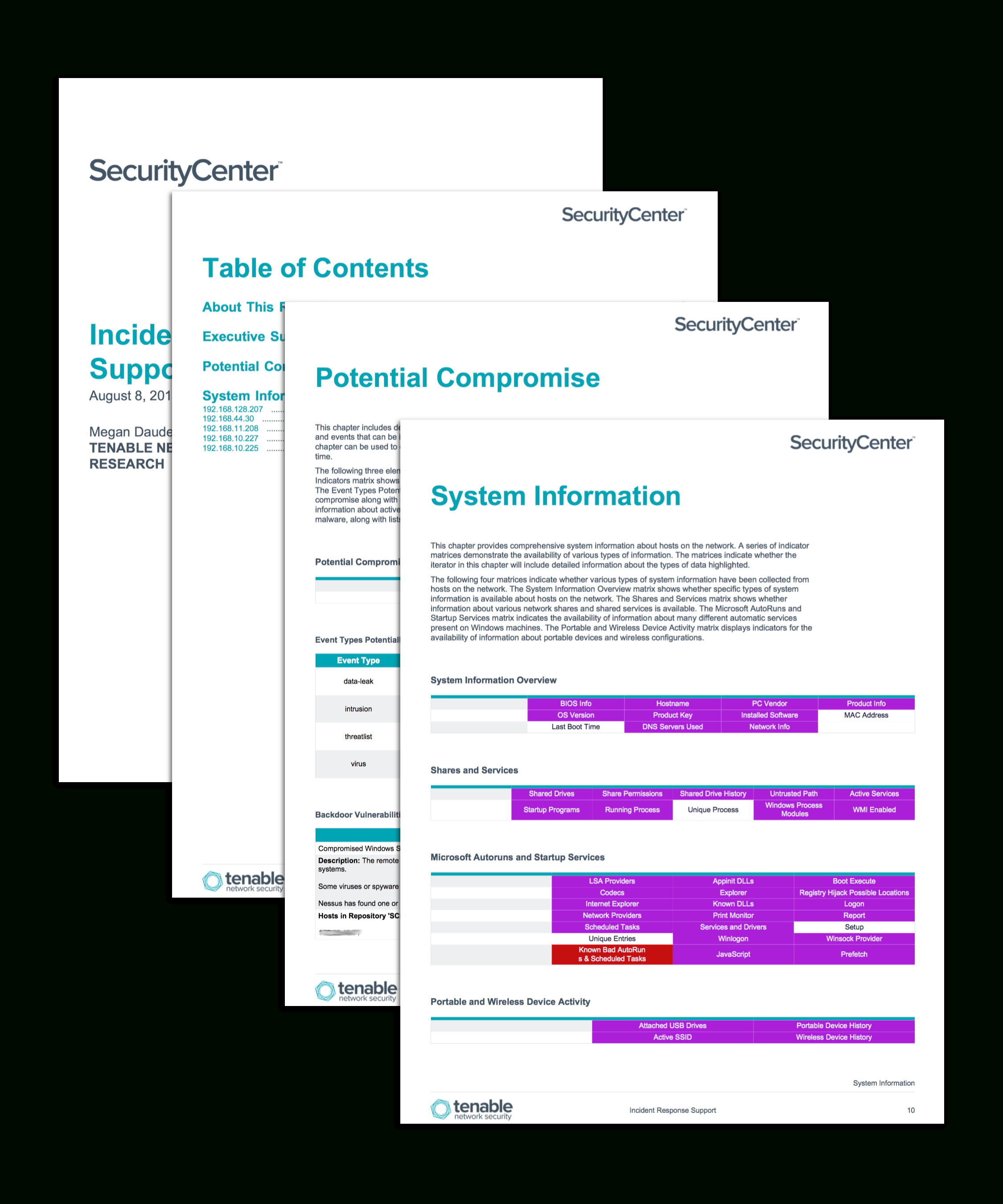
Technical Support Report Template – Xfanzexpo.com
www.xfanzexpo.com
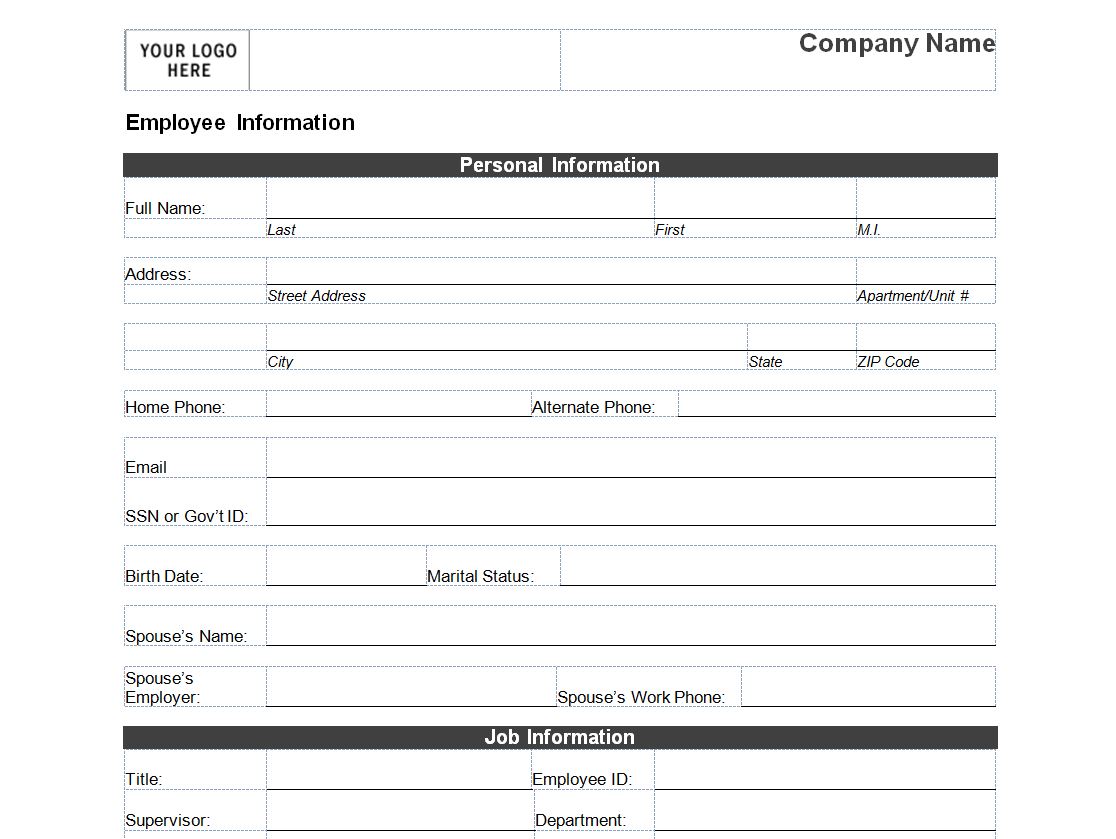
Technical Support Report Template – Mightyprintingdeals.com
www.mightyprintingdeals.com
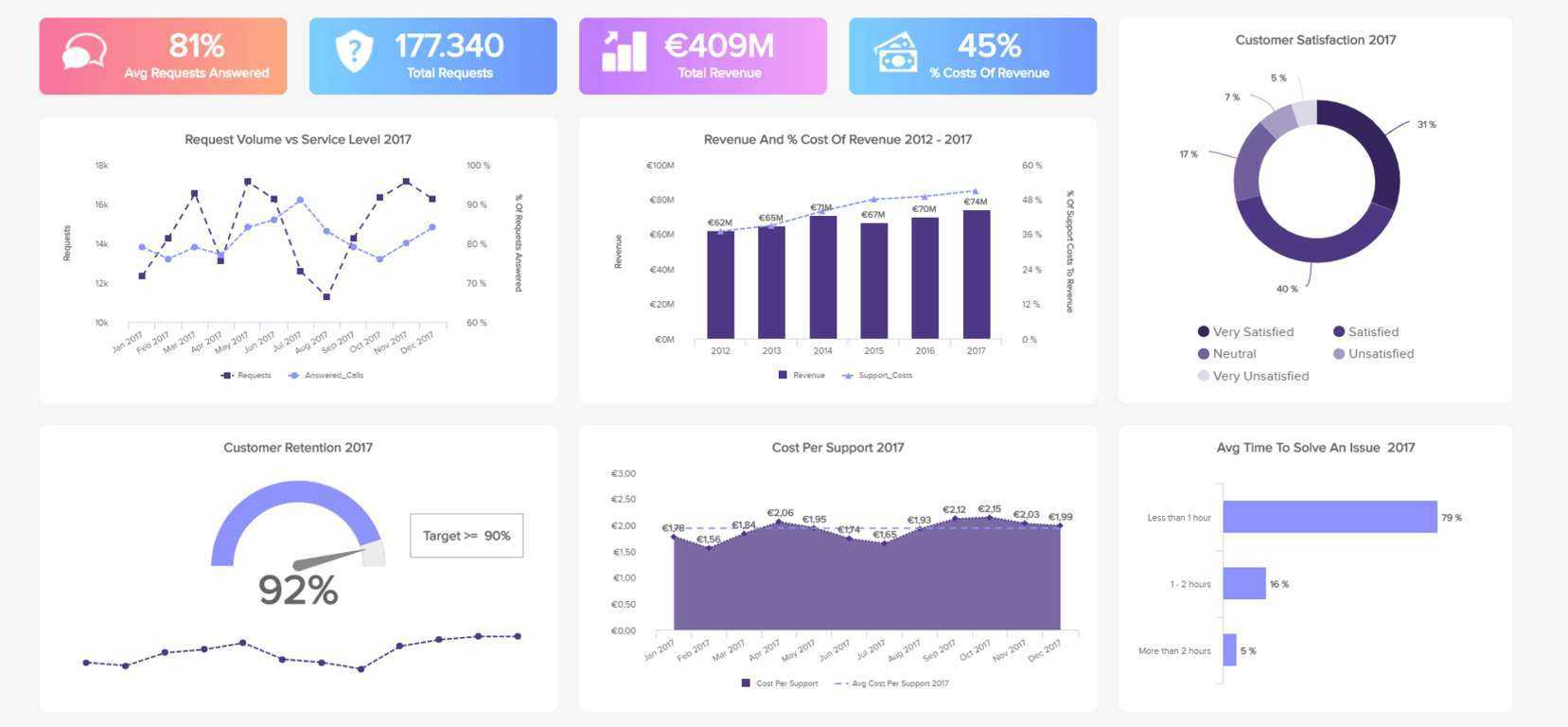
Technical Support Report Template – Xfanzexpo.com
www.xfanzexpo.com
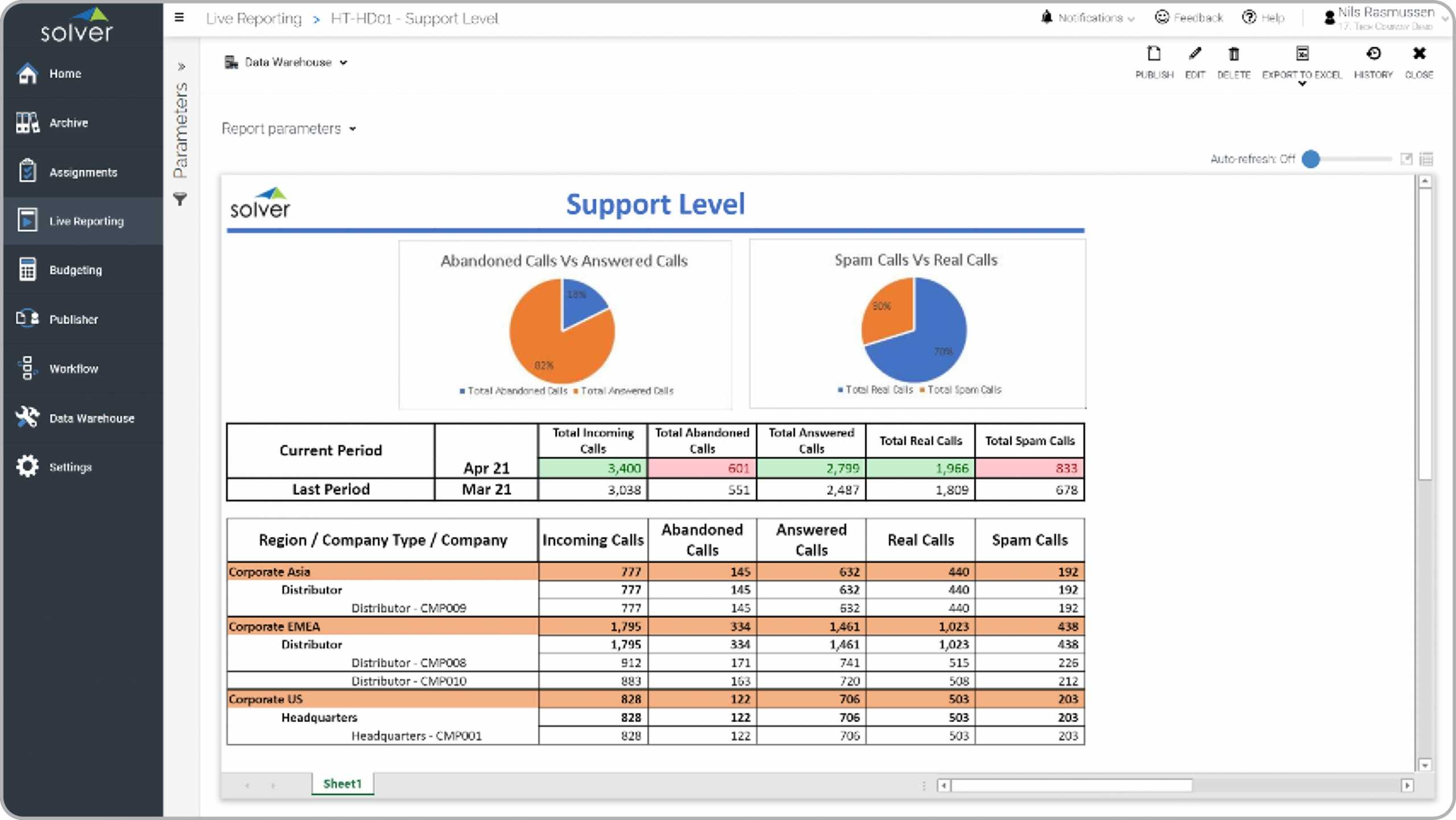
Technical Support Report Template – Rebeccachulew.com
www.rebeccachulew.com
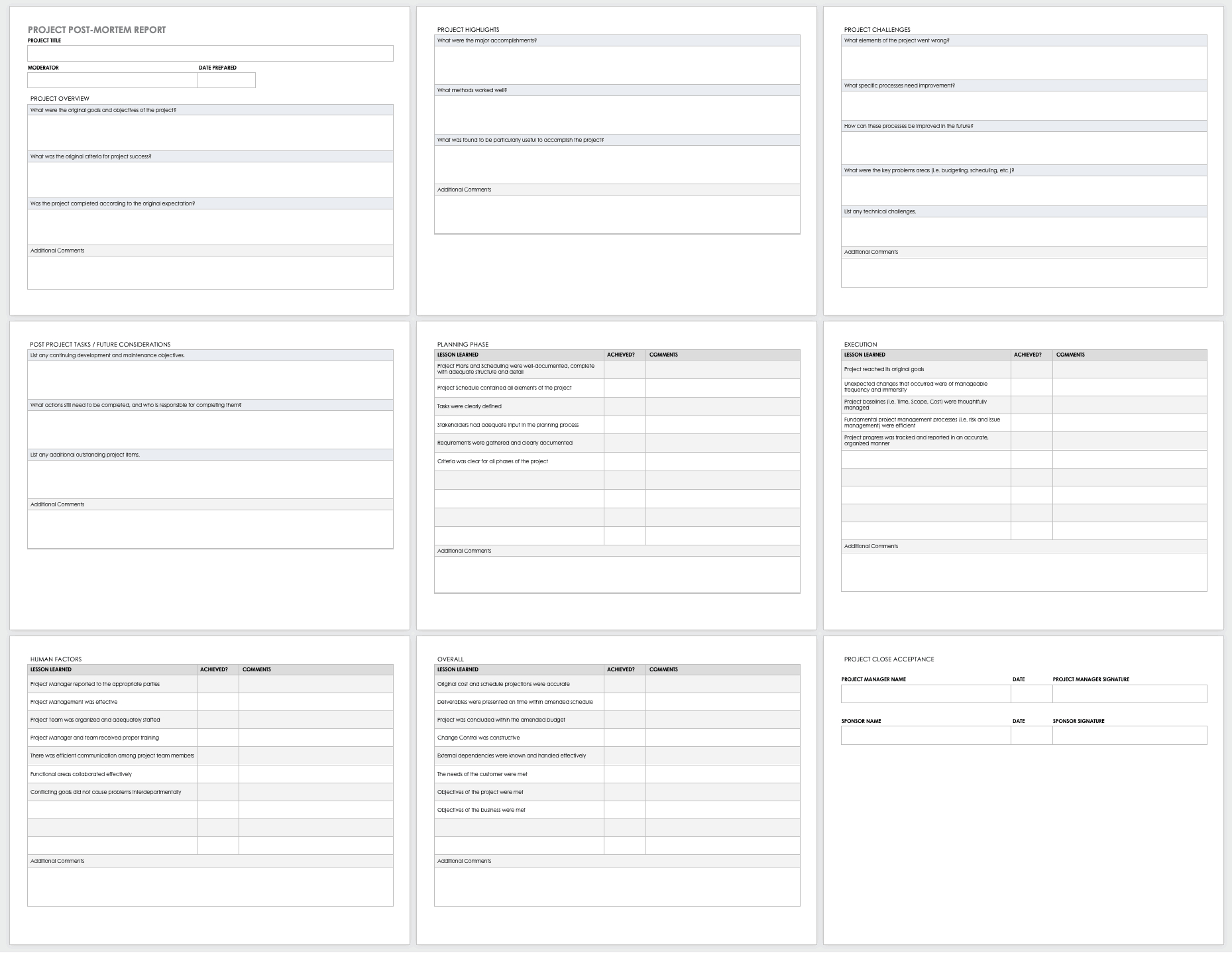
Technical Support Report Template – Professional Plan Templates
complete.maexproit.com
Technical Support Report Template – Rebeccachulew.com

www.rebeccachulew.com
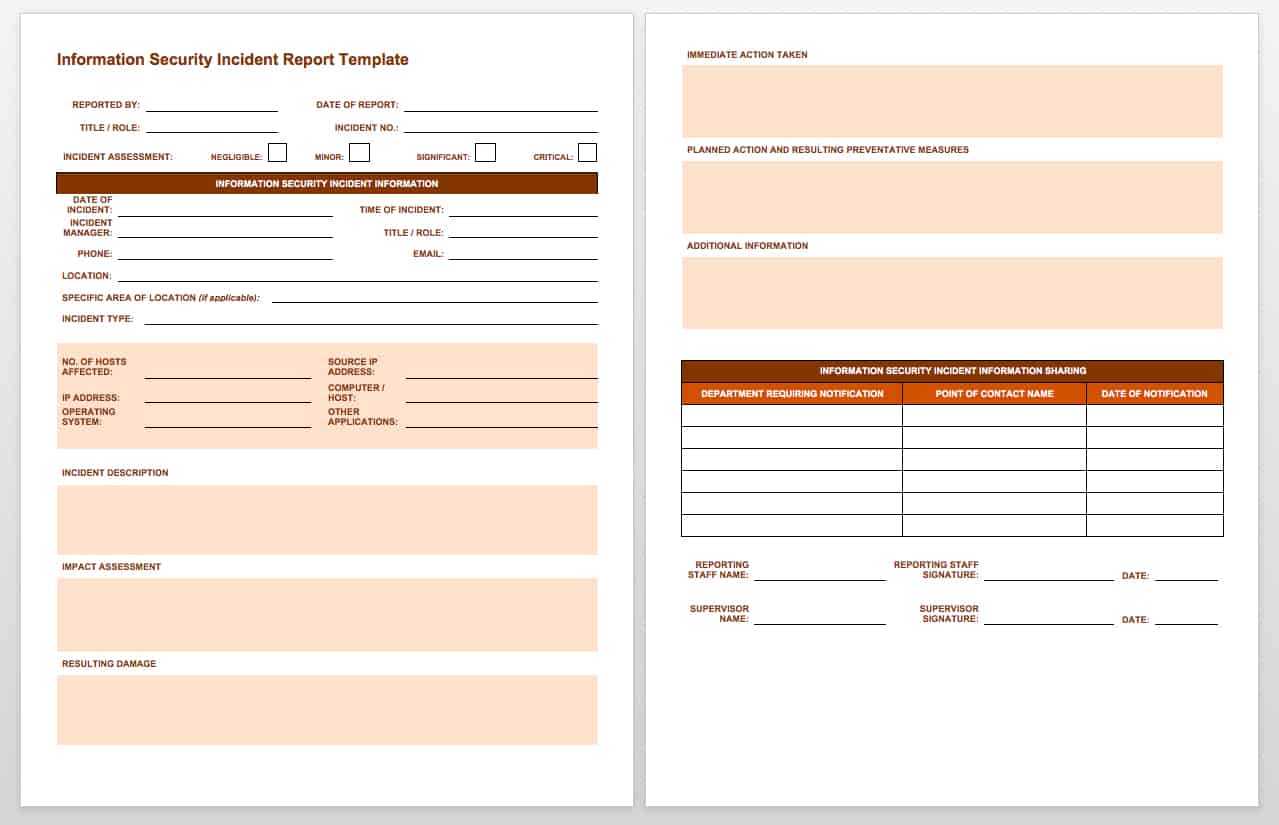
Technical Support Report Template – Rebeccachulew.com
www.rebeccachulew.com
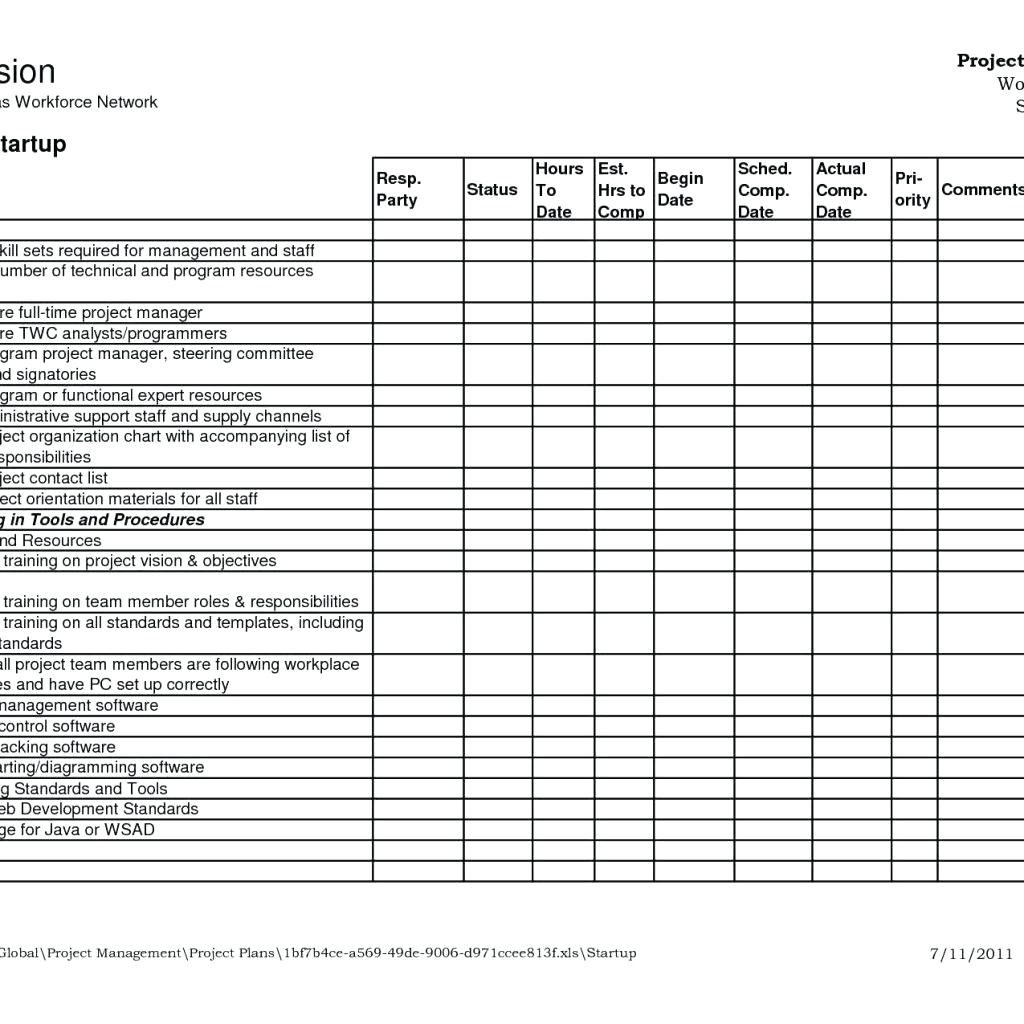
Weekly Report Format Excel Project Template Schedule For Bank Loan
vancecountyfair.com
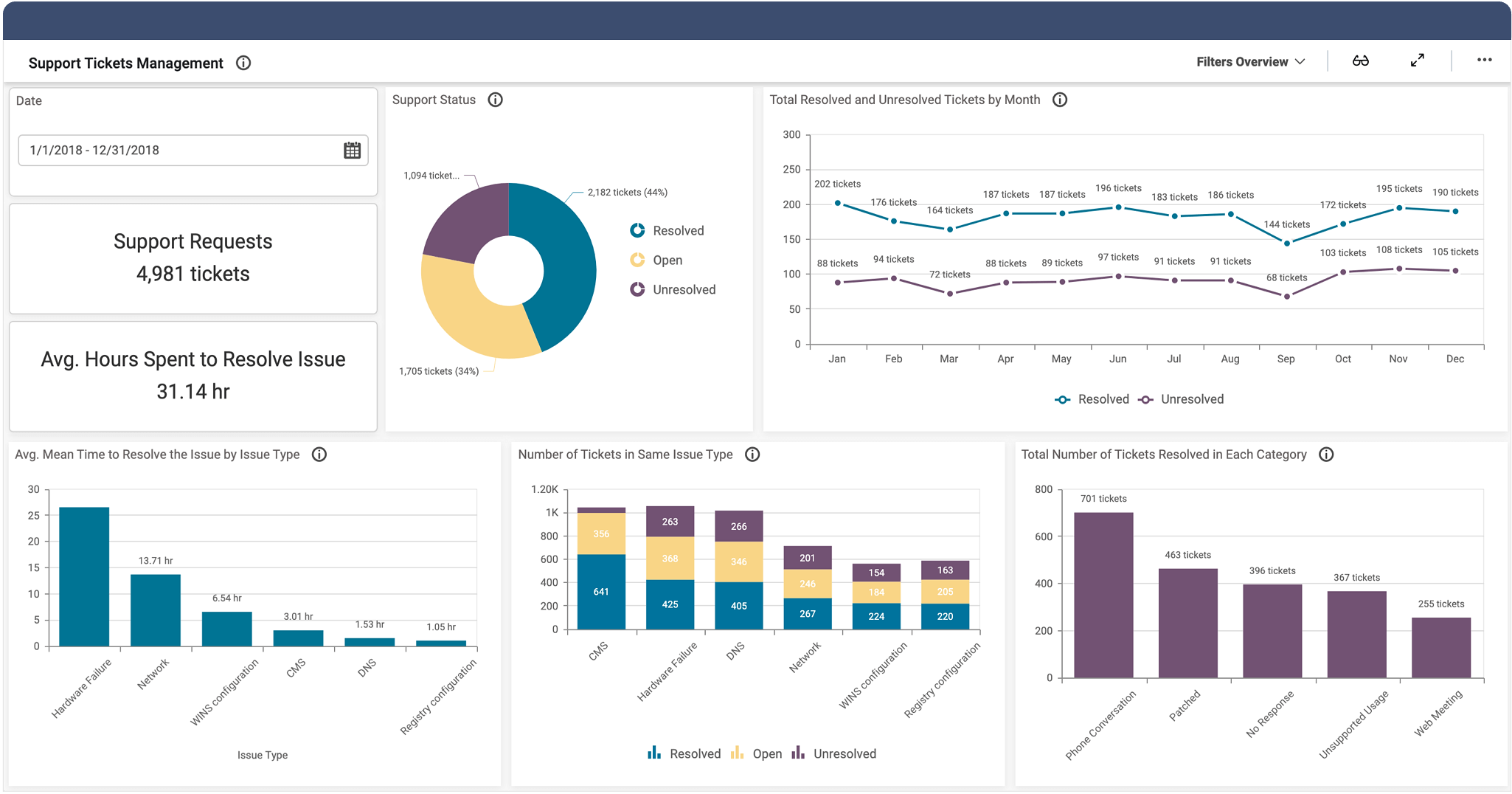
Technical Support Report Template | Creative Template Inspiration
creativetemplateinspiration.blogspot.com
Technical Support Report Template – Mightyprintingdeals.com

www.mightyprintingdeals.com
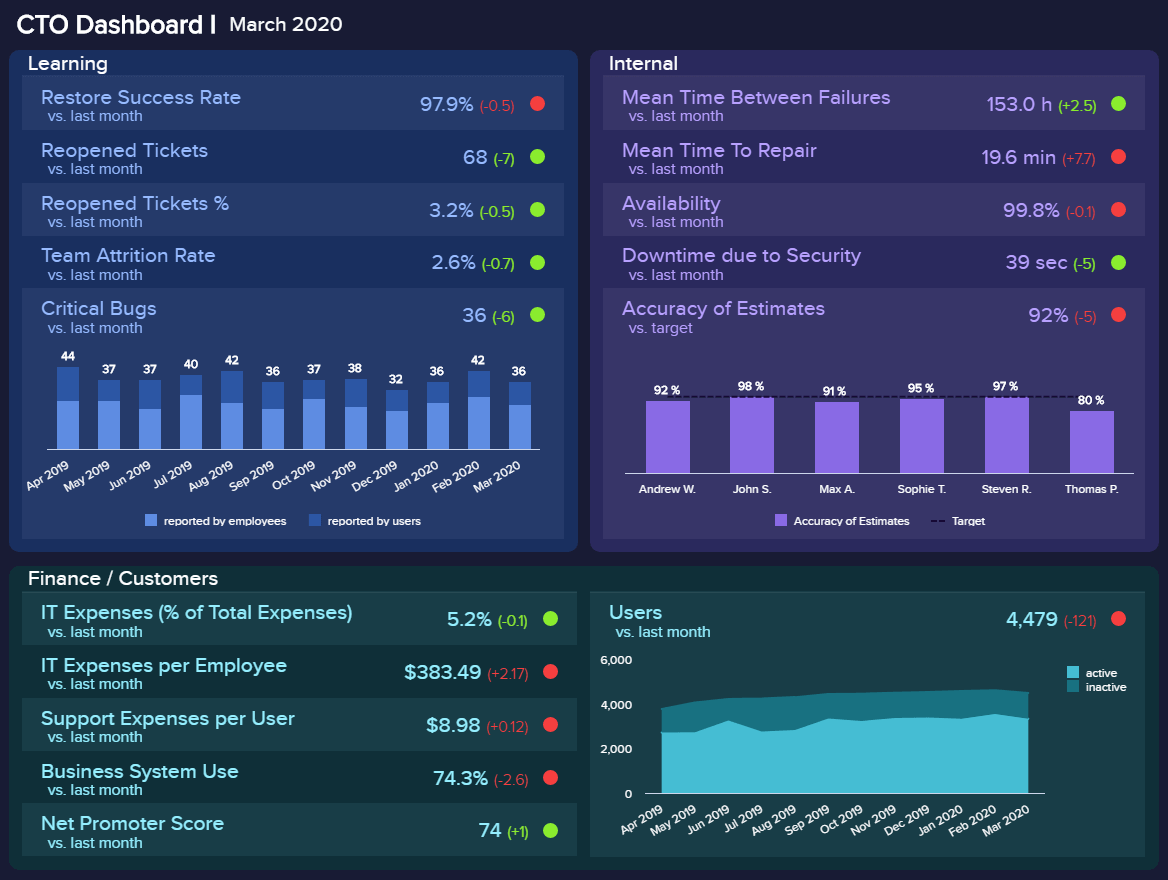
Technical Support Report Template – Rebeccachulew.com
www.rebeccachulew.com
technical support incident report template. technical support report template – mightyprintingdeals.com. Weekly report format excel project template schedule for bank loan