Sound Report Template
Capturing high-quality audio on set is paramount for any film, television, or documentary production. But just recording great sound isn’t enough. Equally important is meticulously documenting the details of each take with a comprehensive sound report. A well-organized sound report serves as the critical link between the sound department’s work on set and the post-production team responsible for editing and mixing the final audio. It ensures accurate tracking, efficient organization, and ultimately, a smoother and more cost-effective post-production workflow. Without a detailed sound report, post-production can face significant challenges in identifying usable takes, understanding specific audio issues, and recreating the original sonic environment.
A sound report, therefore, isn’t just a formality; it’s a vital tool. It’s a communication hub that bridges the gap between the chaos of the set and the meticulous work of post. It allows the editors and sound designers to quickly locate the best audio takes, understand the context in which they were recorded, and address any potential problems efficiently. The report provides critical information about the equipment used, the recording settings, the microphones employed, and any relevant notes about the scene or specific takes. Investing the time and effort to create accurate and detailed sound reports will pay dividends in post-production, saving time, money, and frustration.
While there are various commercial software solutions available for creating sound reports, many sound mixers still prefer using customizable templates that can be adapted to the specific needs of a project. A well-designed template allows for efficient data entry, ensuring that all essential information is captured consistently and accurately. This post outlines the key elements that should be included in a robust sound report template, providing you with a framework to build upon and tailor to your specific requirements.
Key Elements of a Sound Report Template
Below is a breakdown of the core components that should be included in your sound report template. Remember to adapt these elements to fit the specific needs of your project and your personal workflow. Consider also if you’ll be delivering a paper report, or a digital report to post production.
-
Production Information:
- Production Title: The official title of the project.
- Production Company: The name of the production company.
- Date: The date the sound was recorded.
- Sound Mixer: The name of the sound mixer.
- Sound Recordist: (Optional) The name of the sound recordist, if different from the mixer.
- Contact Information: Phone number and email for the sound department.
- Day: (Optional) The day of the shoot (e.g., Day 1, Day 2).
-
Scene Information:
- Scene Number: The scene number as designated in the script.
- Take Number: The number of each take within the scene.
- Slate Number: The slate number, used for visual sync.
- Shot Number: (Optional) For more detailed organization.
- Camera Roll: The camera roll number for cross-referencing.
-
Audio Information:
- File Name: The name of the audio file recorded for each take. Crucial for linking audio to the report. Following a consistent naming convention is vital (e.g., Scene01_Take01.wav).
- Track Information: A detailed description of what was recorded on each track. This is extremely important! Examples:
- Track 1: Boom Microphone (Schoeps CMC641)
- Track 2: Lav Mic on Actor A (Sennheiser MKE2)
- Track 3: Lav Mic on Actor B (DPA 4061)
- Track 4: Stereo Ambience (Sennheiser MKH416)
- Timecode In/Out: The starting and ending timecode for each take. Especially helpful for longer takes or when syncing multiple cameras.
- Sample Rate/Bit Depth: (Optional, but good practice) The sample rate and bit depth of the recorded audio (e.g., 48kHz/24bit).
- Equipment Used: List the specific recorders, microphones, wireless systems, and other equipment used on that day.
-
Notes:
- General Notes: Any general observations about the scene, such as the location, the type of action, or any specific challenges encountered.
- Take Notes: Specific notes for each take, detailing issues such as:
- Good Take: Indicates if the take is considered technically and artistically acceptable.
- Bad Take: Indicates that the take had problems, and why (e.g., “Airplane noise,” “Clipping on Actor A’s lav,” “Slate missed”).
- Room Tone: Indicate the recording of room tone.
- Wild Track: Indicate the recording of any wild tracks.
- Sound Effects: Indicate the recording of specific sound effects on set.
- Problems: Any problems with the take (e.g., noise, distortion, mic placement issues, actor ad-libs affecting continuity).
- Coverage: Notes on coverage, such as “Wide shot,” “Close-up,” or “MOS.”
By incorporating these elements into your sound report template, you’ll create a valuable resource that streamlines the post-production process and ensures that the audio you capture on set is used effectively to create a compelling final product. Remember to be consistent, thorough, and accurate in your reporting to maximize its value to the post-production team. Consider using spreadsheet software, a dedicated app, or even a well-formatted word processor document to create your template, depending on your preferences and workflow.
If you are searching about Sound Report Template – Rebeccachulew.com you’ve visit to the right place. We have 15 Pics about Sound Report Template – Rebeccachulew.com like Great Call Monitoring Template Photos Sound Report Template with regard, Best Image Eeo Report Template Report Inspiration – Eeo with Sound and also Sound Report Template – Rebeccachulew.com. Here you go:
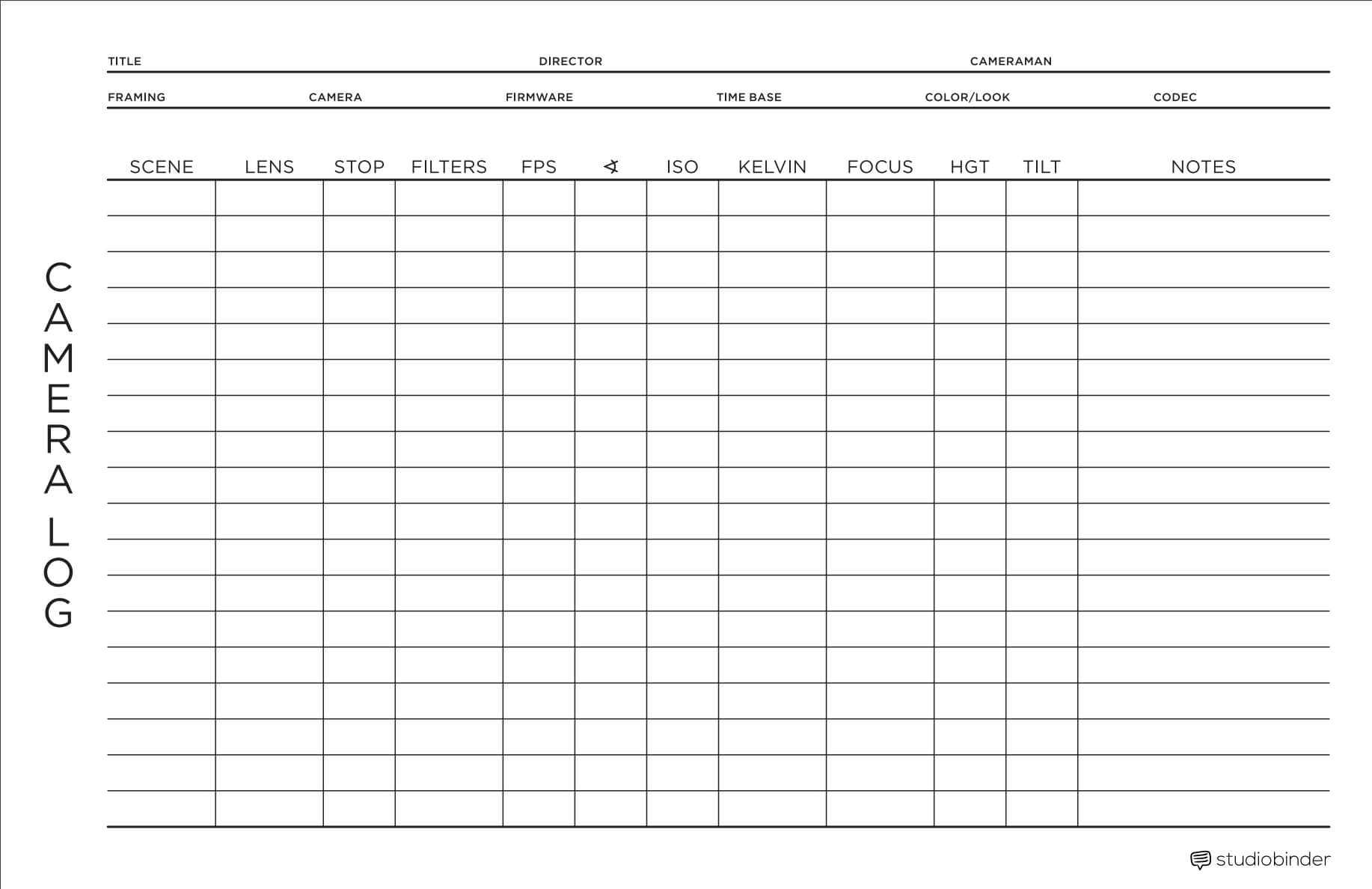
Sound Report Template – Rebeccachulew.com
www.rebeccachulew.com
Free Sample Student Report Template To Edit Online
www.template.net
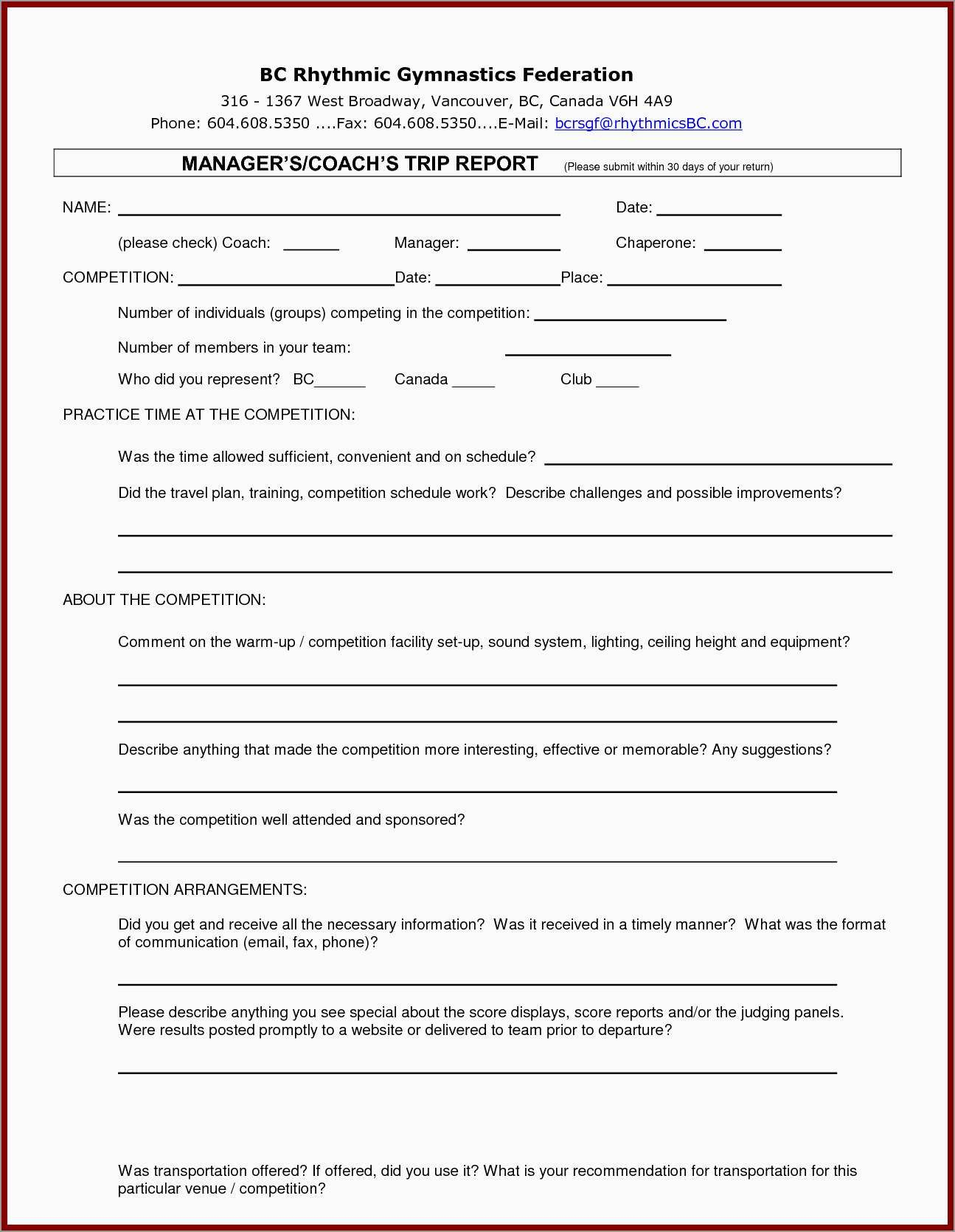
Fresh Free Business Trip Report Template Best Of Template Throughout
vancecountyfair.com
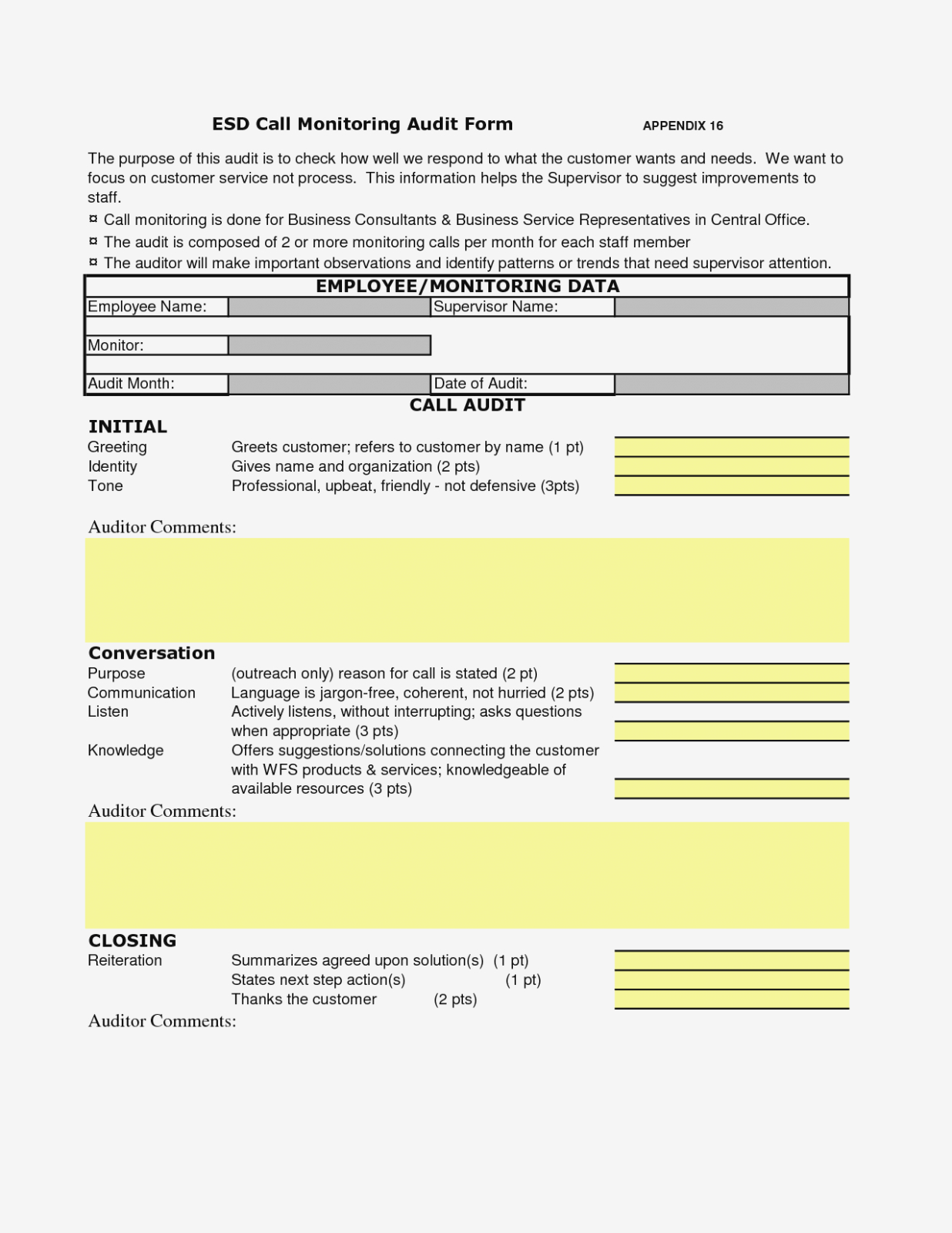
Great Call Monitoring Template Photos Sound Report Template With Regard
vancecountyfair.com
Report-template – Engineers Tools

engineers.tools
Sound Report Template • Fourtify

fourtify.co
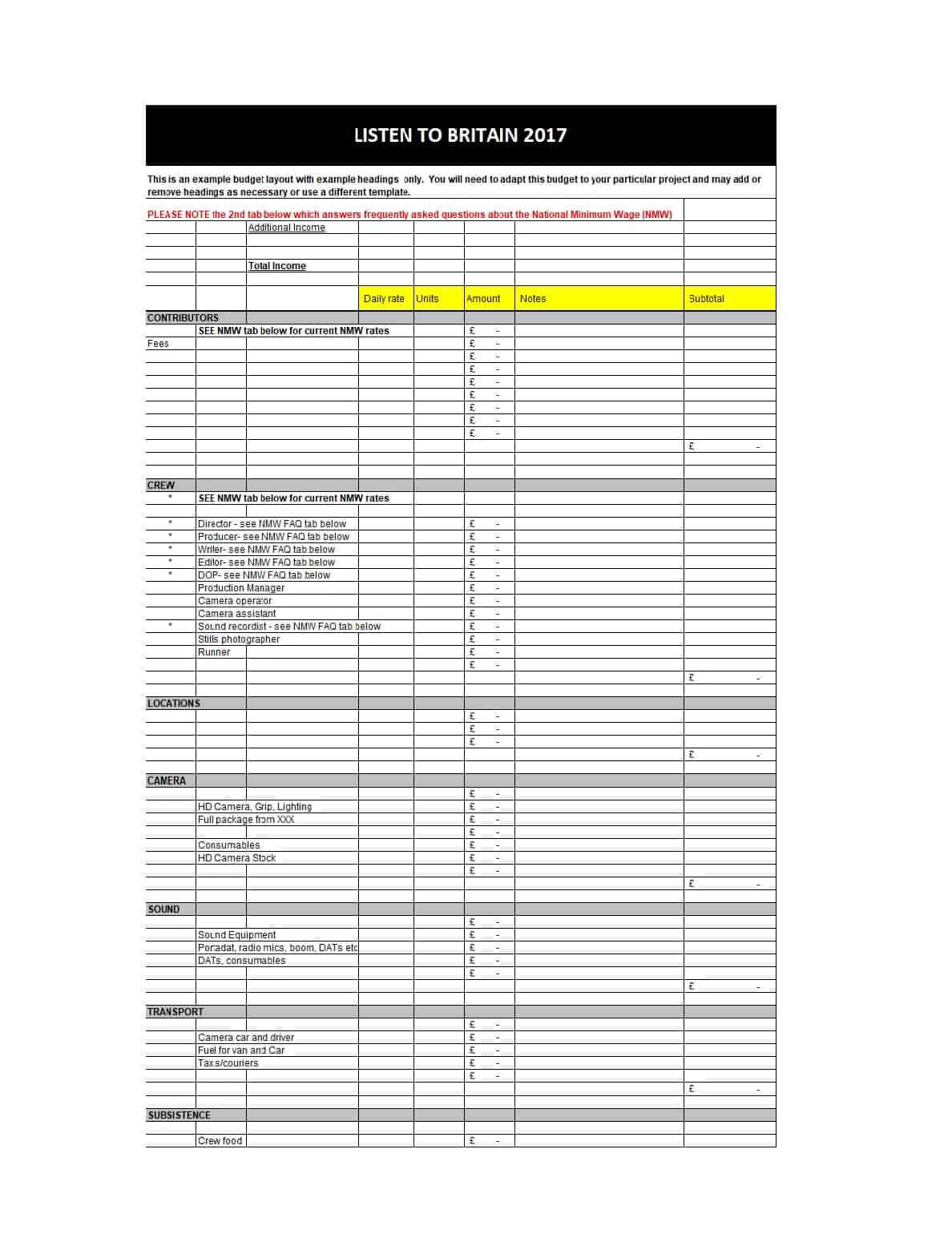
33 Free Film Budget Templates (Excel, Word) ᐅ Template Lab Intended For
business.fromgrandma.best
Home Inspection Report Template Pdf And Templates Of Wondrous Regarding

vancecountyfair.com
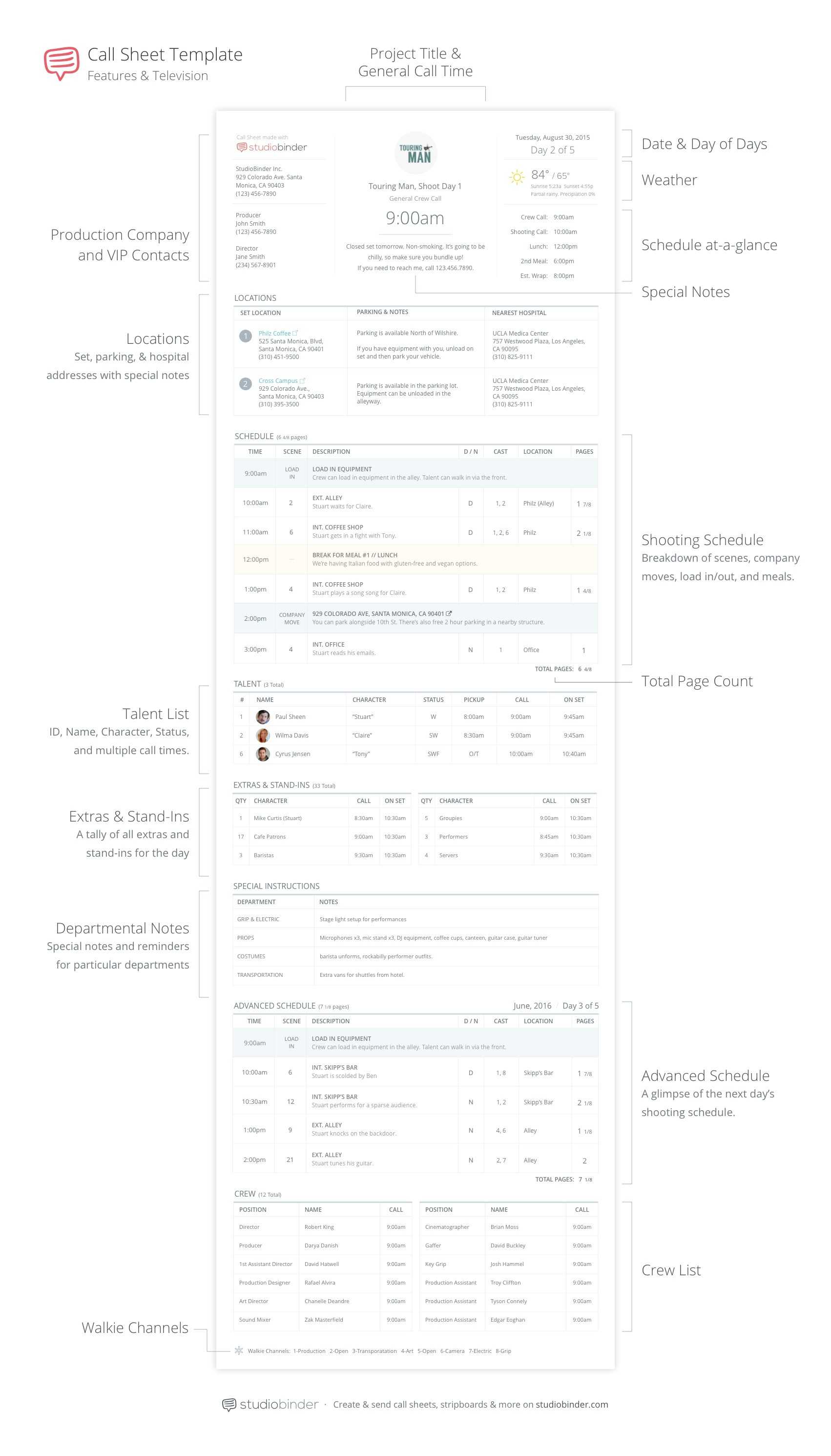
3 Production Documents You Need To Make For Your Film Shoot Pertaining
www.xfanzexpo.com
Sound Report Template

note.pejuang.net
Free Stock Audit Report Template – Edit Online & Download | Template.net
www.template.net
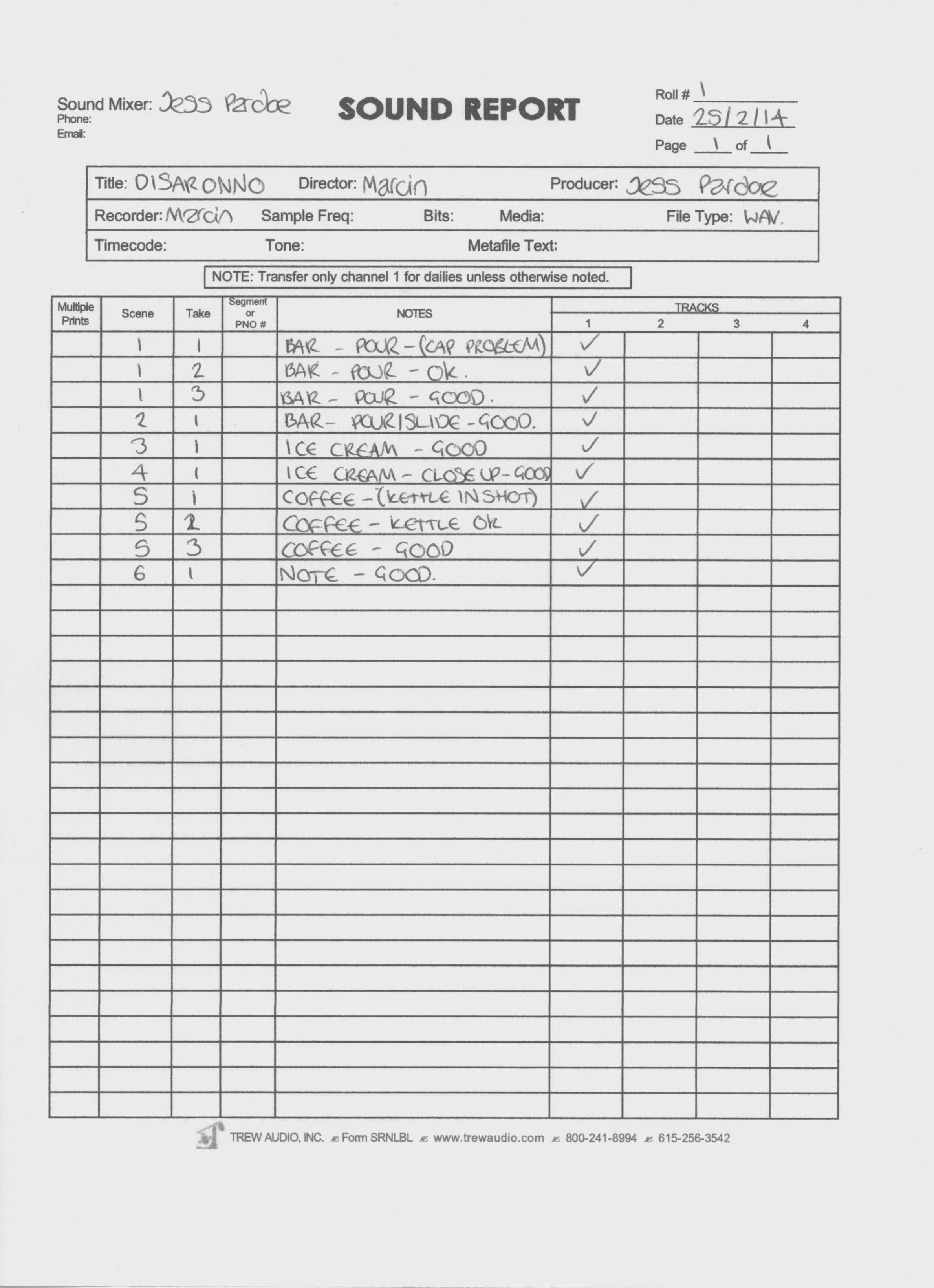
Best Image Eeo Report Template Report Inspiration – Eeo With Sound
vancecountyfair.com
End Of Day Sales Report Template With Sound Report Template – Creative

cloudflare.itsnudimension.com
Property Inspection Report Template – Free And Customisable

www.pinterest.com
Free Design Report Template – Edit Online & Download | Template.net

www.template.net
End of day sales report template with sound report template – creative. Free stock audit report template. Free sample student report template to edit online