Cover Page Of Report Template In Word
Crafting the Perfect Report Cover Page in Word: Templates & Tips
The cover page of your report is often the first impression you make on your audience. A well-designed cover page not only enhances the professionalism of your work but also provides essential information at a glance. It serves as a gateway to the content within, guiding the reader and setting the tone for what’s to come. Whether you’re submitting an academic paper, a business proposal, or an internal company report, a polished cover page is crucial.
Microsoft Word offers a range of built-in templates to help you create stunning cover pages with ease. These templates are highly customizable, allowing you to tailor them to your specific needs and brand guidelines. But with so many options available, how do you choose the right template and customize it effectively? This guide will walk you through the process, providing tips and insights to help you create a cover page that makes a lasting impression.
Leveraging Word’s Built-in Cover Page Templates
Word provides a collection of pre-designed cover page templates that can be accessed directly within the application. These templates offer a variety of layouts, styles, and color schemes to suit different types of reports.
- Accessing the Cover Page Templates: To access the cover page templates in Word, navigate to the “Insert” tab on the ribbon. In the “Pages” group, click on the “Cover Page” button. A dropdown menu will appear, displaying a gallery of available templates.
- Exploring the Template Gallery: Take some time to browse through the gallery and examine the different templates. Pay attention to the overall design, the placement of text and images, and the color palette used. Consider which template best aligns with the purpose and style of your report.
- Selecting a Template: Once you’ve found a template you like, simply click on it to insert it into your document. The template will be added to the beginning of your report, creating a dedicated cover page.
Customizing Your Cover Page Template
After inserting a template, you’ll need to customize it with your specific information and branding elements. Word templates are designed to be easily editable, allowing you to replace placeholder text and images with your own content.
- Replacing Placeholder Text: Click on any of the placeholder text fields to highlight them and then type in your own information. This typically includes the report title, your name, the date, and any other relevant details.
- Adding Your Logo or Images: If the template includes a placeholder for an image, you can replace it with your company logo or a relevant graphic. Simply right-click on the placeholder image and select “Change Picture” to insert your own image.
- Adjusting Colors and Fonts: To customize the colors and fonts used in the template, go to the “Design” tab on the ribbon. Here, you can choose different color schemes and font styles to match your brand guidelines.
- Modifying the Layout: If you want to adjust the layout of the template, you can move elements around, resize them, or add new elements. Be careful not to overcomplicate the design, as a clean and simple layout is often the most effective. Use the “Format” tab that appears when you click on an element to fine-tune its appearance (e.g., shape fill, shape outline, text fill, text outline).
- Adding a Subtitle or Abstract Snippet: Consider adding a brief subtitle or a very short abstract snippet (one to two sentences) under the main title to give the reader an immediate understanding of the report’s subject matter.
Tips for Creating an Effective Cover Page
While Word templates provide a great starting point, there are a few key principles to keep in mind when designing your cover page:
- Keep it Simple: Avoid cluttering the cover page with too much information or overly complex designs. A clean and minimalist approach is often the most effective.
- Use Consistent Branding: Ensure that your cover page aligns with your brand guidelines by using the correct colors, fonts, and logo.
- Highlight Key Information: Make sure the most important information, such as the report title and your name, is clearly visible and easy to read.
- Choose a Relevant Image: If you include an image, make sure it’s relevant to the report’s topic and of high quality. Avoid using generic or cliché images.
- Proofread Carefully: Always proofread your cover page for any typos or grammatical errors before submitting your report.
Advanced Customization Options
For users with more advanced design skills, Word offers even greater customization options. You can create your own cover page from scratch using shapes, text boxes, and images. This allows you to have complete control over the design and create a truly unique cover page.
Using Shapes and Text Boxes:
- Word’s shape tools (Insert > Shapes) can be used to create backgrounds, borders, and other design elements. Experiment with different shapes, colors, and effects to achieve the desired look.
- Text boxes (Insert > Text Box) allow you to position text anywhere on the page, giving you greater control over the layout.
Working with Images:
- You can insert images directly into your cover page by going to Insert > Pictures. Make sure the images are high-resolution and properly sized.
- Word’s picture editing tools allow you to adjust the brightness, contrast, and other settings of your images.
By following these tips and utilizing Word’s built-in templates and customization options, you can create a professional and effective cover page that enhances the overall impact of your report. Remember that the cover page is your first opportunity to impress your audience, so take the time to design it thoughtfully and carefully.
If you are searching about How to Design a Magazine Cover in 2024 you’ve came to the right place. We have 15 Images about How to Design a Magazine Cover in 2024 like Magazine Cover Page Design Templates, Book Cover Page Design Free Download and also set of colorful book cover designs with waves pattern. abstract. Here it is:
How To Design A Magazine Cover In 2024

www.dochipo.com
Book Cover Page Design Free Download

animalia-life.club
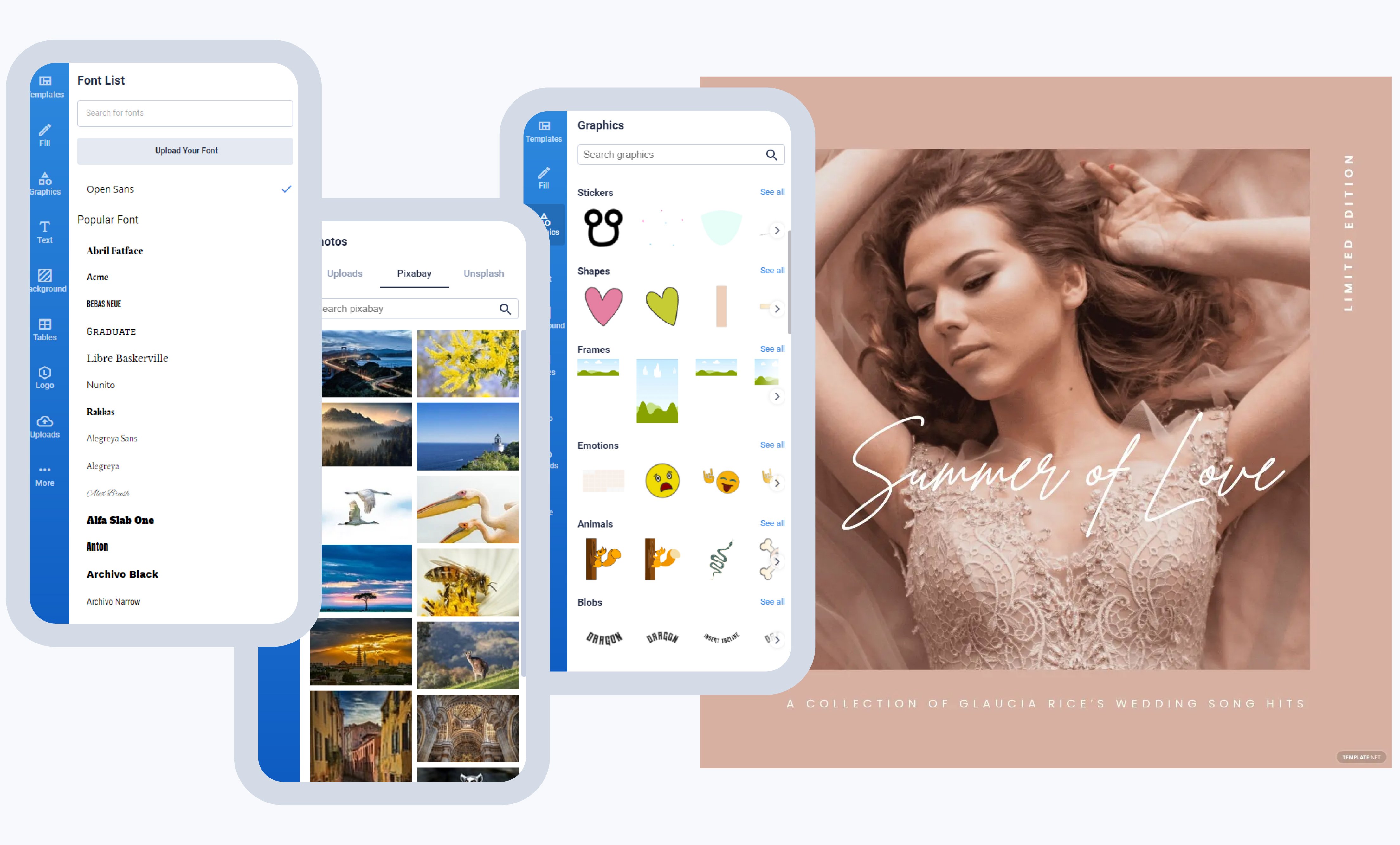
Free Album Cover Maker – Create Album Covers Online, Picture Album
www.waca.msf.org
Book Designs

ar.inspiredpencil.com
Xxl Magazine Covers

fity.club
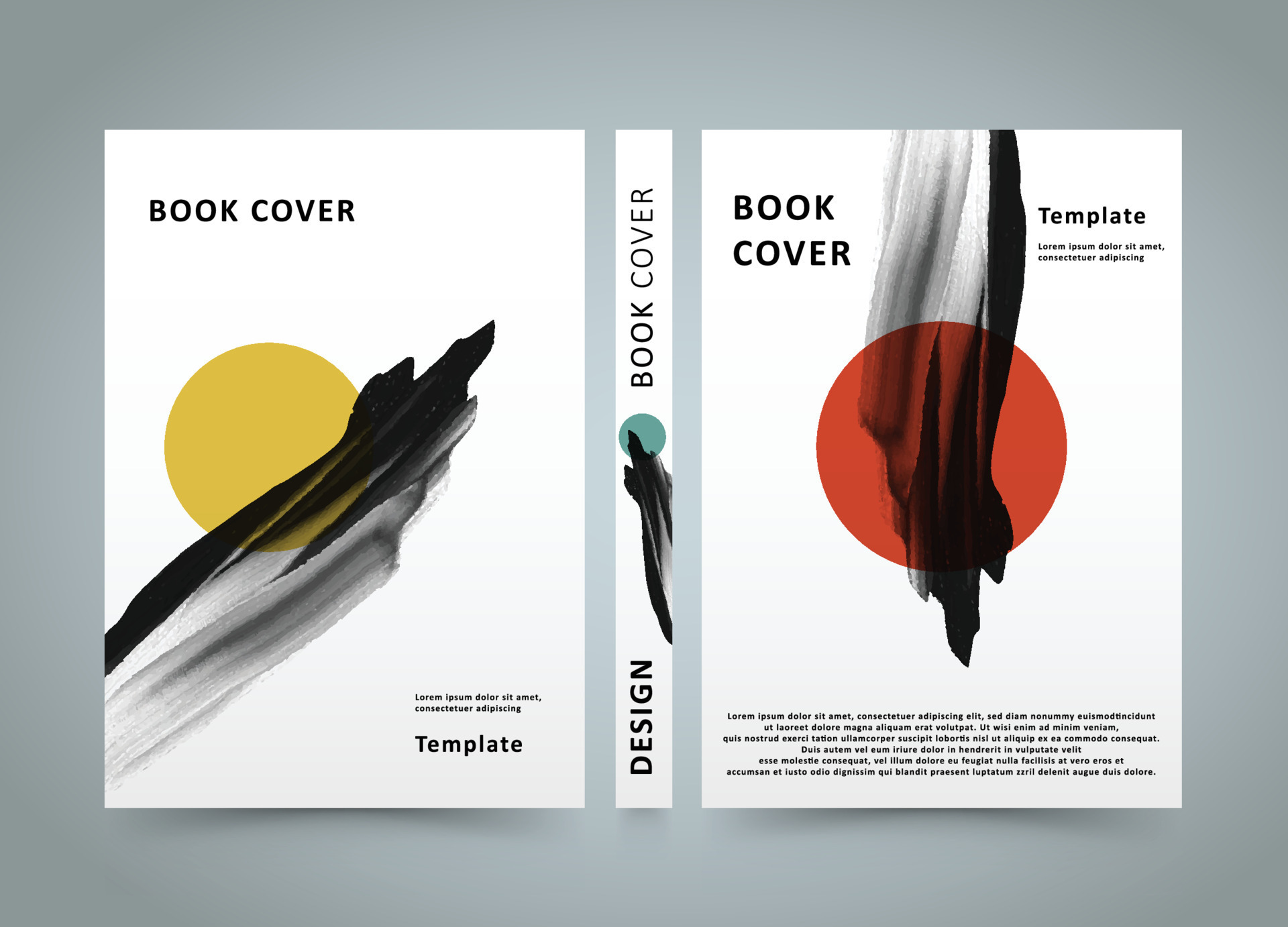
Book Cover Abstract Minimalist Art Soft Cover Book Design Poster Design
www.vecteezy.com
Top 9 Album Cover Ideas And Examples To Inspire You In 2025 – Fotor

www.fotor.com
Poetry Book Cover Design: Ideas And Tips – GetCovers

getcovers.com
Brochure Cover Designs

ar.inspiredpencil.com
Magazine Cover Page Design Templates

ar.inspiredpencil.com
How To Create Your Album Cover Using AI

abbeyroadinstitute.com.au
SET IT OFF – Album By Offset – Apple Music

music.apple.com
Career Portfolio Cover Page Template

ar.inspiredpencil.com
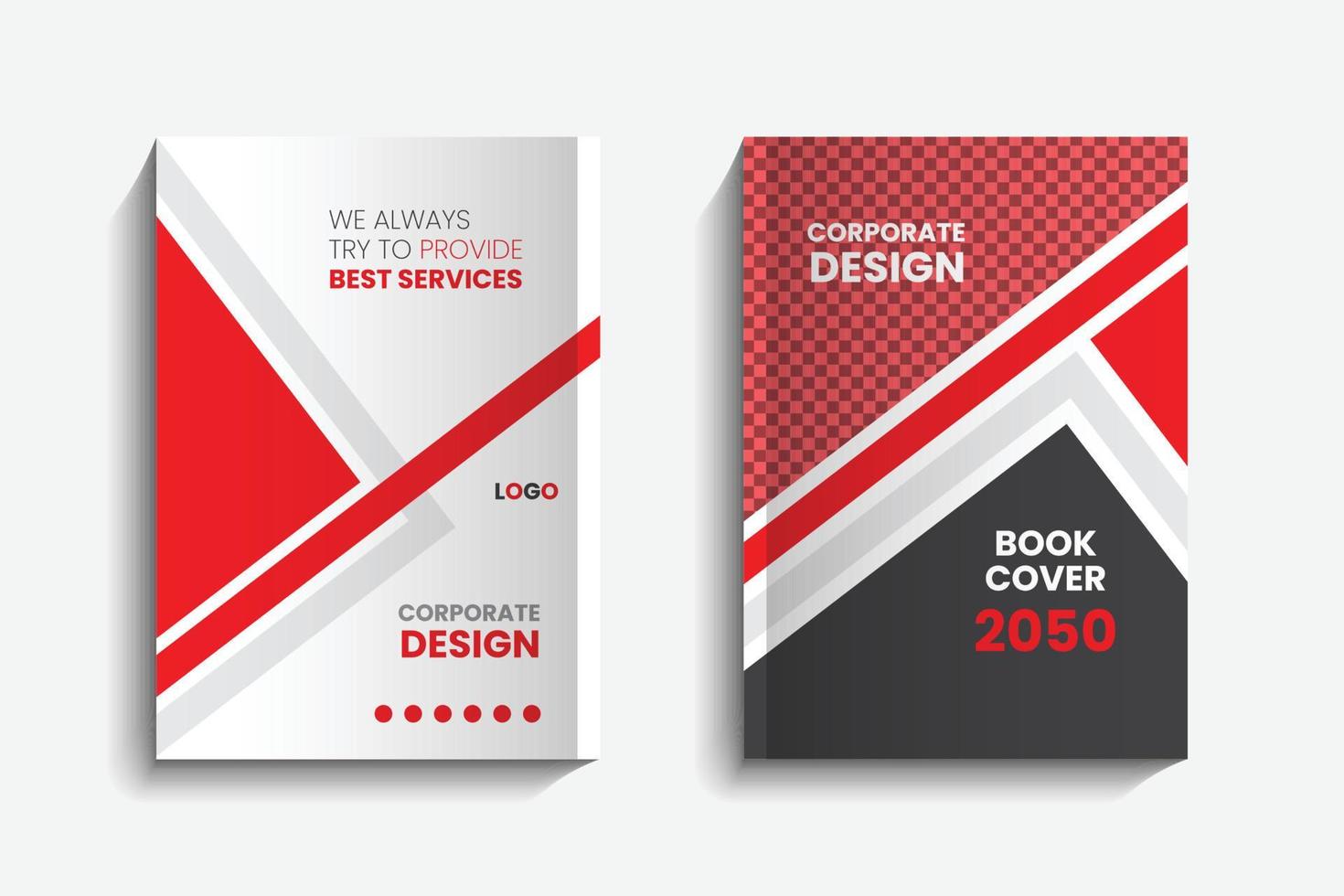
Modern And Creative Professional Business Corporate Book Cover Print
www.vecteezy.com
Set Of Colorful Book Cover Designs With Waves Pattern. Abstract

www.vecteezy.com
Free album cover maker. Modern and creative professional business corporate book cover print. Book cover abstract minimalist art soft cover book design poster design …